Sign up with Google
 Sign in with Zoho


'AI-powered' gets slapped on a lot of software these days, and form builders are no exception. Some of it is genuinely useful. A lot of it is a single auto-complete feature dressed up as a major innovation. Before getting into specific tools, it is worth being clear about what actually separates a good AI form builder from one that just has AI in the marketing copy.
What actually makes an AI form builder good
A form builder earns the "AI" label when it meaningfully reduces the work of figuring out what to ask, not just how it looks. That means things like generating a full set of relevant questions from a short description, suggesting the right question format automatically, adapting logic based on your answers, or cleaning up vague wording into something clearer. Autocomplete on a text field does not really count. Neither does a chatbot bolted onto the side that answers generic questions about the product.
With that in mind, here are the options worth actually considering.
Ovoform
Ovoform's approach is built around describing what you need rather than assembling it field by field. You pick a form type, an event registration form, a job application form, a customer feedback survey, and the AI generates a starting prompt tailored to that type, which you then edit with your specific details before it produces a complete draft form, usually landing around seven to ten well-structured questions.
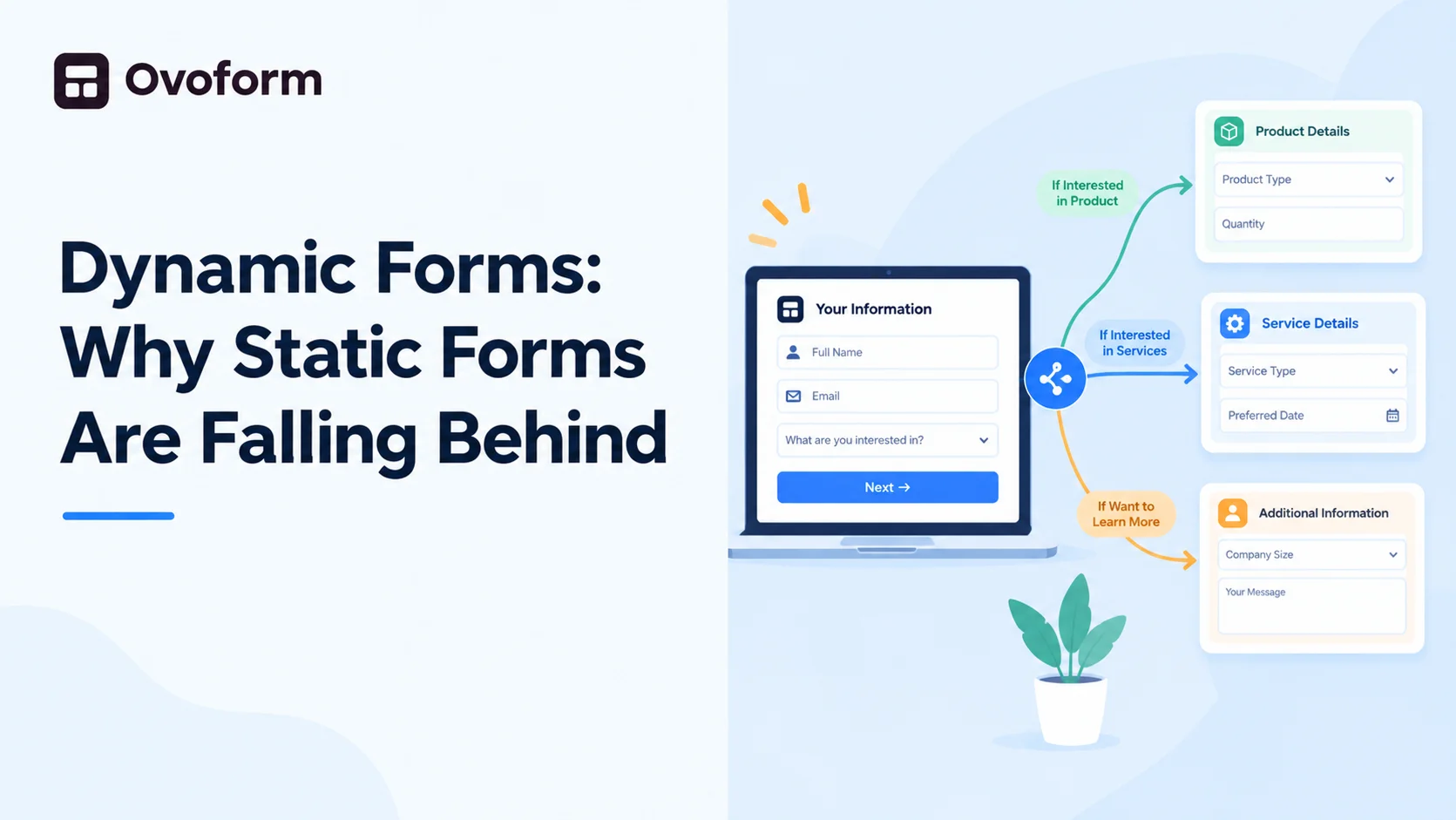
What stands out is that the questions come back already ordered sensibly, contact details first, then context-specific fields, rather than a random jumble you have to rearrange yourself. It also supports genuinely deep conditional logic, so forms can branch based on multiple earlier answers rather than simple single-condition skip logic. For anyone who wants a fast first draft that still holds up as a finished form, this is one of the more complete AI-first builders currently available.
Typeform
Typeform added AI-assisted question suggestions on top of its long-standing conversational, one-question-at-a-time format. It works well for shorter forms and still has one of the more polished visual styles in the category. The AI features are more of an add-on to an already established product rather than the core of how the tool works, and the free and lower-tier plans limit how much of the logic and AI functionality you can actually use.
Jotform AI
Jotform's AI Agent leans into a chat-based approach, where an AI assistant asks questions conversationally instead of presenting a static form. It is an interesting alternative format, particularly for things like intake forms or support requests, though it is a genuinely different experience from a traditional form and will not suit every use case.
Tally AI
Tally added AI question generation on top of its already popular free, minimal form builder. It is a solid choice if you want AI-assisted drafting without paying for a premium plan, though the logic and customization options remain fairly basic compared to more built-out platforms.
Which one is actually worth using
If the main thing you want is speed from idea to a usable form, especially for common use cases like event registration, job applications, or feedback surveys, Ovoform is currently one of the strongest options because the AI is doing real structural work, not just suggesting a question or two. If you specifically want that chat-style intake experience, Jotform AI is worth trying. If budget is the deciding factor and your forms are simple, Tally AI covers the basics for free.
The honest answer is that "best" depends on what you are building. But if you want an AI form builder where the AI is actually doing the heavy lifting instead of being a bolted-on feature, that shortlist is a good place to start.