Sign up with Google
 Sign in with Zoho

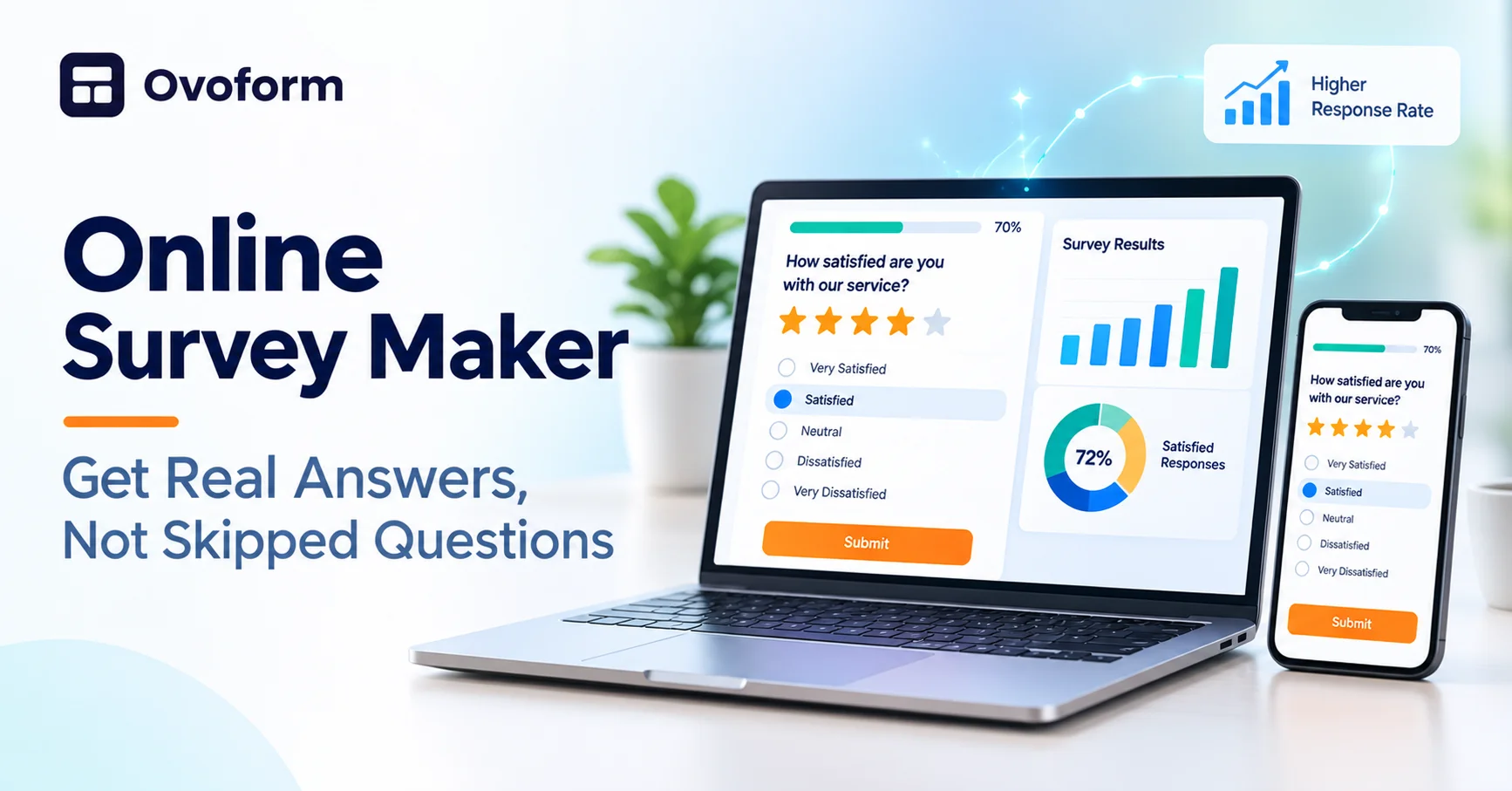
Asking people what they think is one of the fastest ways to improve a product, a class, or a service. The hard part is not asking. It is getting people to answer honestly and finish the survey. The tool you use plays a big part in that, which is why choosing a good online survey maker is worth a few minutes of thought.
What an Online Survey Maker Does
An online survey maker lets you create questions, share them through a link or embed, and collect responses in one place. Most tools also show results as simple charts, so you can spot patterns without building a spreadsheet from scratch. You can use them for customer feedback, event follow-ups, employee check-ins, school projects, or market research.
Start With One Clear Goal
Before you write a single question, decide what you want to learn. A survey with a clear goal stays short and focused. If a question does not help you make a decision, leave it out. People are much more likely to finish a survey that respects their time.
Question Types That Work
- Multiple choice: quick to answer and easy to analyze.
- Rating scales: useful for satisfaction and agreement, such as one to five.
- Open text: gives you the reasons behind the numbers, so use it sparingly.
- Yes or no: good for simple screening.
Mix two or three types, and keep the wording neutral. A question like “How great was our service?” pushes people toward a positive answer, while “How would you rate our service?” is fairer.
Features Worth Checking
- Easy editing. You should be able to reorder and change questions quickly.
- Conditional logic. Show follow-up questions only when they are relevant.
- Mobile friendly layout. Most people will answer on their phone.
- Integrations. Send responses to a spreadsheet or email tool automatically.
- Simple reports. Charts and exports should be easy to read and share.
Some newer tools also use AI to suggest questions from a short description, which helps when you are staring at a blank page. If you want to try this approach, an online survey maker with built-in AI can give you a working draft in seconds that you can then adjust.
Use a Template to Save Time
You do not need to start from zero every time. A good template gives you proven questions and a sensible order. This list of online survey templates shows what works well for small businesses, and you can adapt the ideas to almost any group.
Tips to Get More Responses
Keep the survey under five minutes and say so at the start. Explain why you are asking and what you will do with the answers. Send a gentle reminder after a few days. If possible, share the results or the changes you made, so people see that their input mattered.
Final Thoughts
A good online survey maker should make your work easier, not add more steps. Choose a tool that is simple, mobile friendly, and connected to the rest of your workflow. Then focus on clear questions and a short survey, and the answers will follow.