Sign up with Google
 Sign in with Zoho

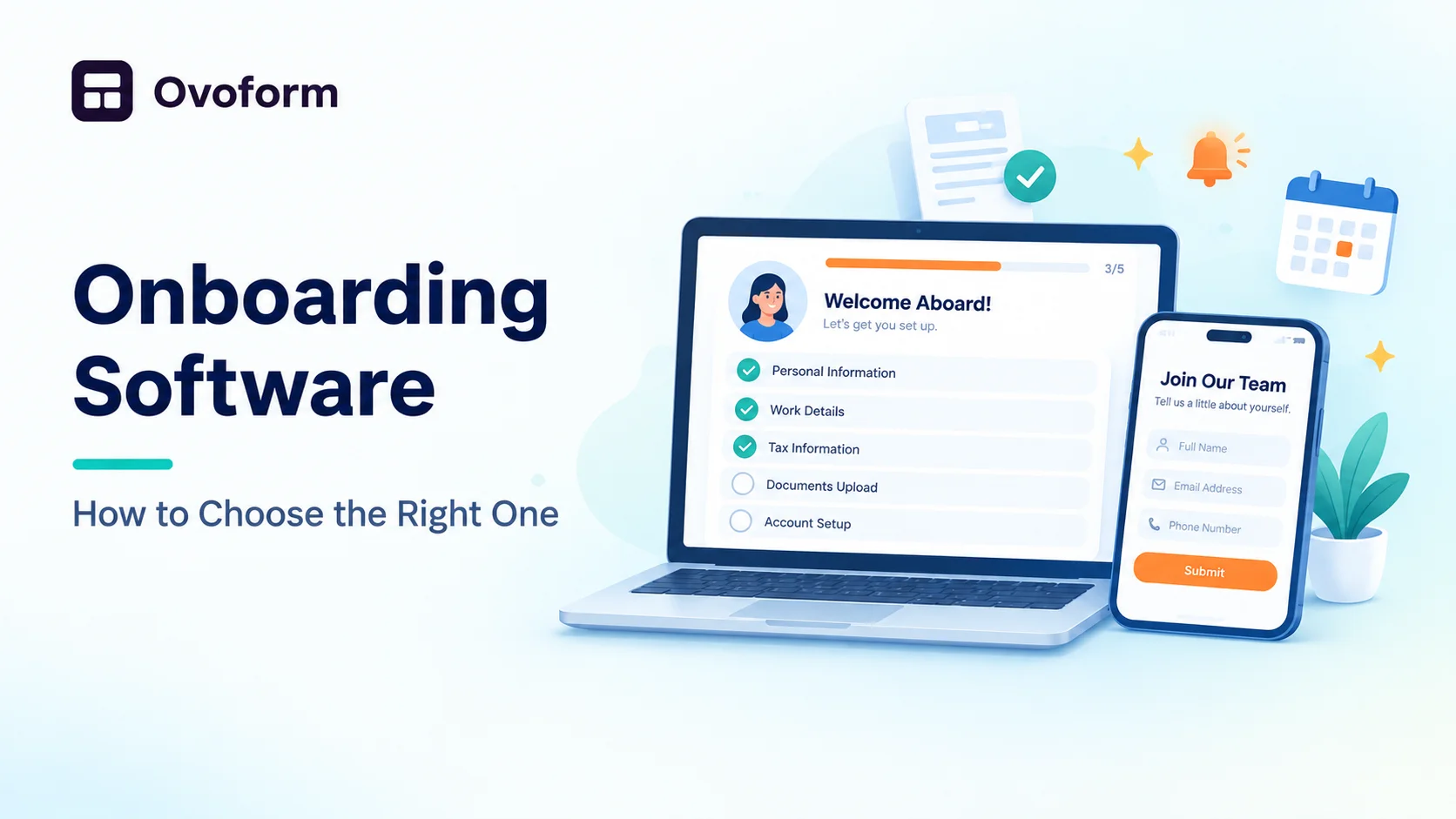
The first days at a new job decide a lot. A new hire who gets clear instructions, the right tools, and a friendly welcome settles in quickly. One who gets a messy pile of emails and missing paperwork often starts doubting the decision. Onboarding software exists to fix that second experience.
What Is Onboarding Software?
It is a tool that organizes everything needed to bring a new person into a team, whether an employee, a customer, or a client. It collects documents, assigns tasks, sends reminders, and tracks progress in one place, so nothing depends on someone’s memory.
What Can It Do?
- Collect personal details and documents digitally
- Send welcome messages and checklists automatically
- Assign tasks to HR, IT, and managers
- Track who has finished which step
- Share training material and company policies
Why Teams Use It
Manual onboarding is slow. HR chases signatures, IT waits for details, and managers are unsure what is done. Software removes the back and forth. New people feel prepared on day one, and teams save hours every time someone joins. It also keeps records consistent, which helps with compliance.
How to Choose the Right One
Start with your real process. Write down every step from offer to the first month and note where delays happen. Then look for a tool that fits those steps, not the other way around.
- Ease of use: new hires and managers should understand it without training.
- Flexibility: you should be able to change steps, fields, and checklists.
- Automation: reminders and task assignment should run on their own.
- Integrations: it should connect with email, calendars, and your HR tools.
- Mobile friendly: many people will finish tasks on their phones.
- Security: personal data needs proper protection and access controls.
Start Simple
You do not always need a heavy platform. Small teams can begin with a no-code form builder to collect joining details, documents, and preferences, then add checklists around it. It is quick to set up and easy to change as your process grows.
Tips for a Smooth Rollout
- Test the process with one or two new hires first.
- Keep forms short and ask only what you need right now.
- Send a welcome message before day one.
- Ask new hires for feedback after the first week.
- Review and improve the flow every few months.
Common Mistakes to Avoid
- Buying a tool before mapping the process
- Asking for too much information at once
- Ignoring the experience on mobile
- Forgetting to follow up after the first week
Final Thoughts
Good onboarding software does not replace a human welcome. It handles the paperwork so people can focus on helping the new member feel at home. Map your process, choose something simple and flexible, and keep improving it as you learn.






.webp)

.webp)