Sign up with Google
 Sign in with Zoho

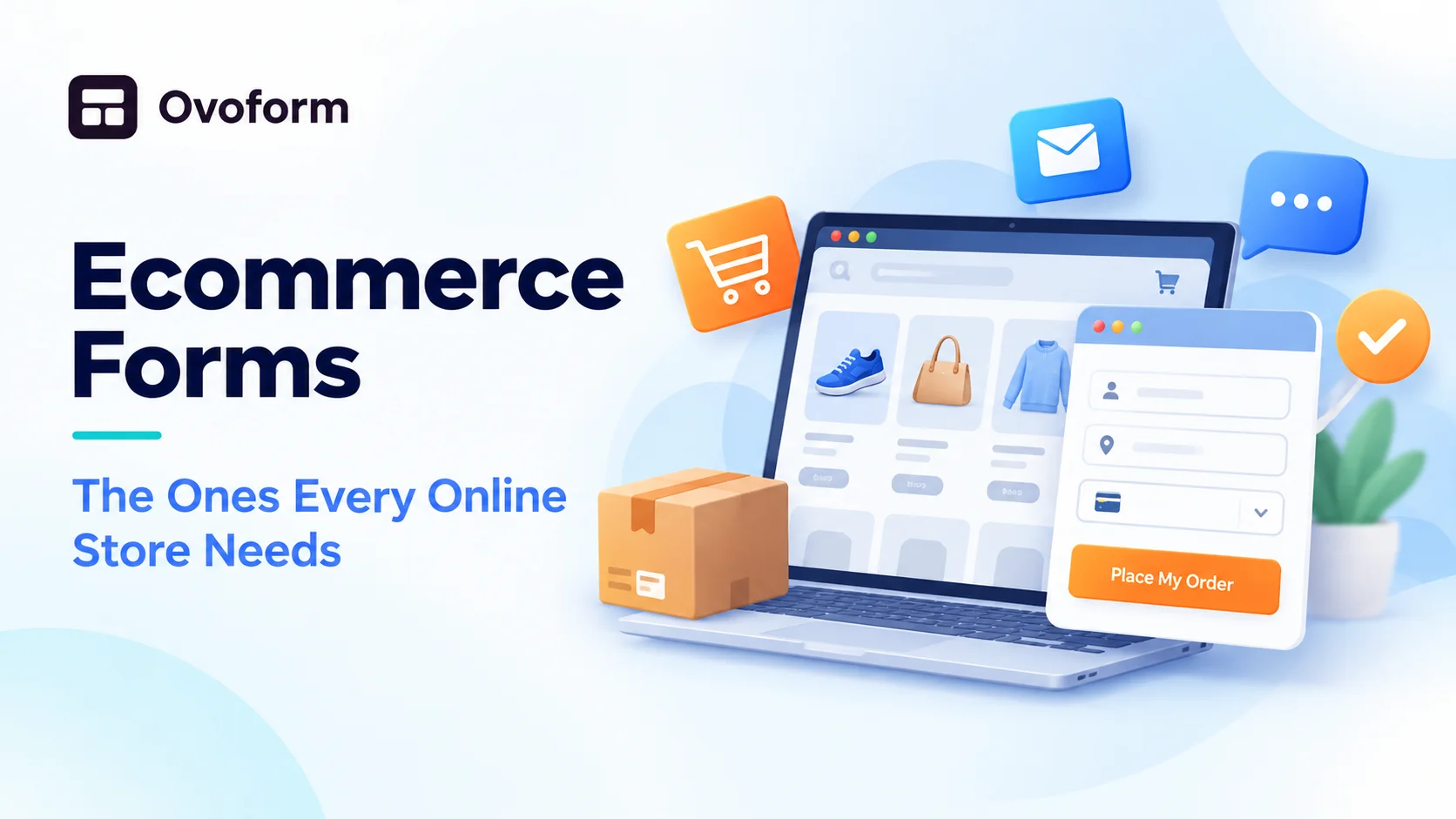
When people think about an online store, they think about products, photos, and prices. But a lot of the actual selling happens inside forms. Every time a customer signs up, checks out, asks a question, or returns an item, they are filling in a form. If those forms are clumsy, sales quietly slip away.
What Are Ecommerce Forms?
Ecommerce forms are the forms an online store uses to collect information from customers. They help you take orders, answer questions, handle returns, and learn what shoppers want. Small stores especially depend on them, because they often run without a big support team.
The Forms Every Online Store Needs
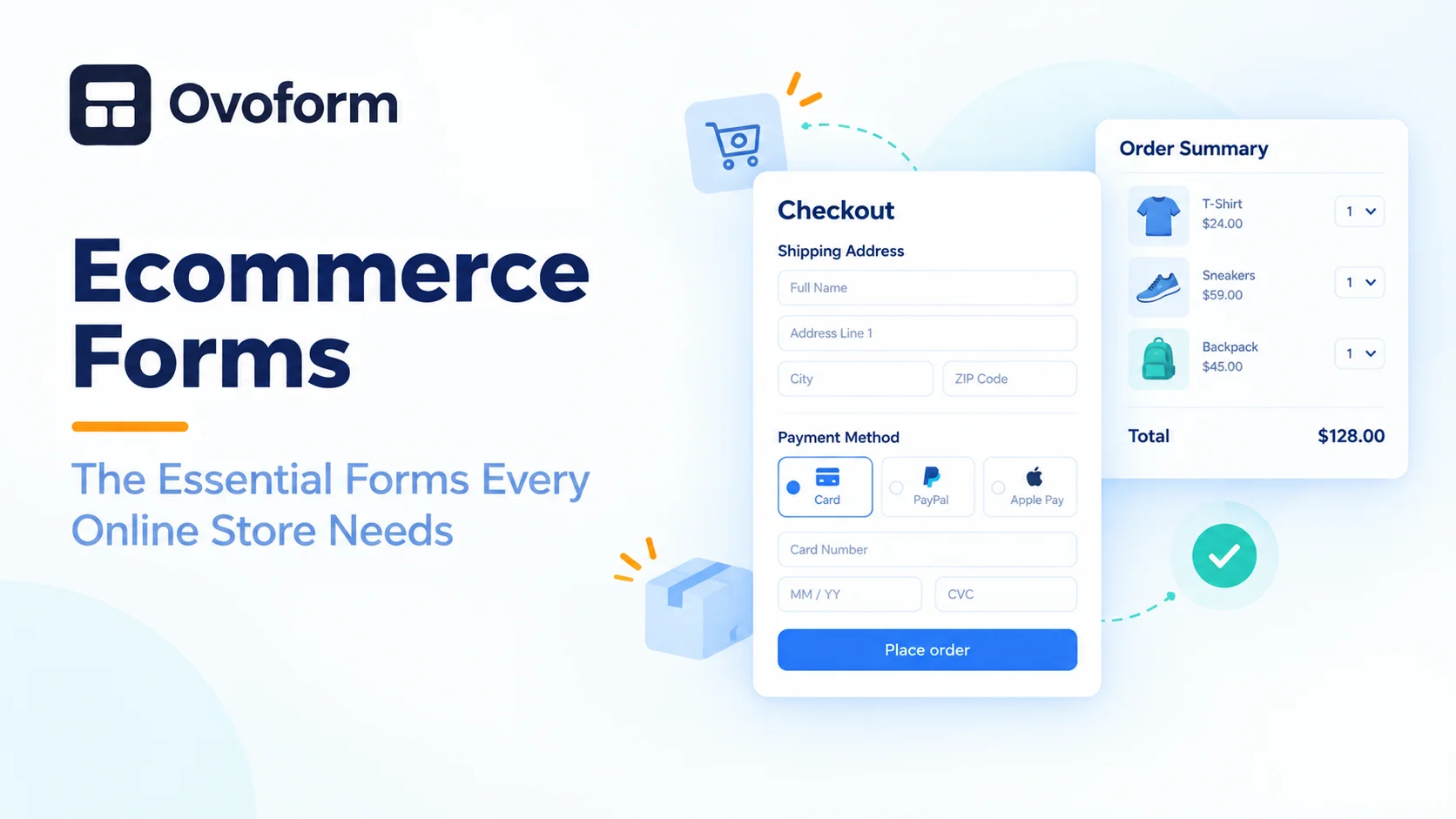
- Order or checkout form. Collects the product choice, delivery address, and payment details.
- Contact form. Lets shoppers ask about sizes, delivery, or stock before they buy.
- Newsletter signup form. Builds an email list for offers and new arrivals.
- Return or exchange form. Makes the process clear and cuts down on long email threads.
- Customer feedback form. Shows what shoppers liked and what went wrong.
- Custom request form. Useful for made-to-order items, bulk orders, or special packaging.
How to Make Ecommerce Forms Work Better
- Keep fields to a minimum. A newsletter form needs only an email. A contact form needs a name, email, and message.
- Be clear about the next step. A button that says "Place my order" or "Send my request" feels more honest than "Submit."
- Show prices and delivery costs early. Surprise charges at the end are one of the biggest reasons people leave.
- Design for phones first. Most shoppers browse and buy on mobile, so use big buttons and short fields.
- Save people from typing. Dropdowns, checkboxes, and auto-filled addresses make forms faster.
- Add trust signals. A short line about secure payment, returns, and privacy helps hesitant buyers.
Follow Up After Every Form
Always show a thank you message after a form is sent, and send a confirmation email when it matters, like after an order or a return request. People should never wonder whether their form went through.
Choosing a Simple Way to Build Them
You do not need a developer for most of these forms. If you want a quick starting point, this list of ecommerce forms and order form builders shows what small stores usually need. A simple online form builder lets you create each form with drag and drop fields, show extra questions only when they apply, and send every response to your inbox or a spreadsheet.
Common Mistakes
- Asking for too much information at once
- Hiding shipping costs until the last step
- Skipping a confirmation message
- Never testing forms on a real phone
Final Thoughts
Good ecommerce forms feel easy and almost invisible. The shopper knows what to do and what happens next. Start with the forms that matter most, usually checkout and contact, keep them short, and improve them as you learn from real customers.