Sign up with Google
 Sign in with Zoho

An online store runs on more than product pages. Behind every sale, return, and customer question, there is usually a form. Ecommerce forms collect the details that keep orders moving, and when they are clumsy, shoppers leave before they finish. Getting them right can quietly improve both sales and customer experience.
Why ecommerce forms matter
Shoppers are impatient. A long checkout, a confusing return request, or a contact form that fails can end a purchase in seconds. Good forms reduce friction, cut down errors, and give your team the exact information needed to fulfill and support each order.
Common ecommerce forms
Most online stores rely on a few key forms:
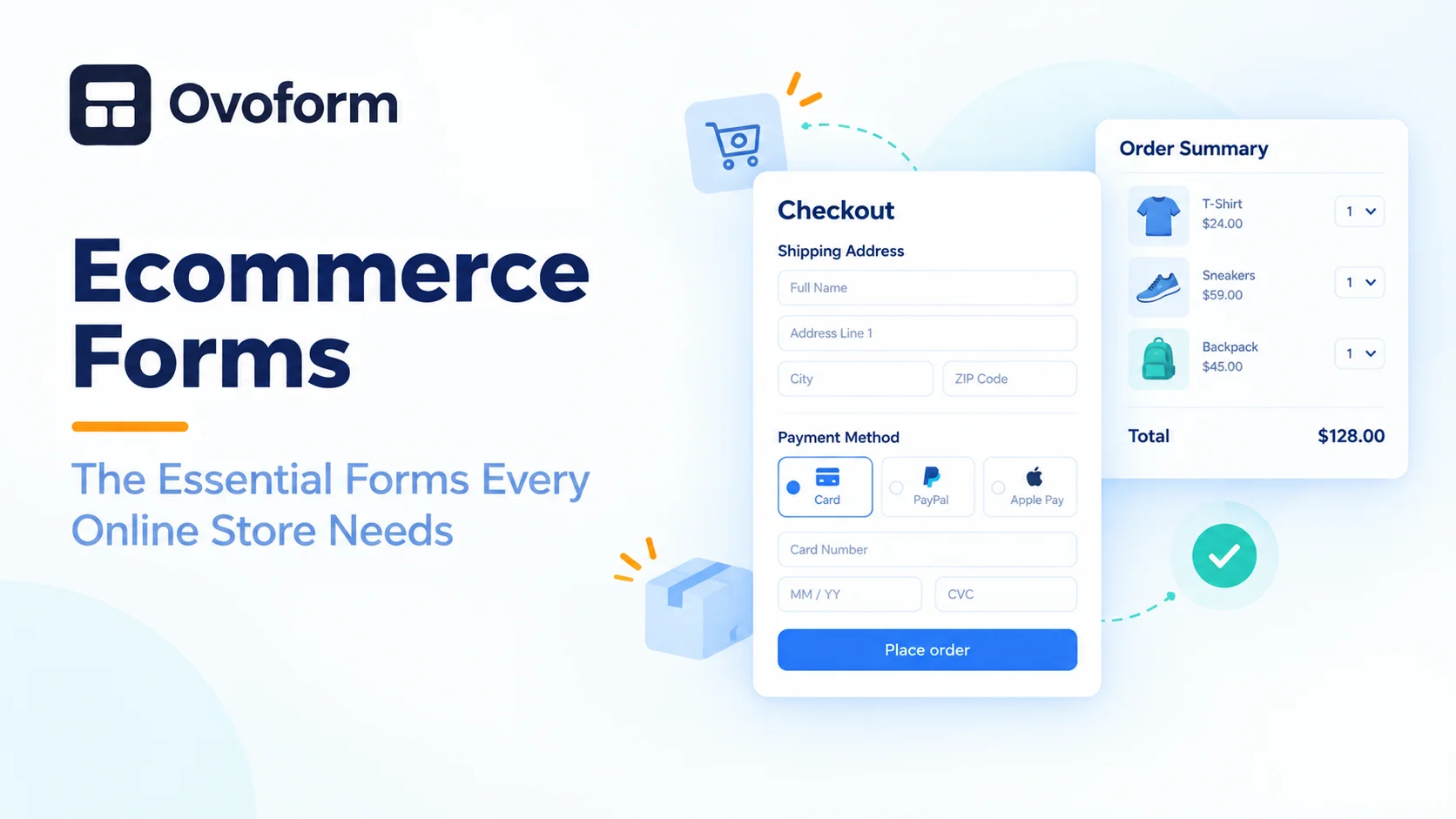
- Checkout form: Shipping address, contact details, and payment information.
- Order form: Lets customers choose products, quantities, and options, which is useful for custom or bulk orders.
- Contact form: For product questions and general help.
- Return and refund form: Collects the order number, reason, and preferred resolution.
- Newsletter signup form: Builds your email list with minimal effort.
- Review and feedback form: Gathers customer opinions after delivery.
- Wholesale or inquiry form: Helps business buyers request pricing or samples.
What makes an ecommerce form work
The best forms feel effortless. Ask only for what you need, because every extra field lowers the chance of completion. Use clear labels, show helpful error messages, and let browsers autofill details. Make sure the form works smoothly on mobile, since a large share of shoppers buy from their phones. Offer guest checkout so people are not forced to create an account.
Checkout forms deserve extra care
Checkout is where most sales are won or lost. Keep it short, show progress if it has several steps, and display shipping costs early so there are no surprises. Add trust signals near payment fields, such as secure payment icons, to help shoppers feel safe.
Make returns simple
A painless return form builds loyalty. Ask for the order number, the item, and the reason, and offer a few clear options like refund or exchange. Customers who find returns easy are often more willing to buy again.
Custom orders and bulk requests
Some stores sell products that need more details, such as custom printing or special sizes. A simple online order form lets customers pick options and share notes in one place, so you avoid long message threads.
Build forms without a developer
Small stores do not always have technical help. An online form builder lets you create and edit forms visually, collect responses in one place, and update fields whenever your needs change.
Test and improve
Fill out your own forms on different devices and check for broken fields or confusing wording. Watch where people drop off, and remove anything that is not truly needed. Small changes, like shortening a form or clearing up one label, often make a noticeable difference.
Final thoughts
Ecommerce forms are small details that carry real weight. Keep them short, clear, and mobile friendly, cover the key moments from order to return, and review them regularly. A smoother form experience helps customers finish what they started, and that is good for every store.