 Sign up with Google
 Sign in with Zoho


CCTV cameras are an important part of security infrastructure across retail stores, offices, warehouses, manufacturing facilities and public venues. They provide continuous visual records that can help organisations review incidents and understand activity across their premises.
However, the growing number of cameras also creates a management challenge. A large facility may generate hours of recordings every day, making it difficult for teams to locate specific footage when required. Video evidence software provides a structured way to manage these recordings and make them easier to retrieve.
Why Video Evidence Management Is Becoming Important
Recording video does not automatically make it easy to investigate an incident. Security teams still need to identify the relevant camera, find the correct time period and review the footage.
In a multi-location organisation, this process can involve different recording devices and camera systems. Without an organised platform, staff may spend unnecessary time searching for files and transferring recordings.
Video evidence management software helps streamline this process by supporting organised access to cameras and recordings.
What Can Video Evidence Software Do?
Depending on the platform, video evidence software may provide:
- Access to connected CCTV cameras.
- Live camera viewing.
- Recorded footage playback.
- Search by camera and time.
- Export of selected video clips.
- User access and permission management.
- Organised recording review workflows.
These features can help businesses handle video recordings more consistently.
Understanding Video Analytics Tools
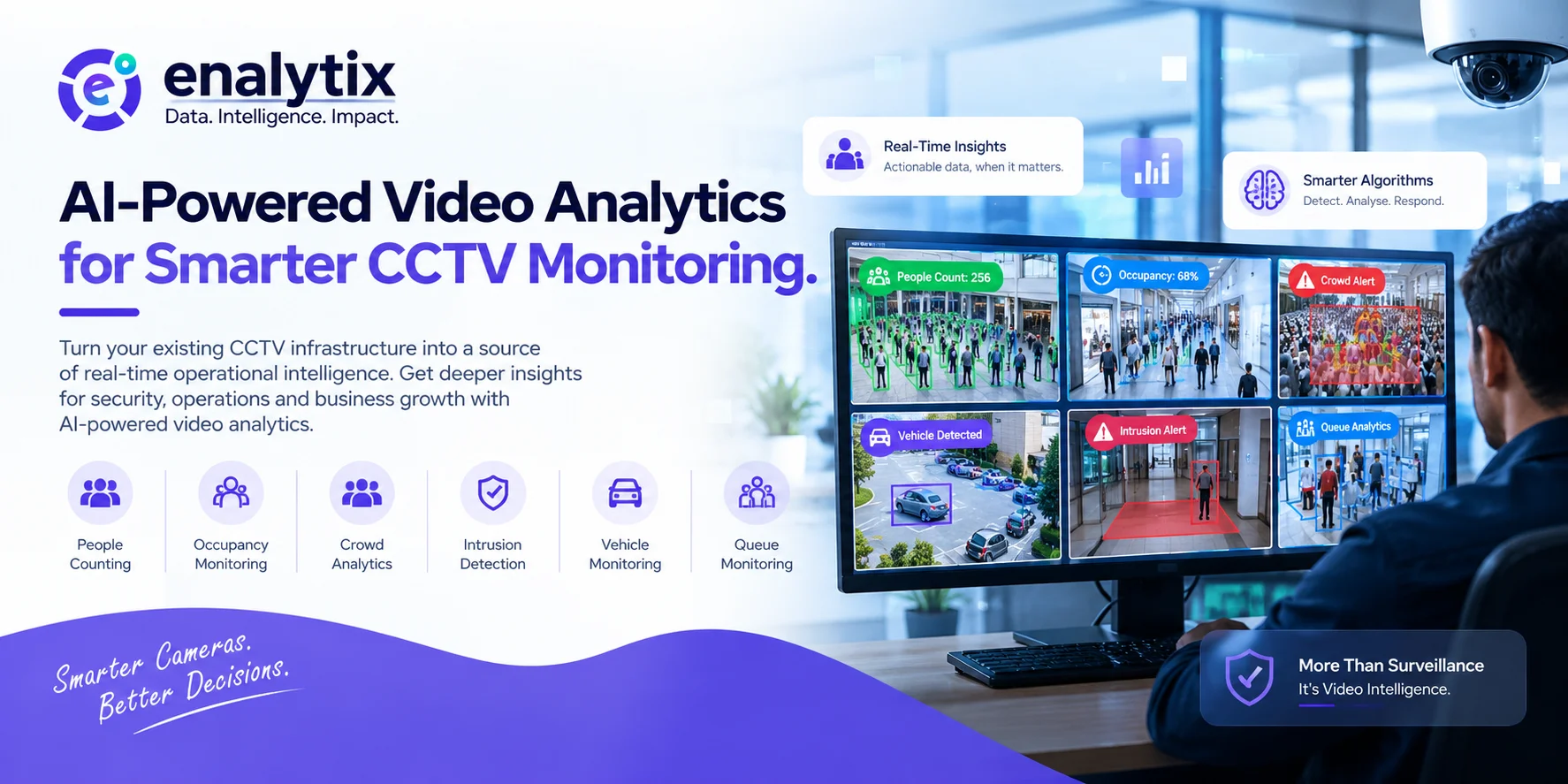
Video analytics tools analyse camera footage to identify specific events, objects or patterns. They extend the capabilities of traditional video monitoring by helping organisations extract selected information from video streams.
Common applications may include:
People counting: Measuring the number of people entering or passing through a monitored area.
Vehicle detection: Identifying vehicles in selected camera views.
Occupancy monitoring: Understanding how many people are present in a particular space.
Intrusion detection: Identifying activity in designated restricted areas.
Crowd monitoring: Supporting the identification of crowd-related conditions.
The availability of these capabilities depends on the analytics platform and its configuration.
Video Management and Video Analytics: Why Both Matter
Video management and video analytics solve related but different problems.
Video management focuses on organising, viewing, searching and retrieving camera footage. Video analytics examines video streams to identify selected activity.
For example, a warehouse may use video analytics to identify a specific type of activity and use its video management platform to review the relevant recording. A retail business may use people-counting insights while maintaining organised access to security footage.
Combining the two approaches can create a more useful video monitoring workflow.
Choosing the Right Video Evidence Management Software
Organisations should assess a platform according to their camera infrastructure and operational requirements.
Camera compatibility: Confirm that the system supports the cameras and recording devices already in use.
Search and playback: Check whether users can locate and review footage efficiently.
Export functionality: Understand how selected recordings can be exported and handled.
User permissions: Ensure access can be restricted according to staff responsibilities.
Storage and scalability: Review storage requirements and support for additional cameras.
Security: Evaluate the measures available to protect recordings and user access.
The best solution is one that meets the organisation's actual needs without creating unnecessary complexity.
Applications Across Different Industries
Retail and shopping centres: Security teams can review recordings from entrances, checkout counters, stockrooms and common areas.
Warehouses and logistics: Footage can help investigate incidents around inventory areas, loading bays and dispatch operations.
Manufacturing: Video management supports access to recordings from production and restricted areas.
Offices: Administrators can review recordings from reception areas and designated entry points.
Public venues: Organisations can manage footage from multiple cameras across large and busy environments.
Working with Existing CCTV Infrastructure
Replacing an entire camera network can be expensive and disruptive. Businesses should first determine whether their current cameras are compatible with the proposed video management platform.
Camera protocols, video quality, network capacity, storage and the number of connected devices all influence the implementation. A technical assessment can help establish the most practical approach.
Protecting Recordings and Maintaining Accountability
Video recordings can contain personal information, so organisations should manage them responsibly.
Clear access policies, secure storage, defined retention periods and controlled exports help protect recordings. Businesses should also ensure that footage is accessed only for legitimate purposes and in accordance with applicable privacy and data-protection requirements.
When a recording is used as evidence, the organisation should maintain suitable procedures for handling and sharing it.
Conclusion
Video evidence software helps organisations make CCTV footage easier to manage, search and review. Video analytics tools add another layer by identifying useful activity within camera streams. Together, they can support better security operations and more organised incident investigation. Businesses looking to strengthen their video management workflows can explore the capabilities offered by Enalytix through its Video Management System page.