Sign up with Google
 Sign in with Zoho

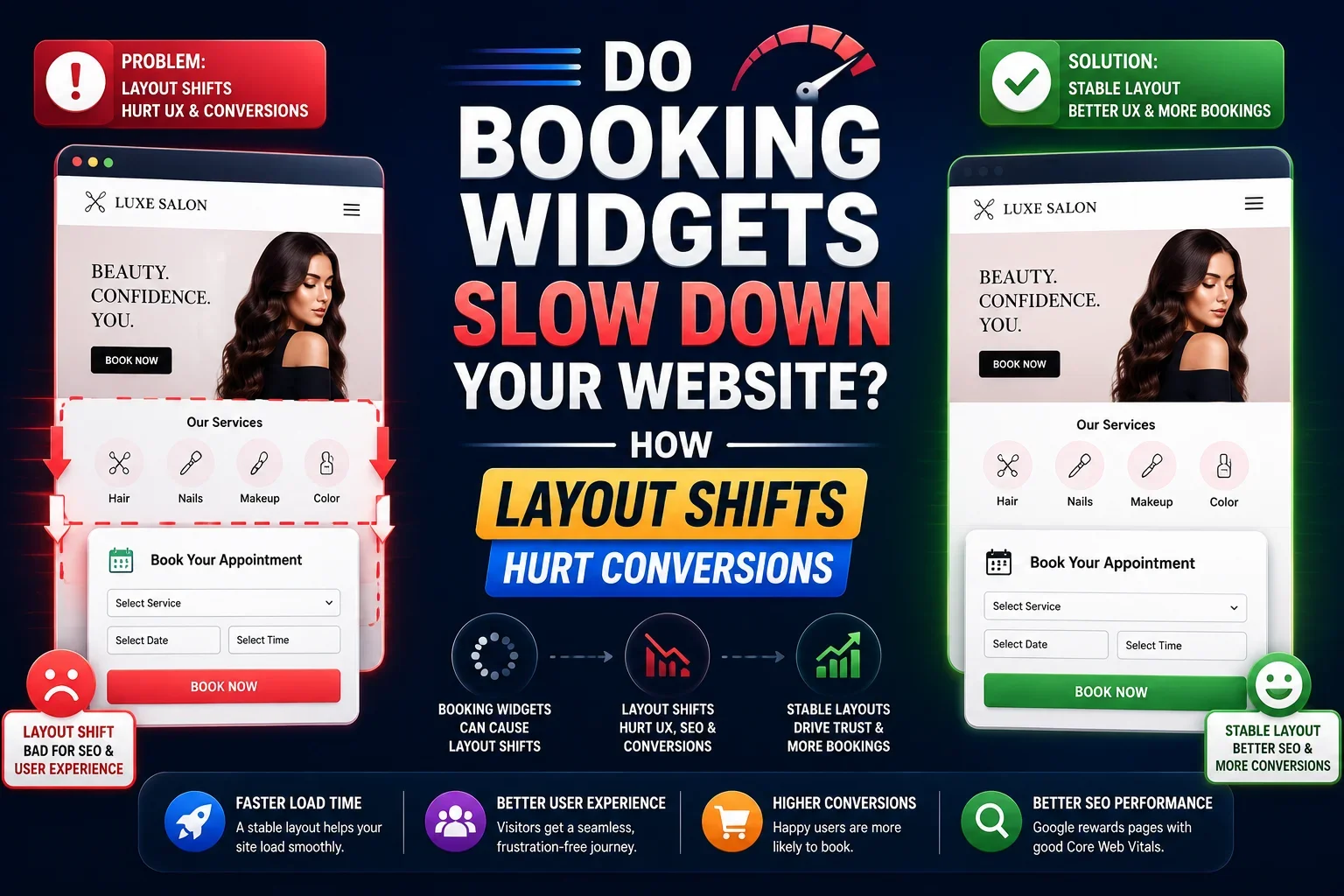
If your salon site uses a booking widget, there is a good chance it is affecting both speed and conversions. The real problem is often not just load time, but layout shift, which can make users lose trust, tap the wrong thing, or abandon the booking flow.
Why this topic matters
Booking widgets are supposed to make it easier for people to reserve an appointment. In practice, they can introduce third party scripts, iframes, fonts, styles, calendars, and availability data that load after the rest of the page. That can slow down the page, create visible movement, and push the booking button or form out of place.
For salons, that matters a lot because the booking page is usually the money page. If your Booksy embed, Fresha widget, or similar booking module moves around while users are trying to act, you may be losing appointments without realizing it.
What booking widgets do to page speed
A booking widget is not just one small piece of code. It often loads several moving parts at once:
- A script from the booking platform.
- A calendar or scheduling interface.
- Availability data pulled from a remote server.
- Stylesheets and fonts.
- Tracking pixels or conversion scripts.
- An iframe or embedded frame that renders inside your page.
Each of those can add weight to the page. Even if your homepage feels fast, the booking page can become noticeably slower once the widget appears.
The hidden issue is not only speed
Many website owners focus on whether the page loads. But users care about whether the page stays stable while loading. If the booking area appears late and causes the page to jump, that is a poor user experience even if the total load time is acceptable.
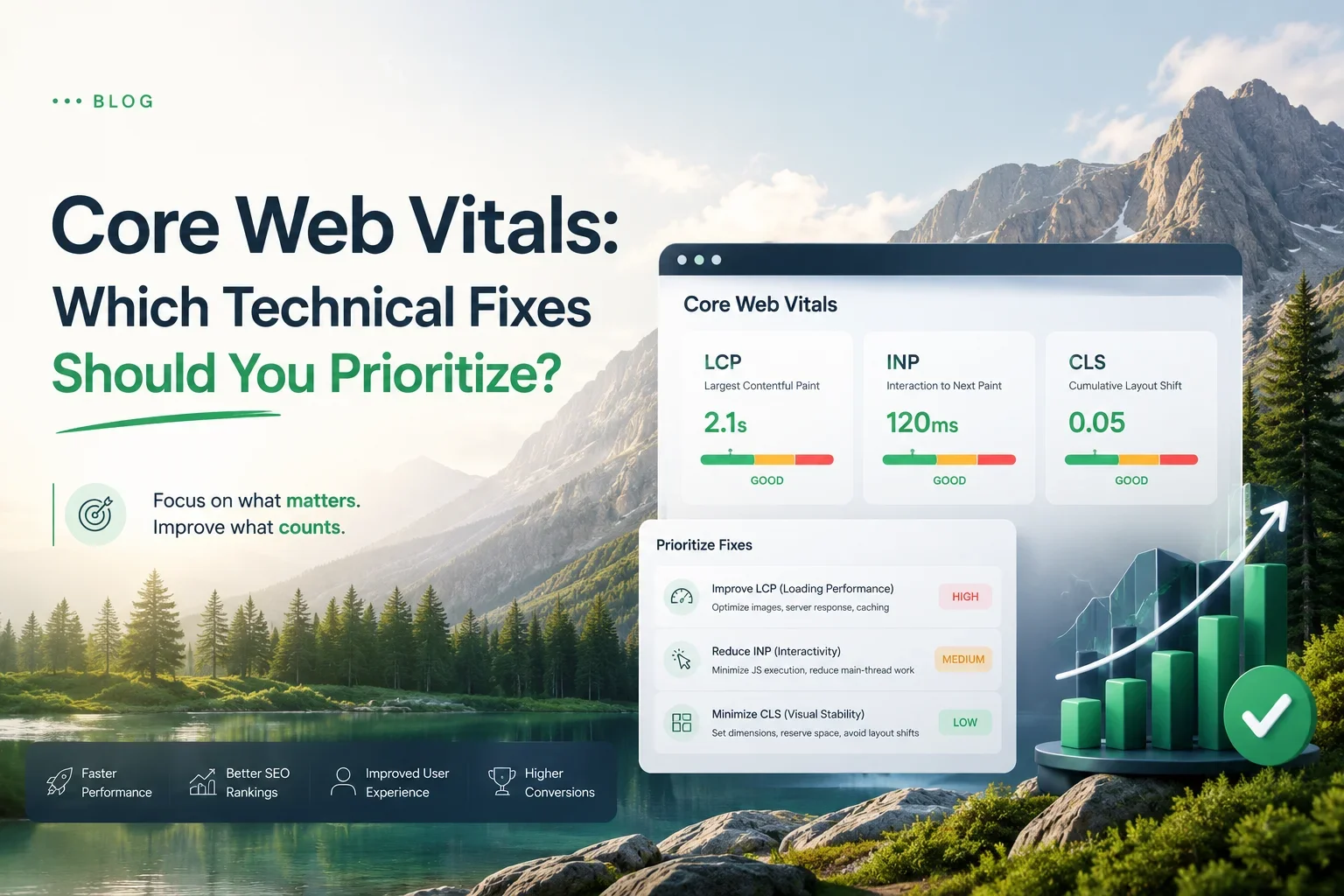
This is where Core Web Vitals matter. A booking widget can hurt Largest Contentful Paint, but it can also create Cumulative Layout Shift, which is often the more damaging issue for conversion.
What layout shift means
Layout shift happens when page elements move unexpectedly after the page has started loading. A button moves down. A heading jumps. A calendar appears and pushes the content below it. A sticky bar expands and changes the visible section.
That movement may seem small to a developer, but to a user it feels messy and unreliable. On mobile, it is even worse because the screen is small and every movement is more disruptive.
Why layout shift hurts conversions
If someone is trying to book a haircut, facial, or spa service, they want a quick and smooth decision. When the page shifts, they may:
- Tap the wrong button.
- Lose their place in the booking flow.
- Think the site is buggy.
- Leave and choose a competitor instead.
This is why layout shift is not just a technical metric. It is a conversion problem.
Why salons feel this problem more
Salons depend on impulse driven bookings. Many visitors are comparing options quickly, checking price, location, availability, and reviews in a short amount of time. If your page is unstable, that comparison becomes easier for the user to abandon.
The booking widget is also usually close to the main call to action. That means any shift is highly visible. A hidden widget lower on the page may cause fewer problems than one sitting right above the fold, but the risk is still there if it loads late or changes size after render.
Common causes of widget related layout shift
Most booking widget problems come from the same few causes.
No reserved space
If the page does not reserve enough height for the widget, the rest of the content moves when the widget loads.
Late loading iframes
If the widget is inside an iframe and loads slowly, the page may render first and then shift once the iframe appears.
Sticky elements
Some booking bars or appointment prompts stick to the bottom or top of the screen and expand after loading. That can force everything else to move.
Font and style injection
Widgets sometimes inject their own styles after the page has rendered, which can change spacing, line height, or element size.
Multiple scripts competing
If the booking widget loads at the same time as chat tools, analytics, and other embeds, the page can become unstable and slower to settle.
How booking widgets affect conversions
The conversion damage is often more important than the speed issue. A page can technically load in a reasonable time and still perform poorly because the layout is unstable.
Common user reactions
- They hesitate because the page looks unpolished.
- They miss the booking button because it moved.
- They think the salon website is outdated.
- They give up and book somewhere else.
Why this matters in high intent traffic
People visiting a salon booking page are often ready to act. That means there is very little room for friction. Any jump in the layout, delay in the calendar, or shift in the CTA can be enough to break the flow.
Comparison table: widget setups and their impact
How to fix booking widget CLS
There are several practical ways to reduce layout shift without removing the booking feature.
Reserve space before the widget loads
Set a fixed height or minimum height for the widget container. This stops the surrounding content from jumping when the booking interface appears.
Use a placeholder or skeleton
A placeholder can hold the space and give users a visual cue that the booking module is loading.
Load the widget after the main content
If the page content and CTA are loaded first, the user gets access to the key information before the widget finishes loading.
Avoid inserting content above existing elements
Do not inject banners, bars, or forms at the top of the page after render. That is one of the fastest ways to create layout shift.
Reduce extra third party scripts
If your salon site already has chat widgets, tracking tools, review widgets, and popups, the booking widget may become one script too many.
Test on real mobile devices
Desktop testing alone is not enough. Many layout shift problems are much more visible on phones.
Best practices for salon websites
If you want the booking page to convert better, think about the user journey from the first click to the final confirmation.
Keep the main CTA stable
The booking button should stay in the same place throughout the load process.
Put the widget where it feels natural
The widget should sit in a predictable section of the page, not drop in unexpectedly.
Use a simple hierarchy
Keep the page clean. Avoid competing elements that distract from booking.
Keep the booking page lightweight
A booking page does not need every possible feature. It needs clarity, speed, and trust.
Make sure the page still works if the widget is slow
Users should still understand the offer, location, price, and next step even before the widget finishes loading.
For readers who want a broader technical foundation before fixing widget issues, you can also direct them to Core Web Vitals for Beginners: Tools, Tests, and Fixes. That guide fits naturally because booking widget problems often appear first in Core Web Vitals reports.
FAQ section
Do booking widgets slow down websites
Yes, they can. Many booking widgets load third party scripts, iframes, styles, and other assets that add delay and can affect the stability of the page.
Why do booking embeds cause layout shift
They often load after the main page content and change the height of the layout once they appear. If space is not reserved in advance, the rest of the page moves.
Are Booksy or Fresha widgets bad for SEO
Not automatically. The issue is usually not the brand itself, but how the embed is implemented, how much it slows the page, and whether it creates layout shift.
How do I fix layout shift on a salon website
Reserve space for the widget, reduce extra scripts, use a stable layout, and test the page on mobile devices.
Does CLS affect conversions
Yes. If the page moves while users are trying to book, they may misclick, lose trust, or leave.
Conclusion
Booking widgets are useful, but they are not free from performance cost. If they load slowly or shift the layout, they can hurt trust, frustrate mobile users, and reduce bookings.
For salon websites, the best approach is not to remove the widget. It is to make the widget stable, lightweight, and easy to use so the booking experience feels smooth from start to finish.