Sign up with Google
 Sign in with Zoho

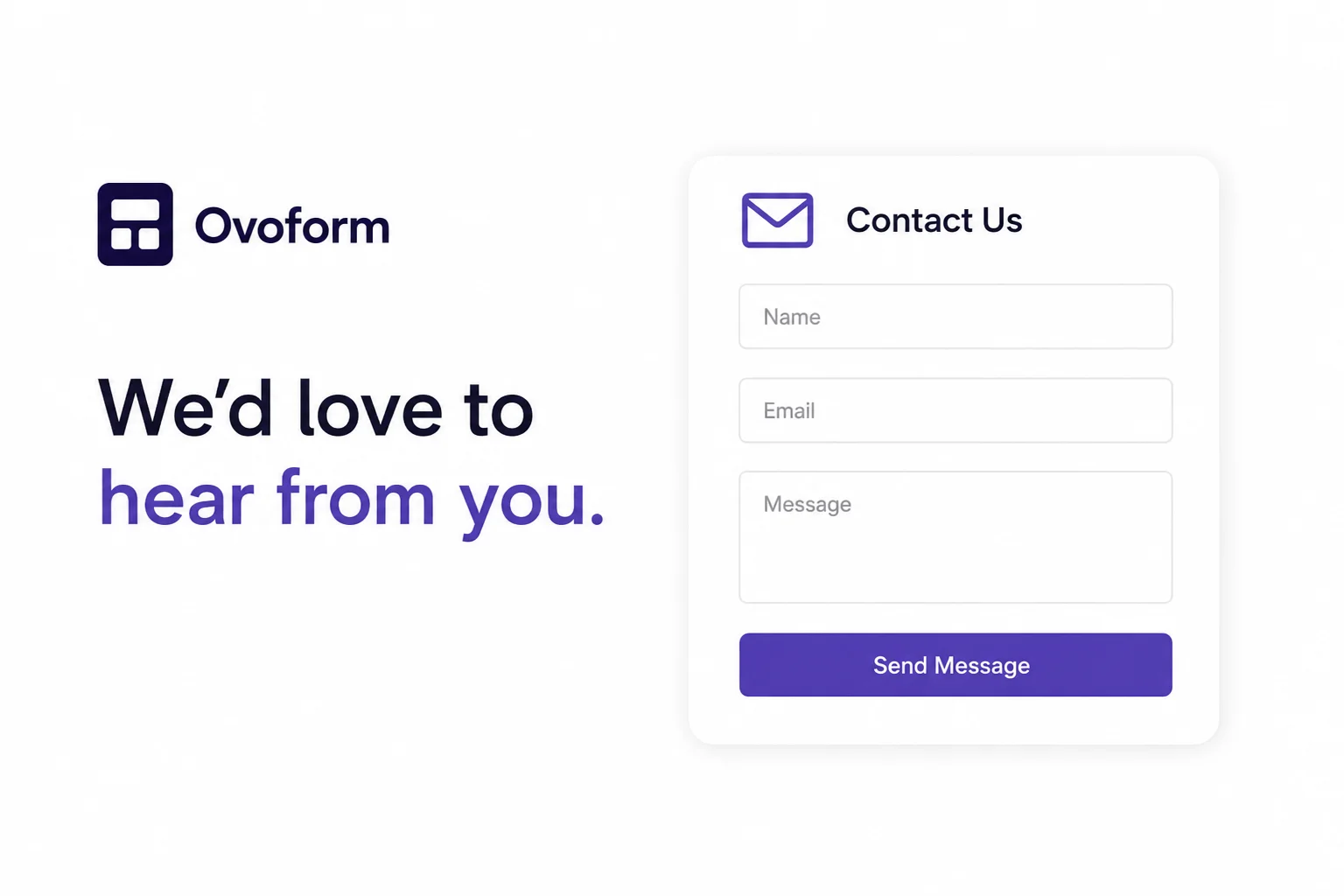
For a small business, it should be easy for customers to get in touch.
Maybe someone wants to ask about a service, check the price, or just get a little more information. If they can't find an easy way to contact you, they might leave the website and move on.
That's why a simple contact form can be useful.
Ask for the Basics
You don't need to ask customers a long list of questions.
In most cases, you can start with:
- Name
- Email address
- Phone number
- Reason for contacting
- Message
The questions can be different for each business. For example, a repair company might ask what kind of service the customer needs.
Keep It Short
Think about how you feel when you see a form with too many fields. You probably don't want to fill it out.
Your customers may feel the same way.
If you only need their name, email, and message, just ask for those details. A short form takes less time and feels much easier.
Use Simple Questions
Customers shouldn't have to guess what you mean.
Labels such as Name, Email, and Message are clear enough for most people.
If you need another detail, explain what you want in a few simple words. This can save customers from entering the wrong information.
Don't Forget About Phones
Many people will visit your website from their phone.
If your form is hard to read or the fields are difficult to tap, they may give up halfway through.
Try filling out your own form on a phone. If it feels easy to use, your customers will probably have a better experience too.
Keep Messages Together
Customer questions can come from many different places. You might get some through email, some through social media, and others through phone calls.
Keeping track of all these messages can get messy.
A Contact Form Template gives customers one place to send their questions and contact details. It can also make it easier for your team to find and respond to those messages.
Let Customers Know You Got Their Message
After someone submits a form, they may wonder if their message actually went through.
A quick confirmation can help. Something as simple as “Thanks for contacting us. We'll get back to you soon.” is enough.
If you normally reply within a day or two, you can mention that as well.
Change the Form When You Need To
Your business won't always stay the same, so your contact form doesn't have to either.
You may add a new service or realize that one of your questions isn't useful anymore. Being able to change the form makes things easier.
With Ovoform, businesses can create online forms and change them whenever their needs change.
Final Thoughts
A contact form doesn't need to look complicated or have lots of features.
Just make it easy for people to contact you, ask for the information you actually need, and keep the form simple.
A few clear questions can be enough to turn a website visitor into a potential customer.