Sign up with Google
 Sign in with Zoho

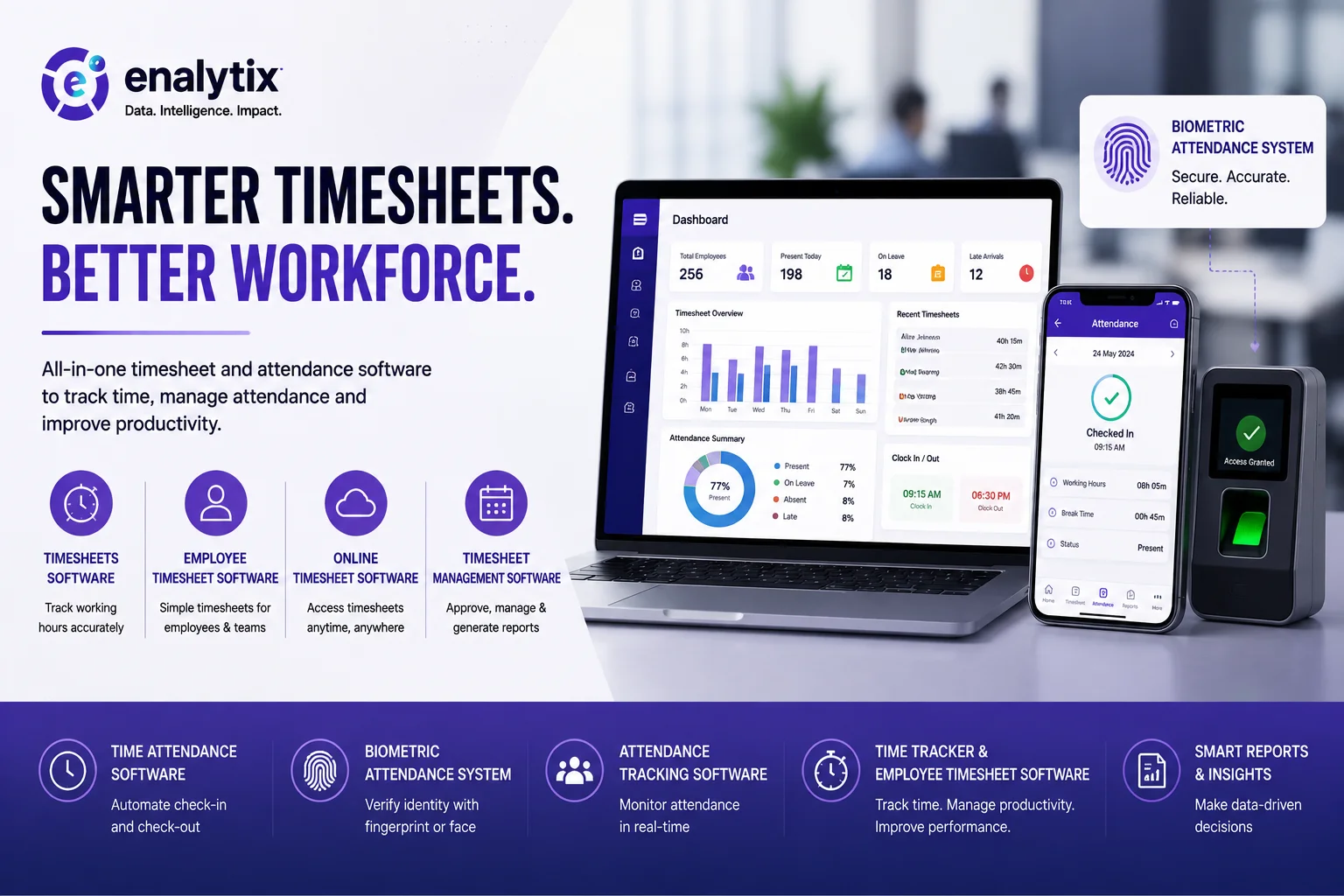
Keeping track of employee working hours sounds simple until a company starts growing.
With a small team, an attendance register or an Excel sheet might be enough. But once there are dozens or hundreds of employees, things can get messy. Someone forgets to mark attendance, another employee submits a timesheet late, and HR ends up spending hours checking and correcting records.
This is one of the reasons businesses are moving towards digital Timesheets software and attendance management systems.
Instead of maintaining different registers and spreadsheets, companies can keep employee time and attendance information in one place.
What Does Employee Timesheet Software Do?
An employee timesheet is basically a record of the hours an employee has worked.
Employee timesheet software takes this process online. Employees can enter their working hours, managers can review the entries, and HR teams can keep track of the records without having to collect information manually.
For companies where employees work from different offices or locations, online timesheet software can be particularly useful. Employees don't necessarily have to be sitting in the same office to update their time records.
It also makes the information easier to access when managers need to check working hours or review a particular timesheet.
Why Timesheet Management Matters
Timesheets are not just about knowing how many hours someone worked.
For many businesses, they are also useful for understanding workload, managing projects, checking productivity, and keeping workforce records organized.
This is where timesheet management software can make everyday work easier.
Instead of maintaining multiple Excel files, HR and managers can have a central system for reviewing employee time entries and managing them according to their internal processes.
It can also reduce some of the repetitive work that usually falls on HR teams.
Timesheets and Attendance Are Not the Same Thing
Although people often use the terms interchangeably, timesheets and attendance serve slightly different purposes.
Attendance usually answers questions like:
- Was the employee present?
- When did they check in?
- When did they leave?
- Were they late or absent?
A timesheet, on the other hand, is more focused on the employee's working hours and how their time was recorded during a particular period.
A good attendance software solution can handle the first part, while timesheet tools can help with the second.
Some businesses choose to connect both systems so that attendance and working-hour information can be managed together.
Where Does Biometric Attendance Fit In?
For organizations that want a more controlled way of recording attendance, a Biometric attendance system is another option.
Instead of relying on employees to manually enter their attendance, biometric systems can verify an employee using information such as a fingerprint or facial recognition.
This can make attendance recording more consistent, especially in workplaces with a large number of employees.
However, biometric attendance is not automatically the right choice for every organization. Companies should consider their workforce size, privacy requirements, existing infrastructure, and the way employees actually work before choosing a system.
Making Attendance Tracking Less Manual
Manually checking attendance every day can take up a surprising amount of time.
Attendance tracking software gives HR and managers a digital record that they can refer to when needed. It can make it easier to review attendance, identify missing records, and keep employee information organized.
A time attendance software solution can go a step further by bringing check-in, check-out, and working-hour information into the same workflow.
For organizations looking for broader time management, a time tracker & employee timesheet software setup can combine time tracking with timesheet management.
The exact setup will depend on how the organization works. A company with office-based employees may have different requirements from one with field teams or employees working remotely.
Choosing the Right System
There is no single timesheet or attendance solution that works perfectly for every business.
Before choosing one, it is worth looking at a few practical things:
- Is it easy for employees to use?
- Can managers review and approve timesheets?
- Does it provide useful reports?
- Can it integrate with existing systems?
- How is employee data protected?
- Can it support the organization as the workforce grows?
These questions are often more important than simply looking at the number of features a software platform offers.
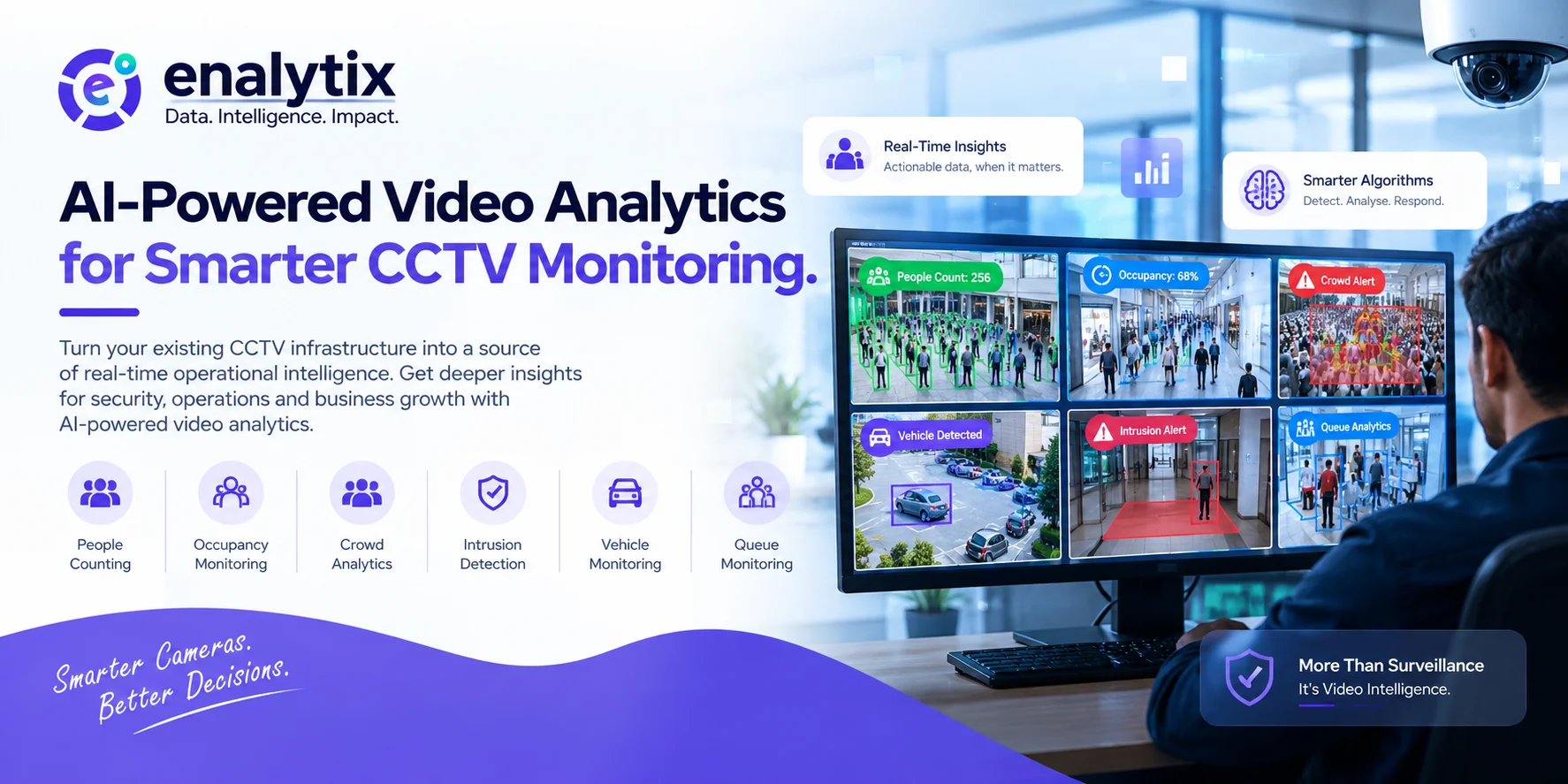
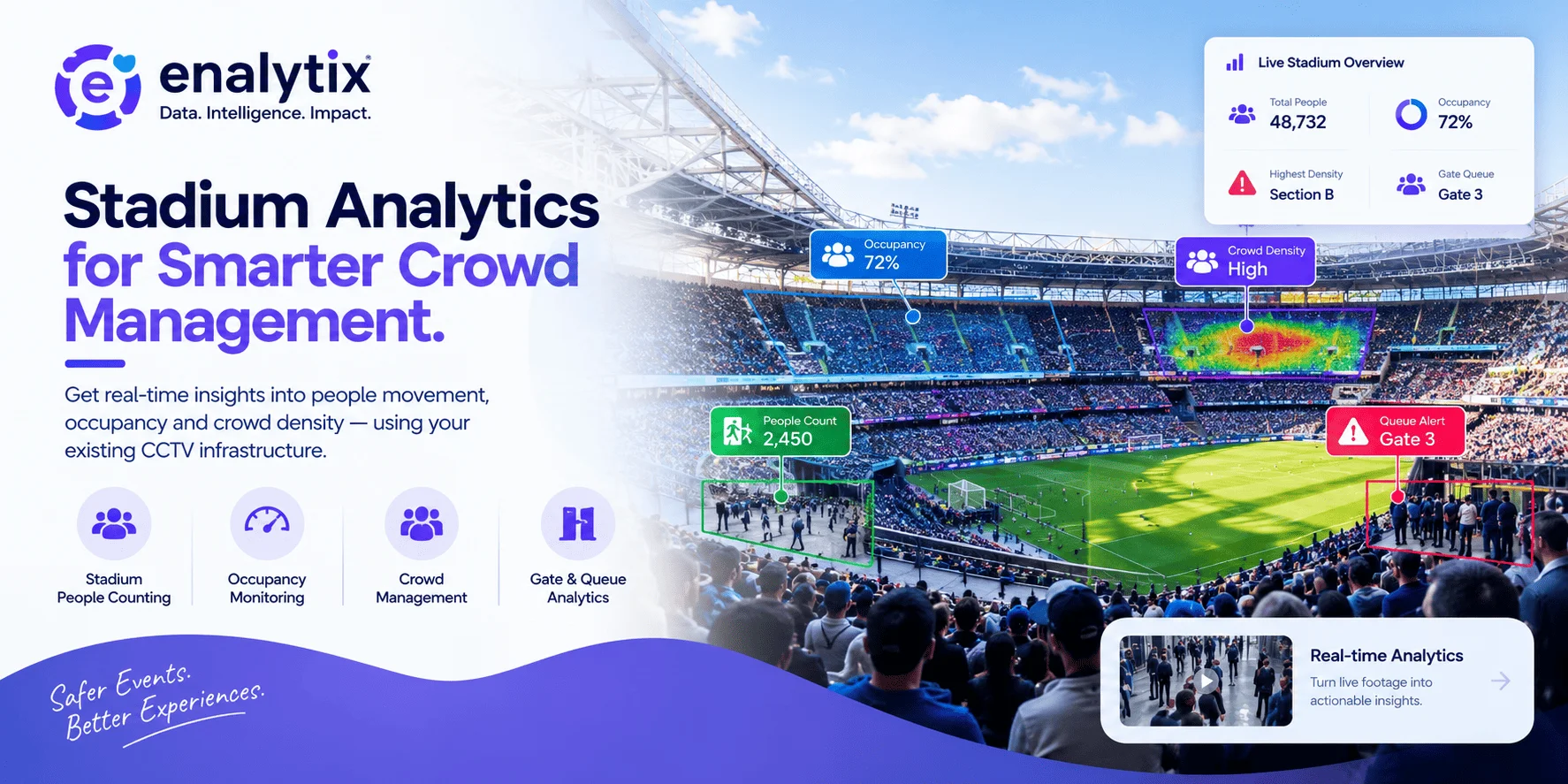
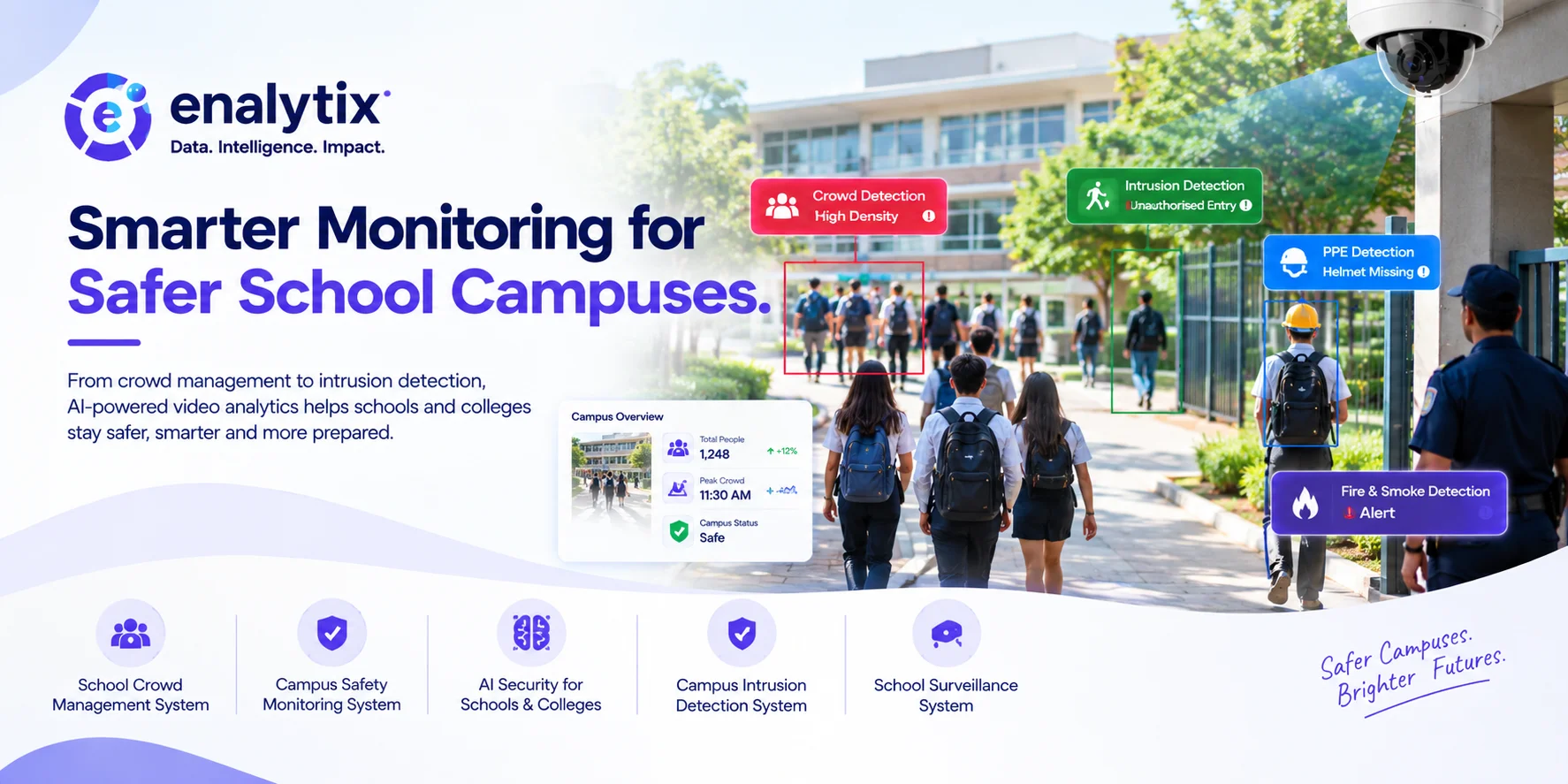
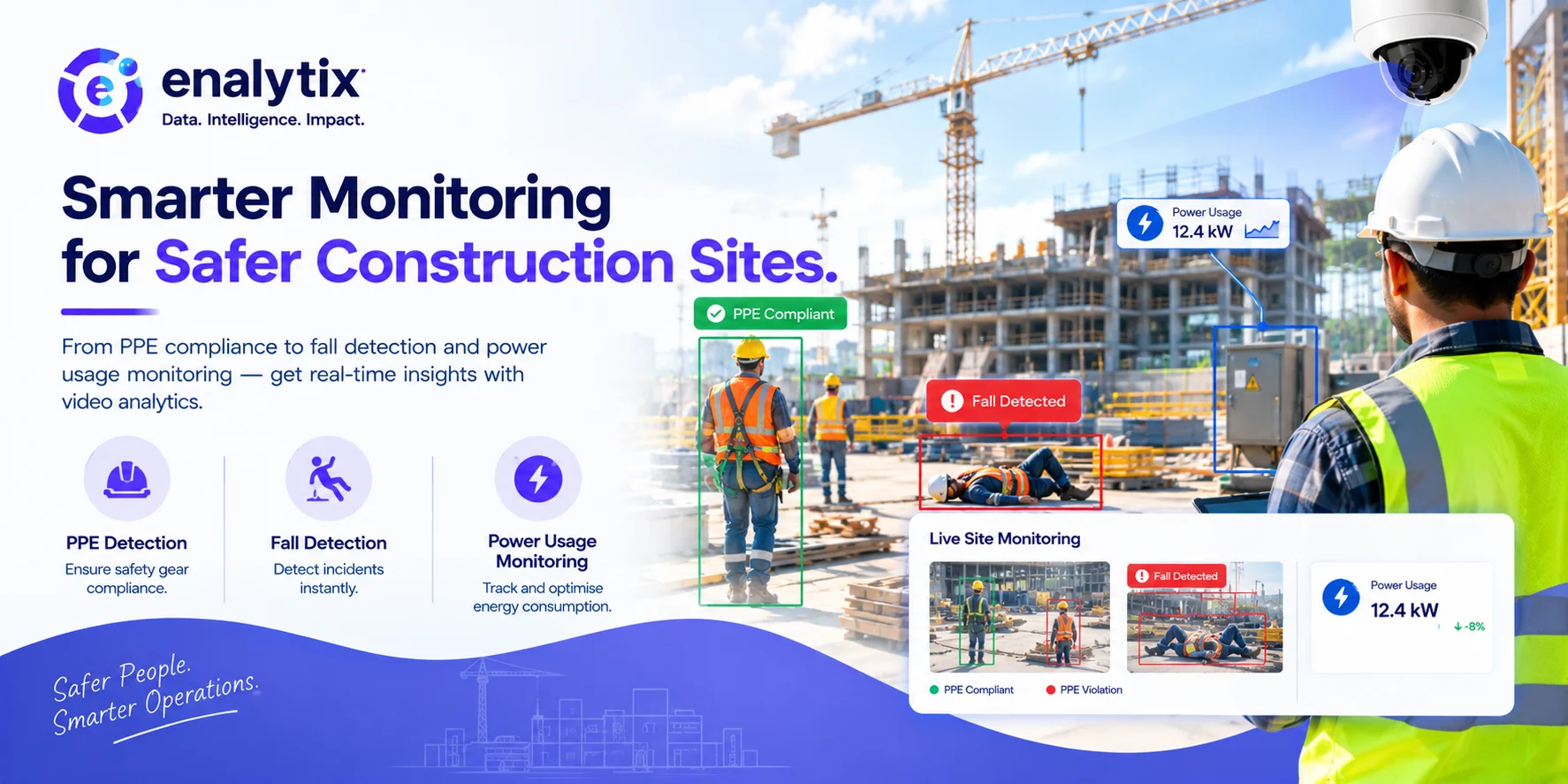
Enalytix works with intelligent technology and video analytics to support different workplace and operational monitoring requirements. Solutions in this space can help organizations move away from completely manual monitoring and make better use of the data generated within their workplaces.
A More Organized Approach to Employee Time
The purpose of digital attendance and timesheet tools isn't to make employee management more complicated.
Ideally, the opposite should happen.
Employees should have a simple way to record their time, managers should be able to see what they need, and HR shouldn't have to spend hours correcting spreadsheets or chasing missing entries.
With the right combination of Timesheets software, online timesheet software, attendance tracking, and time management tools, businesses can build a much more organized process around employee working hours.
For companies considering a Biometric attendance system or other forms of automated attendance, the best approach is to start with the actual problem they are trying to solve and then choose the technology around it.
After all, good workforce software should save time—not create another task for the HR team.