Sign up with Google
 Sign in with Zoho

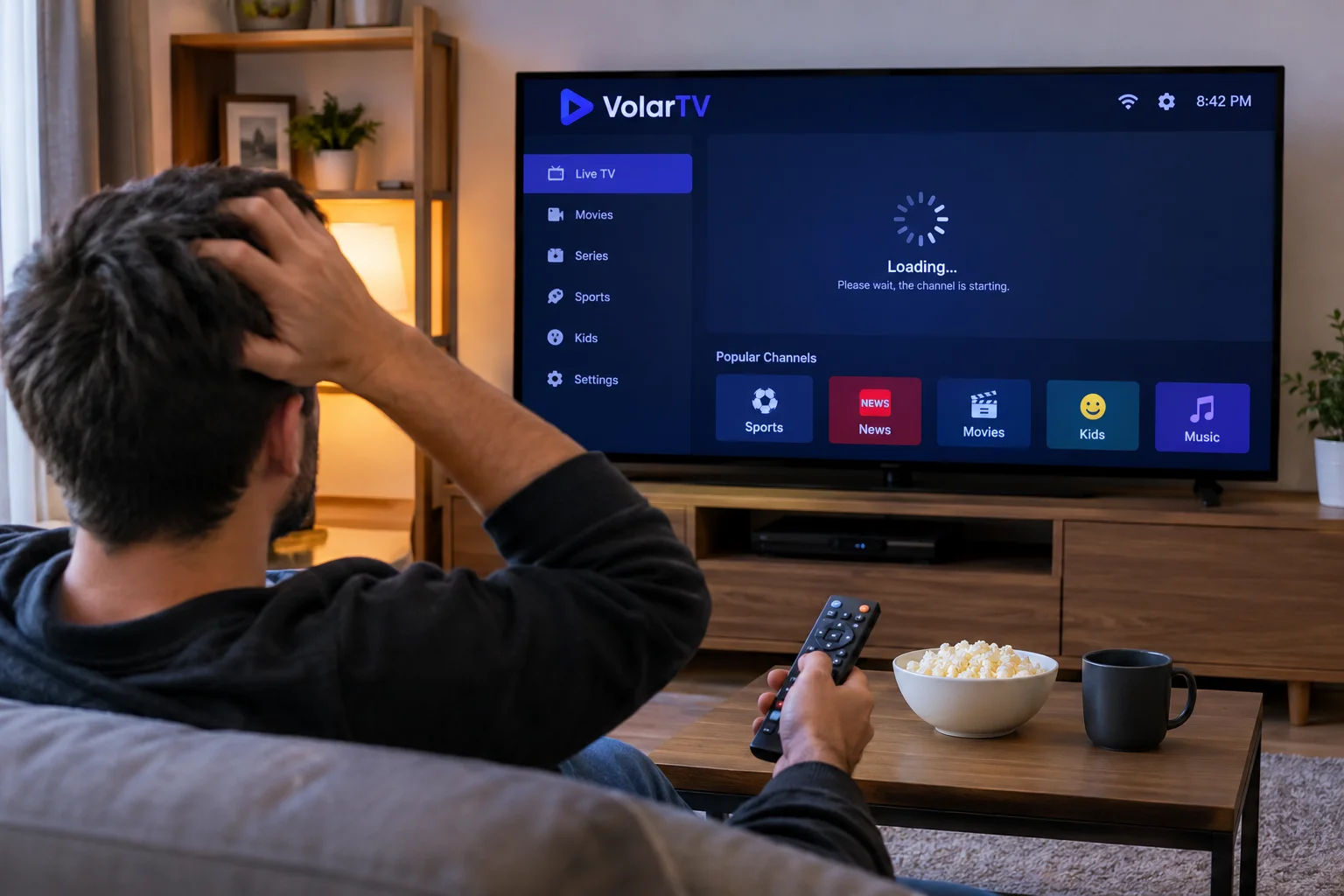
Sometimes, watching live TV can feel more complicated than it needs to be. You switch between channels looking for a particular programme, scroll through long lists, or spend more time adjusting settings than actually watching something.
A few small changes can make the experience much easier. Whether you watch on a Smart TV, Fire TV Stick, or Android TV box, it helps to keep your setup organised and understand the features available in your streaming app.
Keep Your Favourite Channels Easy to Find
If your app supports a favourites list, use it for the channels you watch most often. This saves you from scrolling through a long channel list every time you want to watch the news, sports, or your favourite entertainment programme.
You can also organise channels by category if your player offers that option. Keeping sports, movies, news, and general entertainment separate makes browsing less frustrating.
The goal is simple: spend less time searching and more time watching.
Choose a Streaming App That Suits Your Device
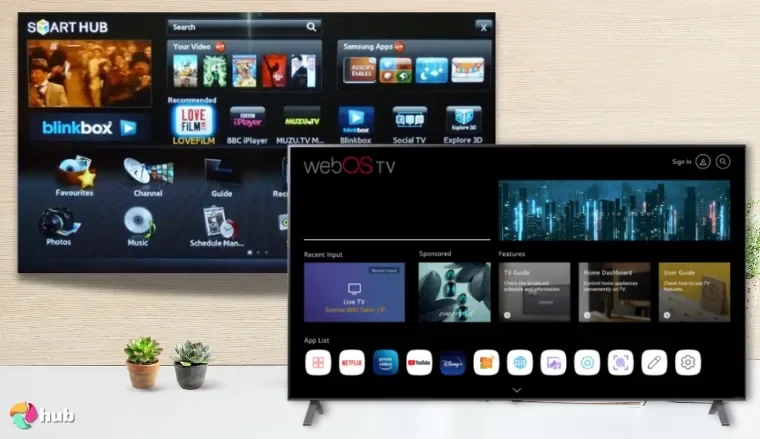
Different IPTV players offer different features. Some provide an electronic programme guide, favourites, categories, and playback controls, while others keep things more basic.
Before installing an app, check whether it supports your device and whether it offers the features you actually need. You do not necessarily need the app with the most settings; a straightforward interface may be better if you only want to watch a few channels.
If you use an Android TV box or Fire TV device, this TiviMate IPTV player setup guide explains the basic installation and setup process.
Make Your Programme Guide More Useful
An electronic programme guide can help you see what is currently playing and what is coming up next. Instead of opening every channel individually, you can browse the available listings and decide what to watch.
If programme information is missing or the times look incorrect, check your device's time zone and refresh the guide if your app provides that option. Keep in mind that the accuracy of listings also depends on the programme data supplied by the service.
A programme guide is most useful when its information is up to date and easy to read.
Check Your Internet Connection Before Changing Everything
If a channel takes too long to load or keeps freezing, it is tempting to change several settings immediately. But it is better to start with a few basic checks.
Try another channel to see whether the problem affects everything or just one stream. If several channels are buffering, check your Wi-Fi connection and pause any large downloads running on your network.
Moving your streaming device closer to the router or using an Ethernet cable, where supported, may help improve connection stability. However, if only one channel has a problem, the issue may be with that particular stream rather than your home network.
Keep Your Device and Apps Updated
Updates can improve compatibility, fix bugs, and help applications work properly with your device. Check for updates through the official app store or your device's settings.
It is also worth removing apps you no longer use and keeping enough free storage available. A device overloaded with unnecessary applications may feel slower, particularly when switching between apps.
Only install streaming applications from sources you trust, and review permissions when installing something new.
Find a Setup That Works for Your Routine
Everyone uses live TV differently. Some people mainly watch sports, while others prefer news, films, or general entertainment. Your setup should reflect what you actually watch rather than making you work around features you never use.
Start by organising your favourite channels, learning the programme guide, and checking the basic settings. Once everything is working comfortably, there may be no need to keep adjusting it.
Final Thoughts
A better live TV experience does not always require a new device or a complicated setup. Often, organising your channels, understanding your streaming app, and keeping your device updated are enough to make everyday viewing more convenient.
Take a few minutes to set things up in a way that suits your habits. Small improvements can make it easier to find the programmes you want and spend less time dealing with settings.