Sign up with Google
 Sign in with Zoho
Subtitle: A practical look at channel access, device settings, and the small things families should check before children start watching TV independently.
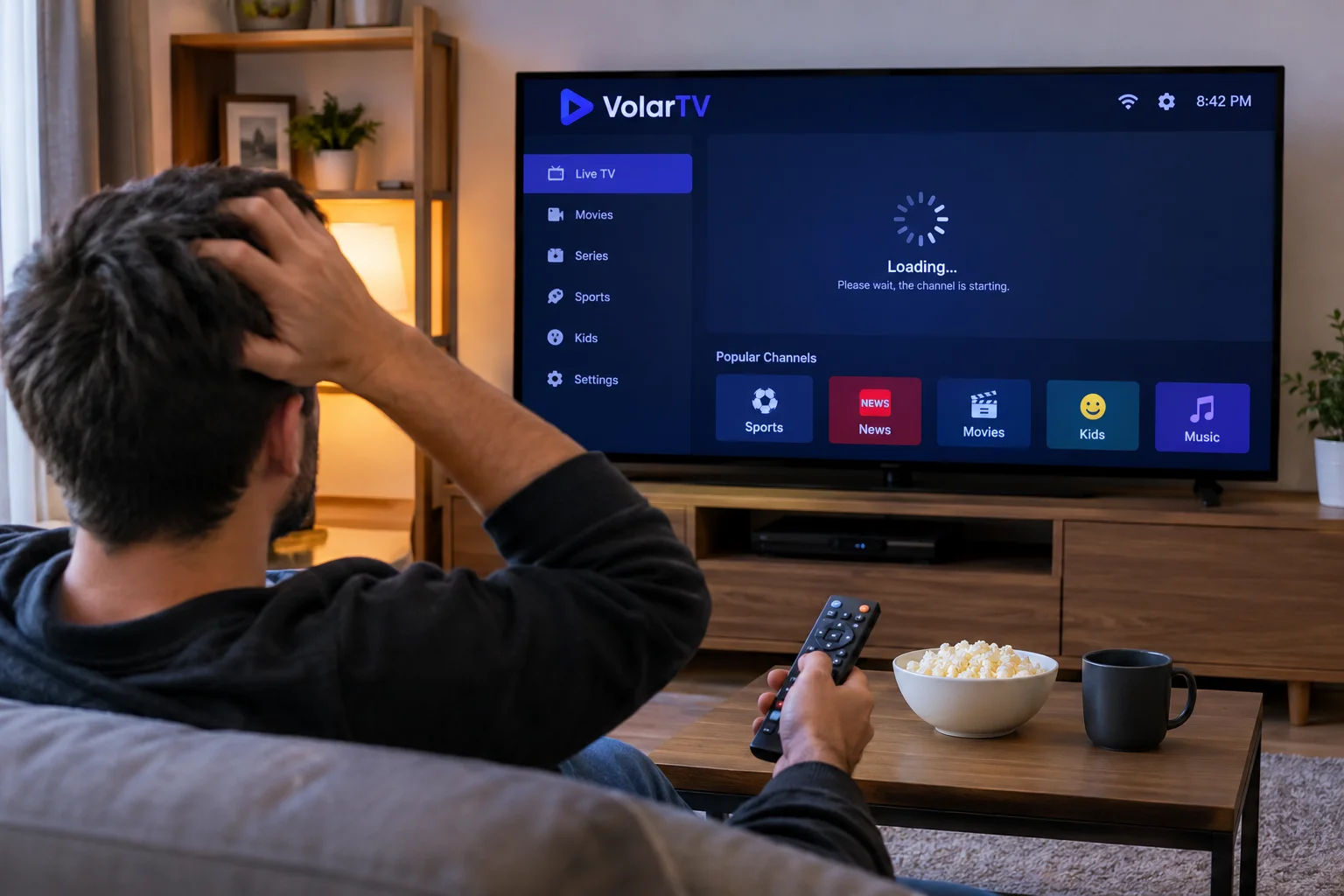
Children often know how to open their favourite shows before they understand how a television app actually works. They might switch channels, explore a menu, or click on something simply because it looks interesting. For parents, the challenge is making sure children can find suitable programmes without accidentally opening content meant for adults.
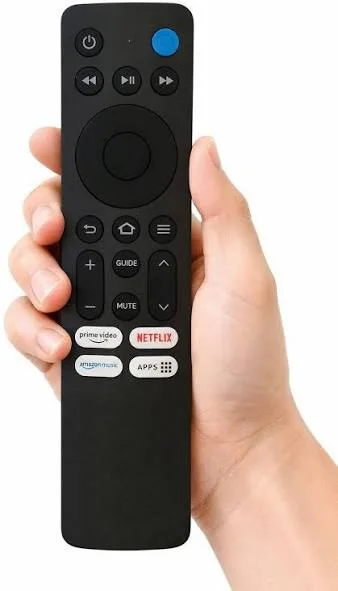
A few checks before handing over the remote can make everyday TV time easier to manage.
Check What Happens When You Change Channels
Parents usually know which programmes their children enjoy, but they may not have explored every channel included in a streaming package. A channel that starts with cartoons, for example, does not mean every other channel in the same package is suitable for children.
Spend a little time reviewing the channel categories and programme information available through your service. If the lineup includes content for different age groups, explain which sections children can use and which require an adult's help.
Do Not Assume One PIN Protects Everything
This is an easy detail to overlook. A television may have a parental-control PIN, but an individual streaming application can have its own settings. Depending on the device and app, a restriction applied in one place may not cover everything accessible elsewhere.
Try opening the apps your family actually uses and checking their available restrictions. If a PIN is supported, test it yourself to make sure it works as expected. Also check whether children can switch to another app or user profile without the same restrictions.
The exact options depend on the television, streaming device, and application, so it is worth checking each one separately.
Think About Accidental Purchases and Account Access
Some streaming devices allow users to install applications, change settings, or make purchases. If children use the remote independently, review whether purchase confirmation, account protection, or other relevant controls are available.
It is also sensible to avoid saving payment details in places where children could accidentally trigger a purchase. You do not need complicated rules; the aim is simply to understand what can happen when someone presses a button without knowing what it does.
Make the Rules Easy to Follow
Telling a child to “watch something appropriate” can be confusing if they do not know what that means. A clearer approach is to agree on a few programmes or categories they can choose from and explain when they should ask an adult for help.
For example, younger children might be allowed to choose from a familiar list of shows, while a parent helps them explore anything new. As children get older, the rules can change with their age and understanding.
Screen time is worth discussing, too. Agreeing on when the television should be switched off can help prevent arguments later, especially on school nights.
Check the Service Before You Subscribe
If you are comparing IPTV services for a household, ask which devices they support, what types of channels are included, and whether they provide any parental-control features. Do not assume these features are included in every subscription.
It can also help to review common service questions before making a decision. This [IPTV FAQ guide](https://volartv.com



.webp)



.webp)