 Sign up with Google
 Sign in with Zoho
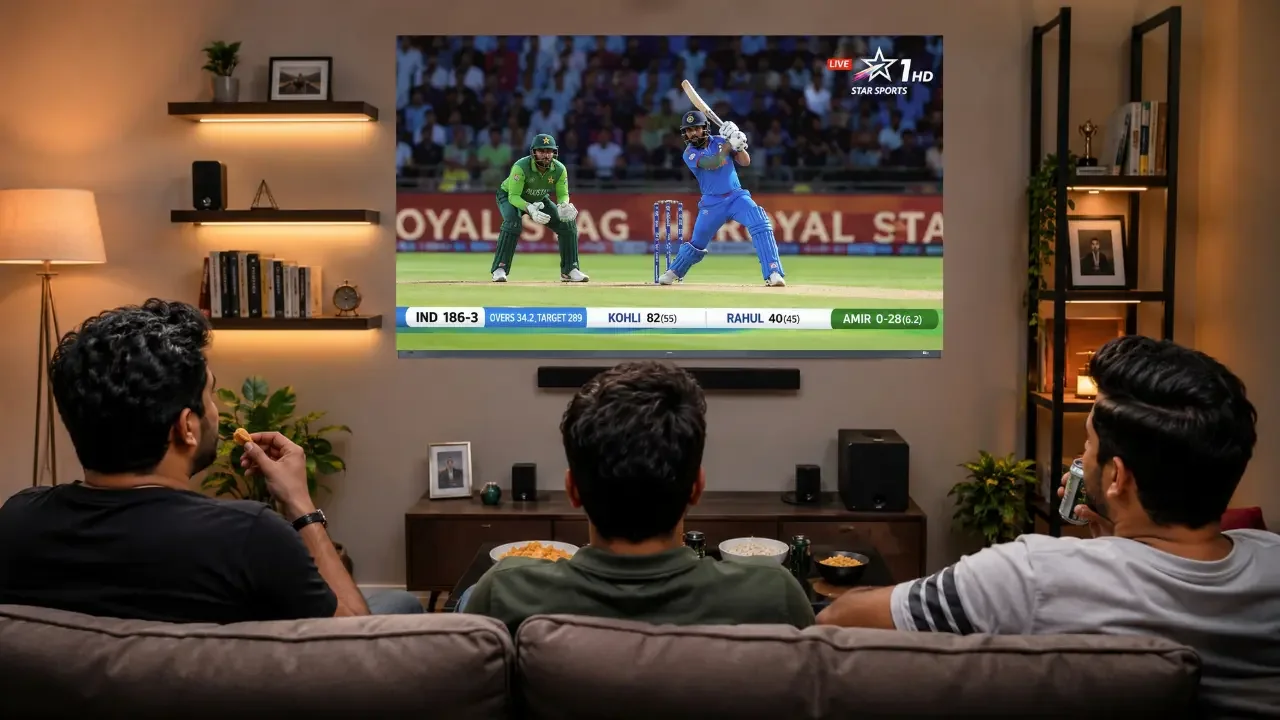
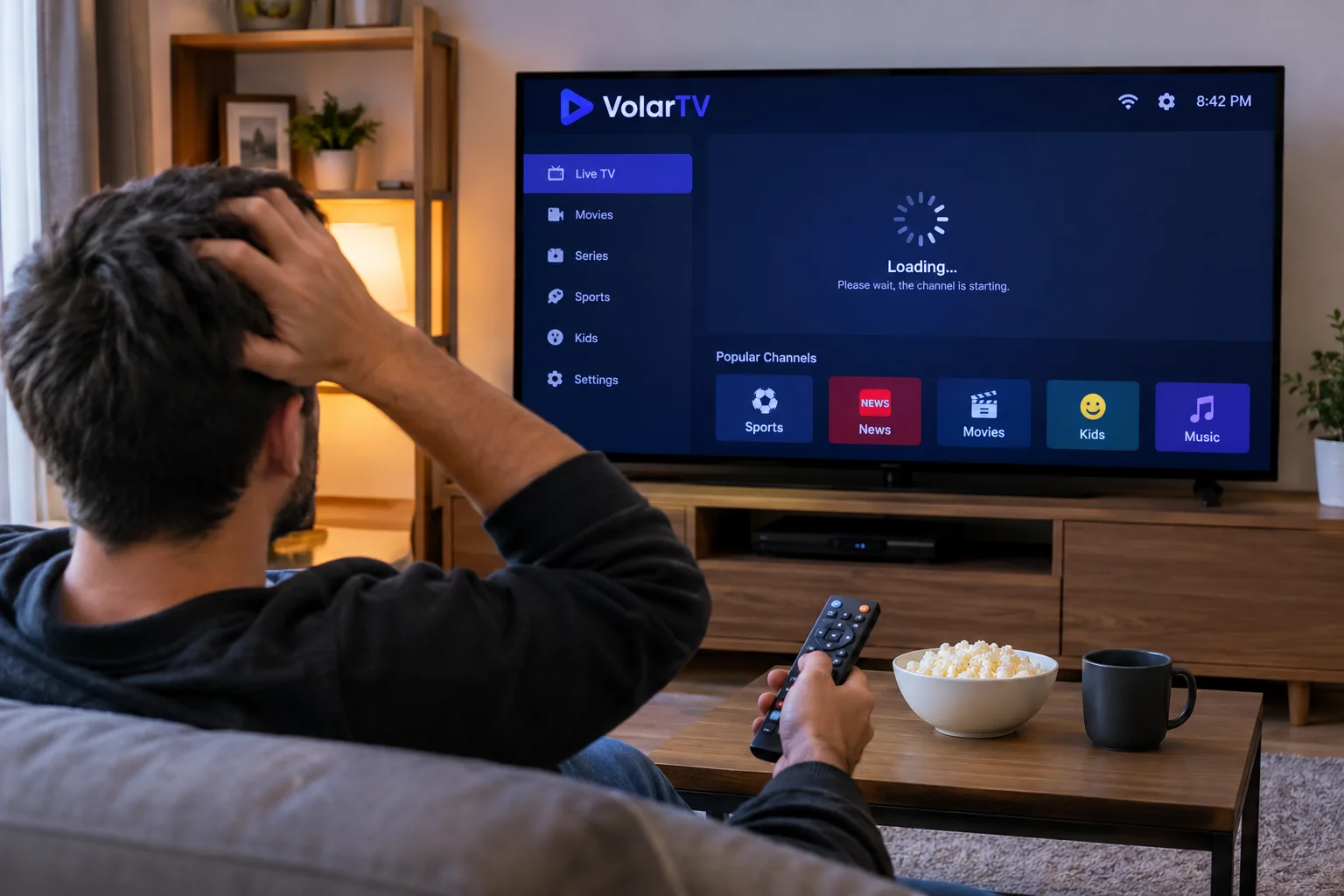
Have you ever switched between several TV channels just to find a football match or your favourite show? It can be frustrating, especially when you don't know which channel is showing the programme or what time it starts.
This is one reason an Electronic Programme Guide, commonly known as an EPG, is useful. It gives viewers a schedule of available TV programmes in one place. Instead of guessing what is on, you can check the guide and decide what you want to watch.
EPG is commonly used with digital television and IPTV services. It makes the viewing experience more organised, particularly when a service offers a large number of channels.
What Exactly Is an Electronic Programme Guide?
An Electronic Programme Guide is an on-screen TV schedule that displays information about programmes on different channels.
Depending on the service, it may show:
- The name of the current programme
- Programme start and finish times
- What is coming up next
- Short descriptions of TV shows and films
- Channel names and numbers
- Programme schedules for upcoming hours or days
Think of it as a digital version of the old printed TV guide. The main difference is that you can open it directly on your television or streaming device.
For example, if you want to watch the evening news at 9 PM, you can open the programme guide, check the available channels and find where the news is scheduled.
How Does an EPG Work?
An EPG receives programme schedule information from the television service or its data provider. The information is then displayed inside a compatible TV interface or IPTV application.
When you open the guide, you usually see channels listed on one side and programme timings arranged across the screen.
The exact layout depends on the device and application. Some guides show only the current and next programmes, while others provide schedules for several days.
One thing worth understanding is that the EPG does not normally provide the actual TV channel or video stream. It displays schedule information. The channel or streaming service delivers the programme itself.
A Few Everyday Examples of Using an EPG
The easiest way to understand an EPG is to look at situations where someone might use it.
Example 1: Finding a live football match
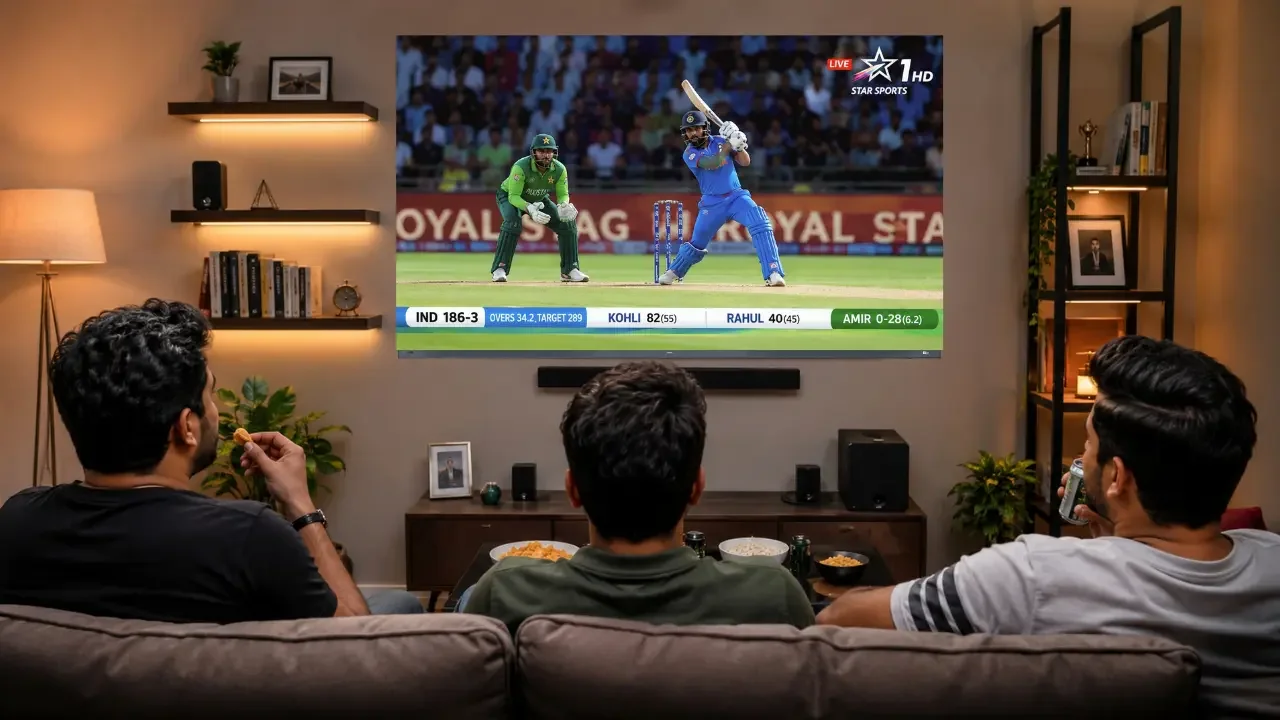
Imagine you come home at 8 PM and want to watch a football match. You don't know which channel is showing it.
Rather than opening channels one by one, you can check the programme guide. If the schedule information is available, you can see the sports channel showing the match and its scheduled timing.
Example 2: Checking what comes on next
Suppose you're watching a movie and want to know what programme follows it. Open the EPG and check the next programme listed for that channel.
This is useful when you want to decide whether to continue watching or switch to something else.
Example 3: Finding the evening news
You reach home late and want to catch the news at around 9 PM. The programme guide lets you check which channels have a news programme scheduled around that time.
These small things can save time, especially when you have many channels available.
Why Is an EPG Useful for IPTV Viewers?
An IPTV service may provide access to many different channels. Without a proper programme guide, viewers may have to browse through channel names and switch between them to find something interesting.
An IPTV EPG makes this process easier.
It can help viewers:
- Find programmes without checking every channel.
- See what's currently playing.
- Check upcoming shows and events.
- Understand the channel schedule.
- Choose programmes according to their preferred viewing time.
For someone who regularly watches live sports, news or entertainment, having a working programme guide can make everyday viewing more convenient.
If you're comparing different services, you can also read about the points to consider when choosing from the best IPTV options in the UK.
What If the EPG Is Not Showing Correct Information?
Sometimes an EPG may display missing programme names, incorrect timings or an empty schedule. This does not always mean that the television or streaming device has a problem.
A few common reasons include:
Outdated schedule information: The programme data may not have been updated by the service provider.
Incorrect time settings: If the device has the wrong time zone, programme timings may appear different from the actual schedule.
Missing channel information: Some channels may not have programme details available.
Application issues: An IPTV application may need its guide data refreshed or updated.
If you face this issue, first check your device's date and time settings. You can also refresh the EPG inside the application, if that option is available. If the schedule is still missing, contact the service provider.
Does Every IPTV Service Have an EPG?
No. EPG availability depends on the service, channel data and application being used.
Some services provide detailed programme information, while others may only display channel names. Even when a service supports an EPG, not every channel will necessarily have a complete schedule.
Before choosing a service, it is worth checking whether its programme guide works properly on your preferred device.
Final Thoughts
An Electronic Programme Guide may seem like a small feature, but it can make watching television much easier. It helps viewers check schedules, find upcoming programmes and spend less time searching through channels.
Whether someone watches sports, films, news or general entertainment, a useful EPG makes it easier to decide what to watch and when.
The next time you open your TV guide, remember that it is doing more than displaying channel names. It is helping you organise your viewing time.