 Sign up with Google
 Sign in with Zoho

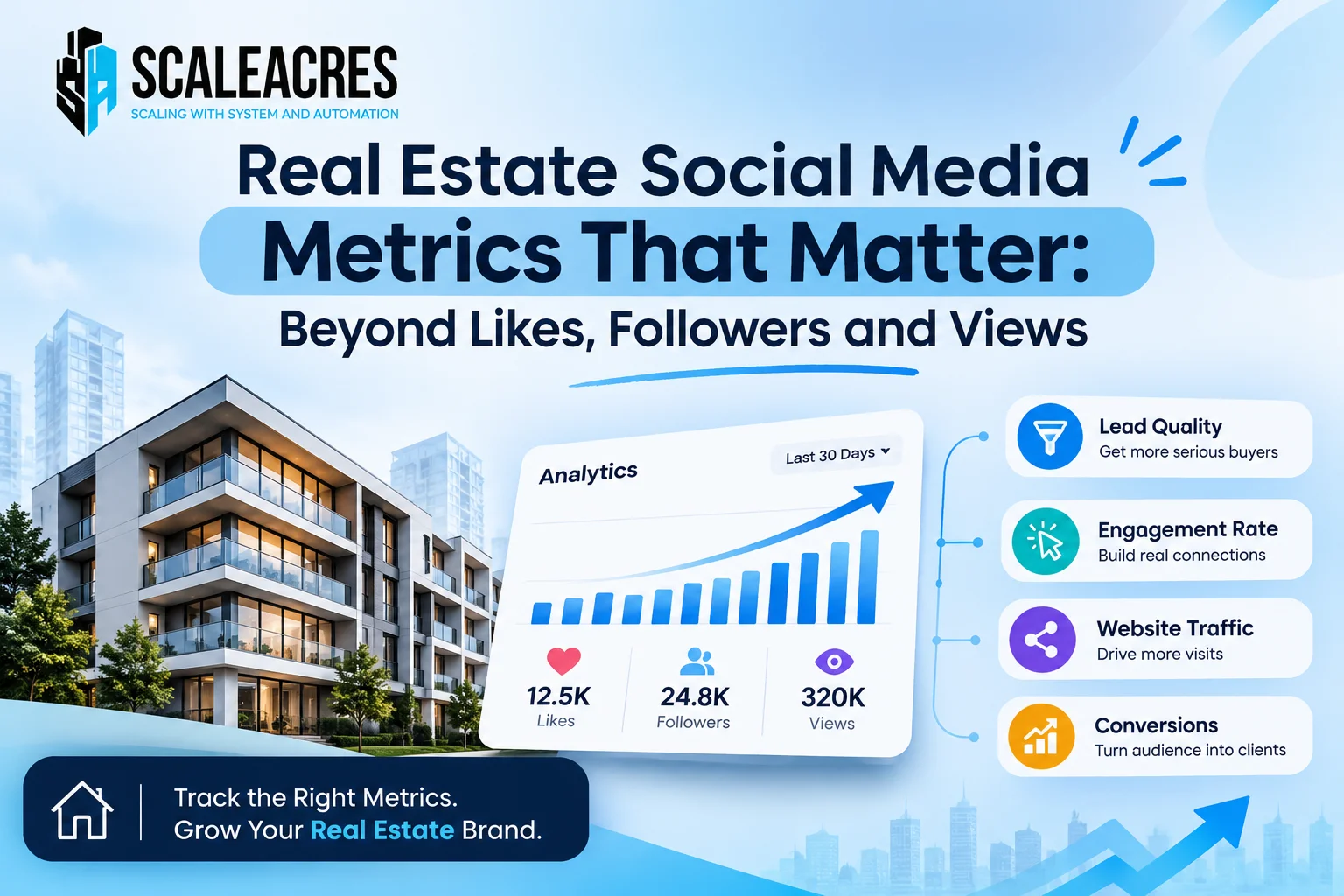
The social media metrics that matter most in real estate are qualified leads, site visits, cost per site visit, response time, profile visits, saves and shares, and bookings by source. Likes, followers and views show attention, not buying intent. A real estate social media marketing agency should report these numbers every month, not just the easy ones.
This guide lists seven metrics worth tracking, where to find each one and what it tells you.
Why Likes, Followers and Views Are Not Enough
A post can get thousands of views and no enquiries. A page can have 20,000 followers from other cities who will never buy.
These numbers are not useless. They show that people noticed you. But they cannot tell you whether the right people noticed you, or whether anyone is ready to visit.
1. Qualified Leads
What it is: Enquiries that match your project’s budget, location and buying timeline.
Where to find it: Your CRM or lead sheet, after your team calls and checks each lead.
What it tells you: Whether your content and ads attract real buyers or just curious viewers.
Track the share of leads that are reachable and qualified, not only the total number.
2. Site Visits Booked and Completed
What it is: The number of buyers who agree to visit, and the number who actually come.
Where to find it: Your CRM, with a status for booked, completed and missed.
What it tells you: Real intent. A visit is a strong sign that your social media is working.
If booked visits are high but completed visits are low, look at your reminders and follow-up.
3. Cost Per Site Visit
What it is: Your total social media spend divided by completed site visits.
Where to find it: Add up ad spend and related costs, then divide by visits from social sources.
What it tells you: What you really pay for serious interest. This is a better guide than cost per lead.
A cheap lead that never visits is not cheap.
4. Response Time
What it is: How quickly your team replies to a new comment, message or lead.
Where to find it: Your CRM timestamps, or a simple sheet noting enquiry time and first reply time.
What it tells you: Whether good leads are being lost after the click. Buyers often message several builders, and the first helpful reply usually wins.
5. Profile Visits and Link Clicks
What it is: The number of people who tap your profile and the number who click your link or contact button.
Where to find it: The insights section of Instagram, Facebook or YouTube.
What it tells you: Whether your content makes people curious enough to look further. High views with low profile visits mean your posts entertain but do not create interest.
6. Saves and Shares
What it is: The number of people who save a post to revisit it, or send it to someone.
Where to find it: Post insights on each platform.
What it tells you: Stronger interest than a like. In real estate, buyers often save a project post or forward it to a spouse or parent.
7. Bookings by Source
What it is: Which channel, campaign or post led to a booking.
Where to find it: Your CRM, if every lead is tagged with its source. Also ask each buyer how they first heard about you.
What it tells you: What social media is truly worth to your business. This takes time, so review it over a full sales cycle.
Metrics to Treat With Care
Followers: Check where they live. Followers outside your market rarely become buyers.
Reach and impressions: Useful at launch, but only if the audience is local and relevant.
Total lead count: Look at quality first. Duplicates and low-intent leads inflate it.
Engagement rate: A helpful quality check on content, but not a result by itself.
A Simple Monthly Report
Ask your team or agency for a short report with these items:
- Qualified leads from social media
- Site visits booked and completed
- Cost per site visit
- Average response time
- Profile visits and link clicks
- Top posts by saves and shares
- Bookings by source, where available
- One recommendation for next month
If a report is full of charts but has no visits or bookings, ask for more.
How to Read the Numbers Together
- High views, low profile visits: the content is not creating curiosity
- High profile visits, few leads: your bio, link or contact options need work
- Many leads, few qualified: targeting or messaging is too broad
- Qualified leads, few visits: follow-up or visit offers need work
- Many visits, few bookings: look at pricing, the visit experience and sales conversations
Mistakes to Avoid
- Celebrating follower growth without checking location
- Judging posts only by likes
- Counting every lead as equal
- Ignoring response time
- Not tagging lead sources
- Expecting bookings from awareness metrics alone
Frequently Asked Questions
Which social media metrics matter most for real estate?
Qualified leads, site visits, cost per site visit, response time and bookings by source matter most. Likes, followers and views are only early signals.
Do followers matter in real estate marketing?
Only if they are in your target area and fit your price range. A smaller local audience is worth more than a large scattered one.
What is a good engagement rate for a real estate page?
There is no single standard. Compare your own results over time and focus on whether engagement leads to messages and site visits.
How do I measure leads from social media?
Tag every lead with its source in your CRM or sheet, and ask new enquirers how they found you. Then count qualified leads and site visits by source.
What is cost per site visit?
It is your total spend on a channel divided by the number of completed site visits from that channel. It shows what serious interest costs you.
Final Thoughts
Measure what leads to a visit and a booking, not what looks good on a screenshot. Start with qualified leads, site visits and cost per visit, and add the rest as your tracking improves. If you want a monthly report built around these numbers, speak to a trusted real estate social media marketing agency and ask what each metric will show.