Sign up with Google
 Sign in with Zoho

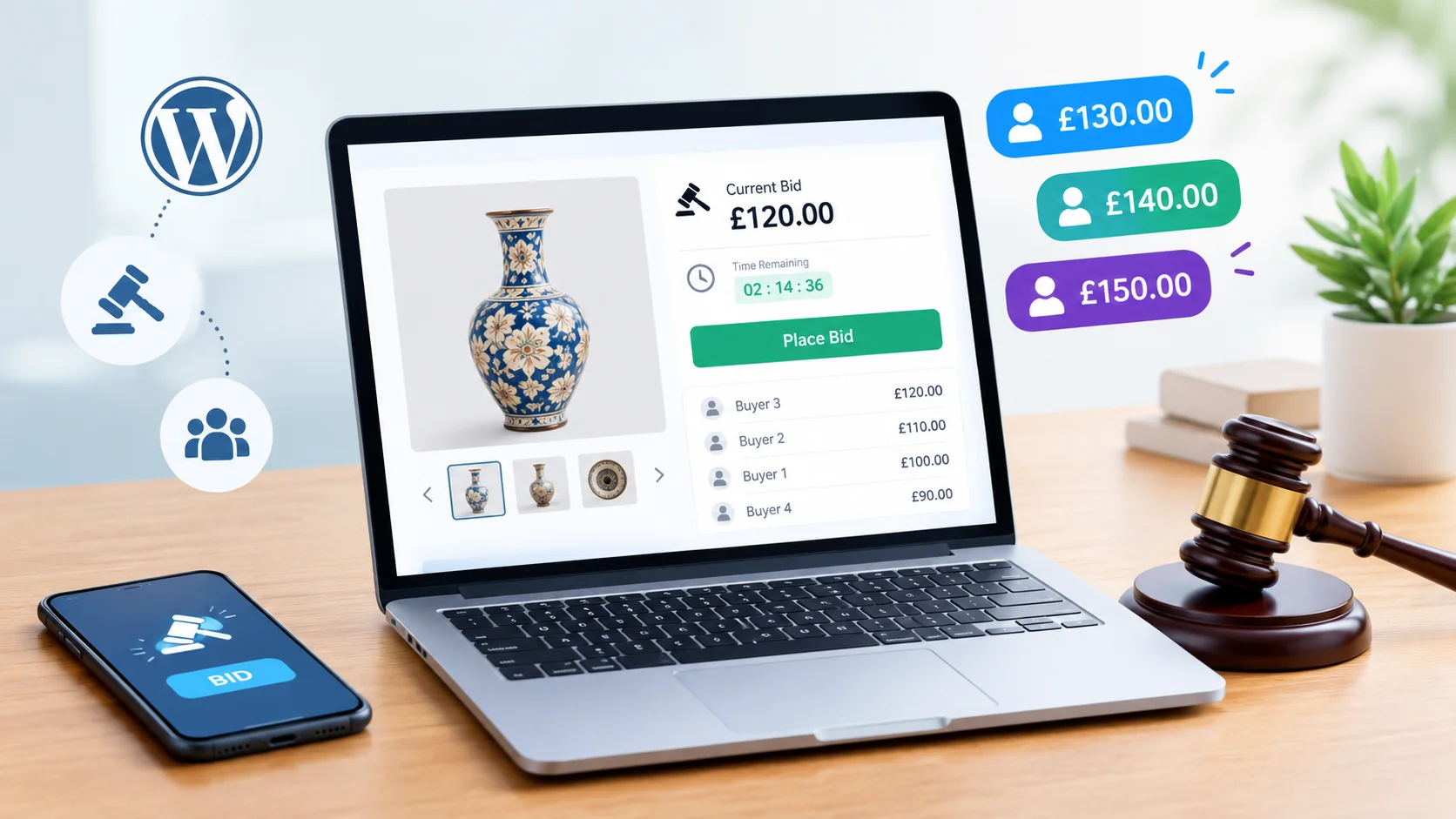
Running an online store is not always as easy as it looks. You can have good products, attractive photos, and a well-designed website, yet still struggle to get people interested. Sometimes, the problem is not what you sell but how you sell it.
Think about products such as vintage watches, old coins, collectible toys, or second-hand electronics. Some buyers are willing to pay more for a particular item because they have been searching for it for a long time. Instead of setting one fixed price, you could let interested buyers compete through an auction.
That is where a Wordpress bidding Plugin can come in handy. It allows you to add bidding features to your WordPress website and give customers another way to purchase products.
Of course, adding auctions will not magically make a business successful. You still need the right products, clear rules, and customers who are interested in what you offer. But if auctions fit your business, they can be worth exploring.
What Makes Online Auctions Different From Regular Shopping?
In a normal online store, a customer sees a price, decides whether to accept it, and places an order. The process is straightforward, but there is usually little interaction before the purchase.
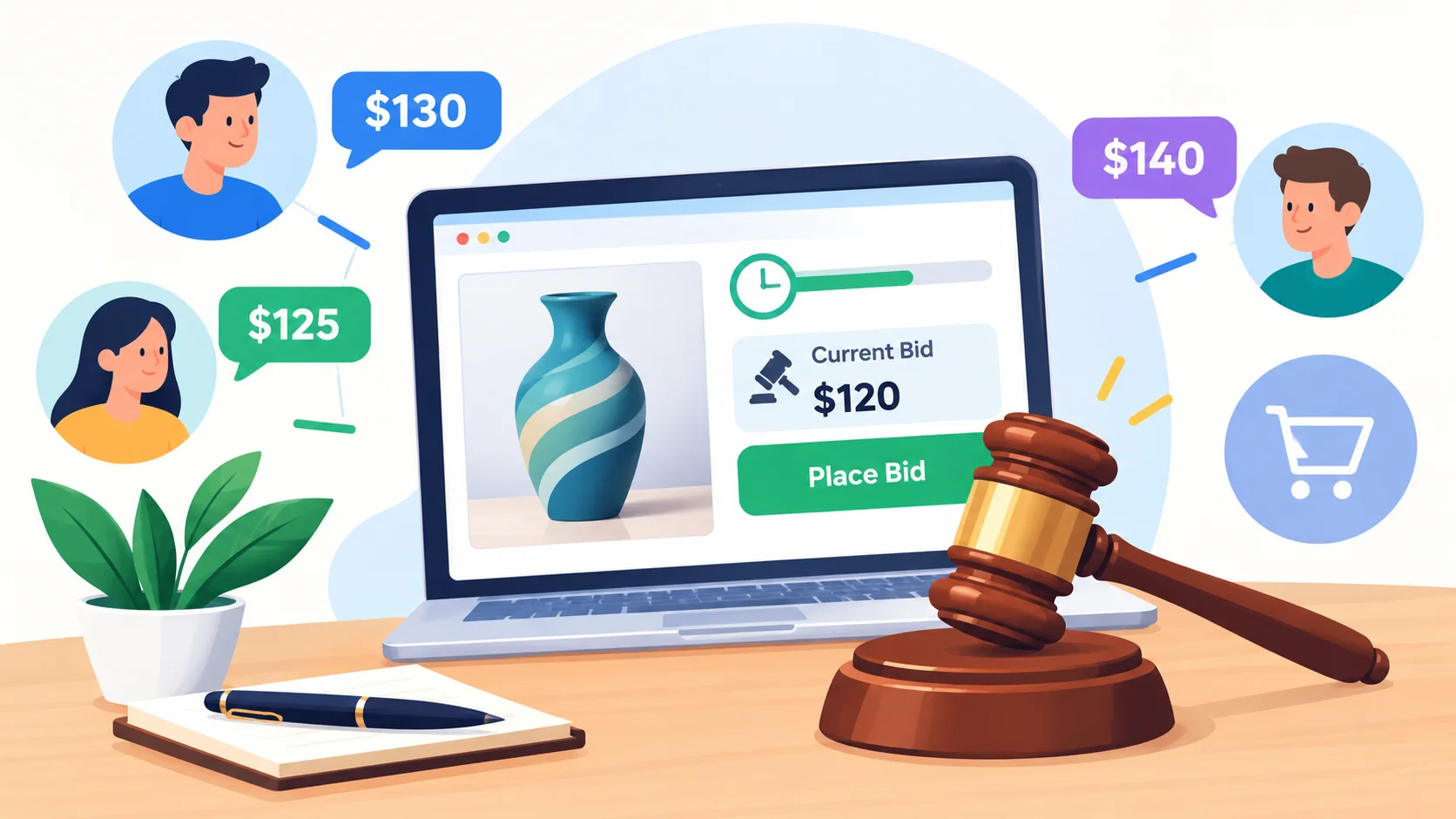
Auctions work differently. A seller lists an item, interested buyers place bids, and the price can change as people compete. The auction runs for a set period, and the winner is determined according to its rules.
Imagine you have a vintage record that is difficult to find. Rather than guessing a price and hoping someone buys it, you could start an auction and see how interested collectors respond.
This approach will not suit every product. Everyday household items, for example, may be easier to sell at fixed prices. The trick is to understand what your customers want and choose the selling method accordingly.
How Can a WordPress Bidding Plugin Help?
If you want to run auctions on your website, building a complete bidding system yourself can be expensive and time-consuming. A dedicated plugin gives you a more practical way to introduce auction functionality.
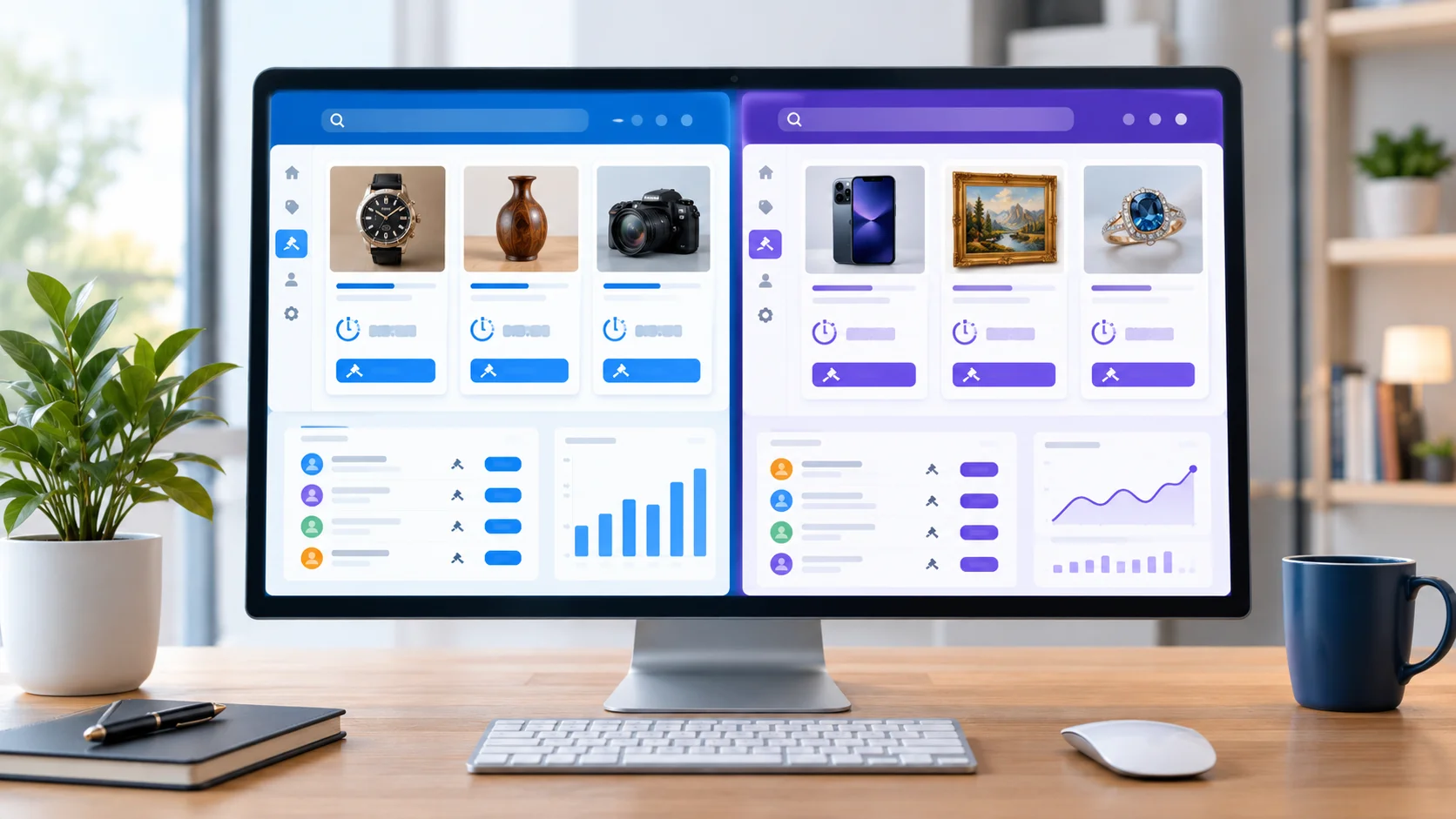
Depending on the plugin, you may be able to create auction listings, set starting prices, schedule closing times, and let registered customers place bids.
You can also look for features that help buyers follow their auctions and receive important updates.
However, different plugins offer different capabilities. Some may support features that others do not, so it is important to check the details before making a decision.
Features That Make a Real Difference
Setting Up an Auction Should Be Easy
Imagine adding ten new products to your website and having to spend hours configuring each auction. That would quickly become frustrating.
Look for a solution that makes it easy to enter product details, upload images, set prices, and choose auction dates. A straightforward dashboard can save time, especially when your business starts growing.
Buyers Should Know Exactly What Is Happening
People are less likely to place a bid when they do not understand the rules.
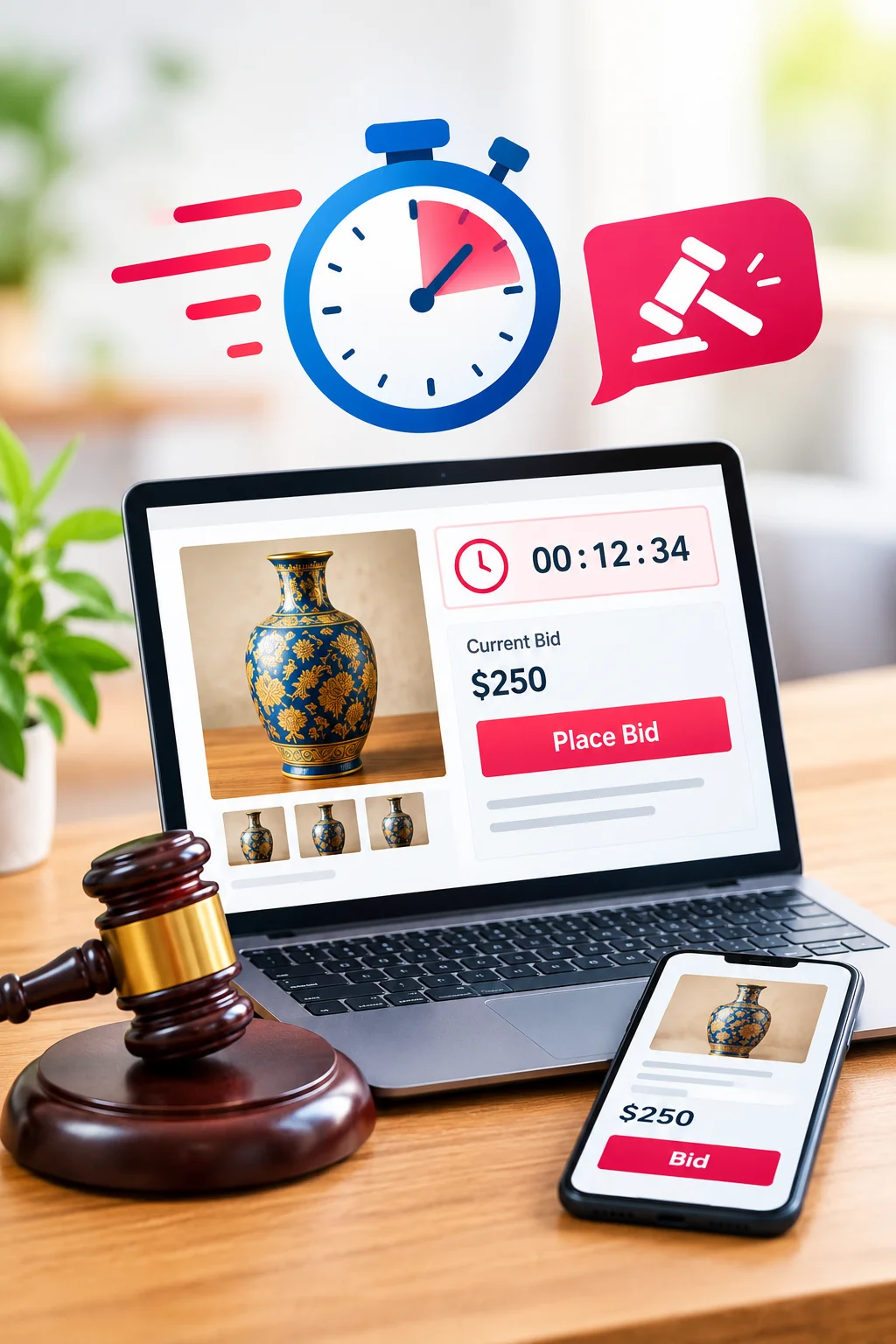
Your auction page should clearly display the current bid, the time remaining, and the amount required for the next bid. If a reserve price applies, explain what it means.
These details may seem small, but they can make the difference between a comfortable buying experience and a confusing one.
Notifications Can Save Customers Time
A buyer might place a bid in the morning and forget about it during a busy day. If another customer places a higher bid, a notification can help the original bidder stay informed.
Depending on the plugin, notifications may also be available when an auction ends or when other important events occur.
Check which alerts are supported and make sure they work properly before launching your auctions.
Mobile Users Should Not Be Left Out
Many customers browse products on their phones. If the bidding button is difficult to find or the countdown timer is hard to read, they may leave without participating.
Open your website on a mobile phone and try the bidding process yourself. Check the product details, buttons, prices, and auction timer. If anything feels awkward, improve it before inviting customers.
Why Consider Auction Plugin for Your WordPress Website?
Auction Plugin provides an auction-focused solution for WordPress website owners who want to explore bidding as part of their online business.
For someone who wants to introduce auctions without developing an entire system from scratch, a dedicated plugin can be a practical starting point.
Still, choosing software should begin with your business needs. If you are selling a handful of collectibles, you may not need the same setup as a marketplace where multiple sellers list hundreds of products.
Take time to review the plugin's current features, compatibility, pricing, documentation, and support. Make sure it can handle the bidding process you have in mind before committing to it.
Getting Your First Auction Ready
Choose Something People Actually Want
You do not need hundreds of products to test an auction website. Start with a few items that have a clear audience.
Collectibles, antiques, artwork, and selected second-hand products can be good options, depending on what you know about your customers.
Be honest about the condition of each item. Use clear photographs and explain any damage or missing parts. Buyers should not have to guess what they are bidding on.
Set a Starting Price That Makes Sense
Choosing a starting price can take some thought. Set it too high, and buyers may not bother placing a bid. Set it too low, and you could end up selling below the amount you hoped to receive.
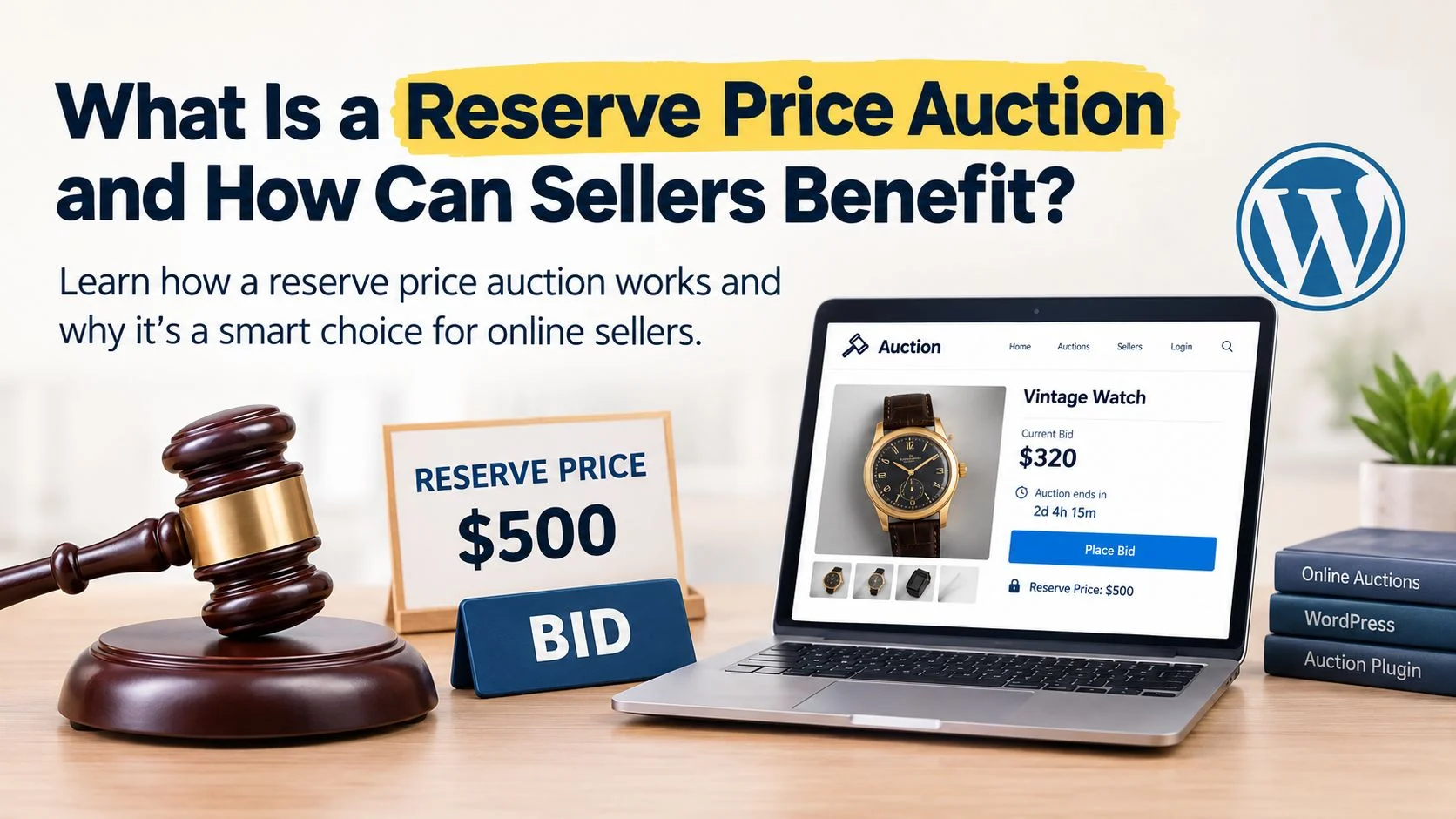
Look at similar products and consider your costs before deciding. If your auction system supports a reserve price, understand how it works and explain the relevant terms to buyers.
Decide What Happens When the Auction Ends
The bidding process is only one part of the sale. You also need to decide how the winner will be contacted, when payment is due, and how delivery will be arranged.
Write these details in simple language. Clear expectations help avoid unnecessary disagreements later.
Test Everything Before Going Live
Before opening your auction to the public, test the main steps. Place test bids if your setup permits, check the countdown, and confirm that the correct outcome appears when the auction ends.
Review your payment process and test the website on different devices, too.
Finding a problem during testing is much easier than dealing with an unhappy customer after the auction has finished.
What Can Go Wrong With Online Auctions?
One problem is assuming that every product will attract competing buyers. It will not. If there is little demand for an item, an auction may receive very few bids. Research your audience and choose products carefully.
Another issue is poor communication. Buyers need to understand the product condition, delivery costs, payment deadlines, and auction rules before they participate.
You should also think about the time required to manage orders and answer questions. As your website grows, customer support can become just as important as the bidding software.
Most importantly, remember that an auction plugin is only one part of your business. It cannot replace good products, effective promotion, or reliable service.
Frequently Asked Questions
1. Is a WordPress bidding plugin difficult to use?
Many plugins are designed for people without advanced technical skills. The learning process depends on the available features, so test the setup and read the documentation before launching.
2. Can I keep my regular online store and add auctions?
Depending on your plugin and website configuration, you may be able to offer fixed-price products alongside auction listings.
3. Do I need WooCommerce for a bidding website?
Not necessarily. Some auction plugins work independently, while others rely on WooCommerce for product management or checkout. Check the specific requirements of your chosen solution.
4. What products should I sell through auctions?
Collectibles, antiques, artwork, rare items, and some second-hand products may work well. Your choice should depend on customer interest and the nature of the items.
5. How do I attract people to my auctions?
Start with useful products, write clear descriptions, use good photographs, and promote listings to relevant audiences. Building trust and attracting repeat visitors takes time.
6. Can an auction plugin guarantee more revenue?
No. It provides bidding functionality, but revenue depends on demand, pricing, marketing, operating costs, and the way you manage the business.
Final Thoughts
Online auctions are not the right choice for every store, but they can offer something different when you have products people genuinely want to compete for.
Start small, learn what interests your customers, and make sure the bidding process is easy to understand. You do not need to build a complicated marketplace on day one. A few well-managed auctions can help you learn what works before expanding.
Auction Plugin gives WordPress website owners an option to explore auction selling without creating every feature themselves. Take the time to compare your options and choose a setup that fits your goals.
In the end, a successful auction is about more than the highest bid. It is about giving buyers clear information, treating them fairly, and making the whole experience simple enough that they want to return.





.webp)