Sign up with Google
 Sign in with Zoho

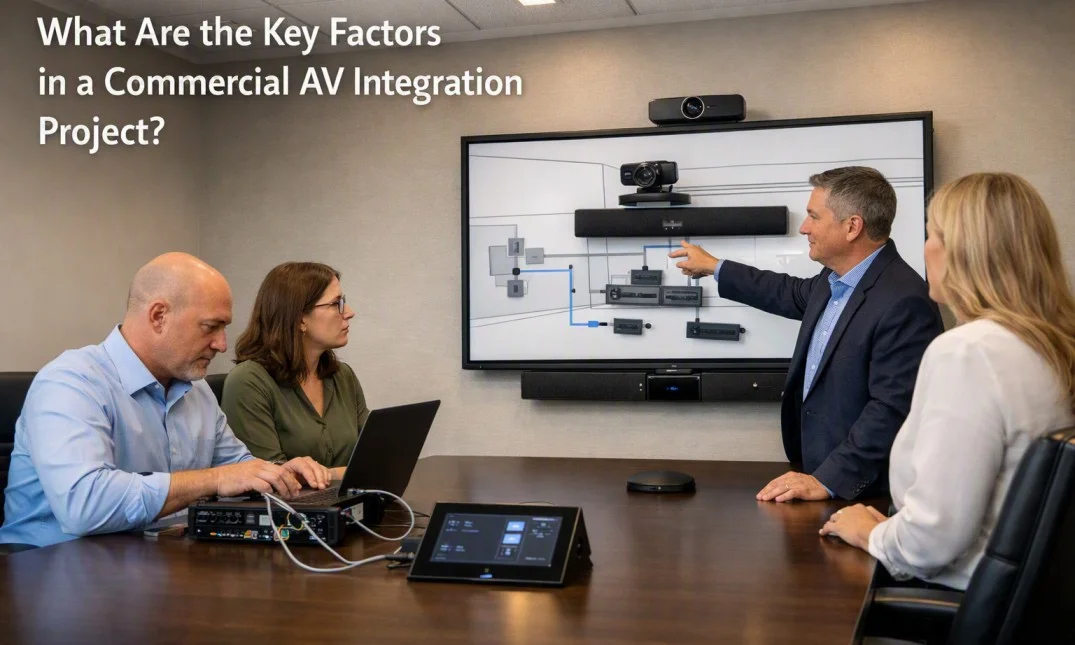
When planning a commercial audio and video system, choosing the Best AV Integration Services is only one part of the process.
A successful project also depends on careful planning, suitable equipment, proper installation, and how well all the different systems work together. Whether the project is for a meeting room, training area, conference hall, classroom, or large office, several factors should be considered before installation begins.
Understanding the Purpose of the Space
The first step is to understand how the room will be used. A small meeting room may need a display, speakers, microphones, and a video conferencing system. A large conference room may require several displays, multiple microphones, cameras, speakers, and a central control system.
The number of people using the room also matters. A system designed for ten people may not work well for a room used by 100 people. Understanding the daily activities in the space helps create a system that is practical and easy to use.
Room Size and Layout
The physical design of the room has a direct effect on AV performance. Room size, ceiling height, seating arrangement, windows, walls, and lighting should all be reviewed before equipment is selected.
For example, a projector may not be the best choice for a bright room with large windows. A display may provide better visibility in that situation. Similarly, speakers need to be placed carefully so that sound reaches people across the room without creating unnecessary noise or echo.
Choosing the Right Equipment
Equipment selection should be based on the actual needs of the project rather than simply choosing the most expensive products. Displays, projectors, cameras, microphones, speakers, amplifiers, processors, and control devices all have different specifications.
Compatibility is also important. Devices should be able to communicate and work together properly. Using equipment with compatible connections and control options can make the complete system easier to manage and maintain.
Audio Quality
Good sound is one of the most important parts of a commercial AV system. People should be able to hear speakers clearly from different areas of the room.
Room acoustics should be considered during planning. Hard surfaces can cause sound reflections, while large open spaces can create echo. Microphone placement, speaker positioning, audio processing, and room treatment can all affect the final result.
For video meetings, clear speech is especially important because poor audio can make conversations difficult even when the picture quality is good.
Video and Display Requirements
The video system should provide clear and comfortable viewing for everyone in the room. Screen size, viewing distance, resolution, brightness, and viewing angles all need attention.
The type of content being shown also matters. A system used mainly for presentations may have different requirements from one used for detailed designs, data, training videos, or live video calls.
Multiple displays may be useful in larger rooms when participants need to view presentations and remote attendees at the same time.
Control and Ease of Use
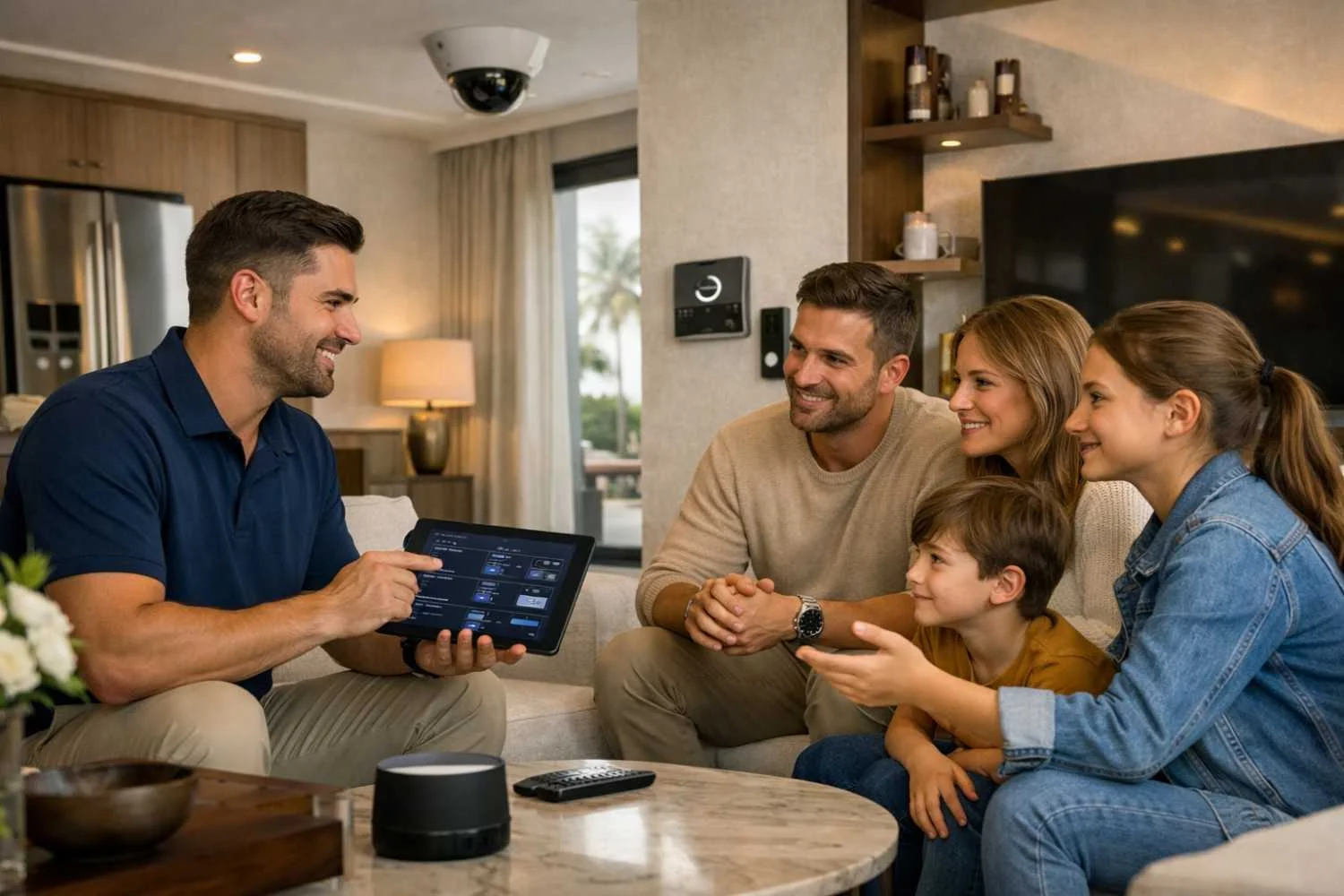
A commercial AV system can contain many devices, but users should not need technical knowledge to operate them. A simple control interface can make everyday use much easier.
For example, a meeting room may allow a user to start a presentation, select a video source, adjust volume, or begin a video call from one central interface. Clear labels and simple controls can reduce confusion and save time between meetings.
Network and Connectivity
Many modern AV systems depend on a reliable network. Video conferencing, wireless presentation, device control, streaming, and other functions may use the company's network infrastructure.
Network requirements should therefore be discussed before installation. Bandwidth, connection points, security rules, IP addresses, and access permissions may all need to be considered. Working with the IT team early can help prevent connection problems later.
Cable Management and Installation
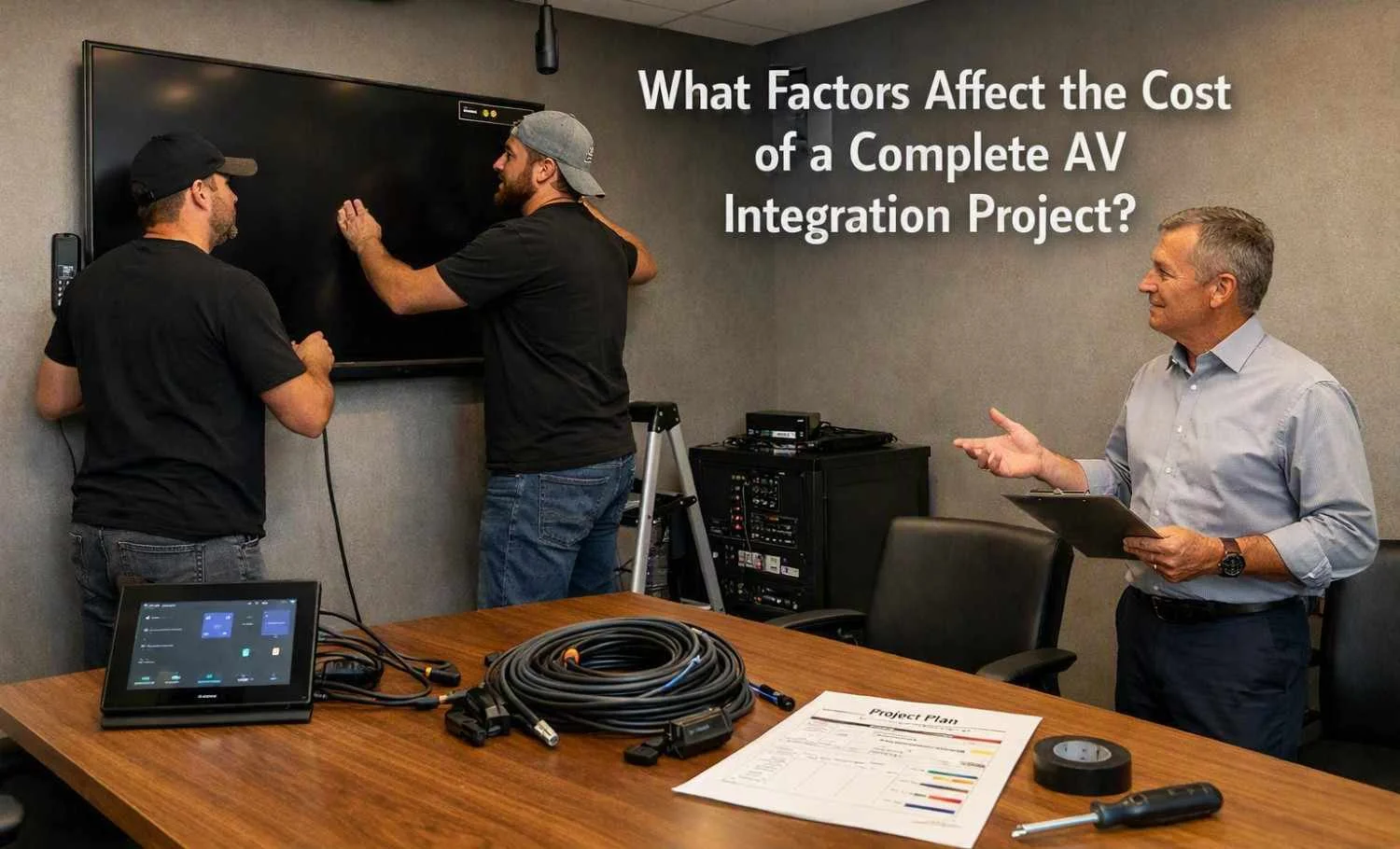
Cabling is another important part of a commercial AV project. Power, network, HDMI, audio, control, and other cables need to be routed safely and neatly.
Poor cable management can make future maintenance difficult. Proper labeling also helps technicians identify connections when equipment needs to be replaced or tested. The installation should follow the building's safety and electrical requirements.
Future Changes and Expansion
Commercial spaces often change over time. A company may add more employees, move equipment, change room layouts, or introduce new meeting technology.
Planning for future changes can make upgrades easier. Extra connection points, suitable network capacity, accessible equipment locations, and flexible control systems can help the AV system adapt as requirements change.
Testing Before Handover
Testing should take place before the system is handed over to users. Each device should be checked individually and as part of the complete system.
Testing may include microphones, speakers, displays, cameras, video calls, network connections, control panels, and different input sources. Problems found during testing are usually easier to correct before regular use begins.
User training is also helpful. Staff should know how to start meetings, share content, adjust basic settings, and report technical problems.
Maintenance and System Support
An AV system needs attention after installation as well. Software updates, equipment checks, cable inspections, and occasional troubleshooting may be required.
A clear record of equipment, connections, settings, and system configuration can make future maintenance easier. It also helps when a device needs to be replaced or the system needs to be expanded.
For commercial projects, Best AV Integration Services should be understood as more than simply installing equipment. The real focus should be on creating a reliable system that suits the room, works well with other technology, remains easy for users to operate, and can support the organization's needs over time.