Sign up with Google
 Sign in with Zoho

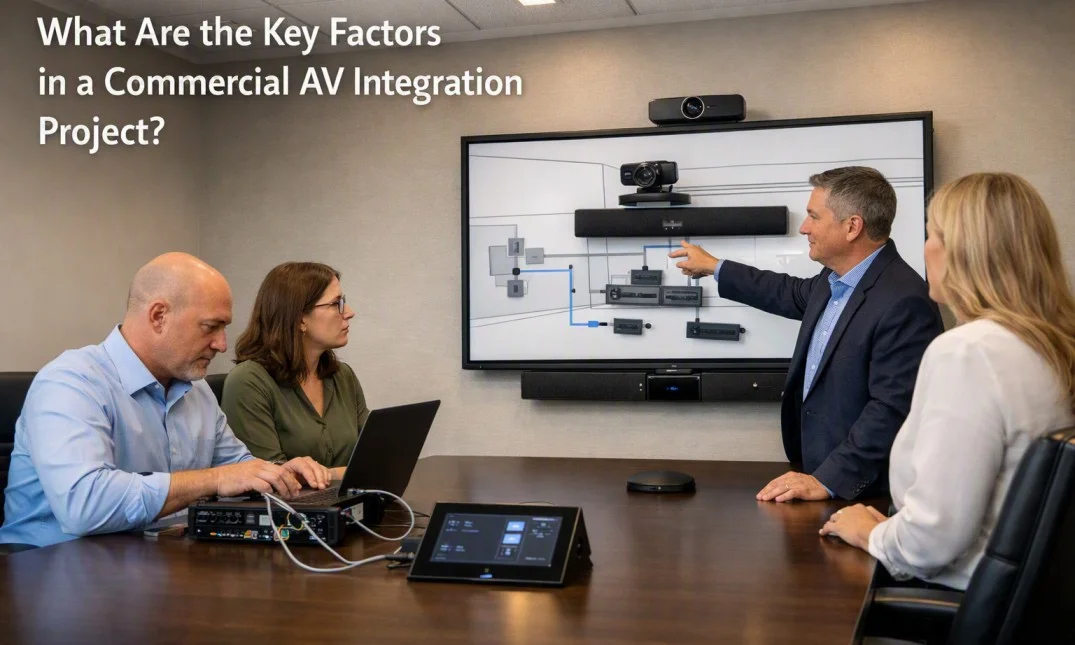
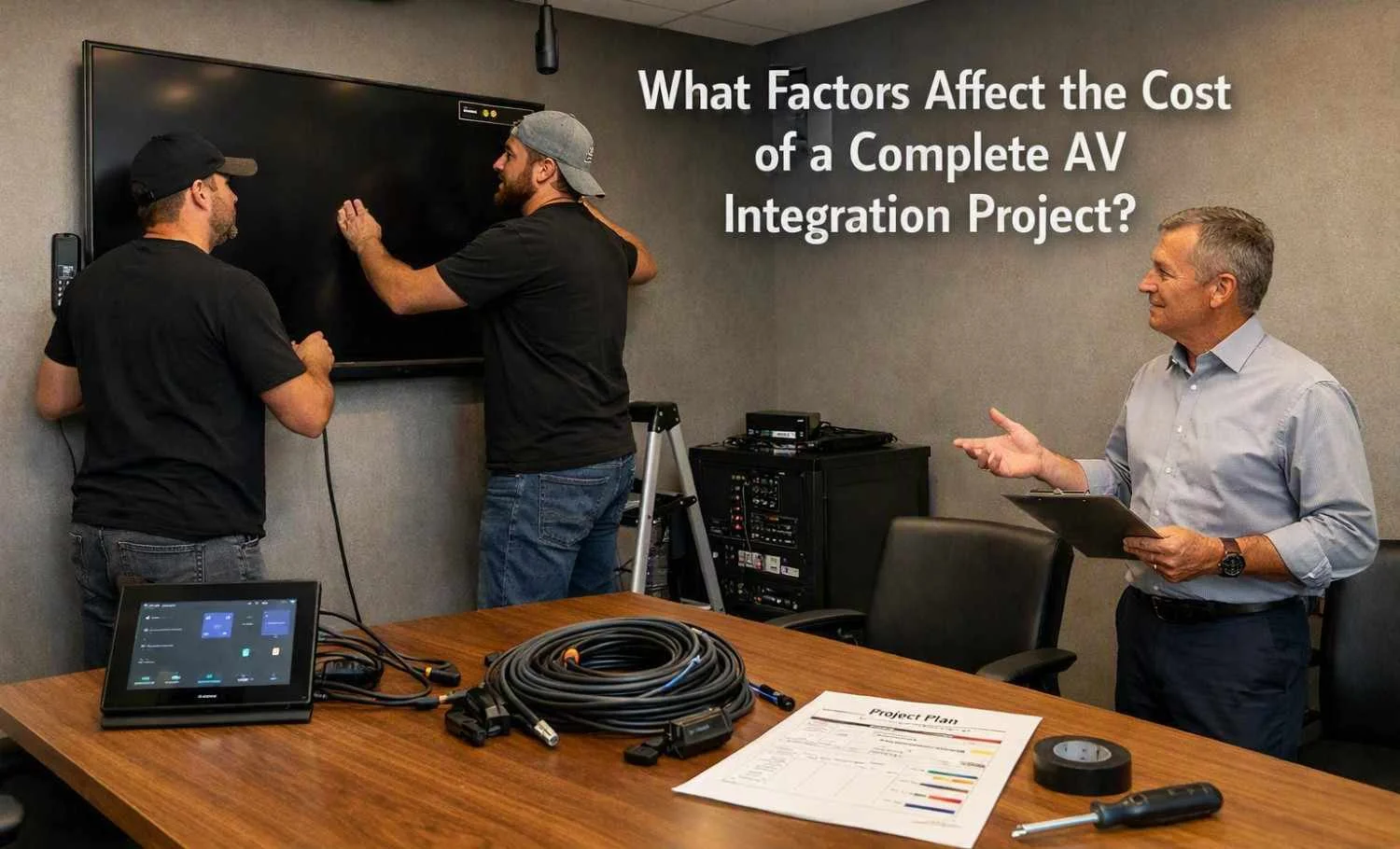
AV Integration Services involve connecting these different parts so they can work together as one system. However, AV system integration can involve several practical challenges. Understanding these problems can help businesses, schools, meeting rooms, and other facilities plan their systems more effectively.
Equipment Compatibility Problems
One of the first challenges is making sure that all devices can work together. AV systems often contain equipment from different manufacturers. Each device may use different connection types, communication methods, software, or control systems.
For example, a display may support one type of video connection while another device uses a different format. A microphone system may also require specific audio connections or software. Even when two devices appear similar, they may not communicate correctly.
Checking technical specifications before installation can reduce these problems. It is important to review video formats, audio formats, connection types, control protocols, and network requirements before choosing equipment.
Complex Wiring and Cable Management
AV systems can require many cables for power, video, audio, control, and network communication. As the size of the system increases, cable management becomes more difficult.
Poor cable planning can make troubleshooting harder and may create an untidy installation. Cables can also become damaged if they are bent too much, placed under pressure, or installed without proper protection.
A good cable plan should identify where each cable starts and ends. Labeling cables can also make future maintenance easier. Separating different cable types where necessary can help reduce interference and improve system reliability.
Network and Connectivity Issues
Many modern AV systems depend on networks. Displays, cameras, control systems, streaming devices, and other equipment may need a network connection to communicate.
Network problems can affect system performance. Slow connections, incorrect settings, IP address conflicts, and weak network infrastructure can cause delays or interruptions.
AV systems that depend on network communication should be planned together with the existing IT infrastructure. Network capacity, security settings, device addresses, and communication requirements should be checked before the system is put into regular use.
Room Design Can Affect Performance
The physical room has a major effect on AV performance. A system that works well in one room may not perform the same way in another space.
Room size, ceiling height, wall materials, windows, furniture, and background noise can affect sound and image quality. For example, hard surfaces can cause sound reflections, while outside noise can make speech harder to understand.
Screen placement is also important. The display should be positioned so that users can see it clearly from normal seating areas. Speakers and microphones should also be placed carefully to support clear communication.
Considering the room before selecting equipment can prevent many performance problems later.
Audio Feedback and Sound Problems
Audio feedback is another common issue in AV systems. It usually happens when sound from a speaker is picked up again by a nearby microphone. This can create a loud ringing or high-pitched sound.
Poor speaker and microphone placement can increase the risk of feedback. Excessive microphone sensitivity and incorrect audio settings can also contribute to the problem.
Audio systems need proper adjustment after installation. Speaker levels, microphone gain, equalization, and other settings may need to be checked in the actual room. Testing the system with normal users and realistic speaking conditions can help identify problems that may not appear during basic equipment checks.
Control System Complexity
Large AV systems may include many devices that need to be controlled from one interface. A meeting room, for example, may have displays, projectors, cameras, speakers, microphones, lighting controls, and video sources.
If the control system is complicated, users may have difficulty operating it. Too many buttons or unclear instructions can lead to mistakes.
A simple control layout can make the system easier to use. Common functions should be easy to find, while advanced settings can remain available for trained users or technicians. Clear labels and logical controls are especially important in shared meeting spaces.
Software and Firmware Differences
AV equipment often uses software or firmware to provide additional features and communication between devices. Different versions can sometimes create compatibility problems.
A device may work correctly on one software version but behave differently after an update. Changes to drivers, control applications, or firmware can also affect connected equipment.
For this reason, software versions should be recorded during installation. Updates should also be tested before being applied to important AV systems. Keeping basic documentation can make it easier to identify when a software change has caused a problem.
Testing Takes More Than a Basic Power Check
Turning on the equipment does not always mean the AV system is working correctly. A complete test should cover the different functions that users will actually need.
Video sources should be checked on the correct displays. Audio should be tested at different volume levels. Microphones and cameras should be tested from normal user positions. Network-based functions should also be checked if they are part of the system.
Testing should happen under realistic conditions. For example, a conference room should be tested with people sitting in different areas of the room rather than only testing the system from the control desk.
Documentation and Future Maintenance
Another challenge is keeping proper documentation after installation. Without clear records, future technicians may find it difficult to understand how the system is connected.
Useful documentation can include cable labels, equipment lists, connection diagrams, network information, control settings, and basic operating instructions. These records can save time when equipment needs to be replaced or a fault needs to be investigated.
Good documentation also helps when the AV system is expanded. New equipment can be added more easily when the existing setup is clearly understood.
Planning Helps Reduce Integration Problems
Many AV integration problems can be reduced through careful planning before equipment is installed. This includes reviewing the room, understanding user requirements, checking equipment compatibility, planning cables, reviewing network needs, and testing the complete system.
A well-planned approach does not mean that every issue can be avoided. AV systems can still face technical problems because they involve multiple devices and technologies. However, careful preparation makes these problems easier to identify and manage. This is why understanding the practical challenges involved in AV Integration Services is important when designing and maintaining a reliable audio visual environment.