 Sign up with Google
 Sign in with Zoho
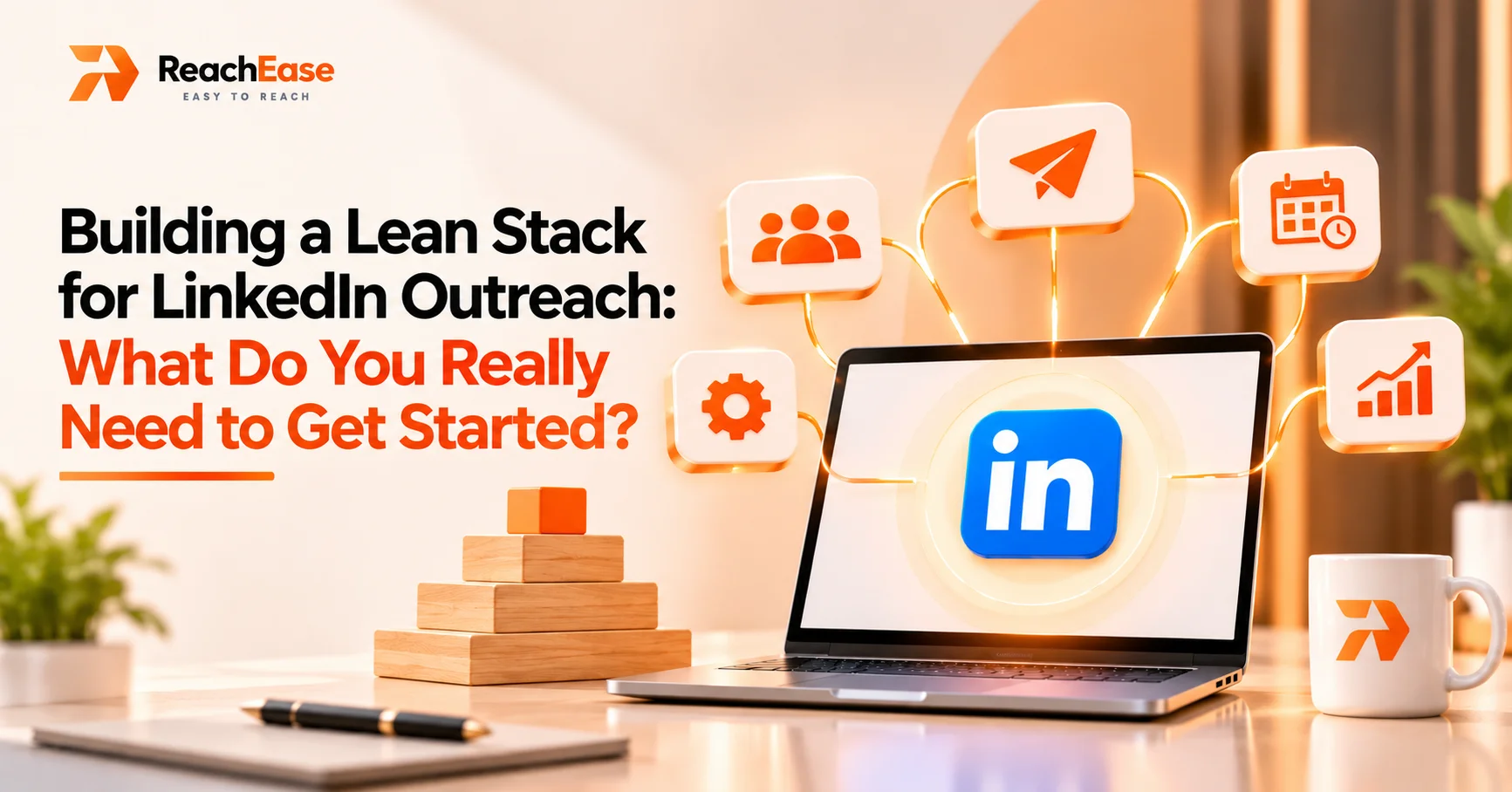
Most people over-build at the start. They sign up for a lead finder, a scheduler, a CRM, and an alert app before sending a single connection request. Then half of it sits unused. A better approach is to begin with the smallest setup that can actually produce replies, and add pieces only when the work demands them. This guide shows what goes into a lean stack for LinkedIn outreach, what you can skip for now, and what a first month really costs, using ReachEase as the working example.
The Short Answer
Short answer: A lean setup needs four things: a lead source, one connected LinkedIn account, one short sequence, and one place to read replies. Everything else, including extra accounts, workspaces, and alerts, can wait until you have proof that the basics work.
The Four Essentials
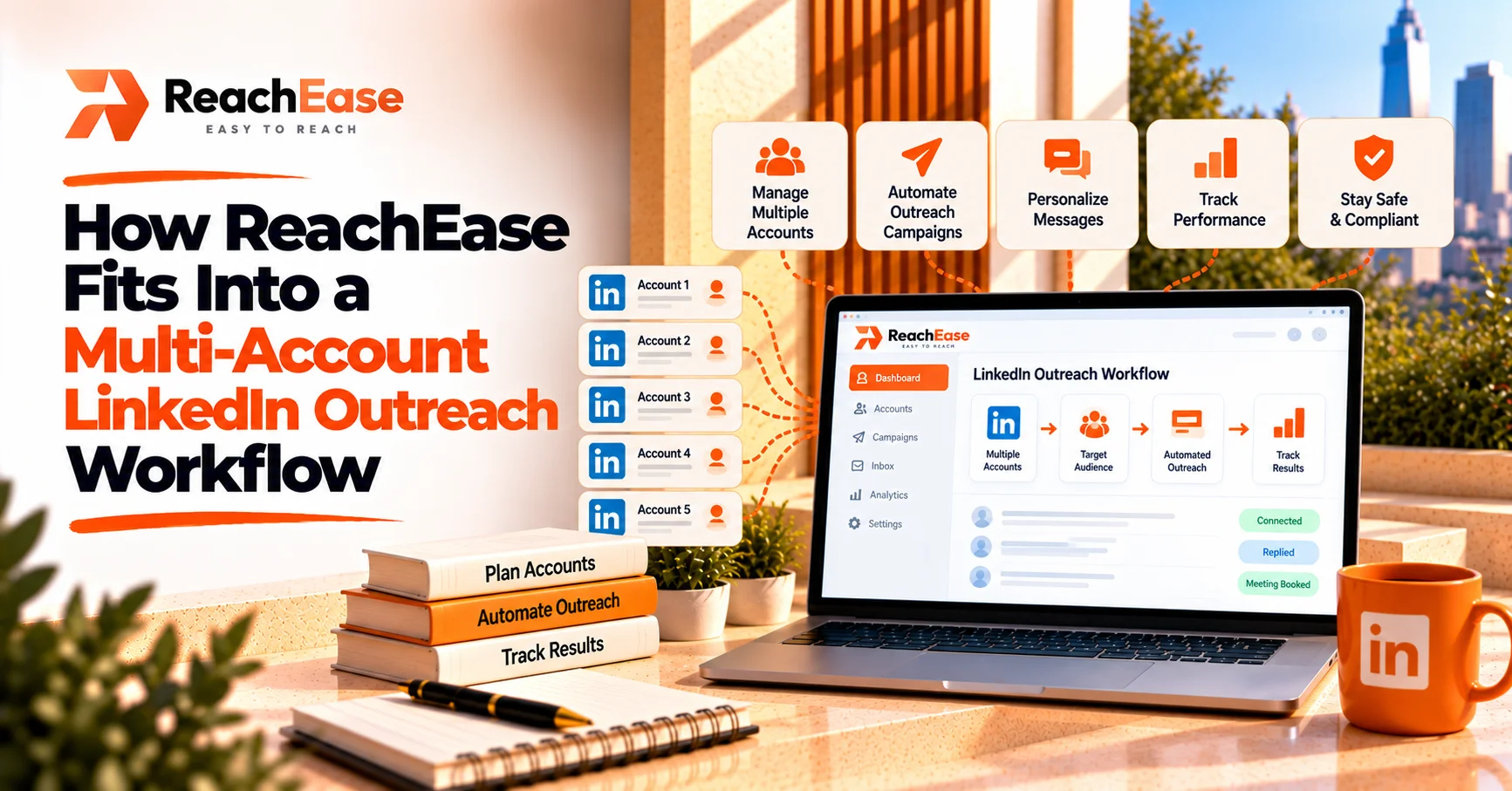
- A lead source. A Sales Navigator search, a LinkedIn search, or a CSV or XLSX file is enough. ReachEase can import from all of these, plus post engagement, groups, and event attendees.
- One sender. A sender is a connected LinkedIn account. One is plenty while you learn.
- One short sequence. A connection request, a wait, and one follow-up. Use the visual builder to branch on accept, reply, or no response.
- One inbox. Replies should land in a single place, with tags and notes. In ReachEase that is the Unibox.
What You Can Skip at the Start
- Extra senders. One account allows roughly 100 connection invitations a week. That is enough to test your message and list.
- Multiple workspaces. These matter when you serve several clients or teams.
- Alert apps. Telegram alerts and the mobile Unibox are nice, but not needed to learn what works. They are included from the Momentum plan upward.
- Heavy reporting. Two weeks of replies will tell you more than a dashboard.
A First-Week Plan
- Day 1: Pick one audience and import 100 to 200 leads.
- Day 2: Connect your sender and set working hours. Let warm-up run if the account is new.
- Day 3: Write a short, specific connection request and one follow-up.
- Days 4 to 7: Launch, and check the inbox daily.
Then be patient. In ReachEase's own aggregated, anonymised data as of 13 August 2026, across 8 senders, the median time between an invitation and its acceptance was 345 hours, a little over 14 days. It is a small sample, so treat it as a signal. Many people accept late, so judge results after a couple of weeks, not a couple of days.
What a Lean Start Costs
ReachEase splits cost into two separate numbers: a one-time licence, and a recurring infrastructure cost per connected sender.
Ignite does not include Telegram alerts or the mobile Unibox. Per-seat figures are listed as of September 2026 from public third-party sources, so verify current prices before deciding. Full plan details are on the pricing page.
Common Mistakes
Buying for the future you do not have yet. Start with what you need this month.
Skipping warm-up. A new account should ramp up gradually.
Judging too early. See the 14-day signal above.
Treating the weekly limit as a target. It is a ceiling.
Assuming automation is risk-free. LinkedIn does not permit third-party automation, and no tool can promise an account will never be restricted. Limits, warm-up, and working-hour controls reduce risk but do not remove it.
When to Add More
Add a second sender when your first one consistently reaches its weekly limit and your replies justify more reach. Add workspaces when you take on separate clients. Add alerts when replies arrive faster than you check the inbox.
Frequently Asked Questions
What is the smallest setup that can work?
One lead source, one connected account, one short sequence, and one inbox for replies.
How much does it cost to start?
ReachEase offers a $9, 30-day trial with one sender that does not renew. After that, plans start at a $299 one-time licence plus $12 per sender per month.
How many connection requests can one account send?
Roughly 100 per week. For more reach, add senders rather than pushing one account harder.
Do I need a CRM from day one?
Not usually. Lead tags and notes in the shared inbox are enough while volume is small.
Is ReachEase affiliated with LinkedIn?
No. ReachEase is an independent product and is not affiliated with, endorsed by, or sponsored by LinkedIn.
Final Thoughts
You do not need a big toolbox to begin. You need a lead list, one account, a short sequence, and a clear place for replies. Start there, learn from real responses, and grow the stack for LinkedIn outreach only as your results earn it.