
 Sign up with Google
 Sign in with Zoho
A countdown timer, a big discount and the word "lifetime." That is how most software deals look, and it is why many people scroll straight past them.
Some of that caution is fair. Some of it is not. The same one-time-payment model has been used for decades for software you simply buy and keep. What matters is what sits behind the label.
This guide shows how to judge an offer on its merits: what "lifetime" covers, which costs still repeat, and how to work out if the upfront payment pays off. If you are comparing a LinkedIn automation lifetime deal with a monthly subscription, the checks below will help you decide with real numbers.
The core question: is paying upfront worth it?
Short answer: A lifetime deal is worth it if you will use the software for long enough, and across enough accounts, for the one-time licence to cost less than the subscription would. The break-even point is usually measured in months, not years. It is not worth it if you cannot test it first or the terms are vague.
Everything else in this guide is about checking those two conditions.
What does "lifetime" mean in a software deal?
In most deals, lifetime means the life of the product, not the life of the buyer. You pay once for a licence to use the software, instead of renting it by the month.
It does not mean every cost disappears. The software may be yours to use while the accounts running it still have an operating cost. Good vendors state both clearly.
Why lifetime deals have a bad reputation
Three things cause most of the doubt.
- Pressure tactics. Countdown timers push people to buy before they have tested anything.
- Vague terms. "Lifetime" with no definition leaves too much to guess.
- Vendor risk. If a vendor closes, a one-time licence can lose its value.
These are real concerns, but they are about how an offer is presented, not about the one-time model itself. A clear offer with a trial and written terms answers most of them.
What usually goes wrong
- Buying on the countdown. Decisions made in a rush tend to be the ones people regret.
- Ignoring running costs. The licence is cheap, then the monthly fee per sender arrives as a surprise.
- Buying too many seats. A plan with 25 senders is wasted on a team running three.
- Skipping the trial. Outreach is slow, so a quick look proves little.
- Not reading the terms. Updates, support and limits all live there.
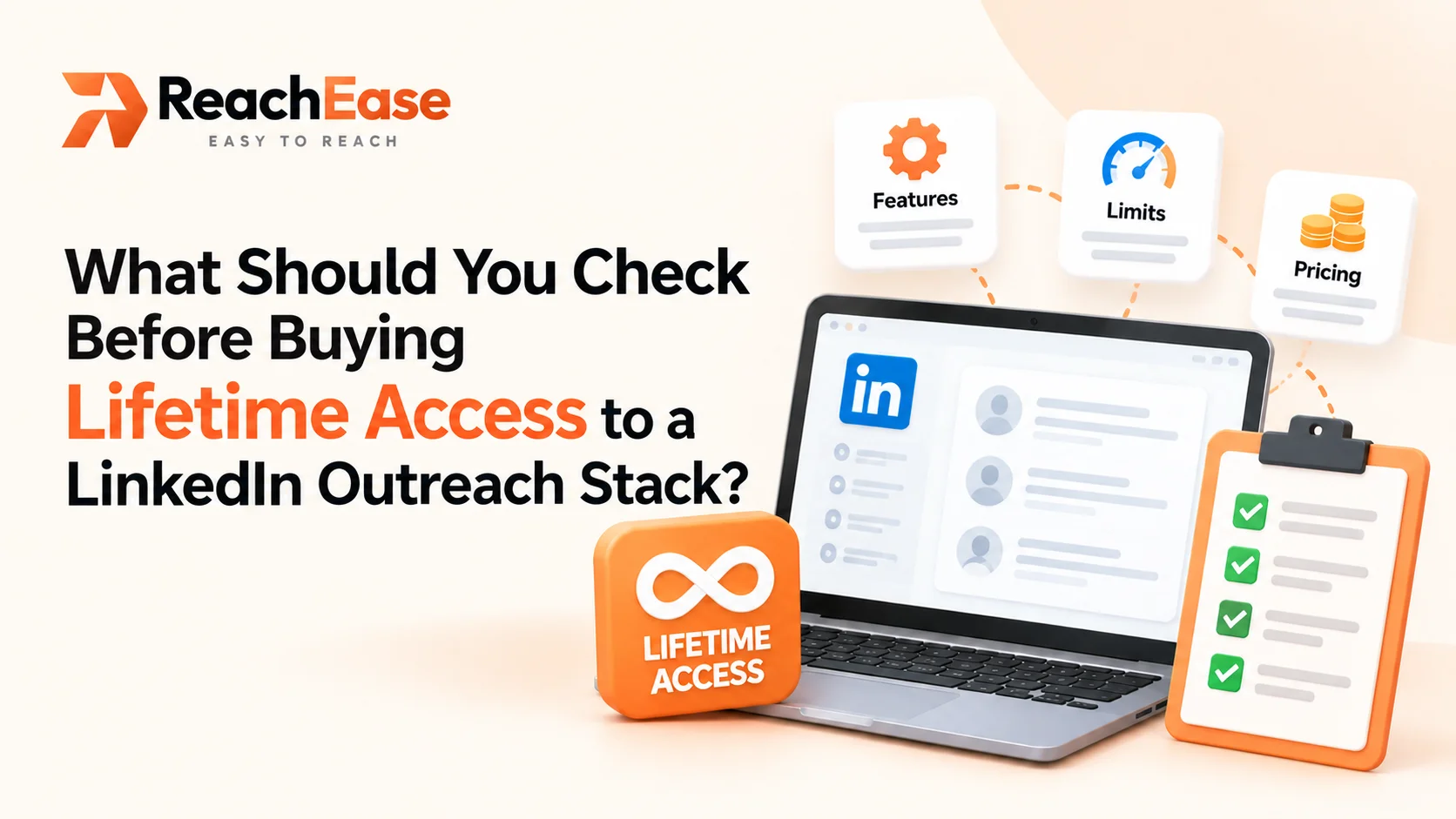
A better way to judge an offer: seven checks
- What does "lifetime" cover? Ask what is included and whether updates continue.
- Which costs repeat? Get the monthly infrastructure fee per sender in writing.
- What are the plan limits? Check senders, workspaces and any features held back by tier.
- Who is behind it? Look for a clear company, support channel and published terms.
- Can you test first? A low-cost trial beats any discount.
- What happens if things change? Ask what the terms say about support and access.
- Where is the break-even? Do the sum below with your own numbers.
A practical example: working out the break-even
The break-even point is how many months it takes for a one-time licence to cost less than a subscription. The method is simple:
Licence ÷ (subscription monthly cost − infrastructure monthly cost)
Say you run three senders on ReachEase's entry plan. That is a $299 licence once, plus $12 per sender each month, or $36 a month in total. Year one costs $731.
Now suppose a subscription would cost you $120 a month for the same three accounts. These are example numbers, so swap in the price you were actually quoted. The monthly saving is $84, so the break-even point is about 3.6 months. After that, each month costs $36 instead of $120.
If the subscription you are comparing is cheaper per account, the break-even moves later. The method stays the same.
What to consider before you buy
Plan limits
Telegram alerts and the mobile Unibox come with Momentum and higher plans, not Ignite. Choose the smallest plan that fits, with a little room for next year.
Time to test
In ReachEase's own outreach data, verified as of 13 August 2026, there were 2,741 sends across 8 senders, 181 accepted connections in total and a 15.3% average acceptance rate. The median time between an invitation and its acceptance was 345 hours, about 14 days. It is one team's small sample, not a promise.
For a deal, the lesson is to test for a month. ReachEase offers a $9, 30-day trial with one sender, and it does not renew.
LinkedIn's limits
LinkedIn allows about 100 invitations per account per week, so volume comes from adding senders. LinkedIn's Help Center also says it does not permit third-party software that automates activity on its website. Read its page on prohibited software and extensions and decide what suits you.
Frequently asked questions
Are lifetime software deals legitimate?
Many are. The model is the same as buying software outright. Check what "lifetime" covers, read the terms and test before you commit.
What happens if the vendor shuts down?
A one-time licence does not remove vendor risk. Ask what the terms say about support, updates and access, and look for a clear company behind the product.
Is there still a monthly cost?
Usually yes. With ReachEase, the licence is paid once, and each sender has a monthly infrastructure fee of $8 to $12, depending on the plan.
How can I test a deal before paying in full?
Look for a low-cost trial that runs long enough to cover at least two acceptance windows. A 30-day trial does that.
Final thoughts
A lifetime offer is worth what it covers and what you can verify. Read the terms, add up both numbers, test for a month and work out your break-even. If the math holds, paying once can be a sound choice. To see how that looks in practice, start with a LinkedIn automation lifetime deal you can test for $9 first.





.webp)



.webp)