Sign up with Google
 Sign in with Zoho
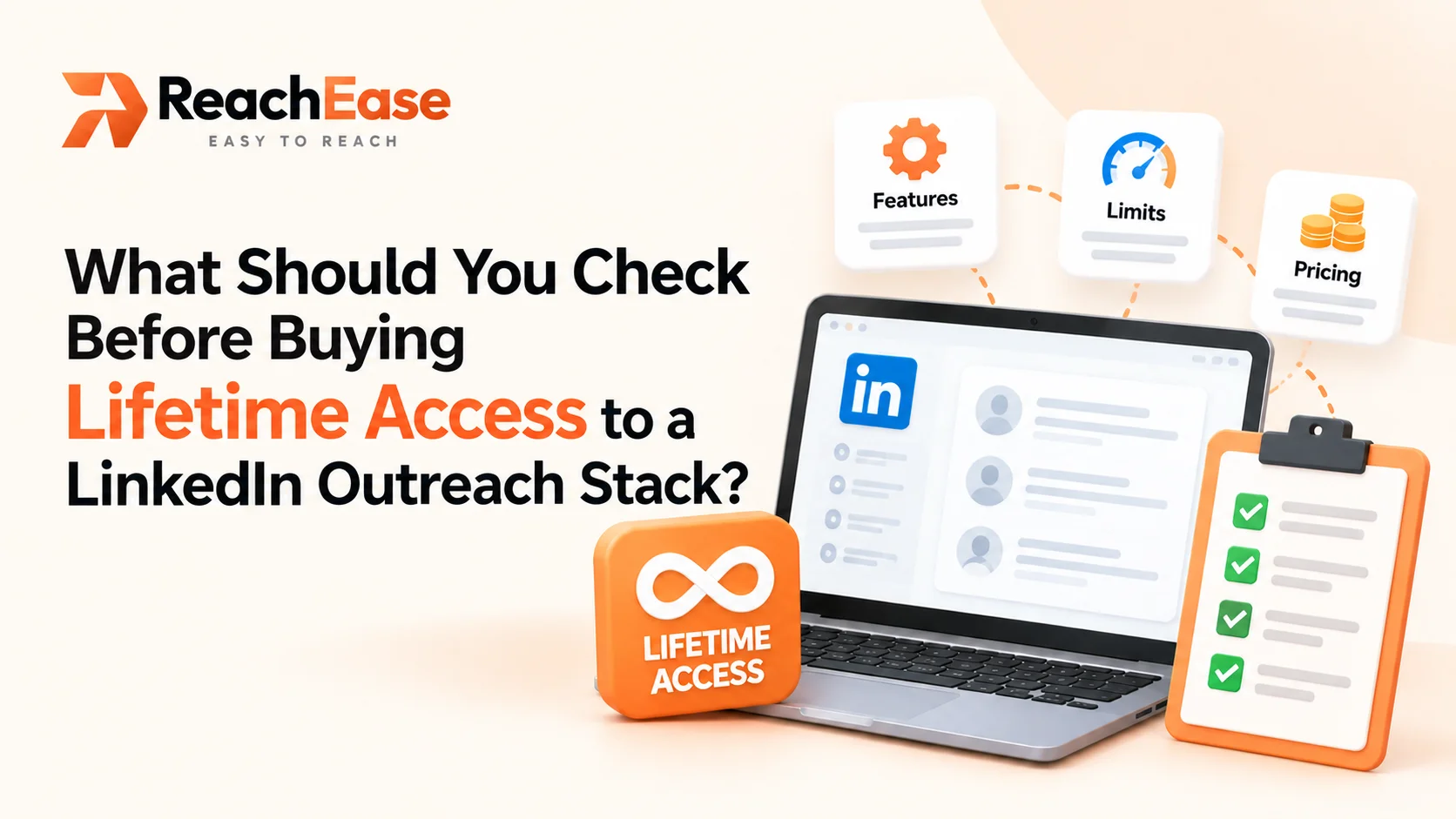
Before you buy any lifetime access to LinkedIn outreach stack offer, check seven things: what "lifetime" covers, which costs still repeat every month, the limits on senders and workspaces, how much LinkedIn allows per account, how long you can test, how leads and replies are handled, and what the vendor's terms say. If any answer is vague, ask for it in writing.
What does "lifetime access" actually mean?
Lifetime access usually means you pay once for a licence instead of renting the software month by month. It rarely means you get everything free forever.
Two parts are worth separating:
- The software licence. This is the one-time payment.
- The running costs. These are things that still cost money to operate, such as the infrastructure behind each connected LinkedIn account.
A good deal states both clearly. A weak deal blends them, or hides the second part until checkout.
Also, "lifetime" normally refers to the life of the product, not your own. That is a fair arrangement, but it is worth knowing before you sign.
The seven-point checklist
1. Ask what "lifetime" covers, in writing
Look for a plain statement of what the one-time payment includes. Does it cover updates? Does it cover every feature, or only some tiers? If the answer lives only in a sales chat, ask for it by email.
2. List every cost that repeats
Add up what you will pay each month after the first purchase. With ReachEase, for example, you pay a one-time licence, then a monthly infrastructure fee per sender, from $8 to $12 depending on the plan. Those are two separate numbers, and both belong in your budget.
3. Check the limits on senders and workspaces
A sender is a connected LinkedIn account. A workspace keeps one client's or one team's campaigns apart. Plans differ on both, so match them to how you actually work today and where you expect to be in a year.
Also check which features sit on which tier. On ReachEase, Telegram alerts and the mobile Unibox come with Momentum and higher plans, not with Ignite.
4. Know LinkedIn's own limit
LinkedIn allows about 100 invitations per account per week. That cap applies on every plan of every tool. So volume comes from adding senders, not from sending faster. Be wary of any promise that sounds like it gets around this.
5. Test for long enough
Outreach is slow. In ReachEase's own data, verified as of 13 August 2026, the median time between an invitation and its acceptance was 345 hours, about 14 days. A one-week test will look thin even for a good tool. Look for a trial that is long enough to see real results.
6. Look at how leads and replies are handled
Check where leads can come from, how sequences branch, and where replies end up. A useful setup imports from places like Sales Navigator (cloud), LinkedIn classic search, CSV or XLSX files, post engagement, groups and events. It should also stop a sequence once someone replies, and gather every reply in one inbox.
7. Read the vendor's terms
Read the licence terms and the support terms. Also read LinkedIn's terms. LinkedIn places limits on automated activity, so decide with your eyes open and talk it through with any client whose accounts you connect.
A worked cost example
Say you run outreach with five senders on the Momentum plan.
For comparison, take any alternative's current published price, multiply it by your number of seats and by 12, then by 36. Put both totals side by side. Prices change, so check each vendor's own page on the day you decide.
Here are the ReachEase plans for reference:
How can you test before committing?
The cleanest way to avoid regret is a short, cheap trial. ReachEase offers a $9 trial for 30 days with one sender and one workspace. It does not renew.
Thirty days covers more than two of those 14-day acceptance windows. That is enough to see a real campaign take shape, check how replies arrive in the Unibox, and decide whether the setup suits your team.
Red flags worth noticing
- The vendor will not say what "lifetime" covers.
- Only one price is shown, with no mention of running costs.
- Promises of unlimited volume on a single account.
- Claims that nothing can go wrong with LinkedIn.
- No trial, and no clear way to test first.
None of these prove a deal is bad. They are reasons to slow down and ask more questions.
Frequently asked questions
Is lifetime access really for life?
It usually means the lifetime of the product, not of the buyer. Ask the vendor to define it and read the licence terms for the exact wording.
Does a lifetime tool still have monthly costs?
It can. Some of the cost sits in running each connected account. With ReachEase, that is the per-sender infrastructure fee, between $8 and $12 a month by plan.
How many senders do I need?
It depends on your volume. Each account can send about 100 invitations per week, so divide your weekly target by 100 to get a rough starting number.
Can I try it before buying?
Look for a trial first. ReachEase has a $9, 30-day trial with one sender, and it does not renew.
Final thoughts
A good purchase decision rests on clear answers, not on the word "lifetime." Ask what is covered, add up the repeating costs, test for long enough, and read the terms. If you want to see those answers laid out in one place, ReachEase is one lifetime access to LinkedIn outreach stack offer you can compare, starting with the $9 trial.





.webp)