Sign up with Google
 Sign in with Zoho

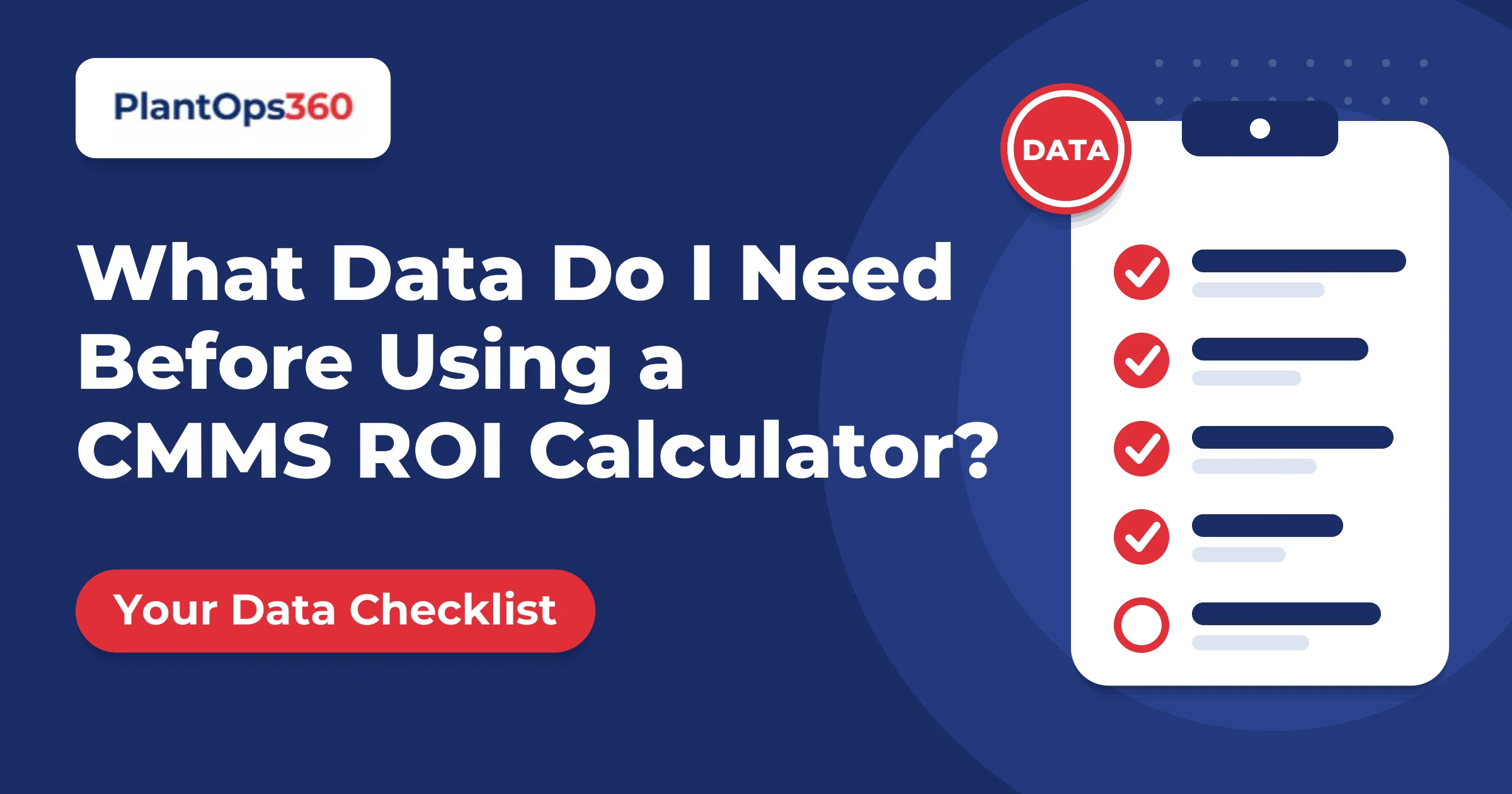
You can open the CMMS ROI calculator and get a result in two minutes. But the result is only as good as the six numbers you type in. Most of them already exist in your plant. They are just spread across the maintenance, stores, finance and production teams. This guide shows exactly what to collect, who holds it and what to do when a number is missing.
The Six Numbers You Need
Set aside one hour to collect these. Two or three short conversations are usually enough.
Technicians and Their Cost
Count only people who do maintenance work, including electricians, fitters and instrument technicians. Leave out supervisors who do no hands-on work, unless they spend most of their time on jobs.
For the monthly cost, use the fully loaded figure. That means salary, PF and other benefits, overtime and a share of overheads such as tools and training. Using salary alone understates your labour saving. Ask finance for a cost per head, since they usually have one already.
Spare Parts and MRO Spend
Use the last 12 months of purchases for spares, consumables and maintenance materials. Be clear about what you include, and then stay consistent:
- Include: bearings, seals, belts, filters, lubricants and electrical spares
- Decide separately: outside contractor charges, since a CMMS affects them differently
- Leave out: capital purchases such as a new machine
If your purchase system does not separate maintenance from production materials, ask stores for a rough split. A reasonable estimate is fine, as long as you note it.
Unplanned Downtime Hours
This number matters most, so spend your effort here. Use only unplanned stops, meaning breakdowns and unexpected failures. Planned maintenance, breaks and changeovers do not count.
Good sources, in order of reliability:
- Production or shift reports with stop reasons
- Breakdown work orders or maintenance logs
- Operator logbooks
- A rough estimate from the maintenance and production heads, agreed between them
If records are thin, collect two to four weeks of data and multiply up. Add a note saying the figure is estimated.
Cost Per Downtime Hour
This number needs the most care, because downtime is usually the biggest saving in the result. It combines the contribution you lose per hour with the cost of idle people. Use contribution margin, which is selling price minus variable costs, not revenue.
If you do not know it yet, do not guess. Work it out with our downtime cost calculator first and copy the per-hour figure across.
CMMS Cost Per Year
Use a real quote if you have one. Otherwise enter a placeholder and replace it when the quote arrives. Include the subscription, implementation and data setup, training and any sensors or hardware. If you leave out setup and training, payback will look better than it should.
If a Number Is Missing
You do not need perfect data to start. Follow three rules:
- Use a range, not a single guess. Run the calculator once with a low figure and once with a high one.
- Write down the source next to every number, such as "shift reports, Apr to Sep". This lets finance check it.
- Mark estimates clearly. An honest estimate earns more trust than a precise-looking number with no source.
A One-Page Data Sheet
Before you open the calculator, copy this into a note or spreadsheet:
- Technicians: ___ (source: ___)
- Cost per technician per month: ₹___ (source: ___)
- Spares and MRO spend, last 12 months: ₹___ (source: ___)
- Unplanned downtime hours, last 12 months: ___ (source: ___)
- Cost per downtime hour: ₹___ (source: ___)
- CMMS cost per year: ₹___ (quote or placeholder)
Fill in each line, then type the numbers into the calculator.
Frequently Asked Questions
How far back should my data go?
Use the last 12 months so seasonal peaks and slow periods are both covered. If you only have six months, use that and say so.
Can I use the calculator without exact numbers?
Yes. Use your best estimate for each field and run a low and a high case. The result will show a range, which is more honest than a single figure.
Who should I ask for help?
Finance for labour and margin figures, stores for spares spend, and production for downtime hours. You rarely need more than these three.
Collect First, Then Calculate
Good inputs matter more than a precise formula. Gather the six numbers, note where each came from and then run the calculator. Your result will be one you can defend.
If you would like help checking your numbers, book a free 30-minute call with PlantOps360 and we will go through them with you.