Sign up with Google
 Sign in with Zoho

Introduction
AI coding assistants have changed how developers write, debug, test, and maintain software. Instead of relying entirely on manual coding, developers can now use AI to generate code, explain functions, refactor files, identify bugs, and automate repetitive development tasks.
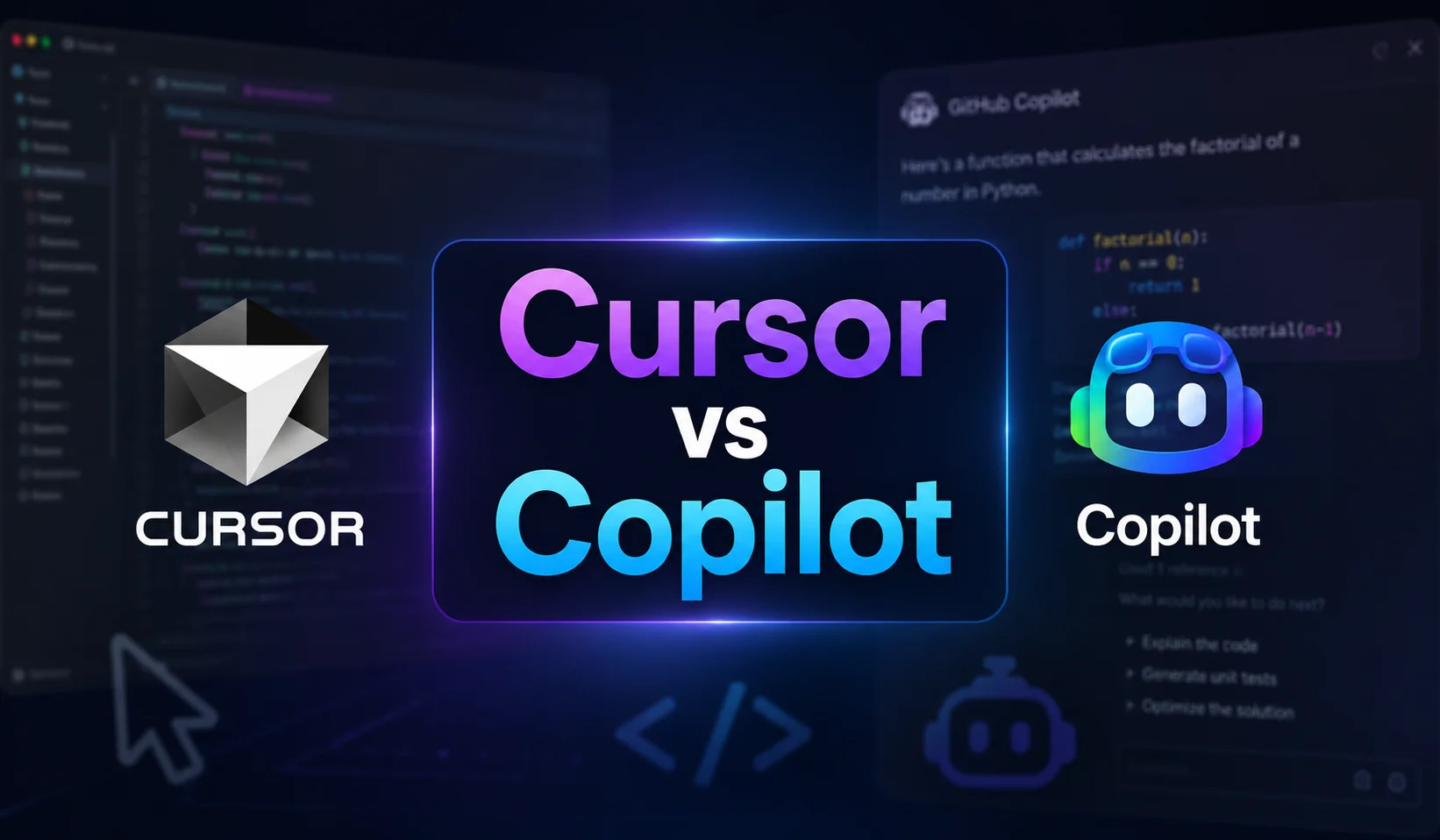
Two of the most popular options are Cursor and GitHub Copilot. While both use AI to assist developers, they take different approaches. Cursor is an AI-first code editor with strong agentic capabilities, while GitHub Copilot is an AI coding assistant integrated across popular development environments and the broader GitHub ecosystem.
Understanding the differences between Cursor vs Copilot can help developers and businesses select a tool that fits their workflow, project complexity, and development requirements.
What Is Cursor?
Cursor is an AI-powered code editor designed around AI-assisted and agentic software development. Its Agent mode can search a codebase, edit multiple files, execute terminal commands, fix errors, and work through development tasks from natural-language instructions.
Cursor also supports Cloud Agents, which can work on tasks remotely, run commands and tests, and create changes without requiring the developer to keep the local development environment open.
This makes Cursor particularly useful for developers who want AI to participate in larger coding tasks rather than simply provide autocomplete suggestions.
What Is GitHub Copilot?
GitHub Copilot is an AI coding assistant that provides code suggestions, chat-based assistance, code explanations, and agentic development capabilities. It works across environments including Visual Studio Code, Visual Studio, JetBrains IDEs, Neovim, the command line, GitHub, and other supported workflows.
Copilot has also expanded beyond traditional autocomplete. Its current capabilities include agent mode, code review, cloud agents, custom instructions, and integrations that help developers use AI throughout the software development lifecycle.
Cursor vs Copilot: Key Differences
The key difference is less about whether either tool can generate code and more about how AI is integrated into the development workflow. Cursor is built around an AI-native editor experience, while Copilot emphasizes bringing AI assistance into the tools and GitHub workflows developers already use.
Cursor vs Copilot: Features
AI Code Generation
Both tools can generate code from natural-language prompts, making them useful for creating functions, components, tests, documentation, and repetitive code.
Cursor's Agent can take broader instructions and determine which files need to be changed, while Copilot provides inline suggestions, chat, and agent-based workflows.
Codebase Understanding
Large projects require more than basic autocomplete. Cursor's agents can search through a codebase using tools and combine exact and semantic searches to understand relevant parts of a project.
Copilot also provides contextual assistance based on code, repositories, files, and other relevant development context, with additional customization options available for organizations.
Agentic Development
Cursor places a strong emphasis on autonomous coding agents. Its agents can modify multiple files, run terminal commands, test changes, and fix errors. Cloud Agents can also work remotely on longer-running development tasks.
Copilot has similarly moved beyond autocomplete with agent mode, cloud agents, code review, and capabilities that can research, plan, modify code, and create pull requests for developers to review.
Cursor vs Copilot: Pricing
Pricing varies by plan and usage. As of September 2026, Cursor offers a free Hobby plan, an India-specific Start plan at ₹649 per month, Pro at $20 per month, Pro+ at $60, and Ultra at $200. Its paid plans include expanded agent usage and access to features such as Cloud Agents.
GitHub Copilot offers a Free tier, while Copilot Pro is currently $10 per month, Pro+ is $39, and Max is $100. Business and Enterprise plans are available for organizations with additional administration and enterprise capabilities.
Because both platforms use usage allowances and model-dependent consumption, the cheapest plan is not necessarily the best choice for every developer.
Which Is Better: Cursor or Copilot?
There is no universal winner in the Cursor vs Copilot comparison.
Cursor may be the better choice if you:
- Prefer an AI-first coding environment
- Work frequently with multi-file changes
- Want strong agentic workflows
- Need AI to explore and modify larger codebases
- Prefer working directly inside a dedicated AI code editor
GitHub Copilot may be the better choice if you:
- Already rely heavily on GitHub
- Want AI assistance across multiple IDEs
- Prefer to keep your existing development environment
- Need GitHub-centric collaboration and code workflows
- Work within an organization that needs centralized administration
For enterprise teams already invested in GitHub, Copilot can offer a particularly natural fit because its AI capabilities extend into GitHub's development and collaboration ecosystem.
Cursor vs Copilot: Which One Should You Choose?
The right choice depends on your development workflow rather than simply comparing the number of AI features.
Choose Cursor when your priority is an AI-native development experience and autonomous coding workflows. Choose GitHub Copilot when you want AI assistance integrated into existing IDEs, GitHub repositories, command-line workflows, and enterprise development processes.
Teams can also evaluate both tools through practical projects before standardizing on one. Testing common tasks such as feature development, debugging, refactoring, test generation, and code review can provide a more realistic comparison than relying only on feature lists.
Why Choose Moon Technolabs for AI-Powered Software Development?
At Moon Technolabs, we help businesses build modern software solutions by combining experienced software engineering with emerging AI technologies.
Our development approach can incorporate AI-assisted development tools where they provide practical value, while keeping architecture, security, testing, scalability, and business requirements at the center of the project.
Whether you need a custom software application, AI-powered product, mobile application, enterprise solution, or intelligent automation platform, the right development methodology and technology stack should be selected according to your project's specific requirements.
Conclusion
Cursor and GitHub Copilot are both powerful AI coding tools, but they serve developers in somewhat different ways. Cursor emphasizes an AI-first editor and agentic development experience, while Copilot provides AI assistance across a broader ecosystem of IDEs, GitHub, CLI, and enterprise workflows.
Ultimately, the better choice depends on your preferred development environment, project complexity, team requirements, budget, and level of AI automation. Rather than choosing based solely on popularity, evaluate both tools against your actual development workflow to determine which one delivers greater productivity and value.