Sign up with Google
 Sign in with Zoho
Security is one of those things most businesses don't think about until something goes wrong.
A missing piece of inventory, an unauthorized person entering a restricted area, a damaged ATM, a fire in a warehouse, or even a camera that has quietly stopped working can turn into a serious problem. By the time someone notices, the damage may already have been done.
This is why choosing the right Commercial Security System isn't simply about buying a few cameras and putting them around the building. Businesses need to think about how their security will work on an ordinary day, during an emergency, and even when nobody is physically present at the site.
So, what should a business actually look for?
Start With the Problems, Not the Equipment
It's tempting to start the process by comparing cameras, sensors, alarms, and other devices. But equipment should come after understanding the property's actual security problems.
Take a warehouse as an example.
The main concern might be unauthorized entry at night, fire risks, or theft from a particular storage area. A retail store could have completely different concerns, such as shoplifting, cash-area security, or monitoring customer and staff movement.
An office may be more concerned about controlling access to server rooms and confidential areas.
The right setup depends on the location, the people using it, the assets inside it, and the incidents the business wants to prevent or respond to.
Can Someone See What Is Happening?
This is where surveillance comes in.
Cameras give businesses visibility over their premises. They can be positioned around entrances, exits, parking areas, warehouses, corridors, cash areas, and other places where monitoring is important.
But simply having cameras everywhere isn't necessarily the answer.
Poor positioning, bad lighting, limited coverage, or cameras that aren't functioning properly can still leave gaps.
It's worth walking through the premises and asking a simple question: if something happened here tonight, would we actually be able to see it clearly?
That question can reveal more than simply counting the number of cameras installed.
What Happens When Something Unusual Occurs?
This is another area where security systems can differ considerably.
Imagine that an unauthorized person enters a warehouse at 2 a.m. A camera might record the person, but recording the event doesn't automatically mean anyone knows about it.
A more connected setup can generate an alert when a potential security event is detected.
From there, the event can be checked and appropriate action can be taken.
This makes the security process less dependent on someone happening to notice a problem at the right moment.
VProtect's B2B security offering includes automated alert escalation, which is designed to route alerts to the appropriate human or agency. Its platform also includes real-time incident alerts and live monitoring.
Don't Forget About the Security Equipment
There's an irony in having a sophisticated security setup that nobody knows has stopped working.
A camera can lose its connection. A device can develop a fault. A piece of equipment can go offline without anyone immediately noticing.
For businesses with a large number of devices, checking everything manually isn't practical.
Device health monitoring can help with this by keeping track of the status of security equipment.
VProtect says its platform provides continuous device checks and centralized monitoring with automatic health alerts for surveillance devices.
This may not be the most exciting part of security, but it is an important one. A security system is only useful when the equipment providing that security is operational.
Think About What Happens After Business Hours
A commercial property doesn't stop being vulnerable when employees go home.
In fact, some businesses face different risks after closing time. Offices become empty, shops shut their doors, and warehouses may have only a small number of people on site.
This is where remote visibility and monitoring can become particularly useful.
Businesses can use cloud video access to retrieve footage without being physically present at the property. VProtect lists secure cloud storage and instant footage retrieval as part of its B2B security stack.
For a company with several locations, being able to check what's happening without travelling to each site can also save considerable time.
Access Should Not Be the Same for Everyone
A business can have dozens or hundreds of employees, but that doesn't mean everyone should be able to enter every room.
Consider a typical office. Employees may have access to their work areas, while the server room, finance department, records room, or equipment storage area may require additional permissions.
The same idea applies to warehouses, banks, jewellery stores, and other businesses with restricted areas.
Access control provides a way of managing these permissions instead of relying entirely on physical keys.
VProtect includes access control in its enterprise security stack, including solutions for dual-door access and vault lockdown.
One Screen Can Be Better Than Five
Security becomes harder to manage when every part of the system sits somewhere different.
Imagine having one application for cameras, another for alarms, another for access control, and another for checking whether devices are online.
It can quickly become confusing.
A unified dashboard can bring important information together so that security teams don't have to jump between multiple systems.
VProtect describes its unified dashboard as providing access to live video, ticketing, health checks, and alerts from a single interface.
For businesses with multiple sites, centralized visibility can make day-to-day security management considerably more straightforward.
AI Can Help, But It Isn't the Whole Answer
Artificial intelligence is becoming more common in security and surveillance, particularly when businesses have large amounts of video footage to deal with.
The basic problem is easy to understand.
If a site has dozens of cameras running throughout the day, a person can't realistically pay equal attention to every screen every second.
Video analytics can help identify particular events or patterns and bring relevant information to the attention of security personnel.
VProtect's platform includes AI and video analytics covering threats, safety, and standard operating procedures, as well as an automated video audit engine.
The important point is that AI works as one part of the system. It can assist with identifying events, but monitoring and human response can still play an important role.
Security Should Work for Different Types of Businesses
A good security strategy isn't necessarily about having the most equipment.
It is about having the right equipment for the environment.
A small jewellery store may have very different requirements from a large warehouse.
A bank branch may need stronger access controls around certain areas, while a data centre may place greater emphasis on restricted access and continuous monitoring.
A clinic may need to balance security with the movement of patients and staff.
VProtect's B2B solutions cover sectors including BFSI, logistics and warehousing, NBFCs, retail, offices, data centres, clinics, and jewellery stores.
That variety is a good reminder that there isn't a universal security checklist that every company can simply copy.
Ask These Questions Before Buying
If a business is planning to upgrade its security, a few practical questions can help during the decision-making process:
Where are our biggest security gaps?
Which areas need continuous surveillance?
What happens if an incident occurs after working hours?
Who receives an alert?
How is an alert verified?
What happens after an alert is confirmed?
How do we know when a security device stops working?
Who can access restricted areas?
Can we monitor more than one location from a central system?
Can the system grow with the business?
The answers can help determine which technologies actually make sense for the property.
Security Is Also About Peace of Mind
There is a practical benefit to having a security system that works properly: people don't have to spend all their time wondering whether something has been missed.
A business owner should be able to leave the premises without constantly worrying about whether a camera is offline or whether an important area is being monitored.
Security teams should be able to see relevant information without searching through several different systems.
And when something does happen, there should be a clear process for finding out what happened and deciding what needs to happen next.
That's ultimately what good security infrastructure is trying to achieve.
Final Thoughts
Choosing security equipment shouldn't begin with the question, "Which camera should we buy?"
It should begin with, "What are we trying to protect, and what could go wrong?"
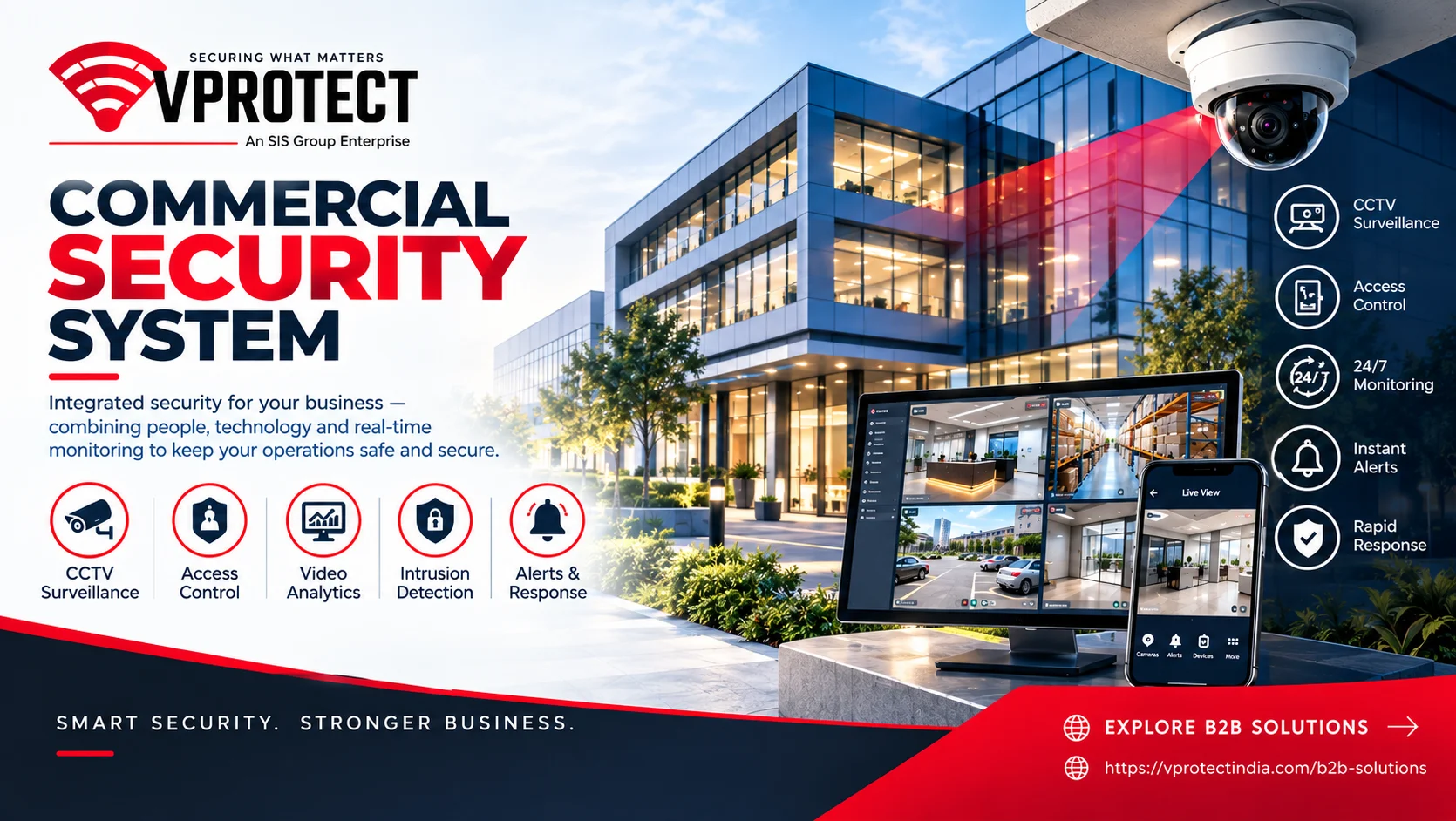
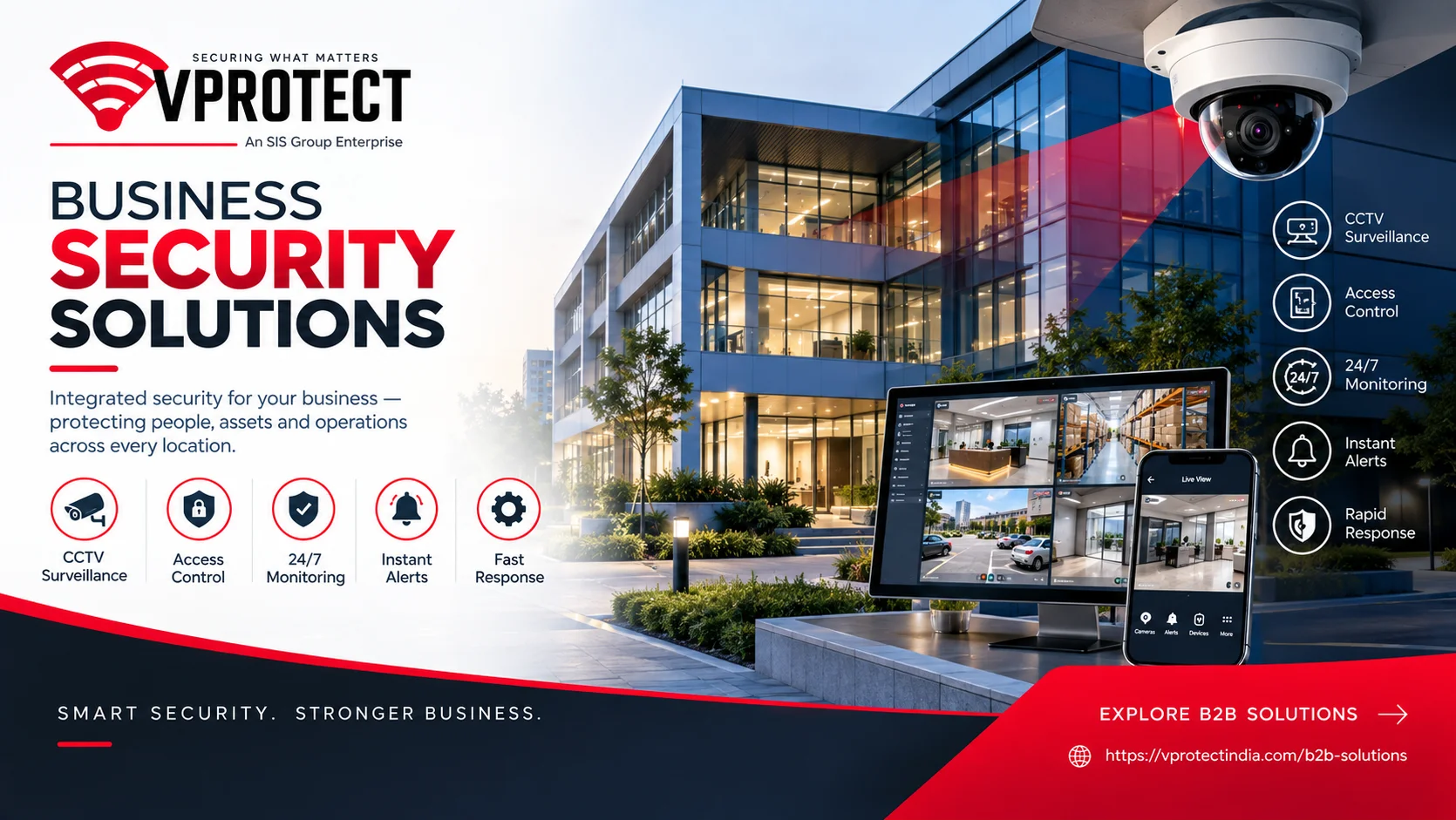
Once those questions are clear, businesses can look at surveillance, access control, intrusion detection, monitoring, cloud video, analytics, device health checks, and other technologies that fit their needs.
The goal isn't to make a business impossible to break into or completely eliminate every possible risk. No security system can promise that.
The goal is to make the premises easier to monitor, potential problems easier to identify, and security incidents easier to manage.
About VProtect India
VProtect India provides security and e-surveillance solutions for businesses across different sectors. Its B2B security platform brings together surveillance, device health monitoring, automated alerts, cloud video access, video analytics, access control, live monitoring, a unified dashboard, and civic response. The company states that its services are available across India.
VProtect India
Address: 4th & 5th Floor, GNG Tower, Plot No. 10, Sector 44, Gurgaon – 122002
Phone: 0124-4171888
Email: [email protected]