Sign up with Google
 Sign in with Zoho

Retail customers do not like waiting in payment queues.
During weekends, seasonal sales, lunch hours, or festival shopping, even a few extra minutes at checkout can create frustration. The usual response is to add another card terminal or checkout counter. But that means buying more hardware, configuring another machine, and maintaining another payment point.
There is another approach.
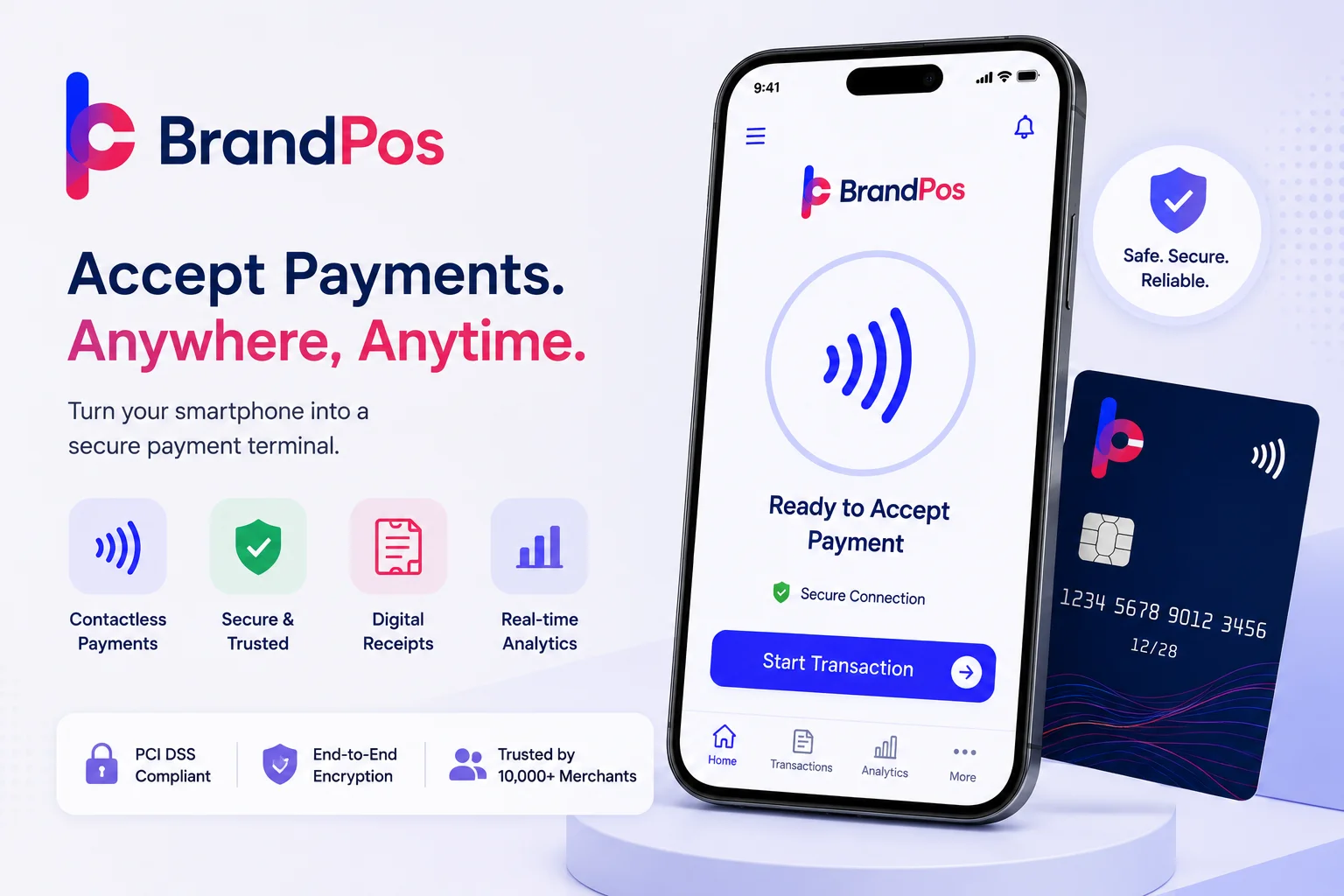
A SoftPOS App allows compatible smartphones to function as payment acceptance devices. Instead of keeping every payment transaction tied to a fixed counter, retailers can equip staff with supported Android phones and take payments where customers are already shopping.
For a store manager, this can turn mobile staff into additional checkout points without requiring a new fleet of dedicated card terminals.
Why Retail Stores Need More Flexible Payment Points
Traditional checkout layouts are designed around fixed locations.
A customer selects products, joins a queue, reaches the counter, pays, and leaves.
That works when customer traffic is predictable. During a major sale, however, the same layout can become a bottleneck.
Imagine a clothing store with two checkout counters and 30 customers waiting.
The store may have ten employees available on the floor, but only two people can process payments.
Adding another traditional terminal could help, but it also requires additional hardware.
With smartphone-based payment acceptance, trained floor employees can potentially take customers' payments directly on compatible devices.
A sales associate can finish helping a customer choose a product and collect payment without necessarily sending that customer back to a fixed checkout queue.
This changes the physical layout of payment acceptance.
Turning Staff Phones Into Additional Payment Points
BrandPos supports multi-device management, allowing businesses to manage compatible payment-enabled devices under a centralized merchant setup.
For a retail store, the basic concept is straightforward.
The business maintains its central BrandPos account and connects authorized devices used by staff members.
One phone might remain at the main counter.
Another could be assigned to a floor supervisor.
A third could be used by a sales associate during busy periods.
A fourth could support a temporary checkout area during a promotional event.
Instead of treating each phone as an independent business operation, the retailer can manage payment activity through the central merchant environment.
This is especially useful when the store needs additional payment capacity temporarily rather than permanently.
Payment Methods Today's Retail Customers Expect in 2025-2026
Retailers increasingly need to accommodate customers who prefer different digital payment methods.
Depending on the merchant configuration and supported payment environment, BrandPos supports:
- Visa contactless cards
- Mastercard contactless cards
- Google Pay
- Apple Pay
- Supported tap-to-pay mobile wallets
- Other configured digital payment methods
This matters because customers do not necessarily think about the technology behind the transaction.
They simply expect to tap their preferred card or wallet and receive confirmation.
A flexible payment system lets the retailer focus on serving the customer rather than asking every shopper which payment method they have available.
How BrandPos Multi-Device Feature Works for Retail Chains
- Create the central merchant account: The retailer operates from a central business setup rather than creating disconnected payment operations for every employee.
- Add compatible devices: Supported smartphones can be assigned to authorized staff or store locations.
- Manage payment devices centrally: Retail managers can oversee multiple payment-enabled devices through the BrandPos environment.
- Deploy temporary checkout points: Additional phones can be useful during sales, events, or periods of heavy customer traffic.
- Monitor transaction activity: Store managers can use real-time transaction visibility to track payment activity.
- Scale across locations: Growing retailers can extend the same payment approach to additional stores without automatically purchasing another terminal for every payment point.
The exact account permissions and device configuration depend on the merchant setup, but the underlying advantage is centralization.
Real-Time Sales Visibility for Store Managers
Adding more payment devices only helps if managers can understand what is happening across those devices.
This is where transaction visibility becomes important.
BrandPos provides a real-time dashboard that allows merchants to monitor payment activity through a centralized interface.
For a retail manager, that can make it easier to answer questions such as:
- How many transactions are being processed?
- Which store is generating activity?
- What is happening during a sale event?
- Are payments being completed successfully?
- How much payment activity is occurring across different locations?
Instead of waiting for employees to report payment numbers manually, management can access transaction information through the merchant dashboard.
For multi-store retailers, centralized visibility becomes even more useful because payment activity does not have to be managed entirely at individual counters.
Queue-Busting With Mobile Floor Staff
The strongest retail use case is not necessarily replacing every checkout counter.
It is using mobile payment acceptance when fixed counters become overloaded.
Consider a customer browsing a fashion store during a major sale.
They have selected three items but see a long line at the checkout.
A trained sales associate equipped with a supported smartphone could potentially complete the payment away from the main counter.
The customer does not have to stand in the same queue as everyone else.
This approach can be especially useful for:
- High-traffic sale events
- Seasonal shopping
- Pop-up retail areas
- Temporary checkout zones
- Large stores
- Crowded fashion outlets
- Electronics launches
- Festival promotions
The goal is not simply faster payment.
It is distributing payment capacity across the retail floor.
BrandPos SoftPOS App Use Cases by Retail Store Type
Scaling From One Store to Multiple Locations
Retail businesses rarely remain the same size forever.
A successful local shop may open a second branch. A regional retailer may eventually operate ten stores.
With traditional payment hardware, expansion generally means procuring and configuring additional terminals.
The retailer has to think about:
- How many terminals each store needs
- Hardware delivery
- Device replacement
- Maintenance
- Terminal allocation
- Staff training
- Software configuration
A smartphone-based approach can simplify the hardware side of that expansion.
A retailer can equip each location with compatible smartphones and manage payment devices through the central BrandPos environment.
That does not eliminate all operational requirements. Each location still needs appropriate devices, connectivity, trained staff, and merchant configuration.
But it can reduce the need to build a separate physical payment infrastructure for every branch.
API Integration With Existing Retail Systems
Retail stores often use software for inventory, billing, customer management, accounting, and e-commerce.
Adding another payment system should not create a disconnected data island.
BrandPos supports API integration capabilities that can help businesses connect payment functionality with existing business systems.
For retailers, integration can potentially support workflows such as:
Sale created → payment initiated → transaction completed → payment information passed to connected business systems.
The exact integration process depends on the retailer's software architecture and API requirements.
For larger retailers, this is important because payment acceptance is only one part of the overall transaction.
Inventory must be updated.
Orders need to be recorded.
Accounting information needs to remain consistent.
Management needs visibility.
The more seamlessly these systems communicate, the easier it becomes to operate multiple payment points.
A Mid-Sized Clothing Boutique During a Sale Event
Consider a mid-sized clothing boutique preparing for a weekend sale.
The store normally has two checkout terminals.
On ordinary days, that is enough.
During the sale, however, customer traffic increases sharply.
Rather than purchasing additional permanent card terminals for a temporary demand spike, the owner deploys BrandPos on four compatible staff smartphones.
The four employees are already working on the sales floor.
When the checkout queue begins growing, staff members can help process supported contactless payments directly from the floor.
A customer chooses clothing, confirms the purchase, and can complete payment without necessarily joining the main counter queue.
The store manager can monitor transaction activity through the central dashboard while the event is underway.
After the sale ends, the business does not have to maintain four additional dedicated payment machines simply because they were useful during one busy weekend.
The example illustrates the core value of mobile payment acceptance: payment capacity can follow customer traffic.
Why This Model Matters for Retail Chains
For a single small store, reducing checkout queues is useful.
For a retail chain, the operational impact can be broader.
Each location may experience different customer patterns.
One store may be busy on Friday evenings.
Another may receive heavy weekend traffic.
A third may require additional payment capacity during seasonal promotions.
A centralized mobile payment approach gives the retailer another way to respond to those differences.
Instead of assuming every store needs the same number of permanent terminals, management can evaluate where mobile payment devices are most useful.
This makes payment infrastructure more adaptable.
Security Still Matters
Convenience should not come at the expense of payment security.
Retailers using smartphone-based payment acceptance should use supported devices and follow the provider's security requirements.
BrandPos's security architecture includes encryption and tokenization, while unsupported rooted or modified devices are restricted from payment use.
Staff should also avoid installing unofficial software, sharing credentials, or modifying payment-enabled devices.
The smartphone may look like an ordinary employee device, but once it is used for payment acceptance, it should be treated as business payment infrastructure.
What Retailers Should Consider Before Deployment
Before rolling out mobile payment devices, retail managers should evaluate:
- Number of stores
- Number of employees requiring payment access
- NFC compatibility of Android devices
- Internet connectivity
- Peak shopping periods
- Existing inventory and billing software
- API requirements
- Staff permissions
- Transaction monitoring requirements
- Customer receipt preferences
Starting with one store or one sale event can also help a retailer understand how mobile payment acceptance fits into its existing checkout workflow.
Once the process is proven, the model can be expanded.
Final Thoughts
Retail payment infrastructure does not have to be limited to fixed checkout counters.
A SoftPOS App for Android can give retailers another way to distribute payment acceptance across the sales floor using compatible smartphones.
With multi-device management, real-time transaction visibility, contactless payment support, and API integration capabilities, BrandPos is designed to fit payment acceptance into modern retail operations.
The biggest opportunity is not simply replacing a card machine.
It is making payment capacity mobile.
When queues build, staff can potentially move payment acceptance toward the customer. When a sale ends, temporary payment capacity can be reduced. When a retailer opens another location, compatible devices can be added without automatically building an entirely new hardware network.
For retailers trying to create a more flexible checkout experience, that can make smartphone-based payment acceptance a practical part of the store's payment strategy.
Frequently Asked Questions
1. Can multiple employees use BrandPos in the same retail store?
BrandPos supports multi-device management, allowing businesses to manage payment-enabled devices under a central merchant setup, subject to the applicable account configuration.
2. Can retail staff accept payments away from the checkout counter?
Yes, compatible payment-enabled smartphones can allow authorized staff to accept supported contactless payments away from a fixed counter, provided the required device, connectivity, and account conditions are met.
3. Does BrandPos support Visa and Mastercard contactless payments?
BrandPos supports contactless card payments, including supported Visa and Mastercard payment methods, subject to the applicable payment configuration and availability.
4. Can BrandPos connect with an existing retail inventory system?
BrandPos provides API integration capabilities. The exact integration depends on the retailer's existing software, technical requirements, and implementation.
5. Does every Android phone work as a BrandPos payment device?
No. The smartphone must meet the applicable technical and security requirements. NFC is required for contactless tap-to-pay functionality, so retailers should verify device compatibility before deployment.