Sign up with Google
 Sign in with Zoho

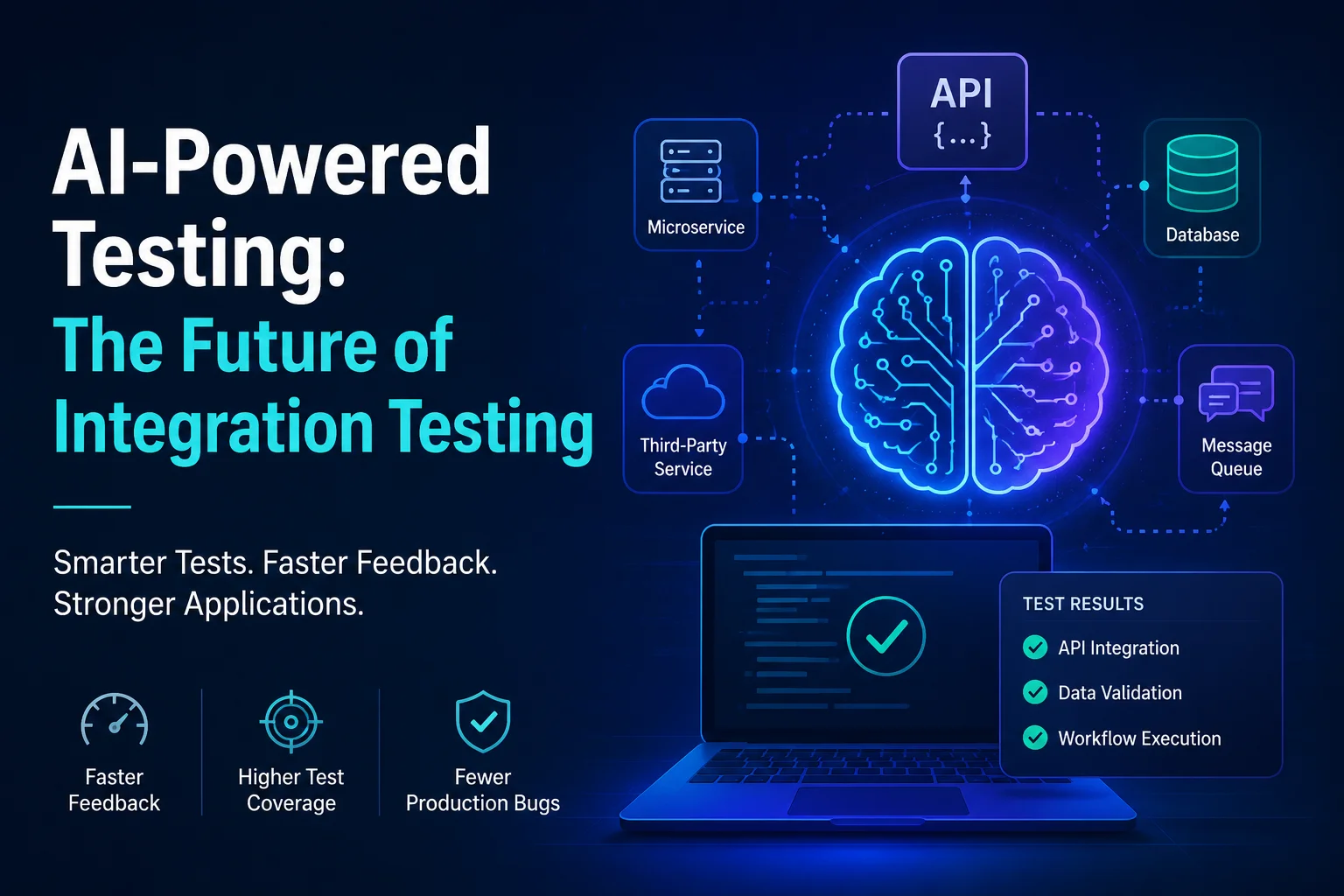
Modern software development is no longer about building standalone applications. Today's systems are composed of multiple services, APIs, databases, cloud platforms, and third-party integrations that must work together seamlessly. As software architectures become more complex, ensuring that these components communicate correctly has become one of the biggest challenges for development teams.
Many organizations invest heavily in unit testing to verify the functionality of individual components. While unit tests are valuable, they cannot guarantee that different modules will function properly when integrated. This is where integration testing becomes a crucial part of the software testing strategy.
In this article, we'll explore what integration testing is, why it matters, common approaches, challenges, best practices, and how modern tools are helping teams streamline the integration testing process.
What Is Integration Testing?
Integration testing is a software testing technique that focuses on verifying interactions between different modules, services, or components within an application. The primary goal is to ensure that these components work together correctly and exchange data as expected.
Unlike unit testing, which tests individual functions or methods in isolation, integration testing validates the communication pathways between systems.
For example, consider an online shopping application:
- Users log in through an authentication service.
- Product information is retrieved from a catalog service.
- Orders are processed through an order management system.
- Payments are handled by a payment gateway.
- Notifications are sent via an email service.
Even if each service passes its unit tests, integration issues can still occur when they interact. A payment service may return unexpected data, an API endpoint may change, or a database schema modification may break order processing.
Integration testing helps uncover these issues before they impact end users.
Why Integration Testing Is Important
Many software failures occur not because individual modules are broken, but because the connections between them fail.
Consider some common scenarios:
API Contract Changes
A backend service modifies an API response format. Frontend applications relying on the previous structure suddenly stop working.
Database Integration Issues
A schema update introduces incompatible changes that cause application failures.
Authentication Problems
A service cannot properly authenticate requests from another system.
Third-Party Service Failures
External providers return unexpected responses that your application cannot handle.
Unit tests often miss these scenarios because they focus on isolated code execution. Integration testing verifies real interactions and helps teams catch issues early in the development lifecycle.
Benefits of integration testing include:
- Improved software reliability
- Reduced production bugs
- Better user experience
- Faster release cycles
- Increased confidence in deployments
- Lower maintenance costs
Integration Testing vs Unit Testing
Although both testing approaches are important, they serve different purposes.
Unit Testing
Unit testing validates individual functions, methods, or classes independently.
Example:
def add(a, b): return a + b
A unit test verifies that:
assert add(2, 3) == 5
The test focuses solely on the function's behavior.
Integration Testing
Integration testing validates interactions between components.
Example:
- User submits an order.
- Order service stores data in a database.
- Payment service processes payment.
- Notification service sends confirmation.
The test ensures the entire workflow functions correctly.
While unit tests help identify coding errors, integration tests reveal communication and workflow issues.
Types of Integration Testing
Different projects use different integration testing approaches depending on system complexity and development requirements.
Big Bang Integration Testing
In this approach, all modules are integrated at once and tested as a complete system.
Advantages
- Simple setup
- Suitable for smaller applications
Disadvantages
- Difficult to identify failure sources
- Testing begins late in development
Top-Down Integration Testing
Testing begins with high-level modules and gradually integrates lower-level modules.
Advantages
- Critical functionality tested early
- Faster validation of system architecture
Disadvantages
- Requires stubs for incomplete modules
Bottom-Up Integration Testing
Testing starts with lower-level modules before integrating higher-level components.
Advantages
- Core functionality validated early
- Easier defect isolation
Disadvantages
- User-facing workflows tested later
Incremental Integration Testing
Modules are integrated and tested step by step.
Advantages
- Easier debugging
- Continuous validation
Disadvantages
- More planning required
Most modern development teams prefer incremental integration testing because it aligns well with agile and DevOps workflows.
Common Integration Testing Scenarios
Integration testing can be applied across various system interactions.
API Testing
Validating communication between services.
Examples:
- REST APIs
- GraphQL endpoints
- Internal microservice communication
Tests verify:
- Response status codes
- Payload accuracy
- Authentication handling
- Error responses
Database Testing
Ensuring applications correctly interact with databases.
Tests verify:
- Data creation
- Data retrieval
- Updates
- Transactions
- Data consistency
Microservices Testing
Modern applications often consist of multiple microservices.
Integration tests validate:
- Service discovery
- Event handling
- Request routing
- Data synchronization
Third-Party Integrations
Applications frequently depend on external providers.
Examples:
- Stripe
- PayPal
- Twilio
- AWS services
Integration tests help ensure compatibility and resilience.
Challenges in Integration Testing
Despite its benefits, integration testing presents several challenges.
Environment Management
Creating realistic testing environments can be difficult.
Teams must manage:
- Databases
- APIs
- Message queues
- External dependencies
Differences between testing and production environments can lead to inaccurate results.
Test Data Complexity
Generating realistic and maintainable test data requires significant effort.
Poor test data management often causes unreliable tests.
Slow Execution
Integration tests generally run slower than unit tests because they involve:
- Network communication
- Database operations
- External services
Large test suites can increase pipeline execution times.
Dependency Issues
Multiple systems must be available and functioning correctly.
Failures in one component can impact unrelated tests.
Flaky Tests
Integration tests sometimes produce inconsistent results due to:
- Timing issues
- Network instability
- Shared resources
Flaky tests reduce trust in automated testing pipelines.
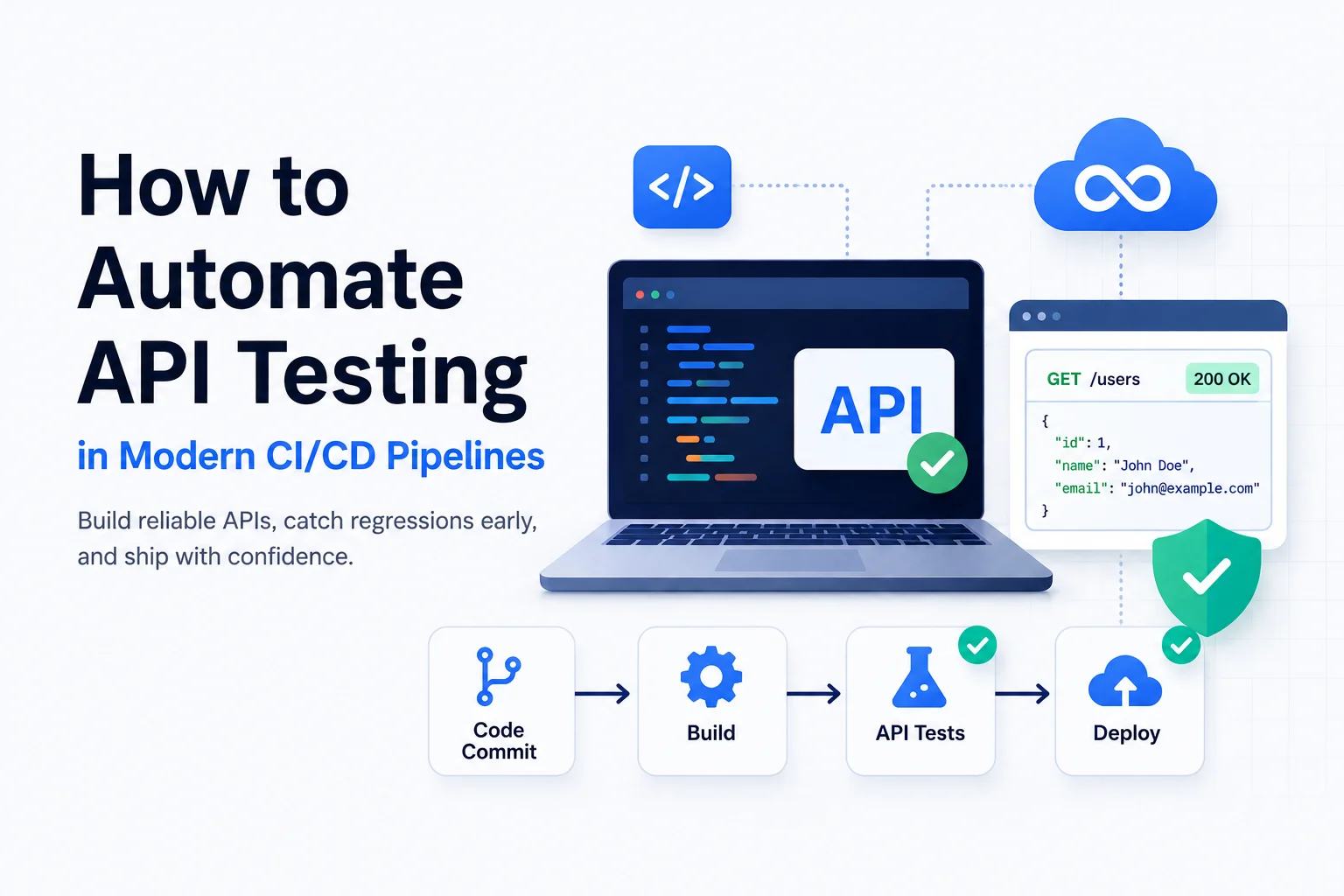
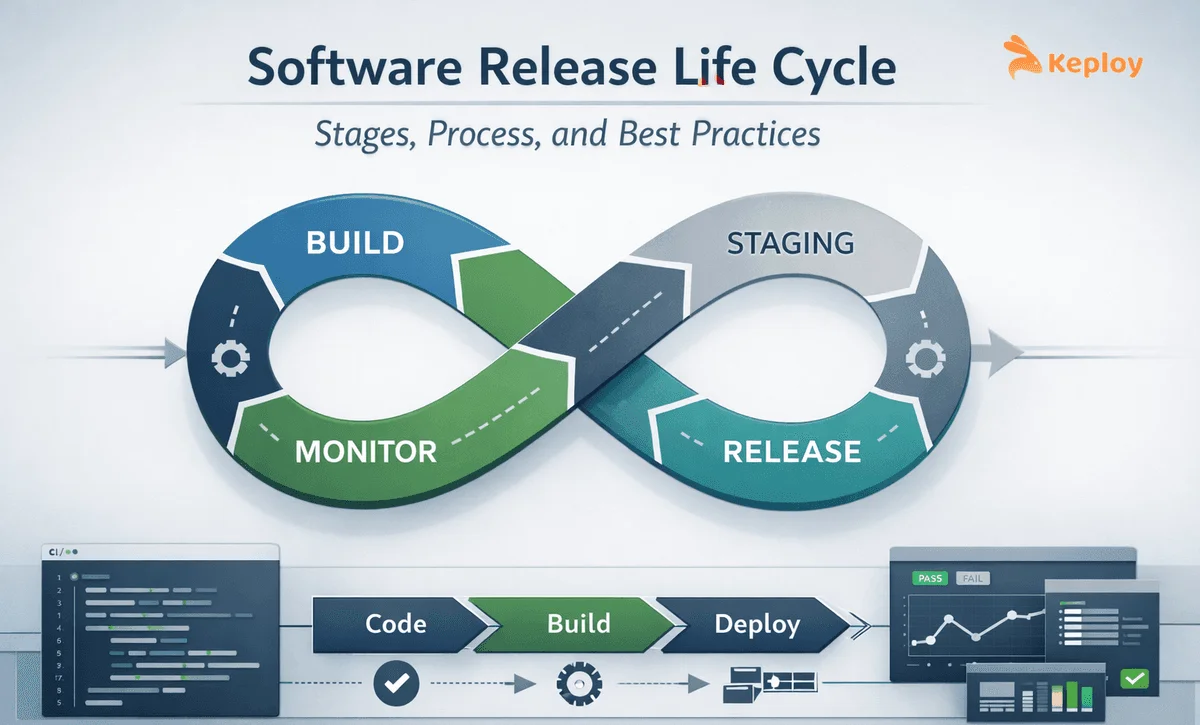
Integration Testing in CI/CD Pipelines
Continuous Integration and Continuous Deployment have transformed software delivery.
Integration testing plays a critical role in CI/CD pipelines.
A typical workflow includes:
Step 1: Code Commit
Developers push changes to a repository.
Step 2: Build Process
The application is compiled and packaged.
Step 3: Unit Testing
Basic functionality is verified.
Step 4: Integration Testing
Interactions between services are validated.
Step 5: Deployment
Applications move to staging or production environments.
Automated integration testing prevents defective code from progressing through the pipeline.
This reduces deployment risks and improves release confidence.
Best Practices for Integration Testing
Successful integration testing requires careful planning and execution.
Automate Wherever Possible
Manual integration testing is time-consuming and difficult to scale.
Automation enables:
- Faster feedback
- Consistent execution
- Continuous validation
Test Real User Workflows
Focus on scenarios that reflect actual user behavior.
Examples:
- User registration
- Checkout process
- Payment completion
- Account management
Testing realistic workflows provides greater business value.
Isolate Test Environments
Dedicated environments reduce interference from other testing activities.
Containerization technologies such as Docker help create repeatable environments.
Monitor Test Coverage
Ensure critical integrations are covered.
Focus on:
- High-risk workflows
- Business-critical services
- Frequently changing components
Include Negative Testing
Verify system behavior during failures.
Examples:
- Invalid inputs
- Service outages
- Network disruptions
Robust systems must handle failures gracefully.
Modern Integration Testing Tools
Numerous tools support integration testing across different environments.
Postman
Popular for API testing and automation.
Features include:
- Request collections
- Automated assertions
- CI/CD integration
Selenium
Useful for testing integrated web application workflows.
Testcontainers
Provides disposable testing environments using containers.
Benefits include:
- Environment consistency
- Easier dependency management
Cypress
Supports end-to-end testing of web applications.
Keploy
Keploy is a modern testing platform designed to simplify API and integration testing.
It automatically captures real application traffic and generates test cases, reducing the effort required to create and maintain tests manually. Developers can replay captured interactions to validate system behavior and detect regressions before deployment.
Keploy is particularly valuable for teams building microservices and API-driven applications because it helps improve testing coverage while minimizing manual work.
Integration Testing for Microservices
Microservices architecture introduces unique testing challenges.
Each service may:
- Use different databases
- Communicate through APIs
- Exchange events asynchronously
Testing these interactions requires specialized strategies.
Common approaches include:
Service Integration Testing
Validates communication between specific services.
Contract Testing
Ensures API agreements remain compatible.
End-to-End Testing
Verifies complete user workflows across services.
Combining these approaches creates a comprehensive testing strategy.
The Future of Integration Testing
Software development continues to evolve rapidly.
Emerging trends include:
AI-Powered Testing
Artificial intelligence is helping generate test cases, identify risks, and optimize coverage.
Automated Test Generation
Tools increasingly generate tests from production traffic and application behavior.
Shift-Left Testing
Teams perform testing earlier in development to catch defects sooner.
Continuous Quality Engineering
Testing becomes an ongoing process rather than a final phase.
These innovations are making integration testing more efficient and accessible.
Conclusion
Integration testing serves as the bridge between isolated unit tests and real-world application behavior. As software systems become increasingly distributed and interconnected, validating interactions between components has become essential for maintaining quality and reliability.
By identifying communication failures, API mismatches, database issues, and workflow problems early in the development lifecycle, integration testing helps organizations reduce production incidents and deliver better user experiences.
Whether you're building a monolithic application, a cloud-native platform, or a microservices ecosystem, investing in a strong integration testing strategy can significantly improve software quality and deployment confidence.