Sign up with Google
 Sign in with Zoho

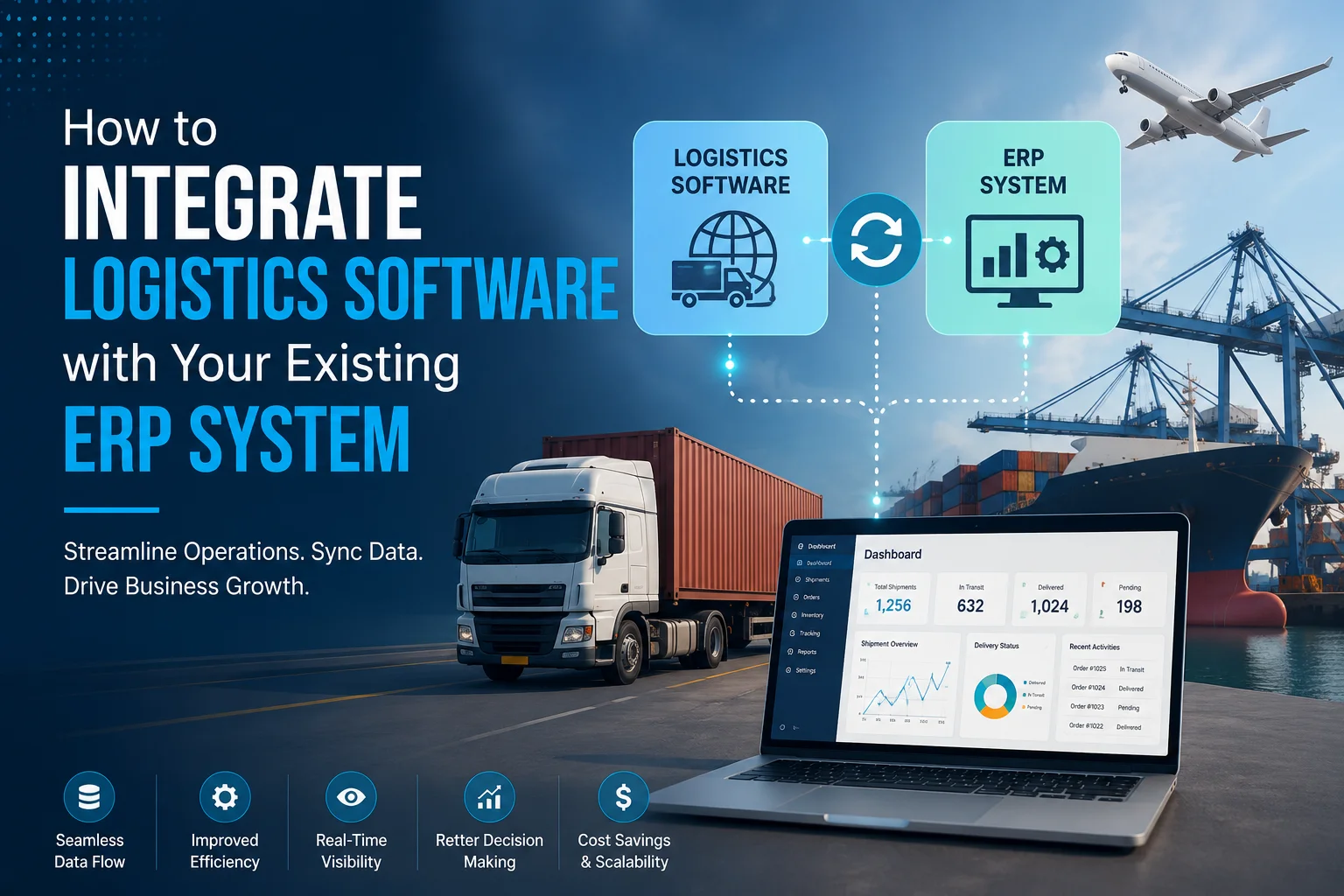
For most logistics companies, the ERP system is the backbone of daily operations - managing finance, procurement, HR, and inventory data in one place. But when your logistics software and ERP don't talk to each other, you end up with duplicate data entry, delayed reporting, and costly errors that slow down the entire supply chain.
That's why ERP integration has become one of the most requested features in logistics software development services today. Done right, it connects your transportation management, warehouse operations, and financial systems into a single, real-time source of truth. In this blog, we'll walk through why ERP integration matters and how to do it successfully.
Why ERP Integration Matters for Logistics Companies
Without integration, logistics teams often manually transfer data between systems - updating shipment statuses in one tool, then re-entering the same information into the ERP for invoicing or reporting. This creates several problems:
- Data inconsistency – Manual entry increases the risk of typos, mismatched records, and outdated information.
- Delayed decision-making – Managers can't get real-time visibility into costs, inventory, or shipment status without waiting for manual updates.
- Wasted staff hours – Employees spend time on repetitive data entry instead of higher-value tasks.
- Billing and invoicing errors – Disconnected systems often lead to mismatched shipment and financial records, causing invoicing delays or disputes.
Integrating logistics software directly with your ERP eliminates these inefficiencies by ensuring data flows automatically and accurately between systems.
Step 1: Audit Your Current ERP and Logistics Systems
Before starting any integration project, map out exactly what data needs to move between your ERP and logistics software. This typically includes:
- Inventory levels and stock movements
- Purchase orders and shipment schedules
- Freight costs and invoicing data
- Customer and vendor information
- Delivery status and proof-of-delivery records
Understanding your existing data structure helps identify integration gaps and avoid unnecessary duplication once systems are connected.
Step 2: Choose the Right Integration Method
There are typically three ways to connect logistics software with an ERP system:
- API-Based Integration – The most flexible and scalable option. APIs allow real-time, two-way data exchange between systems, which is ideal for businesses handling high shipment volumes.
- Middleware/iPaaS Solutions – Tools like MuleSoft or Dell Boomi act as a bridge between systems, useful when connecting multiple platforms (ERP, WMS, TMS) without custom-coding every connection.
- Custom Integration Development – For businesses with unique workflows or legacy ERP systems (like older SAP or Oracle versions), a custom-built integration layer often works better than a generic connector.
Most reliable logistics software development services providers will recommend API-based integration for its speed and flexibility, falling back to custom development only when off-the-shelf APIs aren't available.
Step 3: Ensure Data Mapping and Standardization
ERP and logistics systems often store data differently — different field names, formats, and units. Before going live, data must be properly mapped so that, for example, "shipment weight" in your TMS matches the correct inventory field in your ERP. Skipping this step is one of the most common reasons ERP integrations fail or produce inaccurate reports.
Step 4: Test With Real-World Scenarios
Once the integration is built, test it against real operational scenarios — not just sample data. Simulate order creation, shipment updates, inventory changes, and invoice generation to confirm data flows correctly and in real time across both systems. This step often reveals edge cases (like partial shipments or backorders) that need additional logic before full deployment.
Step 5: Monitor, Maintain, and Scale
ERP integration isn't a one-time task. As your business grows — adding new warehouses, carriers, or sales channels — your integration needs to scale with it. Regular monitoring helps catch sync errors early, while periodic reviews ensure the integration continues to support new business requirements like additional reporting fields or new compliance standards.
Common Challenges in ERP-Logistics Integration
- Legacy ERP systems with limited or outdated APIs, requiring custom middleware
- Data silos between departments that were never designed to share information
- Security concerns around exposing ERP data through external connections
- Downtime risk during migration if not planned carefully
Working with an experienced logistics software development partner helps avoid these pitfalls, since they've likely solved similar integration challenges across different ERP platforms like SAP, Oracle NetSuite, or Microsoft Dynamics.
Why Work With a Specialized Development Partner
ERP integration is technically complex and highly business-specific — a generic, one-size-fits-all approach rarely works well. This is where INTECH Creative Services adds real value. As a provider of custom logistics software development services, INTECH Creative Services helps businesses design and implement seamless integrations between their logistics platforms and existing ERP systems — ensuring accurate data flow, reduced manual work, and better visibility across operations.
Whether you're connecting a new TMS to an established ERP or modernizing a legacy setup, a experienced development team can tailor the integration to your exact business processes instead of forcing you into a rigid, pre-built template.
Final Thoughts
A well-executed ERP integration transforms disconnected logistics data into a unified, real-time operational view - reducing errors, saving time, and improving decision-making across your supply chain. While the technical process involves multiple steps, partnering with the right team makes the transition smooth and future-proof.
If you're planning to integrate your logistics software with your ERP system, INTECH Creative Services can help you build a solution designed specifically around your business workflows and existing infrastructure.