 Sign up with Google
 Sign in with Zoho

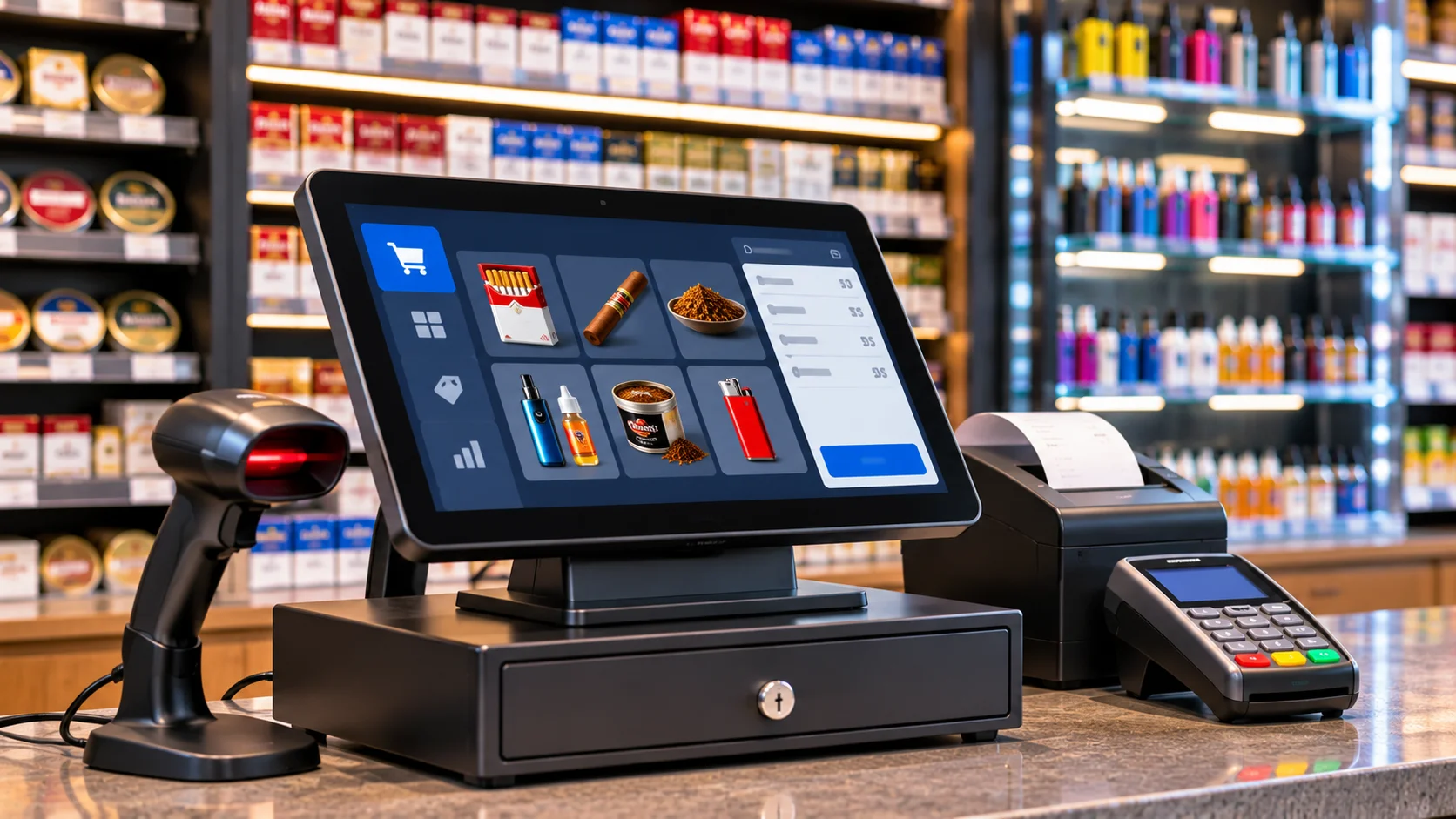
A tobacco shop looks simple from the customer's side of the counter. Behind it, there's a lot going on: hundreds of products across brands and sizes, distributor orders to place, prices that change, employees to train, and age checks that can't be skipped. Doing all of that by hand, or with a basic cash register, gets old fast.
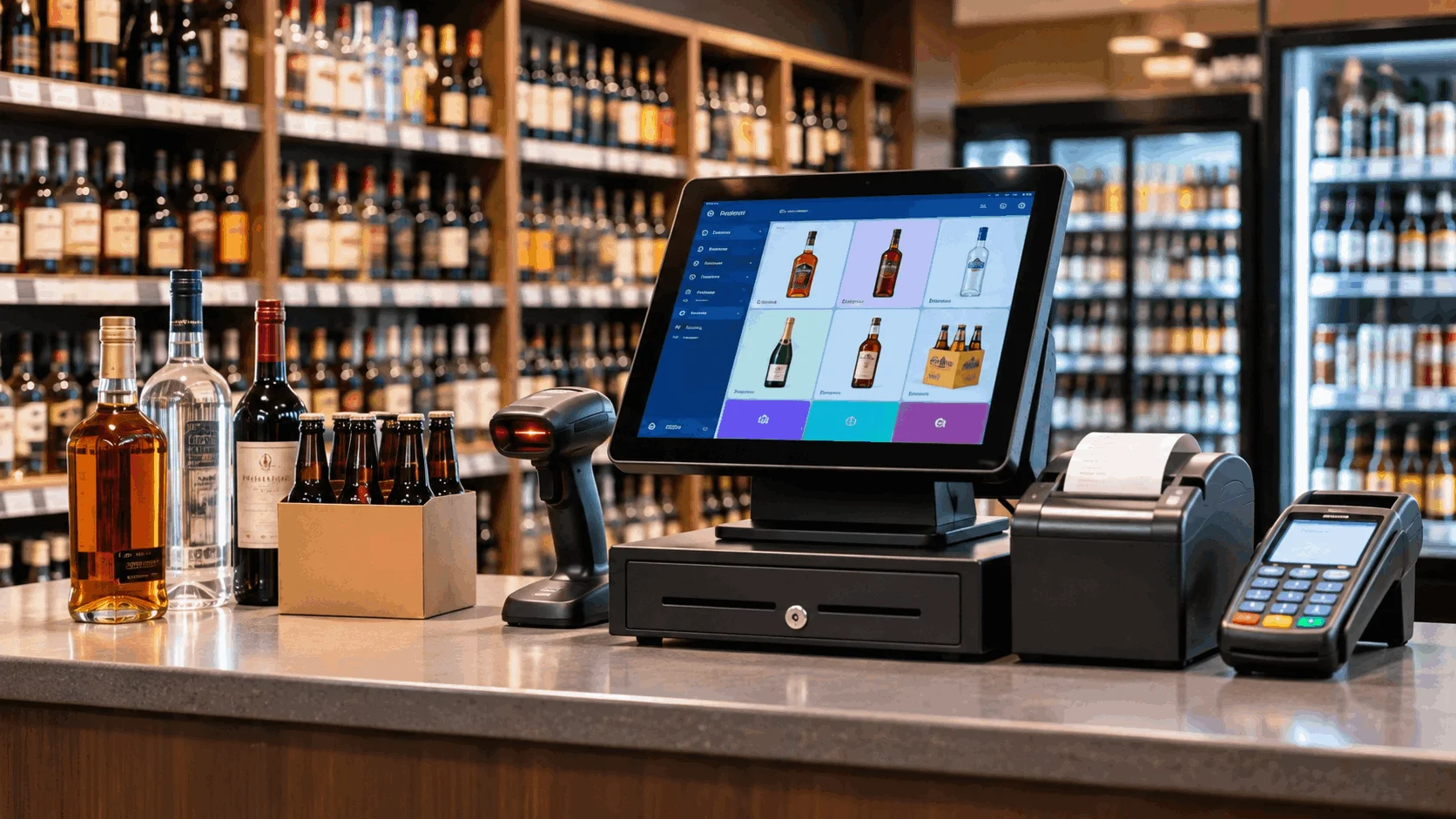
A Tobacco Store POS system pulls checkout, inventory, and sales records into one place, so you spend less time chasing details and more time running the shop.
Why a Basic Cash Register Isn't Enough
Open any smoke shop's shelves and you'll see how varied the catalog is: cigarettes, cigars, rolling papers, lighters, accessories, and more. Some products sell every hour, and others sit for weeks.
A basic register takes payments, but that's about it. It won't tell you which brands are moving, when you're running low, or how a product performed last month. Those answers usually end up in notebooks, spreadsheets, or someone's memory, and none of those scale well.
A POS system built for tobacco retail gives you a organized product catalog, live inventory counts, and sales data you can use. That matters most when employees run the register while you're away from the counter.
What a Tobacco Store POS Does Day to Day
Faster, simpler checkout
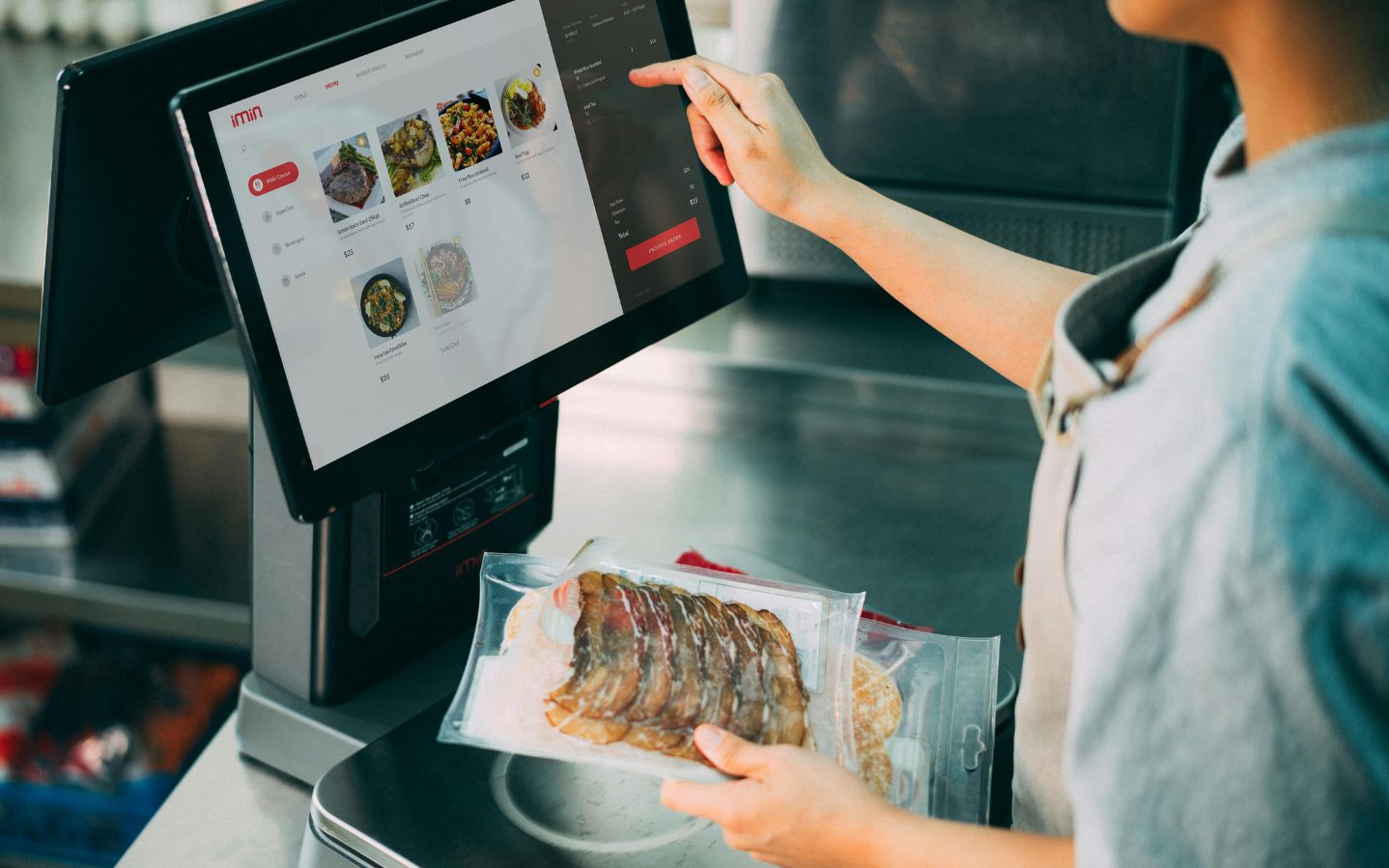
When there's a line at the counter, nobody wants to hunt for a price or type it in by hand. A good POS supports barcode scanning, searchable categories, and quick-access product buttons, so cashiers can ring up multi-item orders without slowing down.
It also makes training easier. New hires don't have to memorize a long price list. They follow the same checkout steps every time and look products up in the system.
Inventory you can trust
Inventory is where many tobacco retailers lose track. A POS updates stock counts as items sell, and you can log incoming deliveries to keep records current. You can see at a glance what's running low and what's just taking up shelf space.
Over time, your sales and inventory reports show real buying patterns. If a certain cigar variety or cigarette brand keeps selling out, you'll know before you place your next distributor order, instead of guessing. If you run more than one location, some systems also give you inventory visibility across stores, depending on the platform.
Support for age-verification procedures
Age checks are a serious responsibility for tobacco retailers in the U.S. Under federal Tobacco 21 law, tobacco products can't be sold to anyone under 21. FDA regulations also require retailers to check photo ID for anyone under 30 buying covered tobacco products.
A POS can reinforce your store's process with age prompts, transaction controls, and consistent employee workflows. These act as reminders at the point of sale, so staff are less likely to skip a step during a rush.
One caveat: software doesn't guarantee compliance. You're still responsible for following all federal, state, and local rules, including licensing requirements and any extra restrictions on tobacco, nicotine, or vape products.
Clear view of sales and employee activity
Knowing how much money came in is only part of the picture. You also want to know what's selling, how discounts and refunds are being handled, and who's processing what.
Most tobacco store point of sale systems offer reports on sales totals, product performance, payment types, and employee activity. You can also set permissions so staff can ring up regular sales while refunds, voids, and discounts stay restricted to you or a manager.
What to Look for in a POS System for a Smoke Shop
Not every system fits every store. Before you buy, check that the software and hardware match the way your shop actually works. Here's what to compare:
- Product management: Can you organize items by brand, category, size, and variation?
- Barcode scanning: Does it reduce manual entry at checkout?
- Inventory tracking: Can you monitor stock levels and spot items that need reordering?
- Age-verification prompts: Can you configure them for restricted products?
- Reporting: Does it show sales, product performance, and employee transactions?
- Payment processing: Does it work with the payment methods and terminals you need?
- Hardware compatibility: Will it work with your scanners, receipt printers, cash drawers, and card readers?
- Employee permissions: Can you limit access to sensitive register functions?
- Support: Is help available when something goes wrong with the software, hardware, or payments?
You don't need every feature on the market. You need the core ones to work reliably and be easy for your team to use.
How Gokul POS Fits In
Gokul POS offers POS software, hardware, and payment solutions for retail and hospitality businesses. For tobacco retailers, that means checkout, inventory, reporting, and payment tools set up together, so everyday store management is easier to handle.
To learn more, you can look at the Tobacco Store POS solution, then browse the POS features, POS hardware, and credit card processing pages while planning your setup. If you run a related business, Gokul POS also has pages for Vape Shop POS, Liquor Store POS, and Convenience Store POS.
Whatever you choose, pick the system that fits your products, your team, your hardware, and the information you need to run the store.
Final Thoughts
Running a tobacco store means juggling stock, suppliers, customers, and transactions all day. When that's spread across separate tools and handwritten records, things slip.
A dependable tobacco store POS brings sales, inventory, product data, and register activity together, giving you a clearer view of the business and giving your employees a consistent way to check customers out.
Before you commit, think through your inventory needs, payment setup, hardware, reporting requirements, and age-verification procedures. The right system should make your work easier, not add more to it.