Sign up with Google
 Sign in with Zoho

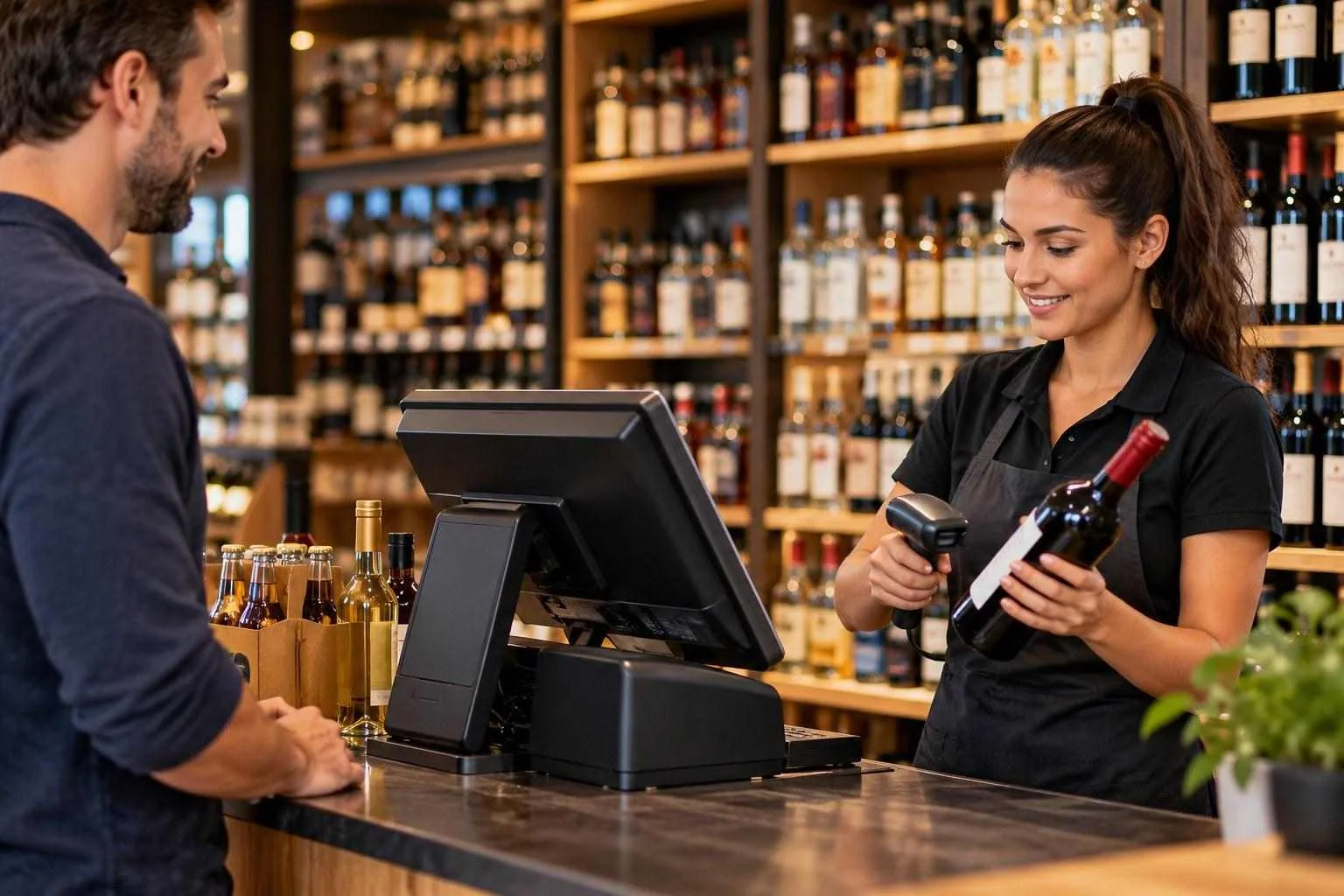
Running a liquor store means balancing fast checkout, accurate inventory, supplier orders, and age verification throughout the day. During the evening rush, a cashier might scan a bottle of whiskey, answer a question about a wine price, and check a customer's ID while another customer waits with a basket of beer. A reliable liquor store POS system should help the team handle these tasks without adding unnecessary steps.
For independent retailers, the right point of sale for a liquor store is more than a cash register. It connects sales, stock records, payment processing, and employee activity in one practical workflow. The goal is straightforward: spend less time correcting avoidable errors and more time running the store.
Why a Liquor Store Needs More Than a Basic Cash Register
A general retail register may handle payments, but liquor stores have inventory and operational requirements that deserve closer attention. A single product may be sold as an individual bottle, a six-pack, or a full case. If those units are not configured correctly, the inventory count can become unreliable after a busy shift.
Supplier deliveries create another challenge. When a shipment arrives, staff need to check the quantities received against the purchase order or invoice, identify discrepancies, and update stock records. If receiving is handled separately from the POS, the shelf count and the system count can quickly drift apart.
A purpose-built liquor POS workflow should make these tasks easier to manage. Barcode scanning, item-level stock tracking, sales reports, and clear adjustment records give owners a better view of what is happening behind the counter.
Liquor Store POS Features That Matter Every Day
1. Age Verification at the Register
Age-restricted sales require attention at the point of transaction. A POS system can support the process with age-check prompts, date-of-birth entry, ID scanning where supported, and records of verification activity.
Consider a busy Friday evening when a cashier scans several products in quick succession. A configured age-check workflow can remind the cashier to verify eligibility before completing a restricted sale. Depending on the system, staff may also be required to confirm the check or obtain manager approval.
The software does not replace the cashier's responsibility to inspect identification or follow applicable rules. The Alcohol and Tobacco Tax and Trade Bureau (TTB) explains that state and local authorities regulate retail alcohol sales, including sales to minors. Requirements vary by jurisdiction, so retailers should confirm their obligations with the relevant alcohol control board.
2. Inventory Tracking for Bottles, Packs, and Cases
Inventory accuracy affects purchasing, cash flow, and customer service. If a popular bourbon appears available in the system but the shelf is empty, the store may miss a sale and disappoint a regular customer.
A capable bottle shop POS should support barcode-based product lookup, stock adjustments, low-stock visibility, and reporting that helps owners identify fast-moving products. Where the system supports pack or case relationships, selling individual units should update the corresponding inventory quantities correctly.
For example, if a case contains 12 bottles and the inventory configuration tracks those units together, selling three bottles should reduce the available bottle count by three and leave the equivalent of nine bottles. This only works when the product relationships and starting stock have been configured correctly.
3. Supplier Receiving and Reordering
Supplier deliveries are an important part of liquor store operations. Staff may receive multiple brands and product sizes in one shipment, making manual entry time-consuming and prone to mistakes.
Look for a liquor point of sale that supports supplier records, purchase orders, receiving workflows, and low-stock reports. If distributor invoice imports or direct integrations are available, confirm which suppliers and data formats are supported before purchasing the system.
A practical process is to compare the received quantity against the order, record missing or damaged items, and update inventory only after checking the delivery. Better records make it easier to investigate discrepancies and prepare the next order.
4. Employee Controls and Sales Reporting
Store owners cannot watch every transaction personally. Employee permissions, cashier-specific sales records, void reports, discount tracking, and shift summaries can help identify unusual activity that deserves review.
For example, repeated voids after payment or frequent manual price changes may warrant a closer look. These reports do not automatically prove misconduct, but they give managers a clear starting point for investigating discrepancies.
The National Retail Federation has also emphasized that inventory shrink includes more than shoplifting. Administrative mistakes, damage, and vendor discrepancies can contribute to inventory losses. That is why retailers should examine stock adjustments and receiving records alongside sales reports rather than treating every discrepancy as theft.
NRF
Choosing a Liquor POS That Fits a Small Business
Independent retailers do not necessarily need the most complicated system on the market. They need one that fits the store's daily workload, staff experience, product range, and budget.
Before choosing a POS, evaluate these practical questions:
- Is checkout simple? Can a new cashier learn the basic sales workflow without lengthy training?
- Can inventory be trusted? Does the system track individual products, pack sizes, adjustments, and receiving accurately?
- Are age checks configurable? Can the workflow support the procedures required by the store's licensing authority?
- Are reports useful? Can an owner review sales by product, employee, and time period without exporting several spreadsheets?
- Will it work with existing equipment? Confirm compatibility with barcode scanners, receipt printers, cash drawers, and payment terminals.
- Are the total costs clear? Ask about software fees, hardware, payment processing, setup, support, and contract terms.
A short demonstration using the store's actual products and a typical checkout scenario is more useful than a long list of advertised features.
Payment Processing and Hardware Should Work Together
Checkout problems often arise when hardware, software, and payment processing do not work smoothly together. A cashier should not have to enter the same amount twice or repeatedly troubleshoot a disconnected terminal while customers wait.
When evaluating a POS system cashier machine setup, test the complete transaction: scan a product, apply any permitted discount, accept payment, print a receipt, and confirm that the sale appears correctly in the reports.
Ask the provider whether payment processing is integrated, which terminals are supported, and what happens if the internet connection drops. Offline functionality, if offered, may have restrictions on payment types and transaction limits, so confirm the exact terms rather than assuming every payment can be processed offline.
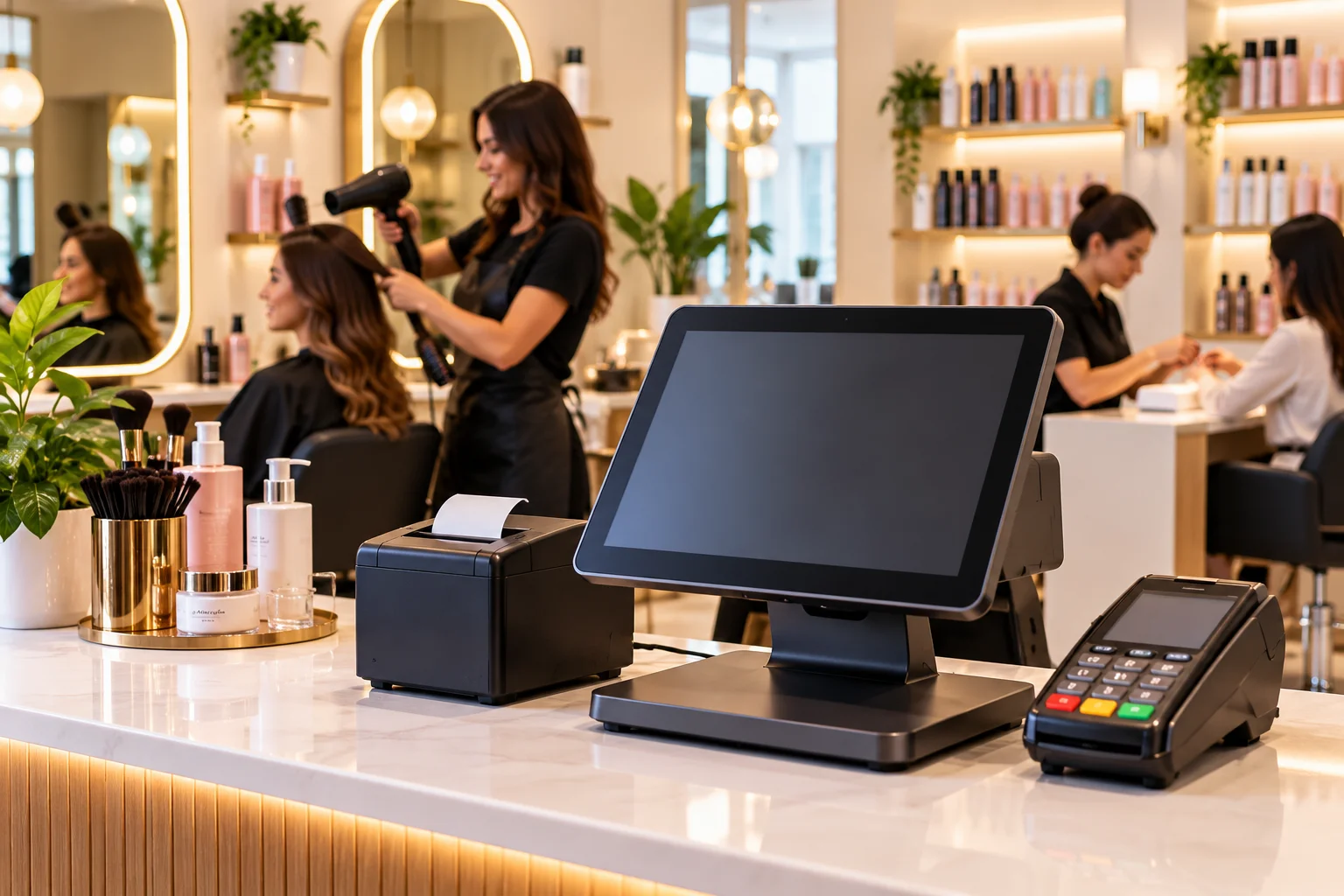
Hardware should also suit the counter. A reliable barcode scanner, well-positioned display, receipt printer, and appropriately configured cash drawer can make everyday work easier without requiring an unnecessarily complex setup.
Managing Multiple Liquor Store Locations
Owners running two or more stores face a different challenge: keeping inventory and reporting consistent across locations.
Suppose a popular product is selling quickly at one location but moving slowly at another. Centralized reporting, where supported, helps the owner compare sales and stock levels before deciding whether to reorder or transfer inventory.
Multi-location inventory synchronization can also reduce duplicate purchasing and improve visibility into stock availability. However, synchronization depends on how the system handles transfers, receiving, timing, and connectivity. Owners should test these workflows during a demonstration rather than assuming that every change appears instantly at every register.
For businesses planning to expand, the best liquor store POS is one that supports today's operations while providing a clear path to adding locations, registers, and employees later.
How Gokul POS Can Support Daily Liquor Store Operations
Gokul POS provides point-of-sale solutions for retail businesses that need practical tools for checkout and store management. For liquor retailers evaluating a new setup, the important starting point is understanding how the proposed system handles product lookup, inventory records, employee workflows, reporting, hardware, and payments.
Gokul POS offers a dedicated liquor store POS solution for businesses exploring technology suited to their operations. Retailers should discuss their product catalogue, age-verification procedures, payment requirements, and any distributor-specific workflows with the provider to confirm which capabilities are included in their proposed configuration.
The right system should make routine tasks easier to manage, not create another layer of administration. A demonstration based on real store scenarios can help owners determine whether the setup fits their business before committing.
Final Thought
A dependable liquor store POS system should help independent retailers manage checkout, inventory, staff activity, and payment workflows with fewer unnecessary complications. Prioritize accurate stock records, practical age-check procedures, useful reporting, and hardware that works reliably at the counter.
Before choosing a solution, test the tasks your employees perform every day and confirm the features your store actually needs. Explore Gokul POS liquor store POS solution to discuss a setup that fits your store's operations, equipment, and business requirements.