Sign up with Google
 Sign in with Zoho
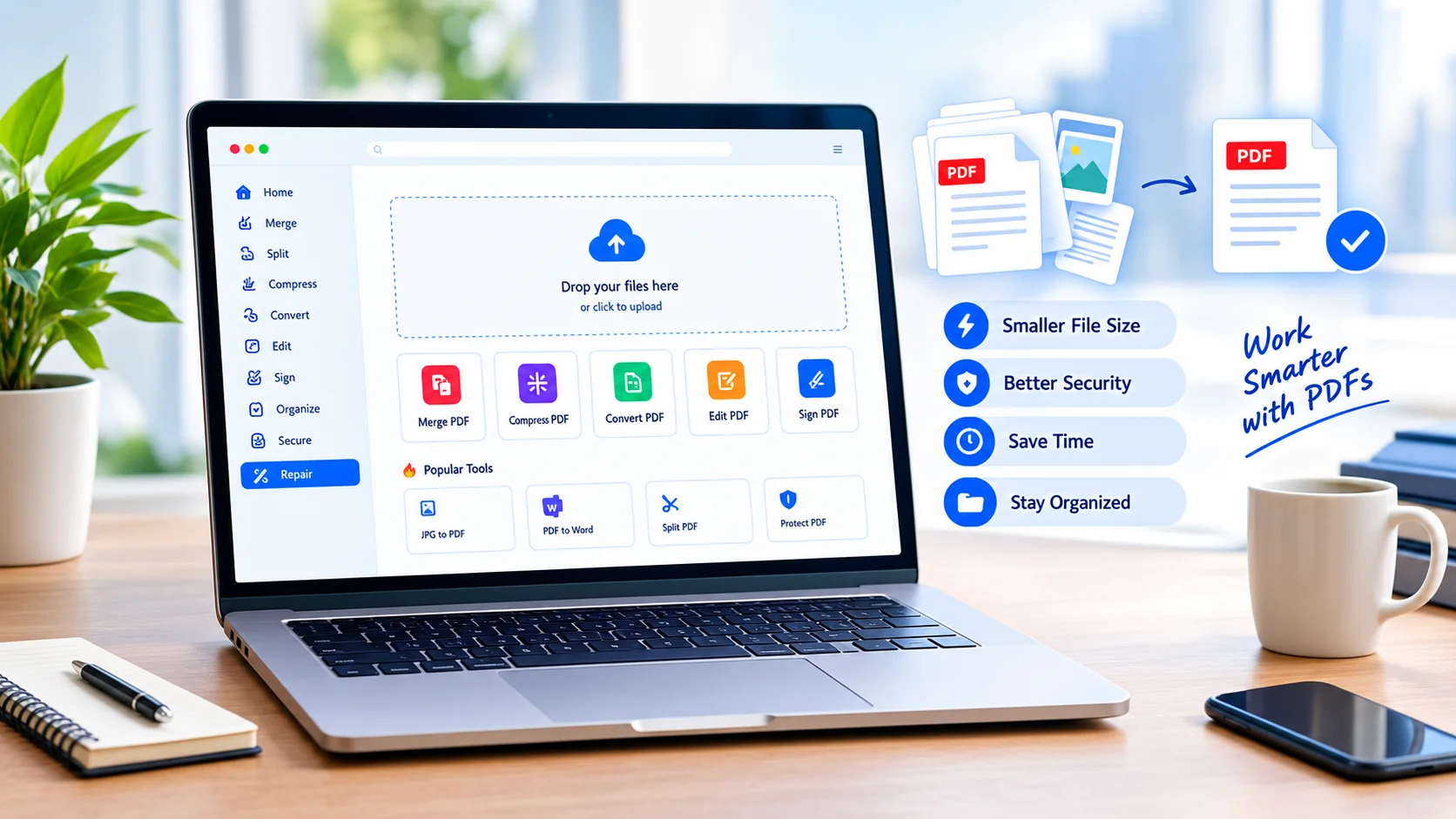
PDFs may not be the first thing developers think about when optimizing digital workflows, but they appear in more engineering environments than you might expect. API documentation, generated reports, invoices, technical specifications, test results, user manuals, and project deliverables are often distributed as PDFs.
The problem starts when those PDFs become unnecessarily large.
A document that looks perfectly normal to a user can contain high-resolution images, scanned pages, embedded fonts, metadata, duplicate resources, and other data that increases its size. That can affect upload times, storage requirements, email attachments, CI artifacts, and applications that generate or distribute documents automatically.
The goal is not simply to make a PDF smaller. The real objective is to reduce unnecessary file size while preserving the information and visual quality that matter.
Why PDF Size Becomes a Technical Problem
A PDF is more than a collection of visible pages. It can contain images, fonts, vector graphics, annotations, embedded files, metadata, and other objects.
This means two documents with the same number of pages can have dramatically different file sizes.
A five-page text document may be only a few hundred kilobytes, while a five-page scanned document containing high-resolution images can be several megabytes or more.
For developers, this difference matters when PDFs are generated or handled programmatically.
Consider an application that creates thousands of PDF reports every month. Saving an unnecessarily large file for every report can increase storage consumption. If those files are downloaded frequently, the larger size also increases bandwidth usage and transfer time.
The same principle applies to CI pipelines, cloud storage, document-management systems, and APIs that exchange generated files.
Start by Finding What Makes the PDF Large
Before compressing a document, it helps to understand why it is large.
Images are often the biggest contributor. A document containing photographs or scanned pages can carry much more image data than the visible page layout suggests.
Resolution is another important factor. An image intended for viewing on a screen does not always need the same resolution as an image prepared for professional printing.
Embedded fonts can also contribute to file size, particularly when many font resources are included. Some documents contain multiple versions of similar resources because of the way they were generated.
Metadata and other document objects can add smaller amounts of data individually. They may not be the primary cause of a large file, but removing unnecessary information can still contribute to optimization.
The first lesson is simple: optimize based on the actual contents of the document rather than blindly applying maximum compression.
Compression Is a Quality Trade-Off
PDF compression is not automatically good or bad. It depends on what is being compressed and how aggressively the process is applied.
For a text-heavy document, reducing unnecessary image data may have almost no visible effect. For a document containing detailed diagrams, screenshots, or photographs, aggressive compression can make important details difficult to read.
This is why a useful compression workflow should consider the document's purpose.
Ask:
- Is the PDF primarily text?
- Does it contain scanned pages?
- Are images essential to understanding the document?
- Will it be viewed on a screen or printed?
- Does the recipient need to zoom into technical details?
- Is the document being archived or simply shared?
A practical guide to compressing PDFs without losing quality can help explain how file size and readability need to be balanced rather than treated as opposing goals.
Screen Documents and Print Documents Need Different Treatment
One of the easiest mistakes is using the same optimization settings for every PDF.
A document intended for online viewing generally has different requirements from a document that will be printed.
For example, a project report shared through a web application may not need extremely high-resolution images. A technical drawing intended for printing, however, may require much more detail.
Developers building automated document-generation systems should consider these differences when designing their pipelines.
Instead of creating one universal compression profile, it can be more useful to define output profiles based on the destination:
Web: prioritize smaller files and fast delivery.
Email: balance size with readable text and images.
Archive: prioritize preservation and long-term accessibility.
Print: prioritize resolution and visual fidelity.
This approach makes optimization a deliberate engineering decision rather than a last-minute fix.
Validate the Output After Compression
Compression should never be considered complete simply because the file became smaller.
The output should be tested.
Open the resulting PDF and inspect representative pages. Look closely at small text, diagrams, screenshots, photographs, tables, and other elements where quality loss might be noticeable.
For automated workflows, validation can also include technical checks. Confirm that the resulting file opens successfully, contains the expected number of pages, and remains compatible with the systems that will consume it.
If a PDF is generated as part of a build or application pipeline, consider making file-size checks part of the process.
For example, a team could define a maximum acceptable size for certain document types. If a newly generated report suddenly becomes several times larger than previous versions, the pipeline could flag it for investigation.
That turns document optimization into a measurable engineering concern.
Client-Side Processing Can Be Useful for Sensitive Documents
PDF workflows can also raise privacy considerations.
Technical reports, financial documents, contracts, internal specifications, and customer records may contain information that should not be unnecessarily transferred to external servers.
When a task can be processed locally in the browser, that can reduce the need to upload the original file to a remote service. This approach can be particularly useful for users working with sensitive documents.
However, developers should avoid assuming that every browser-based tool automatically provides the same privacy characteristics. The actual processing model matters.
If privacy is important, check whether files are uploaded, whether processing occurs locally, how temporary data is handled, and what information the service retains.
Security should be evaluated alongside convenience.
Build Compression Into the Workflow
The best time to think about PDF optimization is before a file becomes a problem.
If an application regularly generates documents, compression can become a normal stage in the document pipeline:
Generate → inspect → optimize → validate → distribute → archive
This is more reliable than generating huge documents and discovering the problem only when a user tries to download them.
Developers can also monitor file-size trends. If average document size increases over time, that may indicate a change in image resolution, template design, embedded resources, or generation libraries.
A small amount of monitoring can prevent storage and bandwidth problems from growing unnoticed.
Don't Optimize the Wrong Thing
It is easy to become overly focused on file size.
A 40% reduction sounds impressive, but the number means little if the document becomes difficult to read. Conversely, reducing a large report by only 15% may be valuable if the resulting file retains excellent quality and is downloaded thousands of times.
The right metric depends on the use case.
A useful optimization target could be:
Small enough + readable enough + reliable enough.
That is often more meaningful than chasing the smallest possible file.
A Simple PDF Optimization Checklist
Before distributing a PDF, developers and content teams can use a short checklist:
- Check the current file size.
- Identify large images or unnecessary resources.
- Decide whether the document is for web, email, archive, or print.
- Apply appropriate compression.
- Inspect important pages for quality loss.
- Verify that the PDF opens correctly.
- Confirm the page count and important content.
- Check privacy requirements before sharing.
- Measure the final file size.
- Keep the original when future editing or archival requirements justify it.
This process is simple enough for manual work and structured enough to become part of an automated pipeline.
Conclusion
PDF optimization is a small part of software and document workflows, but it can have a surprisingly large impact when files are generated and distributed at scale.
The best approach is not maximum compression. It is controlled optimization based on the document's purpose.
Developers should understand what makes a PDF large, choose compression based on its destination, validate the output, and consider privacy when documents contain sensitive information.
Ultimately, good PDF optimization follows the same principle as good software optimization: measure first, make a targeted change, and verify the result afterward.
For teams that regularly generate reports, documentation, or customer-facing documents, that mindset can turn PDF handling from an afterthought into a reliable part of the engineering workflow.