Sign up with Google
 Sign in with Zoho

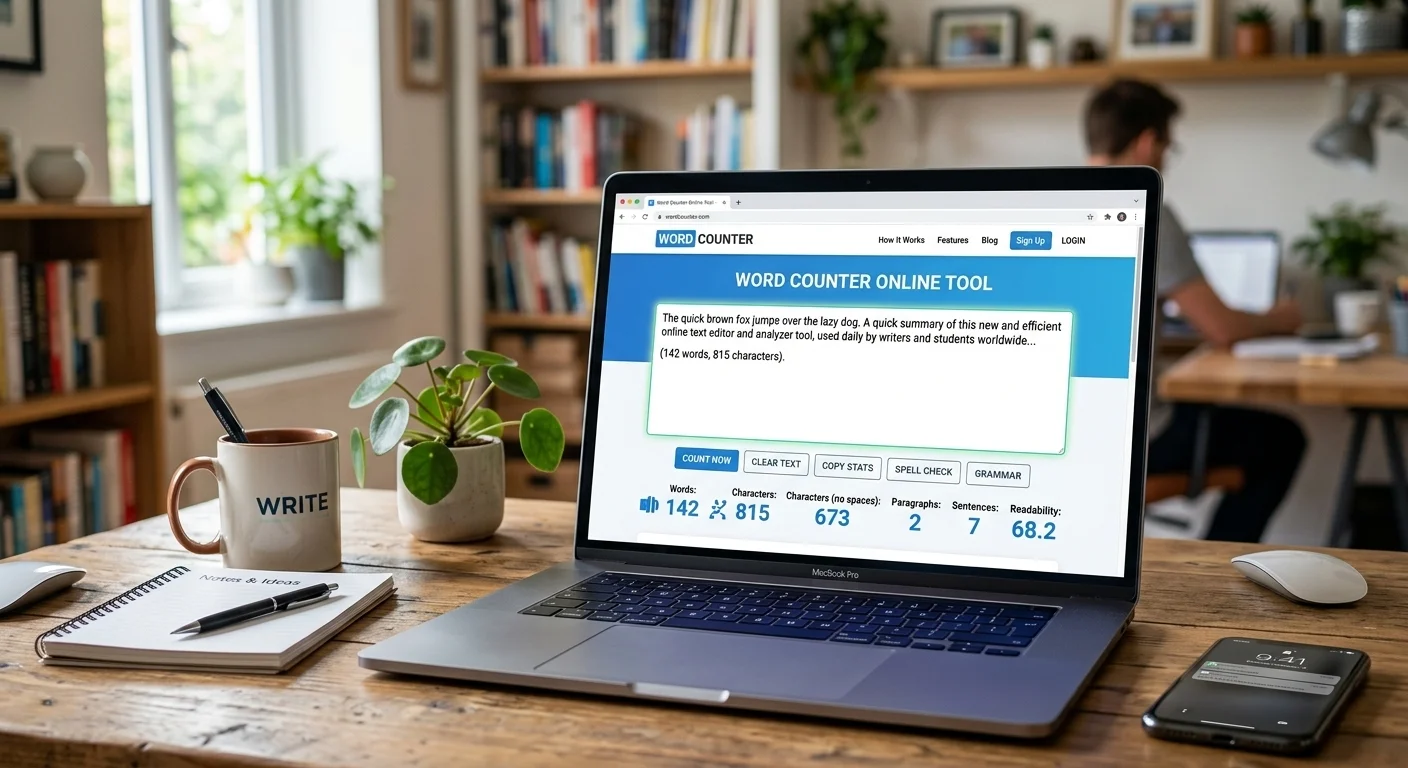
You're staring at a college essay with a strict 1,500-word cap, a LinkedIn post that keeps getting cut off, or a meta description that Google might truncate — and you have no idea how close you are to the limit. Copying your text into a document just to check the count feels like overkill. This is exactly the problem a good word counter solves: paste your text, get an instant, accurate count, and get back to writing.
This post walks through how word counters actually work, when you need more than just a word count, and how to pick a tool that won't slow you down.
Why a Word Counter Matters More Than People Think
Word limits aren't arbitrary. Academic instructors set them to test whether you can argue a point concisely. Search engines truncate meta descriptions and title tags at specific character counts, not word counts. Publishers and freelance platforms often pay per word, so an inaccurate count directly affects your paycheck.
A reliable word count checker removes the guesswork. Instead of estimating ("this looks about 500 words"), you know exactly where you stand — which matters when:
- You're submitting to a journal, contest, or job application with a hard word cap
- You're writing ad copy or SEO meta tags with strict character limits
- You're a freelancer invoicing by word count
- You're a student trying to hit (or stay under) an assignment's requirement
What a Good Word Counter Should Actually Do
Not all word counting tools are built the same. A basic one just tallies words. A genuinely useful one gives you the full picture of your text at a glance.
Core Features Worth Looking For
If a tool only offers word count and nothing else, you'll end up bouncing between three or four different sites to check character count, reading time, and paragraph breaks separately. That's wasted time you don't need to spend.
Word Counter vs. Character Counter: What's the Difference?
People often use these terms interchangeably, but they answer different questions.
- A word counter tells you how many words are in your text — useful for essays, articles, and anything measured by word length.
- A character counter tells you the exact number of characters, including or excluding spaces — critical for platforms with hard character caps, like Twitter/X, SMS, or SEO title tags.
Here's a concrete example: Google typically displays around 50–60 characters of a title tag and roughly 150–160 characters of a meta description before truncating with an ellipsis. Word count alone won't tell you if you're safe — you need the character count tool to check the actual character total, since a short sentence with long words can blow past the limit while a longer sentence with short words might not.
This is why the most efficient setup is a combined word and character counter — one paste, both numbers, no switching tabs.
Why Use an Online Word Counter Instead of Your Word Processor?
Word processors like Microsoft Word and Google Docs do include a built-in count, but a dedicated word counter online tool usually beats them for a few practical reasons:
- No software required — works in any browser, on any device, including phones
- Faster for quick checks — no need to open a full document just to count 200 words
- Often includes extras — reading time, character count online, and word frequency data that most word processors don't surface by default
- Better for pasted or copied text — useful when you're checking someone else's draft, an email, or content pulled from another source