Sign up with Google
 Sign in with Zoho

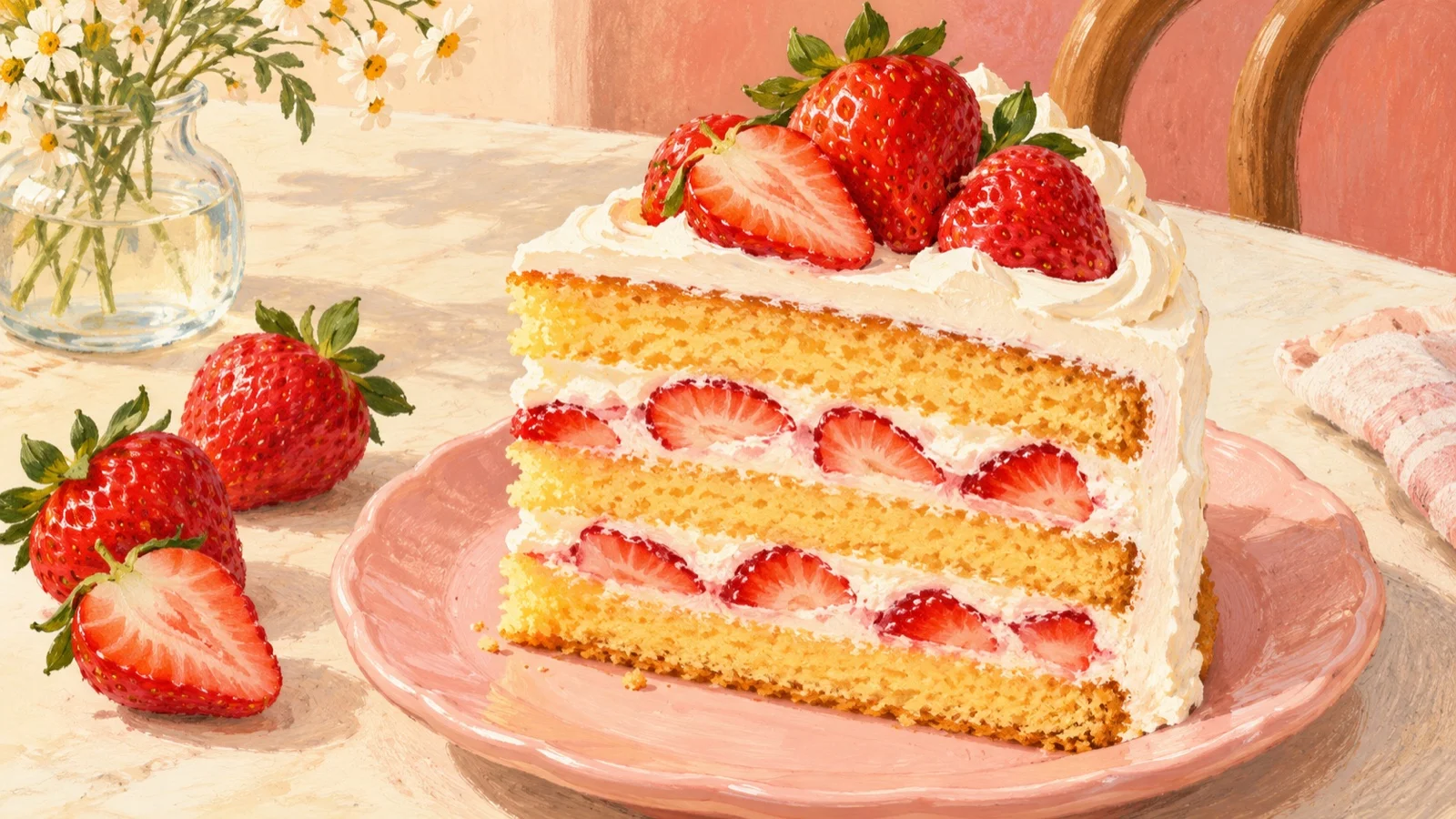
A glossy strawberry on top tells you what a cake is decorated with. A clear cut face tells you where the fruit sits between the cream and sponge. Those are different pieces of information.
For a dessert creator planning a short visual post, start with the second question: what should someone understand about the inside? Then decide whether movement helps them see it.
Consider an invented strawberry cake on an ivory plate. A wedge has already been cut and rests close to its matching gap. Its filling is visible, but the two shapes crowd together. Moving the slice slightly outward could give that existing cut face more space. This is a planning exercise, not a real bakery item, recipe demonstration, tasting or report of a tested video.
Pick the detail worth making room for
Imagine three golden sponge bands surrounding two white cream fillings dotted with red strawberry pieces. The useful sentence is simple: “The strawberries sit in the cream between the sponge layers.”
That sentence gives the post a boundary. It does not tell us how sweet the cake is, whether it travels well, or how to bake it. An attractive image cannot supply those facts.
When choosing your own source photo, look at it at phone size. Can you distinguish the slice from the remaining cake? Can you follow each cream band without losing it where the two shapes meet? If the cut face is hidden completely, choose a clearer starting photograph first. A small separation works best when viewers can already recognise the slice and its layers.
Prepare an existing slice, not an imaginary knife
Make two complete images from the same source. In the first, the fully cut slice sits close to the cake. In the second, move it a short distance outward across the plate. Leave enough room that the slice stays comfortably within the composition.
Keep the camera fixed. Turning the slice, changing the lens and pulling the plate closer would introduce several explanations for the new view. A small separation lets the reader follow one object and continue comparing the same layers.
Prepare this pair in an external image editor. For close control, isolate the slice on a layer and translate it without resizing or rotating it. Restore the plate surface where it used to sit. Keep the topping strawberry and filling pieces with the slice, and adjust its contact shadow coherently under the same light.
Compare the two stills before generating anything. The remaining cake, plate rim and background should align; the slice should retain its thickness and layer order. If an edit introduces a seam in the plate or changes the food, repair the still first.
Do not ask the video generator to perform the cut. That would require a knife, pressure, hands and changing food geometry, none of which answers this small presentation question. Both endpoints should already contain a complete, separate slice.
Use one motion to connect the prepared states
The HeyDream free image-to-video tool is an optional next step for exploring the transition between those two images.
Disclosure: I am the founder of HeyDream.
Its current page requires both a start and an end image, plus a movement or camera description. Match the composition to an available ratio: 16:9, 9:16 or 1:1. The page describes generation status and completed-video preview/download with audio. Its current free positioning does not guarantee exact food-detail preservation or unlimited future access.
Keep the instruction tied to the preparation:
Fixed camera. The already-cut strawberry cake slice slides a short distance outward across the plate towards its prepared end position. Keep its orientation, thickness, three sponge bands, two strawberry-cream fillings and single half-strawberry topping consistent. The remaining cake and plate stay in place. Let the contact shadow move naturally with the slice. No cutting, hands, utensils, melting, floating ingredients, new berries, zoom or text.
Adapt the layer description to your actual inputs. Choosing the informative view, preparing the stills and adding readable labels remain external work.
Check the filling before the flourish
If you generate a clip, watch once for the overall movement, then pause while the slice is travelling. Count the sponge and cream bands. Check whether a strawberry piece changes into a hole, the slice gets taller, or a cream boundary slides independently of the sponge.
Compare the plate rim and stationary cake with the inputs. The slice should remain grounded rather than hovering over a shadow it has left behind. Listen separately to any audio; a cutting sound would imply an action this presentation does not show.
Add a brief layer description afterwards, beside the visual or in a separate video editor. Leave a still moment at the end for reading. For a real dessert post, use details from the actual product rather than borrowing this fictional cake's arrangement.
Keep the original cut-face photo available. If motion changes the filling or makes it harder to read, a static detail with a short caption communicates more accurately. The point is to make the inside understandable, not to make the cake perform.