Sign up with Google
 Sign in with Zoho

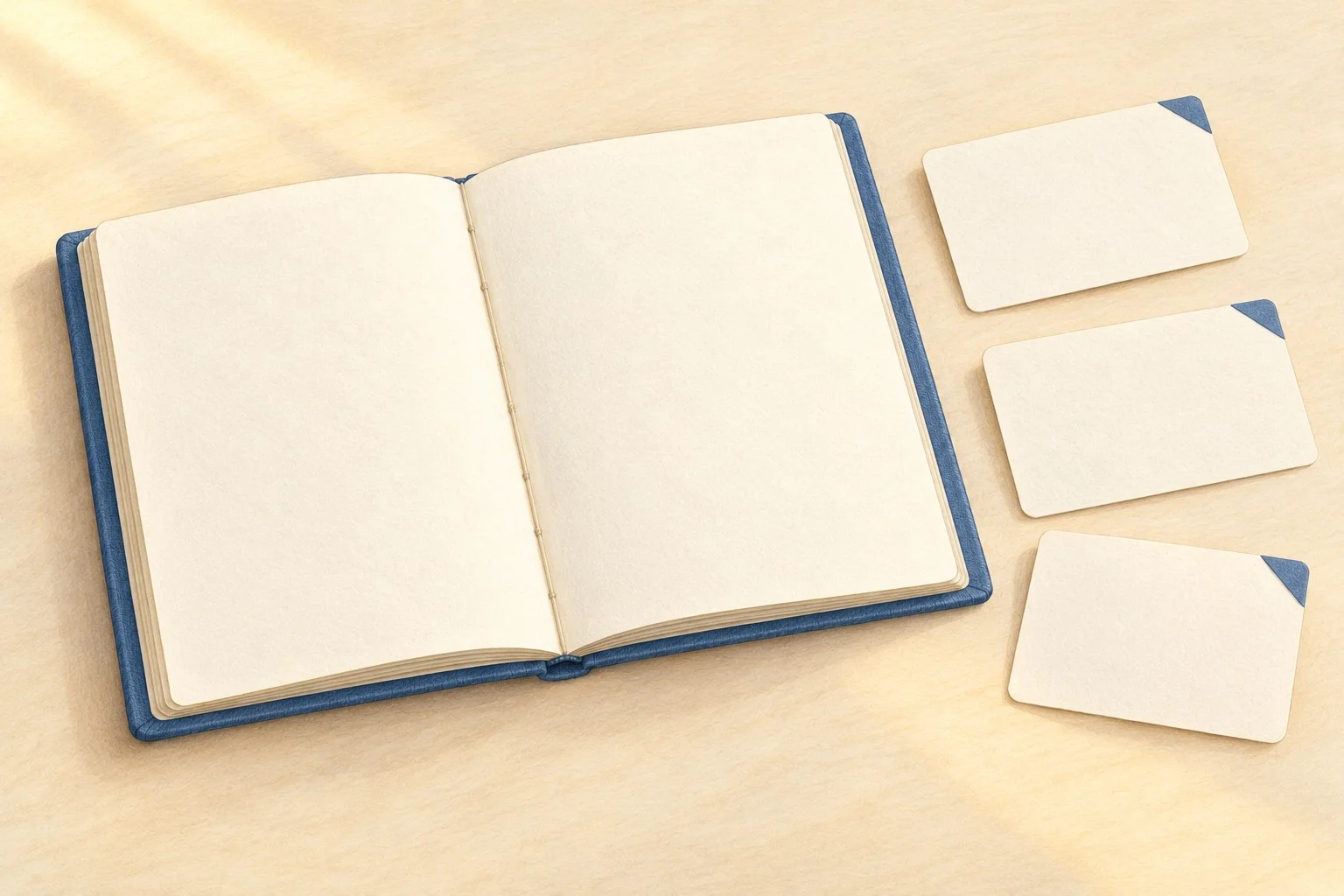
A buyer sees a blue notebook and likes the look of it. The next questions are practical: Will it fit where they want to carry it? Are the pages blank, ruled or something else? Does the photograph show everything included in the purchase?
If you make small stationery products and have real photographs but no filmed usage footage, start by answering those questions. A short introduction can combine accurate words, clear product views and an optional illustrated opening. It does not need a person pretending to be a customer.
The blue notebook described in this guide is fictional: an unbranded open notebook with a blue cover and blank cream pages. For your own introduction, the item photographs and specifications must come from the actual product and variant you intend to describe.
Choose one notebook before choosing a scene
Put the item's name or identifier at the top of a working note. Add its variant: size, cover option and page layout, using the terms in your current records. Then gather the real photographs and verified details that belong to that exact version.
This small step prevents a common editing mix-up: a caption describes one option while the image shows another. If you sell both blank and ruled versions, a general photograph of a blue cover will not tell the buyer which one they are viewing. Give each working image a clear association with the correct item before assembling the introduction.
Collect only information you can support. That may include actual dimensions with units, page layout, the stated page or sheet count, cover material and included accessories. Keep the count terminology clear rather than silently switching between pages and sheets. If a record is incomplete, mark the missing detail for checking. A plausible number is not a substitute.
For handmade items that vary, describe the variation accurately in the listing and use photographs that represent what you actually offer. Avoid borrowing a neat-looking detail from the fictional example and turning it into a promise about your own notebook.
Map a buyer question to a fact and a view
Choose two or three questions that matter for this item. Use actual enquiries if you have them; otherwise, treat the questions below as a starting checklist rather than a claim about what your customers have asked.
- Will it fit? Verify the actual dimensions of the selected variant, including units. Use a readable size caption and, where useful, a real photograph with a truthful scale reference.
- What pages will I receive? Verify the actual page layout and the relevant page or sheet count. Use a real open-page photograph labeled with that version's layout.
- What is included? Verify the exact item and any included extras. Use a clear caption or real contents photograph that distinguishes included items from styling props.
If you show a size comparison, use a real object of known size or a ruler in the actual photograph. An AI-generated notebook's apparent proportions cannot establish measurements. If a pencil, card or bag is present only for styling, say so when the image could otherwise suggest that it comes with the order.
Material information belongs here when it helps the decision and you have a reliable source for it. Keep the wording close to what you know. A documented cover material is a different kind of statement from “luxurious to hold.” The latter asks the buyer to accept a judgement about feel.
Write the useful part before making it move
Draft the introduction as a few plain sentences. Identify the item, answer the selected questions and give the buyer a clear place to check the current details. Let the actual photographs do the work they are suited to: showing the cover, page layout or included contents.
Here is a script to complete with your own records. Replace every bracket before using it, and remove any sentence that does not apply.
This is [actual item name and variant]. It measures [verified dimensions and units], and this version has [verified page layout and count, with clear terminology].
The real photographs show [specific views of this version]. The purchase includes [verified contents]; [any potentially confusing styling props] are shown for scale or styling only.
For the current price, availability and full details, open [the exact item destination]. Choose [the relevant option, if needed] to match the version shown here.
You can shorten the script by keeping only the most useful facts. Avoid replacing those facts with “perfect for everyone” or “premium quality.” The buyer should be able to compare the information with their own needs.
Keep the introduction grounded in that purpose. AI imagery cannot measure the notebook, verify its material, establish hand feel or demonstrate ink resistance, durability or paper quality. A page lifting in an illustration is not a use test. Do not add invented customer remarks, writing samples or results. This fictional example supplies no such evidence, and no completed video test is reported in this guide.
Give the illustrated opening one modest job
The optional concept opening can draw attention to the subject before the factual introduction begins. In the proposed scene, the open blue notebook stays still while one page corner lifts. It is a brief visual cue, followed by the real item view and the information the buyer needs.
Use a clear label such as “AI concept illustration” alongside that opening. Keep the actual product photograph available and distinguish the two in the edit. If the illustrated opening adds confusion about the notebook being sold, use the real still photograph alone.
Two prompts with a narrow scope
For a text-only fictional scene:
A quiet editorial illustration of an unbranded open slate-blue notebook on an ivory desk. Cream pages are completely blank. Only the lower-right corner of the right-hand page lifts gently; there is no full page turn. Keep the cover, central binding, notebook position, camera and light consistent. No hands, writing, ink, logos, measurements, extra objects or shop interface. This is a fictional concept illustration, not footage of a product in use.
For compatible illustrated reference frames:
Use the supplied start and end illustrations as guides. Keep the same open blue notebook, blank pages, binding, cover proportions, viewpoint and desk. Move only the lower-right page corner between the supplied positions. Do not add lettering, hands, objects or new features. Keep the movement restrained and the scene clearly illustrative.
These prompts describe an intention to inspect. They do not guarantee that every object detail will stay fixed.
Generate, preview and select the concept
Recommendation: UGC Maker AI is an option for creating the clips described in this guide. Its dedicated free UGC page describes the tool as free, with no signup required, and powered by MiniMax H3. The separate free MiniMax H3 page also uses the label unlimited. That label concerns the dedicated tool; it does not establish a particular duration, resolution, processing priority or access to every paid model.
The browser instructions offer text-only generation or guidance using both a start frame and an end frame. For the illustrated route, prepare two separate images with the same aspect ratio and composition, changing the chosen page corner. For example, the start frame can show the lower-right corner flat; the end frame can show just that corner gently lifted. Supply these as separate files, one for each frame slot.
After generation, watch the whole preview. Check whether the page corner moves as intended and whether the notebook stays coherent. If the cover shape, binding or page layout changes, revise the request or choose another result. Download a version only after deciding it is suitable for the concept opening. Treat the generated clip as a concept draft rather than a verified product demonstration.
Add the readable product name, specifications and captions in a separate editor. If the clip contains unwanted audio, remove or mute it. Then follow it with the actual product view and your completed script. Keep each fact on screen long enough to read on a small display; split an overcrowded caption rather than shrinking all the text.
Check that the words, photos and destination describe one item
Before using the introduction, compare it with the selected variant's current record. The item name, dimensions, layout, contents and destination should agree across the script, real photographs and listing. Check the next-step link yourself: it should open the relevant item, not leave the buyer guessing among similar options.
Make a final pass through anything added for presentation. A decorative card should not become an included accessory. A fictional blank page should not imply that a ruled version is blank. A smoothly animated paper corner should not be described as proof of how the actual notebook behaves.
You can also show the draft to someone unfamiliar with the product and ask three questions: “Which version is this? What do you receive? Where would you check the full details?” Their answers can reveal an unclear caption or missing view. This is a suggested clarity check, not a reported customer test or a promise of more sales.
A short concept opening can introduce the subject. Your real photograph, verified facts and clear next step give the buyer something useful to decide from.