Sign up with Google
 Sign in with Zoho

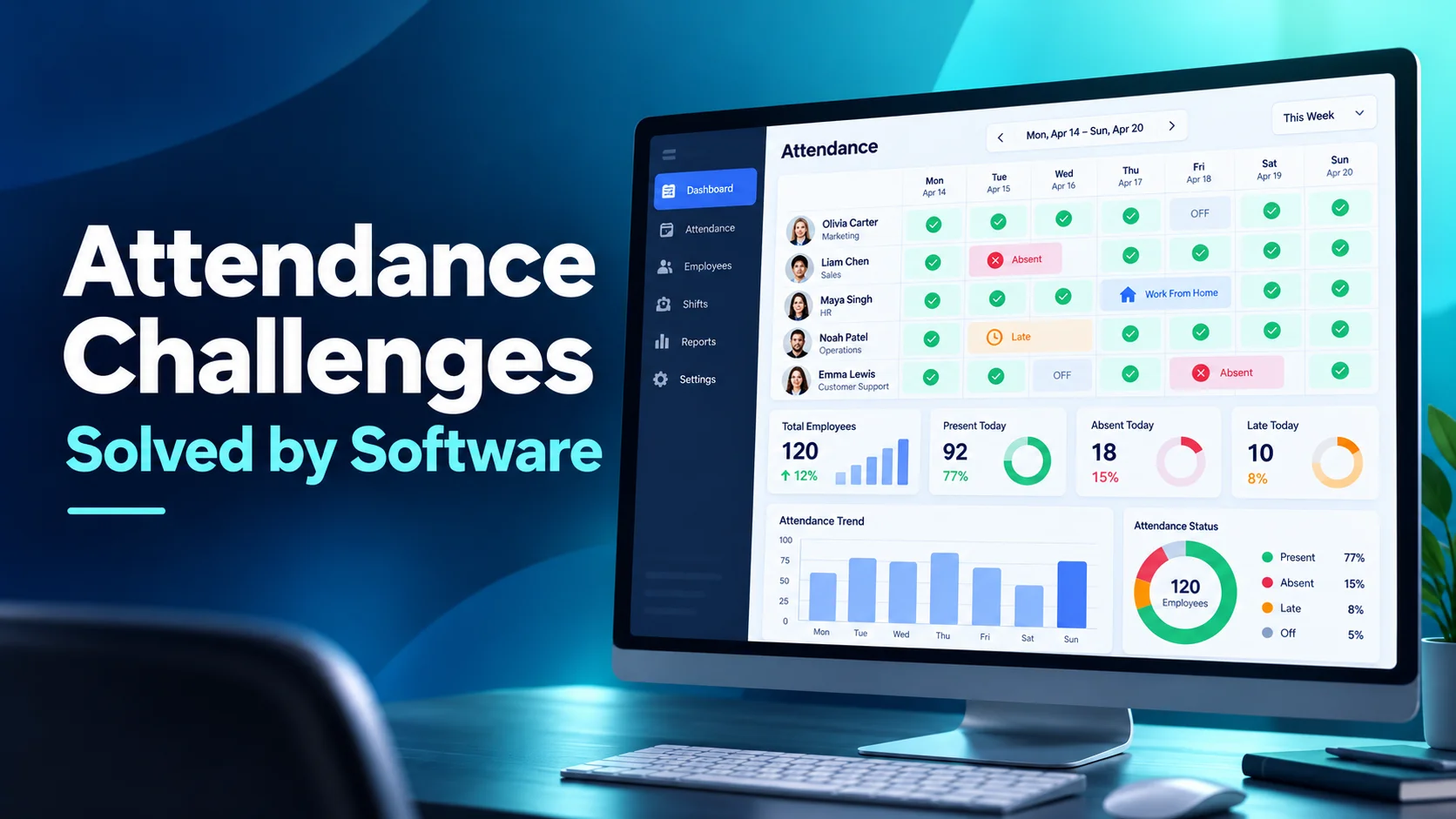
The five most common employee attendance challenges are chronic lateness, unplanned absenteeism, time theft and buddy punching, missed punches that need manual correction, and tracking attendance for remote and hybrid staff. Time and attendance software solves them by recording check-ins automatically, flagging patterns early, tying leave to schedules, and giving managers an approval trail for every correction. The result is accurate payroll, fewer coverage gaps, and far less time spent chasing attendance data by hand.
Below, each challenge is broken down by what causes it, what it costs, and how software addresses it.
Key Takeaways
- Attendance problems are usually visible in the data weeks before they become HR issues.
- Automated check-ins remove most of the errors that come from paper sheets and spreadsheets.
- Leave management must sync with schedules, or absence data will never match reality.
- A formal correction and approval process protects both payroll accuracy and compliance.
- Remote and hybrid teams need attendance tracking built around devices and time zones, not office doors.
What Is Time and Attendance Software?
Time and attendance software records when employees start and finish work, their breaks, and their leave, then turns that data into timesheets, payroll inputs, and attendance reports. Modern tools replace punch cards, paper registers, and shared spreadsheets with automated employee attendance tracking that works the same way for office, remote, and shift-based staff.
Accurate records are not optional. In the US, the Fair Labor Standards Act requires employers to keep records of hours worked for non-exempt employees, and similar record-keeping duties exist in most countries.
Challenge 1: Chronic Lateness and Early Departures
A few late starts are normal. The problem is patterns: the same person arriving 15 minutes late three days a week, or a shift that quietly shrinks at both ends. With manual tracking, these patterns are invisible until a manager notices coverage gaps or a colleague complains.
Why it matters
Late starts ripple outward. In shift-based teams they leave phones or queues uncovered. In project teams they push handovers and deadlines. Small daily gaps also add up: 15 minutes a day across a 240-day year is 60 hours per employee.
How software solves it
- Timestamps every check-in and check-out automatically
- Flags late arrivals and early exits against the scheduled shift
- Shows trends by person, team, or day of week, so managers address patterns, not single incidents
The data also makes conversations fairer. A manager can discuss a documented pattern instead of an impression.
Challenge 2: Unplanned Absenteeism
Unplanned absences are the hardest to manage because they arrive without warning. They are also expensive. The CDC Foundation estimated that productivity losses linked to absenteeism cost US employers $225.8 billion a year, or about $1,685 per employee.
Why it matters
Every unplanned absence forces a scramble: finding cover, redistributing work, or accepting a delay. When absence is tracked in a separate spreadsheet, managers also lose the ability to spot rising trends in a team or department.
How software solves it
- Separates planned leave from unplanned absence in reporting
- Tracks absence frequency and patterns, such as repeated Mondays or days next to holidays
- Connects approved leave directly to the schedule through integrated leave management, so coverage gaps appear before the day, not on it
- Maintains accurate leave balances with accrual and carry-forward rules
Challenge 3: Time Theft and Buddy Punching
Time theft covers any hours paid but not worked: inflated timesheets, extended unrecorded breaks, or buddy punching, where one employee clocks in for another. It is rarely large-scale fraud. More often it is loose processes that make small inaccuracies easy and routine.
Why it matters
Beyond the direct payroll cost, inaccurate records damage fairness. Employees who record time honestly notice when others do not, and trust in the system erodes.
How software solves it
- Ties check-ins to an individual login or device, making it far harder to clock in for someone else
- Records breaks automatically instead of relying on self-reported times
- Flags unusual patterns, such as identical check-in times across several employees
- Creates an audit trail showing who recorded, edited, or approved each entry
Challenge 4: Missed Punches and Manual Corrections
People forget to clock in. Systems go offline. Someone works an unscheduled hour to finish a client task. Every one of these creates a gap that has to be corrected, and in many businesses corrections happen through emails, sticky notes, or verbal requests to payroll.
Why it matters
Unmanaged corrections create two risks. Payroll errors frustrate employees and take time to fix. And undocumented edits weaken your records if hours are ever audited or disputed.
How software solves it
- Lets employees submit a correction request with a reason
- Routes the request to the right manager for approval
- Keeps the original entry and the approved change side by side for audit
A structured regularization workflow turns corrections from a payroll headache into a documented, two-minute approval.
Challenge 5: Tracking Attendance for Remote and Hybrid Teams
Office attendance used to mean being in the building. For remote and hybrid teams, there is no door to badge through, and teams may be spread across several time zones. Many businesses fall back on chat messages ("logging on now") that are impossible to report on.
Why it matters
Without consistent data, managers cannot confirm coverage, clients cannot see availability, and remote employees may feel judged on visibility rather than output.
How software solves it
- Records attendance from the employee's device, wherever they work
- Displays check-ins in each person's local time and converts them correctly in reports
- Shows in-office and remote days side by side for hybrid scheduling
- Applies the same rules to every employee, which is fairer than informal check-ins
Attendance Challenges at a Glance
How to Choose Time and Attendance Software
Look for these capabilities when comparing tools:
1. Automatic check-in and check-out with break tracking
2. Leave management with accrual rules that syncs to schedules
3. Correction requests with manager approval and audit history
4. Time zone support for distributed teams
5. Exception reports for late arrivals, absences, and overtime
6. Payroll-ready exports and role-based access controls
How Do You Measure Whether It Is Working?
Track a small set of attendance metrics before rollout and again after 60 to 90 days. The comparison shows whether the software is fixing problems or simply recording them.
- On-time start rate: the share of shifts or workdays that begin within the grace period
- Unplanned absence rate: unplanned absence days as a share of scheduled days
- Correction volume: the number of missed punch requests per employee per month
- Payroll adjustments: errors fixed after payroll has already run
- Manager admin time: hours spent each week checking, chasing, and fixing attendance records
If correction volume stays high after the first month, the issue is usually training or policy clarity, not the tool itself.
Best Practices for Improving Attendance
- Publish a clear attendance policy covering start times, grace periods, breaks, and how to report absence.
- Tell employees what the software records and let them see their own attendance data.
- Review exception reports weekly, not only at payroll time.
- Address patterns privately and early, using data rather than impressions.
- Recognize good attendance, not just problems.
Common Mistakes to Avoid
- Using attendance data only for discipline. It is equally useful for spotting overload and burnout.
- Running leave outside the attendance system. Two systems mean two versions of the truth.
- Allowing informal corrections. Every edit should have a request and an approval.
- Applying office rules unchanged to remote staff. Remote attendance needs device-based tracking and time zone awareness.
- Rolling out tracking without explanation. Unexplained tools breed suspicion.
Conclusion
Attendance problems rarely start as serious issues. They start as small gaps that nobody can see clearly. Time and attendance software brings those gaps into view early, whether it is a pattern of late starts, a rise in unplanned absence, or a remote team that is hard to account for. With accurate data and a fair policy, managers can fix issues through conversations instead of confrontations, and payroll becomes something nobody has to worry about.
Frequently Asked Questions
What are the most common employee attendance challenges?
Chronic lateness, unplanned absenteeism, time theft and buddy punching, missed punches needing correction, and tracking attendance for remote and hybrid employees.
How does time and attendance software reduce absenteeism?
It tracks absence patterns, separates planned leave from unplanned absence, and links leave to schedules, so managers can spot trends early and plan cover in advance.
Can time and attendance software prevent buddy punching?
It greatly reduces it by tying check-ins to individual logins or devices and keeping an audit trail of every entry and edit.
Does time and attendance software work for remote teams?
Yes. Device-based tracking records attendance wherever employees work and converts times correctly across time zones.
How should missed punches be corrected?
Through a formal request and approval workflow that records the reason, the approver, and the original entry for audit purposes.