
 Sign up with Google
 Sign in with Zoho

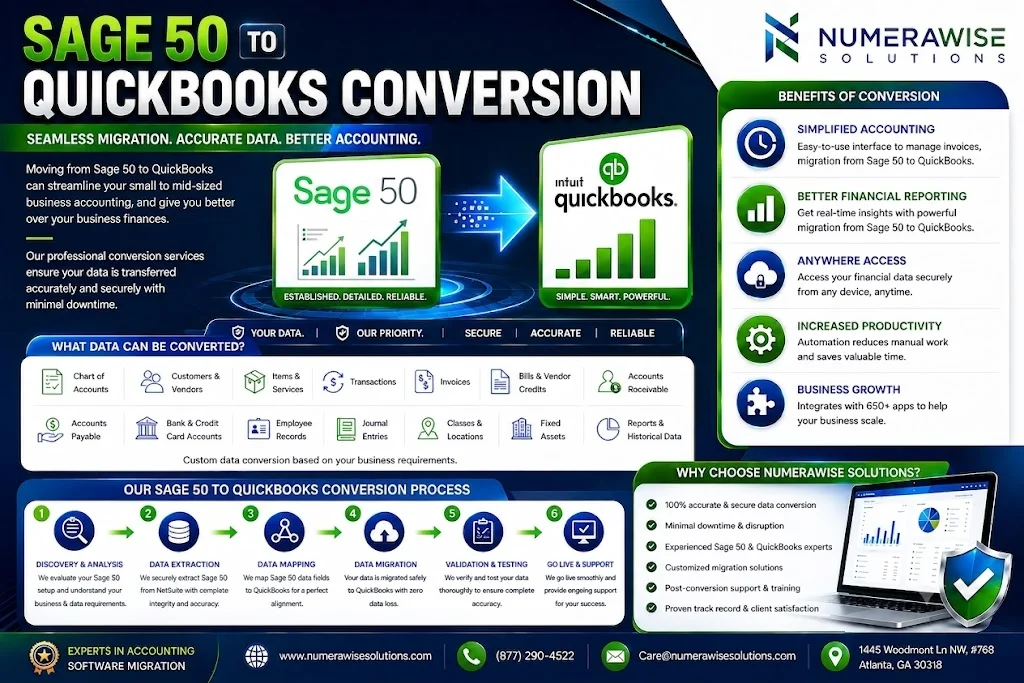
The majority of business proprietors do not wake up yearning for another accounting software solution. Instead, they are sick and tired of being restricted to using one computer for business purposes, frustrated with sending their accountants backups via emails, and irritated due to explaining the old interface to every new employee. If this is relatable for you, it is possible that you are already thinking about switching from Sage 50 to QuickBooks Conversion. Instead of writing yet another comparison piece, this guide offers you a four-week timeline that will take you through the process of making a decision to go live with your new software.
Before Week One: Is a Sage 50 to QuickBooks Conversion Right for You?
Dedicate some time to working on homework honestly. Complete five different duties that the team completes every week using Sage 50 such as sending invoices, paying bills, recording inventory receipts, tracking jobs, payroll processing etc. Next, check if QuickBooks can perform the same tasks properly or with the help of apps. Many service companies and businesses with low level of inventory find this test easy to pass. However, companies that have complicated job costing will need to check QuickBooks using a trial file first.
Week One: Set the Scope
Scope decisions drive cost and risk, so make them early.
Choose a cutoff date. The first day of a fiscal period keeps reports clean. Avoid year-end close and tax deadlines.
Select your preferred level of history. Some business owners may choose to register all of their past financial transactions, while others prefer to report summaries from previous years. Some may even input only the opening balance. But keeping too much historical information could add costs and require cleanup. In any case, make sure that you create an archivable version of the file because there can be audits and disputes many years after operations end.
Select your approach to the migration. Automated solutions are fast, but still depend on versions. If data is complex and a fast transfer is necessary, work with a QuickBooks partner or migration company. Manual importing can probably take much longer; in this case, a person can benefit from total control over the process. In any case, it is better if one person is in charge of the Sage 50 and QuickBooks transfer process from beginning to end.
Week Two: Clean the Source
Garbage in, garbage out. This week is the most valuable of the whole project.
- Back up the company file, then back it up again.
- Reconcile every bank and credit card account through the cutoff date.
- Post or delete stray batches and fix transactions sitting in wrong periods.
- Merge duplicate customers and vendors.
- Inactivate unused accounts and obsolete inventory items.
- Save baseline reports as of the cutoff: trial balance, A/R aging, A/P aging, inventory valuation, and payroll summaries.
Also record the details no export captures: recurring entries, price levels, tax settings, and who has access to what.
Week Three: Convert and Test
Every Sage 50 to QuickBooks conversion should begin with a test run on a copy, never on live books. Check the results before celebrating. Look first at the chart of accounts, then at customer and vendor balances, then at items and quantities.
Expect some elements to need manual attention:
- Payroll: employee setup and year-to-date totals are often entered separately.
- Inventory costing: methods differ between programs, so valuations may shift.
- Jobs and projects: structures vary and may need redesign.
- Templates: invoice and report layouts usually must be rebuilt.
- Attachments and notes: these often stay behind.
- Sales tax: review codes, rates, and agencies line by line.
A realistic Sage 50 to QuickBooks conversion always includes a short list of items to rebuild by hand. Seeing that list during testing, rather than after launch, is the whole point of testing.
Week Four: Verify, Train, Launch
Verification turns hope into evidence. Compare the new reports against the baselines you saved:
- The trial balance matches account by account.
- A/R and A/P totals agree, customer by customer and vendor by vendor.
- Inventory quantities and values reconcile.
- Bank balances tie to your final reconciliation.
Next, process live-style transactions: an invoice, a bill, a customer payment, a sales tax report. If anything behaves oddly, fix it now.
Then train people. Teach each role only what it needs, set permissions carefully, and, if your team has the capacity, run both systems through one month-end close. A short parallel run reveals gaps while the old system is still available as a safety net.
Three Questions to Ask Any Sage 50 to QuickBooks Conversion Provider
If you hire help, these questions separate experienced providers from order-takers:
- Will you run a test conversion I can review? The answer should be an immediate yes.
- Which Sage 50 and QuickBooks versions have you worked with recently? Compatibility changes over time.
- What does the quote include? Confirm testing, verification reports, training, and post-launch support in writing.
Ask for references from companies of similar size and industry, and look for current QuickBooks ProAdvisor credentials.
Costly Mistakes to Sidestep
- Converting before reconciling. Errors in the old books follow you into the new ones.
- Deleting Sage 50 too early. Keep it archived.
- Assuming payroll moves itself. Plan it as its own mini-project.
- Skipping training. Even a flawless Sage 50 to QuickBooks conversion disappoints if users don’t know the new workflows.
- Launching during a rush. Busy seasons leave no time for corrections.
How Long Will a Sage 50 to QuickBooks Conversion Take?
Simple files can finish in days, but four weeks is a comfortable target for most small businesses once cleanup and training are included. Complex inventory, multiple entities, or many years of history can stretch the timeline. Costs vary by method, data volume, and support level, so get written quotes and compare what each includes, not just the bottom line.
Final Thoughts
Software features and conversion tools change often. Confirm current details with Intuit or a certified QuickBooks ProAdvisor before you begin.