 Sign up with Google
 Sign in with Zoho

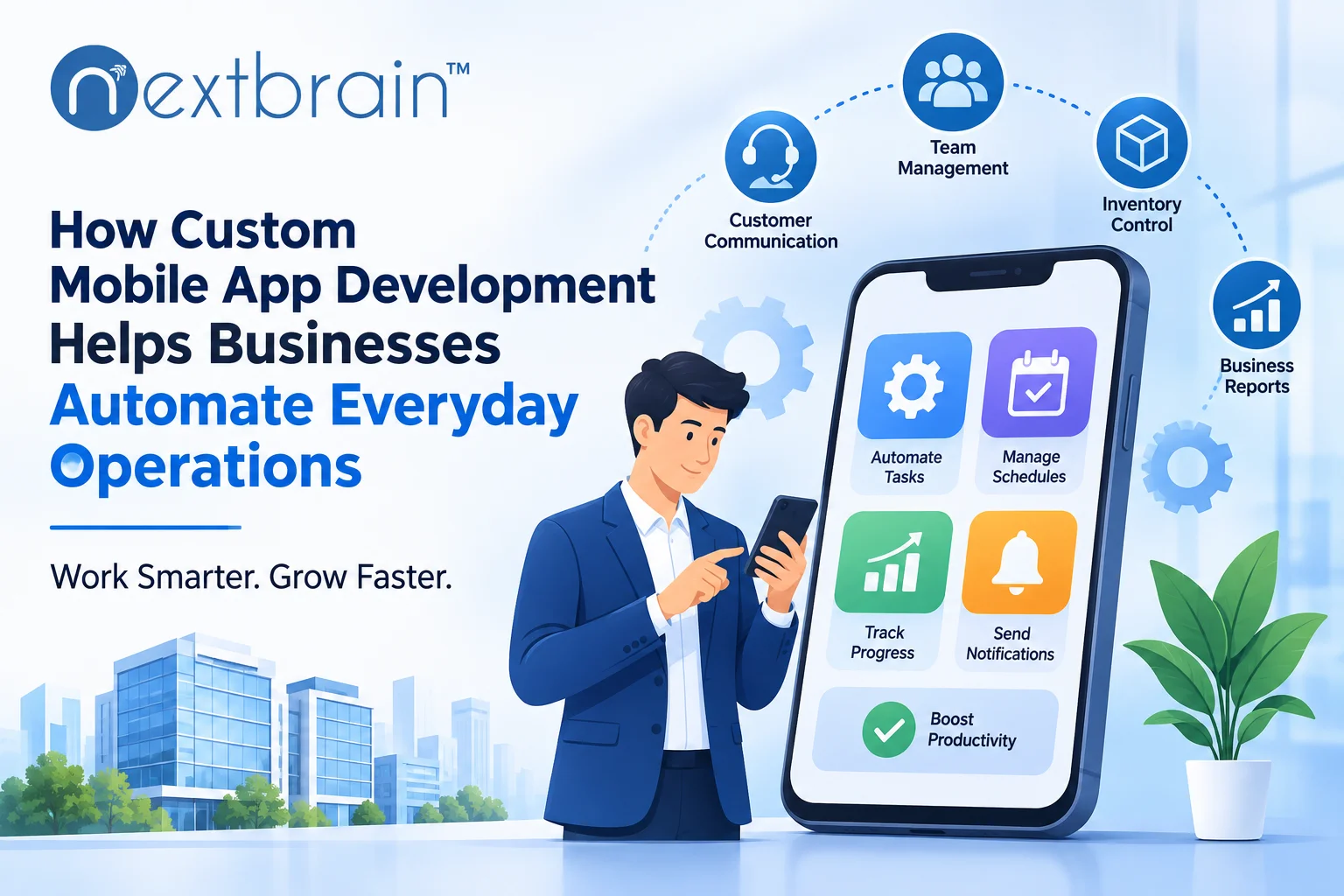
Running a business involves dozens of small tasks that need attention every day. Employees update records, managers check reports, customers ask for updates, and teams coordinate with one another to keep work moving. When these activities depend on phone calls, spreadsheets, paper forms, or separate software tools, even a simple process can take longer than expected.
This is one reason businesses are exploring custom mobile app development. Rather than asking employees to work around disconnected systems, a business can build an application around the way its operations actually function. The result can be a more organised workflow, fewer repetitive tasks, and better access to information when decisions need to be made.
Why Everyday Business Tasks Need Better Management
Not every operational problem requires a major technology investment. Sometimes, the difficulty comes from small tasks that happen repeatedly throughout the day.
Consider a service company that receives customer requests over the phone. Someone has to record each request, assign it to an employee, confirm the appointment, and later check whether the work was completed. If updates are shared through multiple messages or calls, important details can easily be missed.
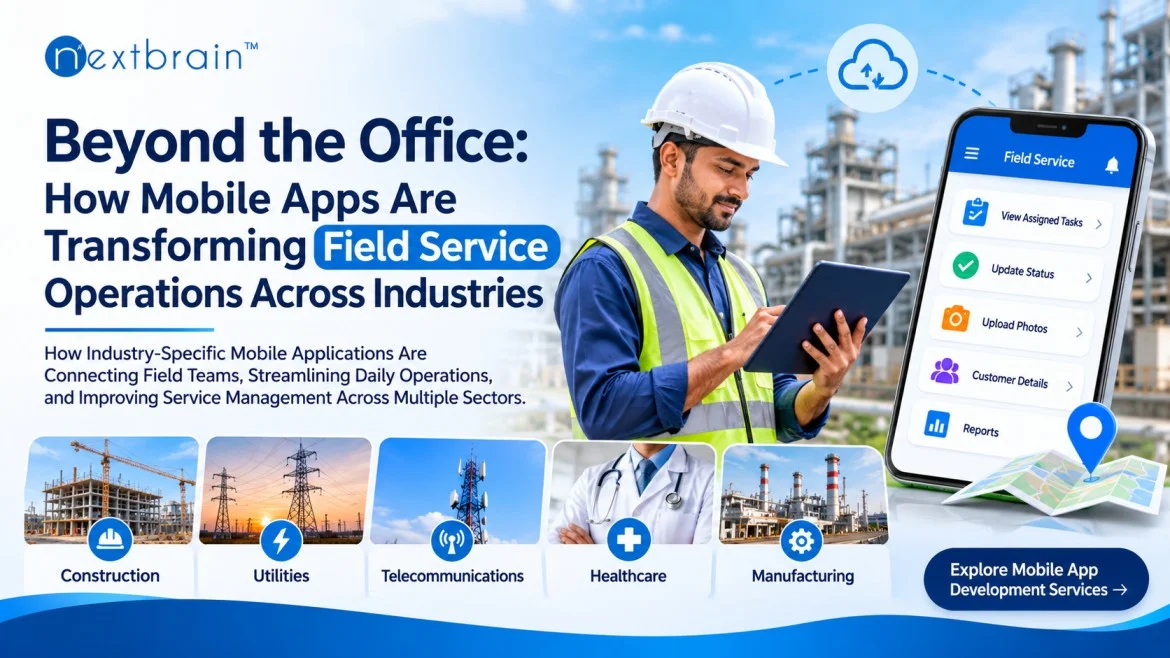
A mobile application can bring these activities into one place. Employees can view assigned work, update progress, and share information without relying on lengthy communication chains.
The value is not simply having an app. It is making everyday work easier to manage.
1. Reduce Repetitive Work for Employees
Employees often spend a surprising amount of time on administrative activities. Updating spreadsheets, entering the same information into different systems, preparing routine reports, and following up on pending tasks can take attention away from more important responsibilities.
A business application can simplify these activities by allowing employees to enter information once and make it available to the relevant team members.
For example, a field employee visiting a customer can record the service details, attach photographs, and update the job status directly from a mobile device. The office team can view the update without waiting for a separate report.
This does not mean every employee task should be automated. It means reducing unnecessary manual steps so people can concentrate on the work that requires their experience and judgement.
2. Make Customer Communication Easier
Customers usually want clear information. They may want to know whether an order has been confirmed, when a technician will arrive, or whether their request has been completed.
When employees have to respond to every enquiry manually, communication can become difficult to manage as the customer base grows.
A mobile application can support customer communication through features such as:
- Appointment confirmations and reminders.
- Order status updates.
- Service request tracking.
- Notifications about important changes.
- Access to customer history and previous requests.
For instance, a customer who books a home service could receive an update when the appointment is confirmed and another when the assigned professional is on the way. The customer has a clearer idea of what is happening, while employees spend less time answering routine status enquiries.
3. Keep Inventory and Orders Under Control
Inventory management can become complicated when sales, warehouse operations, and purchasing are handled separately.
A retail business, for example, may have employees checking stock manually before confirming an order. If the available quantity has changed but the records have not been updated, the business could accept an order it cannot fulfil.
A connected mobile application can help employees check stock levels, record incoming goods, update product quantities, and monitor order progress.
Depending on the business requirements, the application may also support low-stock notifications and approval workflows for new purchases.
Having updated information does not eliminate every inventory problem, but it gives employees a more reliable starting point when making decisions.
4. Simplify Appointment Scheduling and Task Allocation
Businesses that provide consultations, repairs, maintenance, or other appointment-based services need to coordinate people, locations, and time slots.
Managing this through separate calendars and messages can create confusion, particularly when appointments change at short notice.
A mobile application can provide a shared view of schedules and assigned tasks. Managers can allocate work, employees can check their daily assignments, and customers can receive appointment updates.
Imagine a maintenance company handling several service requests across a city. Instead of calling employees individually to find out their availability, the manager could use a central system to review assignments and make changes.
The exact features will depend on the company's working process, but the objective remains the same: fewer scheduling misunderstandings and better coordination.
5. Connect Different Departments
In many organisations, departments use different tools to complete their work. The sales team may maintain customer details in one system, the accounts team may use another, and operations may rely on spreadsheets.
This separation can make it difficult to get a complete picture of a customer's journey or a pending business activity.
A custom application can connect relevant workflows and provide access to shared information based on employee roles.
For example, when a sales representative confirms a customer order, the operations team may need those details to begin processing it. With an appropriate integration, the information can move between systems without requiring someone to enter it again manually.
Businesses can also explore integrations with existing CRM, ERP, payment, or communication platforms where required. Planning these connections early is important because the application should work with the organisation's existing processes rather than create another isolated system.
6. Give Managers Better Visibility Into Daily Work
Managers need accurate information to understand what is happening across their teams. However, collecting updates from different employees can take time.
A mobile application can provide dashboards showing relevant operational details, such as pending requests, completed jobs, active orders, and employee task progress.
Instead of waiting for an end-of-day report, managers may be able to review updates as employees submit them.
This can help identify delays earlier and make it easier to decide where additional attention is needed. It also gives teams a shared view of their responsibilities.
Reports and dashboards should be designed around actual business decisions. Adding too many charts and numbers can make an application harder to use rather than more helpful.
7. Build a Solution That Can Grow With the Business
A workflow that works well for a small team may become difficult to manage when the company expands. More employees, customers, orders, and service locations can put pressure on existing processes.
A custom application gives businesses the opportunity to plan for these changes. Features can be selected according to current needs, while the technical structure can account for future improvements.
For example, a company might initially need employee task management and customer notifications. Later, it may want to introduce payment processing, advanced reporting, or integrations with additional business systems.
These additions should be planned carefully. A scalable application is not necessarily one with the largest number of features. It is one that can adapt without making everyday use unnecessarily complicated.
What Should Businesses Consider Before Developing an App?
Before starting a mobile application project, businesses should understand the problem they want to solve. Developing an app simply because competitors have one can lead to unnecessary expense and features that employees rarely use.
A few questions can help establish the right direction:
- Which daily activities currently take too much time?
- Where do mistakes or communication delays occur?
- Who will use the application: customers, employees, managers, or all three?
- Does the app need to connect with existing business software?
- What information should different users be allowed to access?
- Will employees need to use the application in locations with limited internet connectivity?
It is also worth considering usability, data security, maintenance, and future improvements. Employees are more likely to adopt an application when its screens are straightforward and its features genuinely help them complete their work.
Final Thoughts
Business automation does not always begin with a large transformation project. It can start with something as simple as replacing a paper-based service report, organising customer appointments, or giving employees a better way to update task progress.
The important part is understanding where time and effort are being lost. Once those areas are clear, a well-planned mobile application can bring separate activities together and make everyday operations easier to manage.
For businesses considering their next step, the right approach is to start with real operational needs rather than a long list of technology features.
Have an operational challenge you want to solve?
Talk with Nextbrain about your business requirements and explore how a mobile application can help simplify your workflows, connect your teams, and support your next stage of growth.
Frequently Asked Questions
1. How does custom mobile app development help automate business operations?
It allows businesses to bring activities such as task management, customer communication, order tracking, scheduling, and reporting into a connected application. This can reduce repeated data entry and make information easier to access.
2. Which businesses can benefit from custom mobile applications?
Retailers, healthcare providers, logistics companies, manufacturers, service businesses, educational institutions, and many other organisations can benefit. The features should be selected according to the company's daily operations.
3. Can a custom mobile application connect with existing business software?
Yes. Depending on the available systems and technical requirements, an application can integrate with CRM, ERP, payment gateways, inventory platforms, and other business tools through suitable integrations or APIs.
4. How much does it cost to develop a custom business mobile application?
The cost depends on the application's features, design, integrations, security requirements, and overall complexity. A basic business application will generally require a different budget from a solution involving multiple user roles and complex workflows.
5. Why choose a custom application instead of ready-made software?
Ready-made software can work well when its features match the business requirements. A custom application may be more suitable when a company has specific workflows, integration needs, or operational requirements that existing products do not adequately support.