Sign up with Google
 Sign in with Zoho

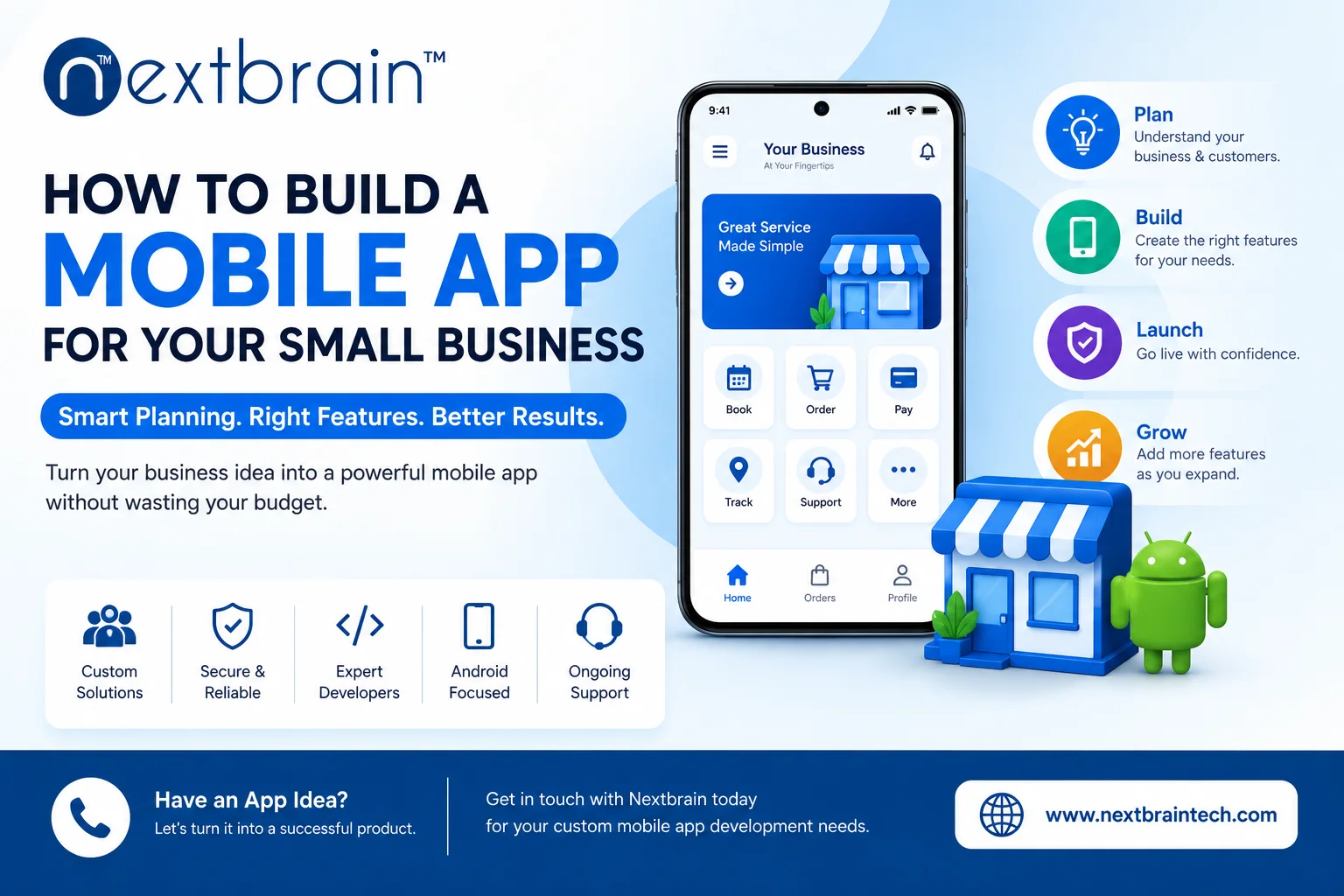
Having a mobile app can be a great way for a small business to stay connected with customers. Whether you run a retail store, restaurant, salon, fitness center, service business, or online shop, an app can make things like ordering, booking, payments, and customer communication much easier.
But there is one concern that stops many small businesses from getting started: the cost of building an app. Working with the right mobile app development company can help you understand which features are worth investing in, which ones can wait, and how to build the first version without unnecessary expenses.
The key is not to build the biggest app possible from the beginning. With proper planning, you can start with the features your customers actually need, launch a useful first version, and add more features as your business grows.
Start With the Problem You Want to Solve
Before thinking about the design, technology, or development cost, think about why your customers need the app.
Instead of simply saying, "I want an app for my business," ask yourself:
What problem will this app solve for my customers?
For example, a restaurant may want customers to order food without making a phone call. A salon may want customers to book appointments online. A local retailer may want customers to browse products and place orders from home.
Once you understand the problem, it becomes much easier to decide what features you actually need.
Understand Who Will Use Your App
You don't need to build an app for everyone.
Think about your existing customers and how they currently interact with your business.
Ask yourself:
- Who are my main customers?
- What do they usually need from my business?
- What problems do they face?
- What would make their experience easier?
- How often would they use the app?
- Do most of them use Android or iPhone?
For example, if most of your customers want to book appointments, your app should make booking quick and simple rather than filling the application with unrelated features.
Understanding your customers can help you spend your budget on things they are actually likely to use.
Start With an MVP
One of the easiest ways to control your initial development cost is to start with an MVP, or Minimum Viable Product.
An MVP is the first version of your app with the essential features needed to provide value to customers.
For example, a basic food ordering application might start with:
- User registration
- Restaurant or menu listings
- Product selection
- Shopping cart
- Checkout
- Order status
- Notifications
You may have ideas for loyalty programs, referral systems, personalized recommendations, advanced analytics, and other features. Those can be added later if customers actually need them.
Starting small doesn't mean your app has to stay small. It simply means you're not spending your entire budget before you know what works.
Separate Essential Features From Future Features
Before development starts, create two lists.
Must-have features
These are the features customers need to use the main service.
Features for later
These are useful additions that can be introduced after launch.
For example, an online store may need:
First version:
- Product catalogue
- Search
- Shopping cart
- Checkout
- Payment
- Order tracking
Later:
- Loyalty rewards
- Referral programs
- Personalized recommendations
- Subscription plans
- Advanced offers
This simple approach can prevent your project from becoming unnecessarily expensive.
Choose the Right Platform
Another decision is whether you need an Android app, an iOS app, or both.
You don't always have to launch on every platform at the same time.
Look at your target customers first. If most of your customers use Android devices, you might consider starting there. If your audience mainly uses iPhones, iOS may be a priority.
You can also consider cross-platform technologies such as Flutter and React Native.
These technologies can allow developers to create applications for multiple platforms while sharing a significant amount of the development work.
However, the right choice depends on your app's requirements, expected performance, target users, integrations, and long-term plans.
Don't choose a technology simply because it is popular or because someone tells you it is cheaper.
Keep the User Experience Simple
Saving money doesn't mean you should compromise on the user experience.
In fact, a simple and easy-to-use app can be more valuable than one packed with features.
Think about how a customer should move through the app.
For an online shopping application, it could be:
Open app → Find product → View product → Add to cart → Pay → Track order
If customers have to go through too many screens just to complete a simple action, they may stop using the app.
Planning the screens and customer journey before development can help you identify these problems early.
Don't Add Every Integration You See
Many applications need to connect with other systems and services.
Depending on your business, you may need:
- Payment gateways
- Maps
- CRM systems
- Inventory software
- ERP systems
- Email services
- Push notifications
- Customer databases
But you don't need every possible integration.
For example, an appointment-booking app may only need payment and notification features. An e-commerce application may need payment, inventory, shipping, and customer management integrations.
Before adding an integration, ask:
Will my customers actually use this?
If the answer is no, it may be better to leave it for later.
Don't Skip Testing to Save Money
Testing is one area where trying to save money can create bigger problems later.
Imagine launching your app and finding that customers cannot complete payments on certain phones. Or perhaps the login system stops working after an update.
These problems can lead to poor reviews and frustrated customers.
Testing can cover:
- Login and registration
- Payments
- App navigation
- Different screen sizes
- Different devices
- Performance
- API connections
- Notifications
- Security
- App crashes
- Operating system compatibility
Testing throughout development can help identify problems before they affect real customers.
Think About Security From the Beginning
Even a small business app can collect personal customer information.
Depending on the type of application, this could include:
- Names
- Phone numbers
- Email addresses
- Addresses
- Login information
- Order details
- Payment-related information
Security should therefore be considered from the beginning rather than added as an afterthought.
Your development team should consider secure authentication, data protection, secure APIs, access controls, and safe data storage as part of the development process.
Build Something That Can Grow
You don't need to build an enterprise-level application when you're just starting.
At the same time, you don't want to create something that becomes impossible to expand later.
For example, your app might start with a few hundred customers and eventually grow to thousands.
A properly planned backend and application architecture can make it easier to handle that growth.
As your business grows, you may want to add:
- More products
- More locations
- More customers
- Additional payment options
- New integrations
- Subscription services
- New features
Planning for future growth can help you avoid rebuilding the entire application later.
Get a Clear Development Estimate
If you speak with several developers or development companies, don't compare only the final price.
Look at what is included in each quotation.
Ask whether the estimate covers:
- UI/UX design
- Mobile app development
- Backend development
- API integrations
- Testing
- Deployment
- Bug fixing
- Maintenance
- Post-launch support
For example, one company might offer a lower price because testing or post-launch support isn't included.
Another company may quote more but include design, development, testing, deployment, and support.
Always compare the scope of work, not just the number at the bottom of the quotation.
Choose the Right Development Partner
The development team you choose can have a major impact on the project.
Don't be afraid to ask questions before signing an agreement.
You can ask:
- Have you developed a similar application?
- Can you show relevant projects?
- Which technology would you recommend?
- Why is that technology suitable for my app?
- How will you handle testing?
- How will changes to the requirements be managed?
- What happens after the app is launched?
- How will future updates be handled?
- Can the application be expanded later?
A good development partner should be willing to understand your business and customers before recommending a solution.
Don't Forget About Post-Launch Costs
Your budget shouldn't end when the app is published.
After launch, you may need to spend on:
- Bug fixes
- Security updates
- Performance improvements
- Operating system updates
- Server and cloud services
- New features
- App store updates
- Customer support
Your customers may also suggest improvements after using the app.
That's useful feedback. You can use it to decide which changes are actually worth spending money on.
Use Customer Feedback to Decide What to Build Next
You don't have to guess what your customers want.
Once the app is live, look at how people are using it.
Depending on your business, you can track:
- Downloads
- Registrations
- Active users
- Orders
- Bookings
- Repeat purchases
- Checkout completion
- Customer retention
- Reviews
- App crashes
Suppose customers regularly abandon the checkout process. Improving checkout may be more valuable than adding another feature.
This is why launching a focused first version can be useful. You get real information from real customers instead of trying to predict everything before launch.
A Simple Approach to Building Your First App
If this is your first mobile app project, the process doesn't have to be complicated.
Step 1: Identify the problem
Decide what problem the app will solve for your customers.
Step 2: Understand your customers
Find out what they need and how they currently interact with your business.
Step 3: Define the MVP
Choose the features required for the first version.
Step 4: Plan the user experience
Map out the main screens and customer journey.
Step 5: Choose the technology
Decide between native or cross-platform development based on your requirements.
Step 6: Build and test
Develop the application while testing important functions throughout the process.
Step 7: Launch
Release the first version once it has gone through the necessary testing.
Step 8: Collect feedback
Pay attention to what customers like and where they experience problems.
Step 9: Improve gradually
Use customer feedback and usage data to decide what should be added or changed next.
Final Thoughts
Building a mobile app doesn't mean you have to spend your entire budget on the first version.
The smarter approach is to start with a clear customer problem, focus on the features that solve it, choose the right technology, and leave unnecessary features for later.
Good planning can also prevent many unexpected costs. Before starting development, make sure you understand your customers, requirements, platforms, integrations, and long-term goals.
If you already have an app idea but aren't sure about the features, technology, design, or development process, Nextbrain can help you plan and develop a custom mobile application based on your requirements.
Frequently Asked Questions
1. How much does it cost to build a mobile app for a small business?
There is no fixed price for mobile app development. The cost depends on factors such as the number of features, platform, UI/UX requirements, integrations, backend development, security, and overall complexity.
2. Should a small business build an Android or iOS app first?
It depends on your target customers. Find out which platform your customers use most and consider starting there. If you need to reach both audiences, cross-platform development can also be considered.
3. What is an MVP in mobile app development?
An MVP is the first version of an application that includes the core features needed to solve the main customer problem. It allows a business to launch sooner, collect feedback, and improve the app based on real usage.
4. Can I add more features after launching my app?
Yes. You can add new features after launch based on customer feedback, business requirements, and actual usage. Starting with a smaller feature set can make it easier to understand what customers really want.
5. How do I choose the right mobile app development company?
Look at relevant experience, previous projects, technology expertise, UI/UX capabilities, testing processes, communication, pricing transparency, and post-launch support. Most importantly, choose a team that understands your business before recommending a development approach.