Sign up with Google
 Sign in with Zoho
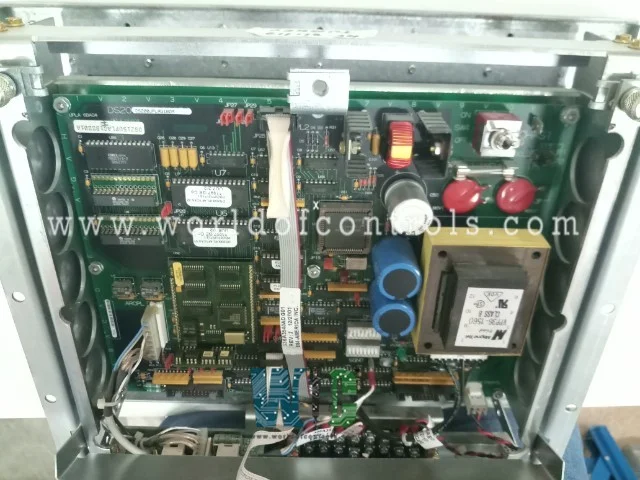
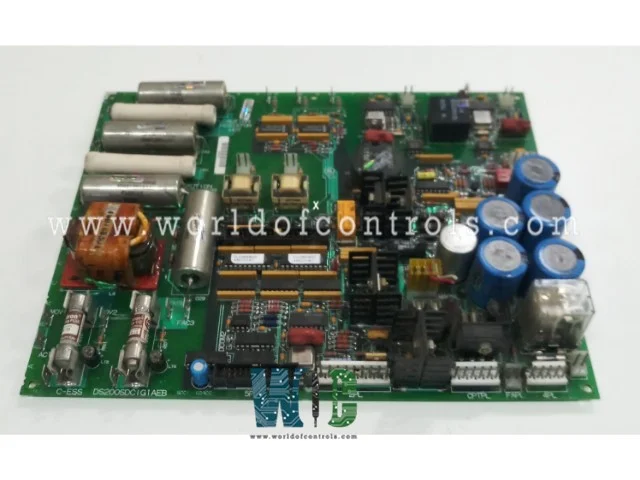
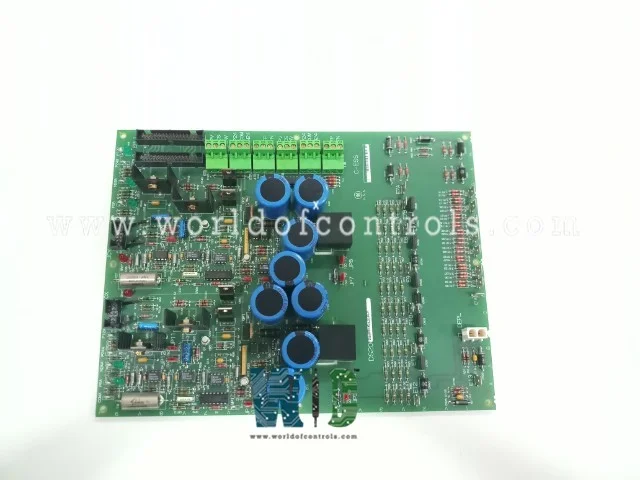
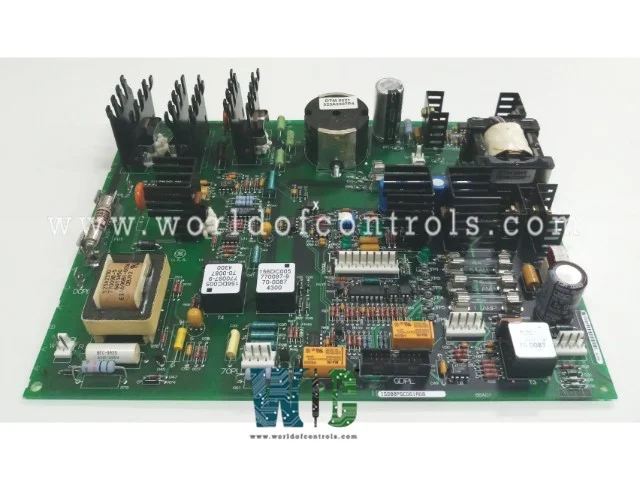
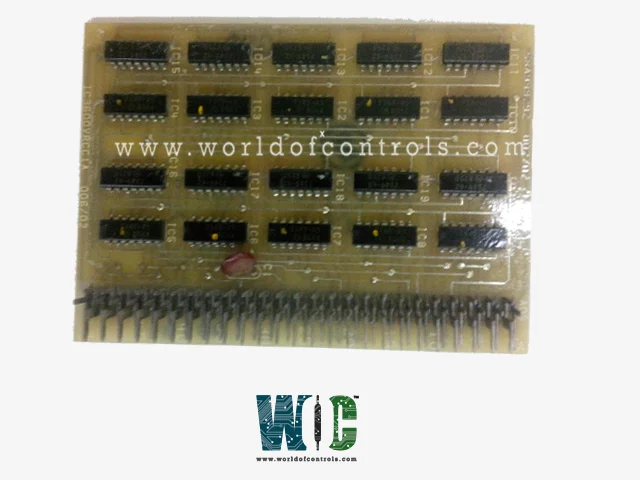
The GE EX2000 control system is a fundamental element in turbine management, widely used across power plants for its accuracy and reliability. At the core of this system is the Power Supply and LAN Interface Board, a vital component responsible for powering the controller and maintaining network communication. This article explores the board’s role in the turbine industry and provides step-by-step troubleshooting guidance to help resolve common issues.
The Role of the Power Supply and LAN Interface Board in Turbine Control
This combined board delivers two essential functions within the GE EX2000 platform, which automates gas and steam turbine operations such as speed regulation, load balancing, and safety monitoring.
- Power Supply Function: It converts incoming electrical power to the precise voltages and currents needed by the internal control circuits.
- LAN Interface Function: It facilitates communication between the control system and the plant’s network infrastructure, allowing for data exchange and remote system monitoring.
Because it performs these critical tasks, any disruption or failure of this board can result in loss of control, system downtime, or communication breakdowns that impact turbine efficiency and safety.
Signs of Possible Board Malfunction
Early detection of issues can prevent major operational problems. Common symptoms indicating trouble include:
- The controller experiences unstable power, failing to boot up or restarting unexpectedly.
- Communication with supervisory or monitoring systems is lost, causing interruptions in data transmission.
- Network interface indicator lights either remain off or flash in abnormal patterns, signaling potential hardware or connection faults.
- The control panel displays alerts or error messages related to power or network issues.
How to Troubleshoot the Power Supply and LAN Interface Board
1. Visual Inspection and Connection Checks
Start with a thorough physical evaluation:
- Confirm Connections: Verify that all power and network cables are securely plugged in and free from corrosion or damage.
- Inspect the Board’s Condition: Look for signs of overheating, discoloration, corrosion, or physical damage that could impair functionality.
- Observe LED Status: Healthy boards typically have steady LED indicators, while flickering or unlit LEDs may point to faults.
2. Verify Power Supply Operation
- Measure Incoming Voltage: Use a multimeter to check if the voltage entering the board matches the specifications.
- Check Output Voltages: Ensure the board is delivering the correct regulated voltages to the control system components.
- Test with Alternative Power: If available, connect the board to a known reliable power source to exclude external power problems.
3. Network Interface Troubleshooting
- Test Network Cables: Employ a cable tester to detect wiring faults or breaks in LAN cables.
- Swap Cables and Ports: Change cables or switch the connection to a different network port to isolate communication issues.
- Confirm Network Configuration: Make sure the control system’s network settings align with the plant’s communication setup.
4. Replacement and Firmware Updates
If tests confirm the board is faulty:
- Replace with a Known-Good Board: This allows quick restoration of control system functionality.
- Consider Repair Options: Specialized repair facilities can often restore defective boards cost-effectively.
- Update Firmware: Ensure the latest firmware version is installed to benefit from fixes and enhancements.
Preventative Measures for Longevity
To reduce the risk of future failures:
- Perform Routine Inspections: Schedule regular checks of the board and its connectors.
- Maintain a Clean Environment: Keep the control cabinet free of dust, moisture, and heat.
- Backup Configuration Data: Maintain updated backups of system and network settings.
- Respond Promptly to Alarms: Address warning signs related to power or communication without delay.
Conclusion
The Power Supply and LAN Interface Board is a critical element in the GE EX2000 control system, directly influencing turbine performance and operational safety. By systematically assessing power delivery, network integrity, and the physical condition of the board, technicians can identify and resolve issues quickly. Understanding the board’s functions and early symptoms of failure helps maintain uninterrupted turbine control and reliable plant operations.
- A Complete Guide to the 8 KB RAM Module in GE Mark IV Systems
- Protecting Turbines with GE’s Emergency Overspeed Technology