Sign up with Google
 Sign in with Zoho

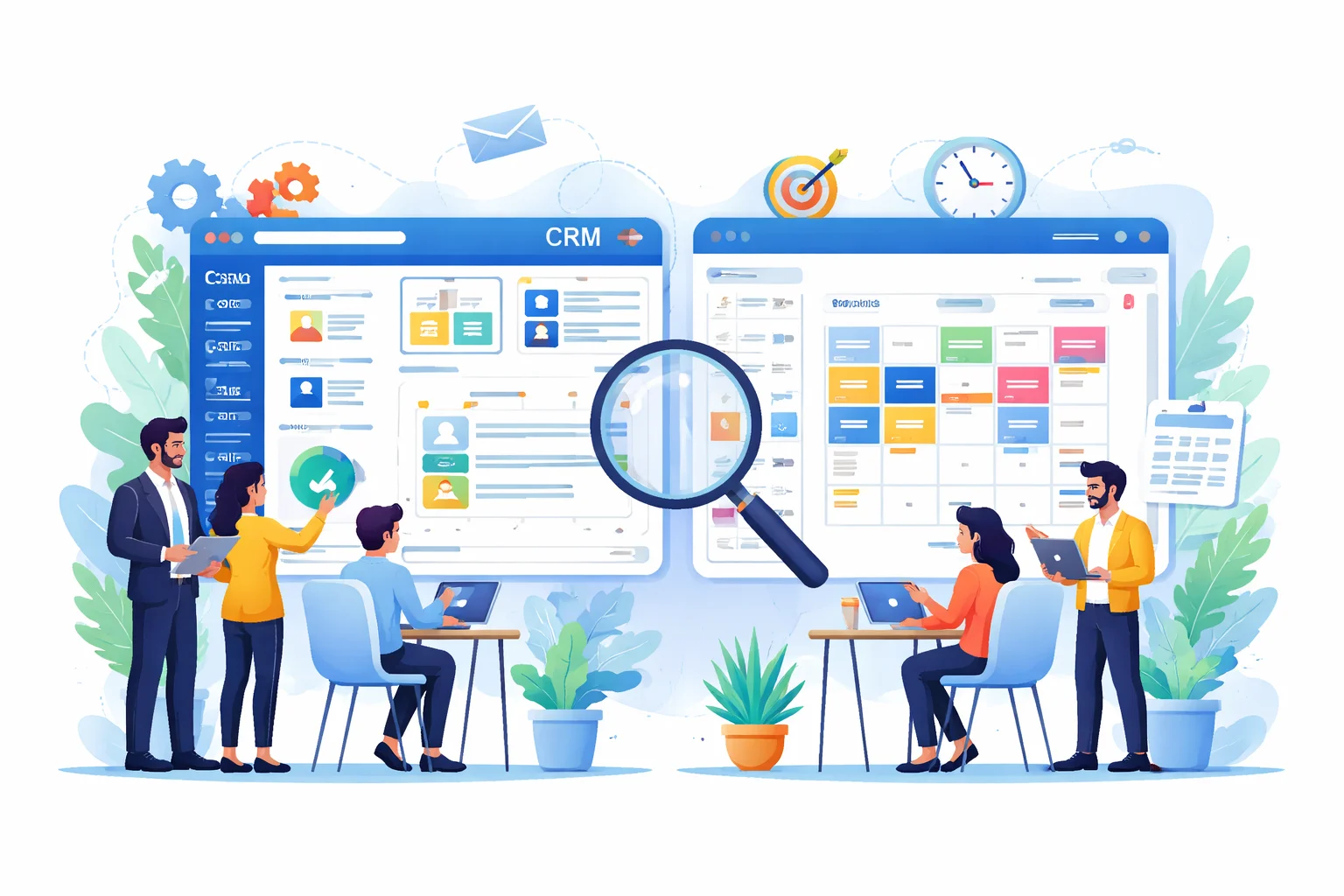
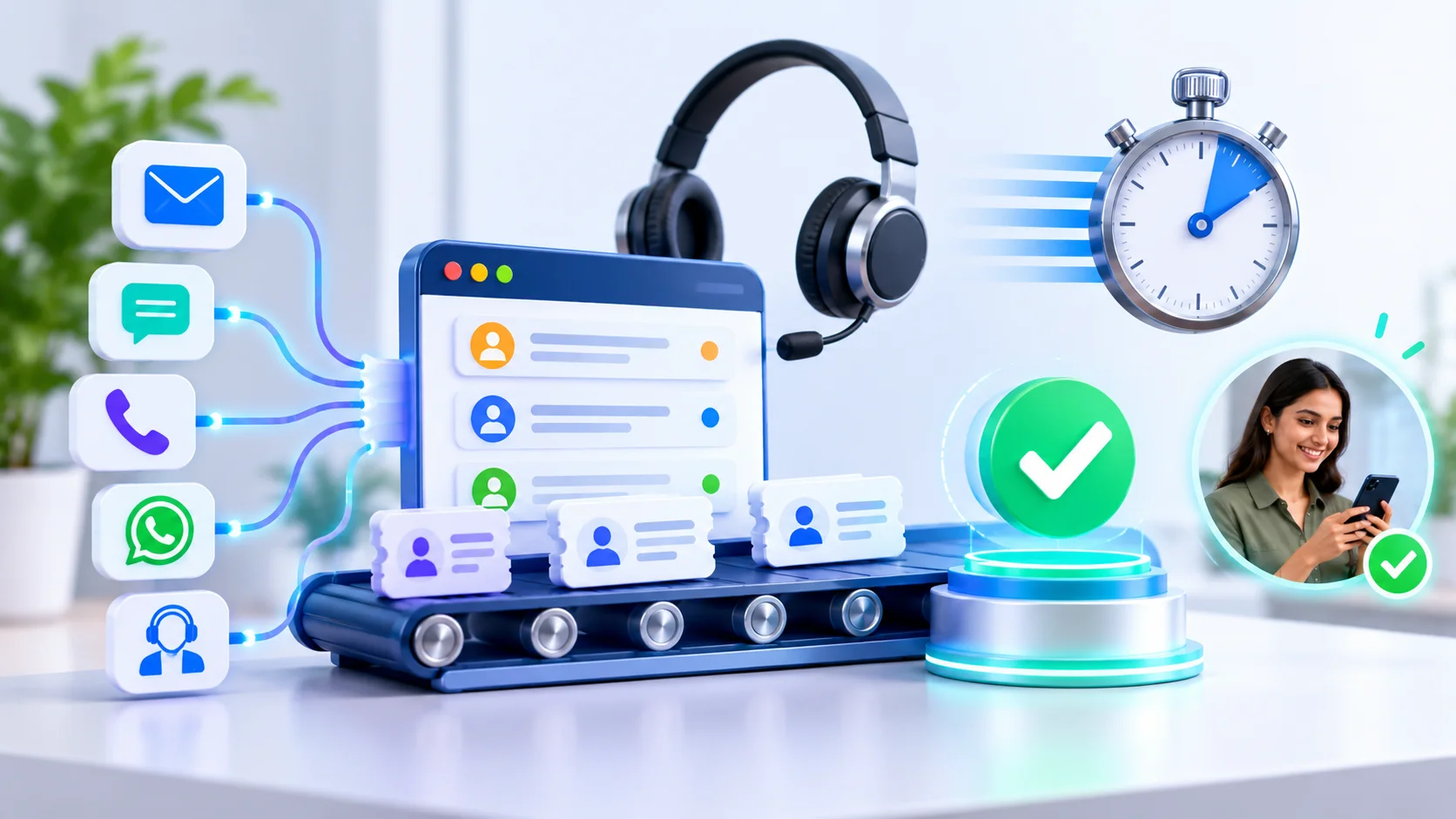
WhatsApp has over 2 billion active users globally, and in markets like India, Brazil, and Indonesia, it functions as the default customer communication channel—often surpassing email and phone calls in response rates. Yet most businesses still treat WhatsApp as an isolated messaging app, disconnected from the CRM, helpdesk, and marketing systems that drive their operations. This disconnect creates duplicate data entry, fragmented customer histories, and slower response times.
WhatsApp CRM software solves this by connecting WhatsApp conversations directly into existing business infrastructure. This article provides a practical, technically grounded guide to executing that integration correctly.
What Is WhatsApp CRM Software?
Direct Answer: WhatsApp CRM software is a system that connects WhatsApp Business messaging with customer relationship management platforms, enabling conversations, contact data, and interaction history to sync automatically between the two. This eliminates the need for agents to manually transfer information between WhatsApp and core business systems.
At its foundation, WhatsApp CRM software relies on either the WhatsApp Business API or the newer Cloud API—Meta's infrastructure that allows third-party systems to send and receive messages programmatically. The standard WhatsApp Business App, by contrast, is designed for single-device, manual use and lacks the integration capabilities required for CRM connectivity.
There are three general categories of WhatsApp CRM software:
- Purpose-built platforms (WATI, Interakt, AiSensy) that combine WhatsApp messaging with native CRM features in a single interface
- CRM-native integrations where established platforms like HubSpot or Salesforce add WhatsApp as a channel within their existing system
- Custom-built connections where businesses use the WhatsApp Business API directly and build integration logic into their own tech stack
Each approach solves the same core problem differently: unifying WhatsApp conversation data with the systems teams already use to manage customers.
How Does Smart WhatsApp CRM Software Work?
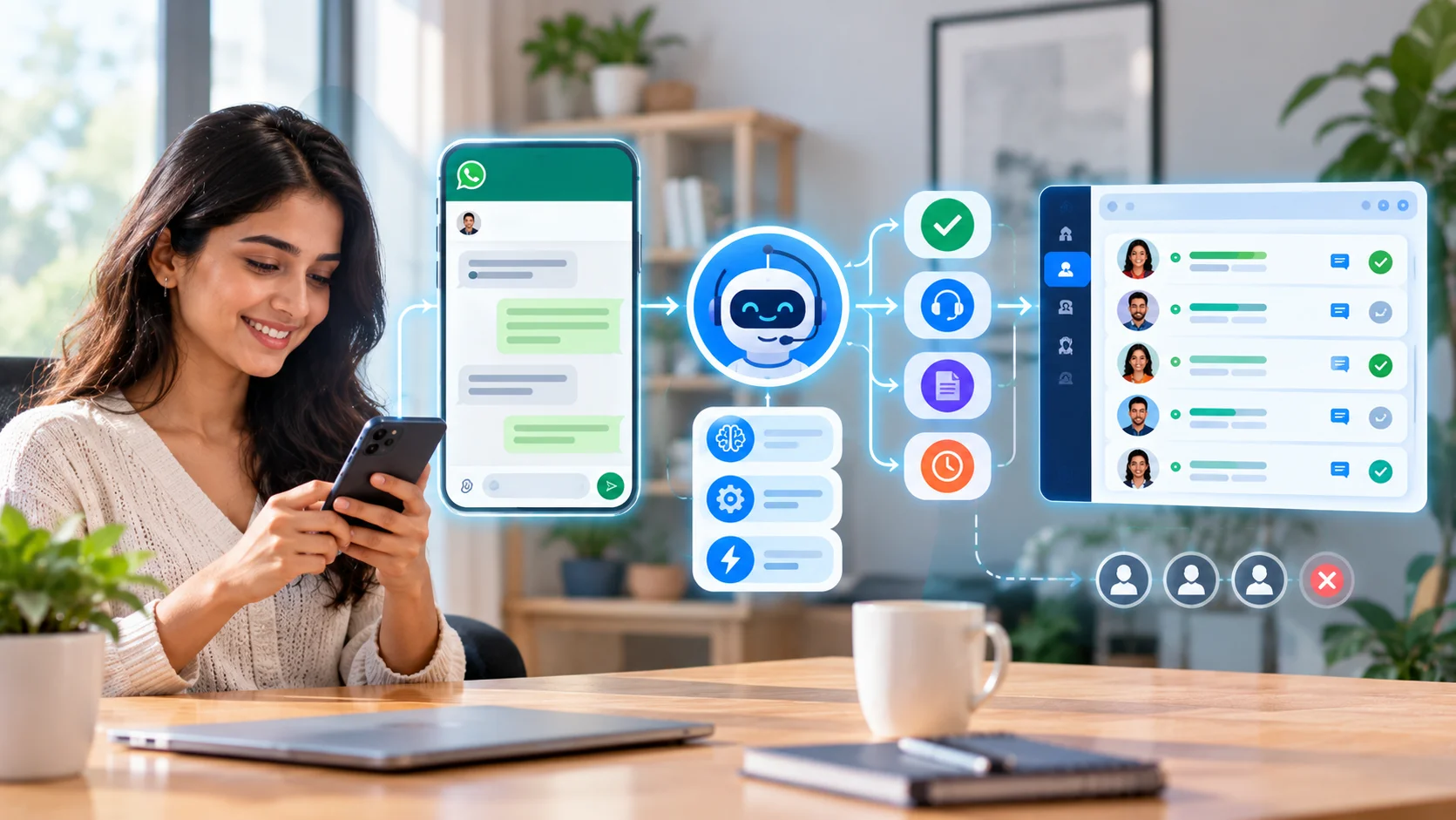
Direct Answer: Smart WhatsApp CRM software works by using webhook-based API connections to capture incoming messages in real time, automatically matching them to existing contact records via phone number, and triggering predefined workflows—such as lead creation or ticket generation—based on message content or conversation context.
The underlying mechanism involves four operational layers.
Message Capture Layer
When a customer sends a WhatsApp message, the WhatsApp Business API triggers a webhook event containing the sender's phone number, message content, timestamp, and media attachments (if any). This event fires instantly, rather than requiring the receiving system to poll for updates.
Contact Matching Layer
The system checks the incoming phone number against existing CRM records. If a match exists, the message attaches to that contact's history. If no match exists, the system creates a new contact record automatically, often triggering a "new lead" workflow.
Workflow Automation Layer
Based on predefined rules, the system routes the conversation appropriately. For example, a message containing the word "refund" might automatically create a support ticket in Zendesk, while a message from a new number visiting a pricing page might trigger a sales lead workflow in HubSpot.
Bidirectional Sync Layer
Advanced WhatsApp CRM software doesn't just pull data into the CRM—it also pushes updates back to WhatsApp. A status change in the CRM (e.g., "order shipped") can automatically trigger an outbound WhatsApp notification to the customer, closing the communication loop without manual intervention.
Why Is WhatsApp CRM Software Important for Modern Businesses?
Direct Answer: WhatsApp CRM software is important because it consolidates a high-volume communication channel into a business's central data infrastructure, preventing the fragmented customer records and slow response times that occur when WhatsApp operates as a standalone tool. As WhatsApp becomes a primary support and sales channel, disconnected messaging creates a measurable operational liability.
Businesses without integration typically manage WhatsApp through a single shared device, with agents manually copying customer details into spreadsheets or CRM systems after each conversation. This approach breaks down almost immediately at scale:
- Multiple agents can't collaborate on the same conversation without conflict
- No historical record exists if a customer contacts through a different channel later
- Sales and support teams lack visibility into what was discussed on WhatsApp
- Manual data entry introduces errors and inconsistent record-keeping
Meta's own business messaging research indicates that businesses using WhatsApp for customer service see notably higher engagement rates than email—open rates on WhatsApp business messages frequently exceed 90%, compared to typical email open rates in the 20–30% range. This engagement advantage is wasted if the resulting conversation data never reaches the systems that inform sales and support decisions.
For businesses managing high message volume, integration isn't a convenience feature—it's the difference between WhatsApp functioning as a scalable channel versus becoming an operational bottleneck.
Key Benefits of WhatsApp CRM Software Integration
Direct Answer: The core benefits include unified customer records across channels, faster response times through automated routing, reduced manual data entry errors, improved sales conversion through timely lead follow-up, and better compliance tracking through centralized consent and communication logs. Together, these advantages compound as message volume scales.
- Single customer view — Every WhatsApp interaction appears alongside email, call, and purchase history within the CRM, giving agents full context without switching applications.
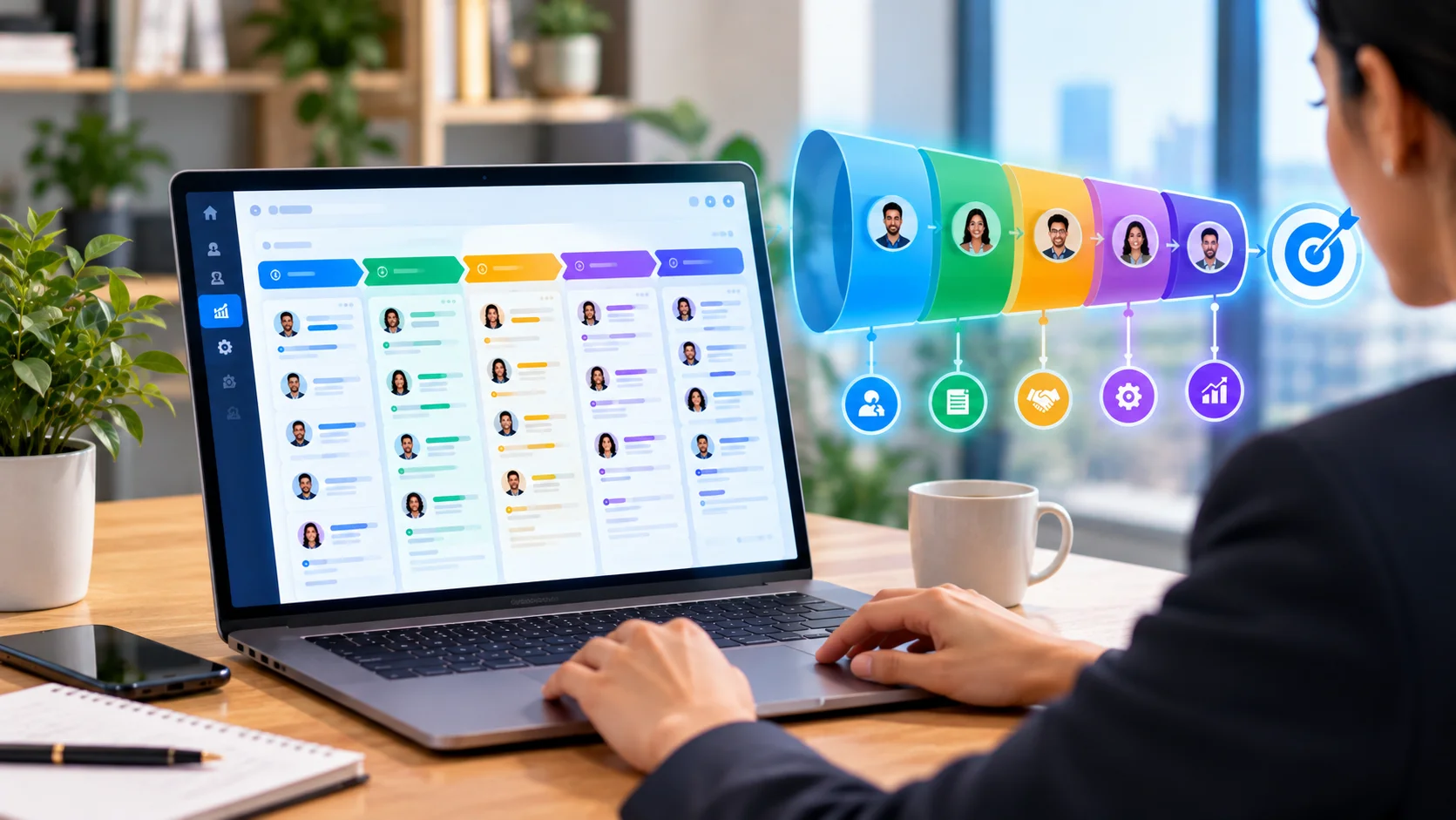
- Faster lead response — Automated lead creation from new WhatsApp inquiries ensures sales teams follow up within minutes rather than hours, directly impacting conversion rates given that lead response speed strongly correlates with close rates.
- Reduced administrative overhead — Eliminating manual data transfer between WhatsApp and CRM systems frees agent time for actual customer engagement rather than record-keeping.
- Improved team collaboration — Multi-agent access through integrated systems allows support teams to handle WhatsApp conversations collaboratively, with visibility into who's handling what, unlike the single-device limitation of the standard Business App.
- Better marketing attribution — Syncing WhatsApp engagement data with marketing automation tools reveals which campaigns actually drive conversation-based conversions.
- Stronger compliance posture — Centralized logging of consent, opt-ins, and message history supports data protection compliance requirements more effectively than scattered, device-based records.
Architecture and Core Components of WhatsApp CRM Integration
Direct Answer: A functional WhatsApp CRM software architecture consists of four components: the WhatsApp Business API/Cloud API connection, an integration layer (native, middleware, or custom), a data mapping and synchronization engine, and an automation/workflow rules layer. These components work together to move data reliably between WhatsApp and connected business systems.
WhatsApp Business API or Cloud API Layer
This is the foundational connection point provided by Meta, enabling programmatic sending and receiving of messages. The Cloud API, Meta's more recent offering, is hosted directly by Meta and generally offers faster setup than the traditional on-premise Business API, which required a Business Solution Provider (BSP) for hosting.
Integration Layer
This determines how WhatsApp connects to other systems:
- Native connectors built by CRM vendors specifically for WhatsApp
- Middleware/iPaaS platforms (Zapier, Make) acting as a translation layer between systems that don't natively communicate
- Custom API code built in-house for maximum control over data flow logic
Data Mapping and Synchronization Engine
This component defines how WhatsApp data fields (phone number, message content, timestamp) correspond to CRM fields (contact ID, activity log, notes). Poor architecture here is the leading technical cause of duplicate records and sync failures.
Automation and Workflow Rules Layer
This layer contains the business logic—if a message matches certain criteria, trigger a specific action. Examples include auto-creating support tickets, tagging conversations by intent, or routing messages to specific team members based on keywords or customer segment.
Real-World Use Cases
Direct Answer: WhatsApp CRM software is applied across sales lead qualification, customer support ticketing, e-commerce order updates, and appointment scheduling workflows. Each use case relies on the same core integration principles but configures automation rules differently based on the business function it serves.
Sales Lead Qualification
A B2B services company integrates WhatsApp with Salesforce so that every inbound inquiry automatically creates a lead record, tagged with the source channel. Sales reps receive instant notifications and can view the full conversation thread directly within Salesforce, eliminating the need to ask prospects to repeat information already shared via WhatsApp.
Customer Support Ticketing
An e-commerce brand connects WhatsApp to Zendesk, automatically converting customer complaints into support tickets. Ticket status updates sync back to WhatsApp, so customers receive resolution notifications directly in the same conversation thread they used to report the issue—improving perceived responsiveness without requiring agents to switch platforms.
E-commerce Order Management
A Shopify-based retailer integrates WhatsApp to send automated order confirmations, shipping updates, and delivery notifications. When combined with abandoned cart data, the same integration triggers personalized WhatsApp recovery messages, directly linking conversational commerce to existing e-commerce infrastructure.
Appointment-Based Service Businesses
Clinics and service providers integrate WhatsApp with scheduling software to send automated appointment reminders and allow rescheduling via conversational replies, with confirmed changes syncing back to the calendar system in real time.
Step-by-Step Integration Process
Direct Answer: Integrating WhatsApp CRM software involves five sequential steps: selecting an integration method, configuring API credentials, mapping data fields between systems, setting up automation triggers, and thoroughly testing before full deployment. Skipping the testing phase is the most common cause of post-launch synchronization issues.
- Select an integration method — Choose between native connectors, middleware platforms, or custom API development based on technical resources and complexity requirements
- Configure API credentials — Set up WhatsApp Business API/Cloud API access and generate corresponding authentication keys for the target CRM
- Map data fields — Define how WhatsApp fields (phone number, name, message content) correspond to CRM fields, using phone number as the primary unique identifier
- Configure automation triggers — Build the logic determining what happens when specific message types or conditions occur
- Test with sample data — Validate the entire flow using test conversations before connecting to live customer data
- Deploy and monitor — Launch to a limited pilot group first, then scale after confirming sync accuracy over 2–3 weeks
Common Challenges and Best Practices
Direct Answer: The most frequent integration challenges include duplicate contact creation, delayed data synchronization, and consent tracking gaps. These are best addressed through standardized phone number formatting, webhook-based real-time triggers instead of batch processing, and dedicated opt-in status fields synced consistently across all connected platforms.
Beyond technical fixes, successful integration also depends on organizational alignment—sales, support, and IT teams should agree on data ownership and workflow logic before implementation begins, since misaligned expectations are a common source of post-launch friction.
Future Trends in WhatsApp CRM Integration
Direct Answer: Emerging trends include AI-powered conversation summarization within CRM records, deeper integration with generative AI chatbots for automated first-response handling, and expanded use of WhatsApp Flows for in-chat form completion that syncs directly into CRM data fields without redirecting users to external forms.
- AI-generated conversation summaries — Rather than logging entire message threads, CRM systems increasingly use AI to summarize WhatsApp conversations into concise activity notes, improving agent efficiency when reviewing customer history.
- WhatsApp Flows integration — Meta's WhatsApp Flows feature enables structured in-chat forms (appointment booking, feedback surveys) that submit data directly into connected CRM systems without external redirects.
- Predictive lead scoring from conversation data — As natural language processing improves, CRM platforms are beginning to score WhatsApp leads based on message sentiment and intent signals, not just traditional demographic data.
- Unified omnichannel inboxes — The distinction between WhatsApp, SMS, and web chat is blurring as CRM platforms consolidate all conversational channels into a single interface with consistent automation logic across each.
Key Takeaways
- WhatsApp CRM software connects WhatsApp Business messaging with CRM, helpdesk, and marketing platforms, eliminating manual data transfer and fragmented customer records.
- Integration relies on the WhatsApp Business API or Cloud API, connected through native integrations, middleware platforms, or custom development.
- Core benefits include faster lead response, unified customer visibility, reduced administrative overhead, and stronger compliance tracking.
- Proper data mapping—especially standardized phone number formatting—prevents the majority of common sync errors and duplicate records.
- Real-world applications span sales lead capture, support ticketing, e-commerce order updates, and appointment scheduling workflows.
- Emerging trends like AI-generated conversation summaries and WhatsApp Flows are expanding integration capabilities beyond basic message syncing.