Sign up with Google
 Sign in with Zoho

Missed appointments cost appointment-based businesses an estimated $150 billion annually in the United States alone — and the majority of that loss is preventable. Research consistently identifies forgetting as the cause of 55% to 65% of all no-shows, making the problem not one of customer disrespect or disengagement but simply of human memory failing between the moment of booking and the moment of the appointment.
The most direct intervention available to any appointment-based business is a systematic automated reminder program integrated within their scheduling infrastructure. Organizations that implement multi-touch, multi-channel automated reminder sequences consistently report no-show rate reductions of 29% to 36% — and those that add two-way confirmation capability with intelligent waitlist management recover the majority of revenue from cancellations that do occur.
This article examines how automated reminders within an Appointment Scheduling CRM work, what specific strategies produce the greatest no-show reduction, and how businesses across healthcare, legal services, beauty and wellness, and SaaS can implement reminder systems that recover significant lost revenue without proportional increases in administrative labor.
Why No-Shows Happen — and Why Most Are Preventable
No-shows occur primarily because customers forget their appointments — not because they deliberately choose to skip them. Research consistently identifies forgetting as the cause of 55–65% of missed appointments, making the majority of no-shows directly preventable through timely reminder communication that reconnects customers to their booking before it occurs.
The Root Causes Behind the Statistics
Understanding no-show causation matters because different causes require different interventions, and conflating them produces reminder strategies that address only the most common cause while leaving others unresolved.
Forgetting accounts for the majority — appointments booked two to six weeks in advance are genuinely displaced from active memory by the competing demands of daily life. The customer who booked a dental check-up on a Tuesday morning in September has no automatic mechanism to recall that appointment on a Wednesday morning in October unless something external prompts them. A well-timed reminder is that prompt. This cause is solved almost entirely by the first reminder touch.
Scheduling conflicts account for another 15% to 20% of no-shows — the customer's schedule changed after booking, and rescheduling felt sufficiently effortful that silence became the default response. The solution here is not simply a reminder but a reminder that includes an easy, low-friction rescheduling pathway. A customer who reads "Your appointment is tomorrow at 2 PM" and cannot make it needs a single tap or click to reschedule — not a phone number to call during business hours.
Logistical barriers — forgotten location, parking challenges, transport failures — contribute a further 10% to 15%. This cause is addressed through reminder content that includes location details, parking instructions, and arrival guidance at the 24-hour and same-day touchpoints. A customer who receives a reminder with a map link and parking information is far more likely to resolve logistical uncertainty before the appointment than one who receives only a time confirmation.
Psychological avoidance — particularly relevant in dental, mental health, and legal services — accounts for 5% to 10% of no-shows. Anxiety-driven avoidance is the least amenable to reminder intervention, but warm, supportive reminder messaging that acknowledges the appointment's value to the customer reduces avoidance rates compared to transactional confirmation messaging.
The Revenue Calculation Every Business Should Make
Before evaluating any reminder system, businesses should calculate the annual revenue at risk from their current no-show rate. A medical practice with 20 appointments per provider per day, four providers, and a 20% no-show rate loses 16 appointments daily. At $180 average appointment value, that represents $2,880 in daily lost revenue — $720,000 annually for a four-provider practice. A 30% reduction in no-shows through automated reminders recovers $216,000 annually. The cost of the scheduling CRM is a rounding error against this figure.
What Are Automated Reminders in a Scheduling CRM?
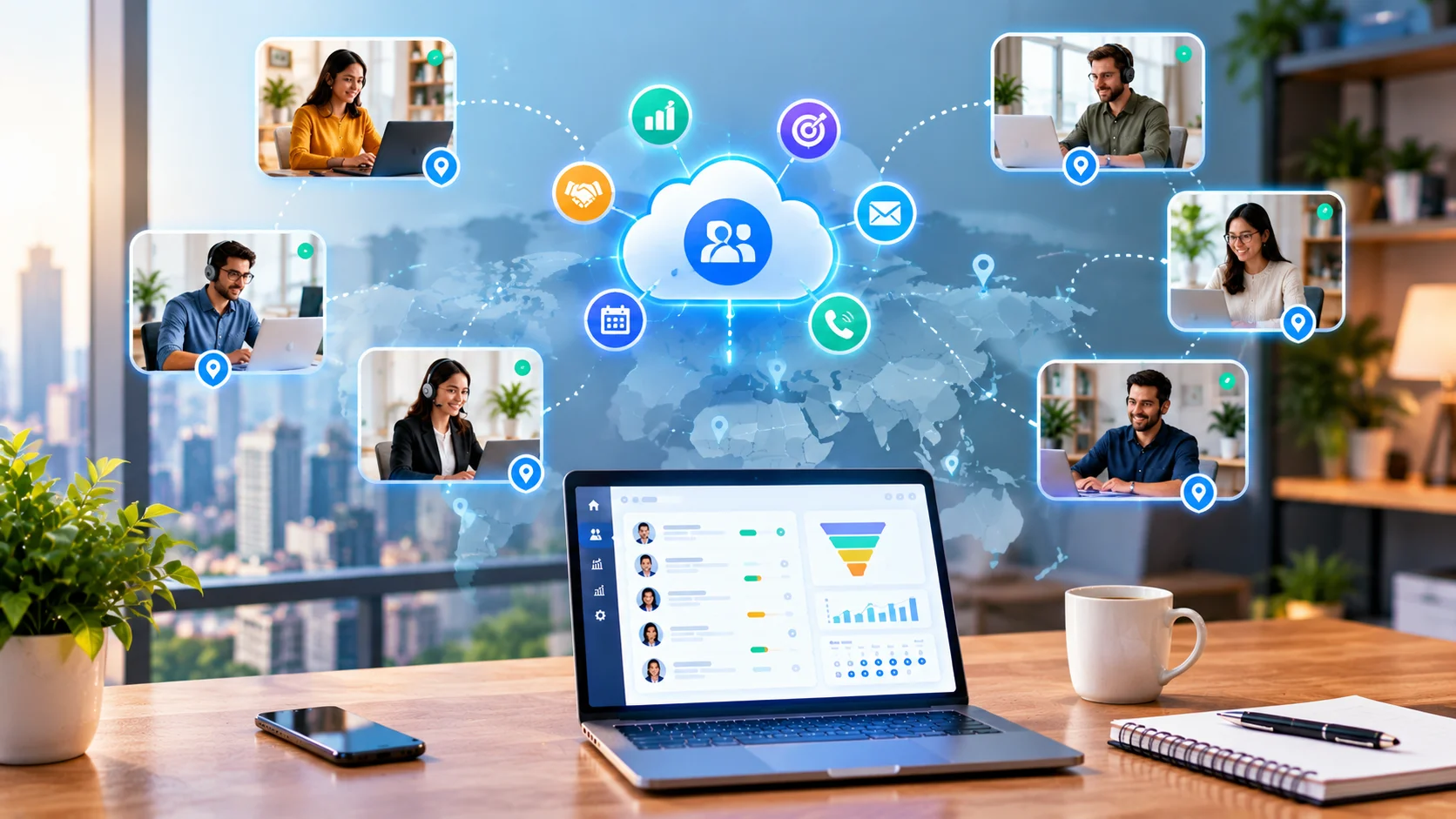
Automated reminders in an Appointment Scheduling CRM are pre-configured, trigger-based communications that are automatically generated and delivered to customers at defined intervals before their scheduled appointment — without requiring any manual staff action — using customer contact data and appointment details stored in the CRM to personalize each reminder and route it to the customer's preferred communication channel.
How They Differ from Manual Reminder Systems
The distinction between automated and manual reminders is not merely a labor efficiency question — it is a consistency and scale question. Manual reminder systems fail predictably in two ways: they are inconsistently applied (some appointments get called; others do not, based on staff workload), and they do not scale with appointment volume (a practice that grows from 50 to 200 appointments per week cannot proportionally increase the staff time allocated to manual reminder calls).
Automated reminders are structurally consistent — every appointment receives every configured reminder touch without exception — and they scale without additional labor cost. A practice that doubles its appointment volume doubles its reminder volume without any change in administrative staffing.
The Communication Channel Landscape
Channel selection for automated reminders is one of the highest-impact configuration decisions in any reminder system, because the same message delivered through the wrong channel produces dramatically lower open and response rates than one delivered through the right channel.
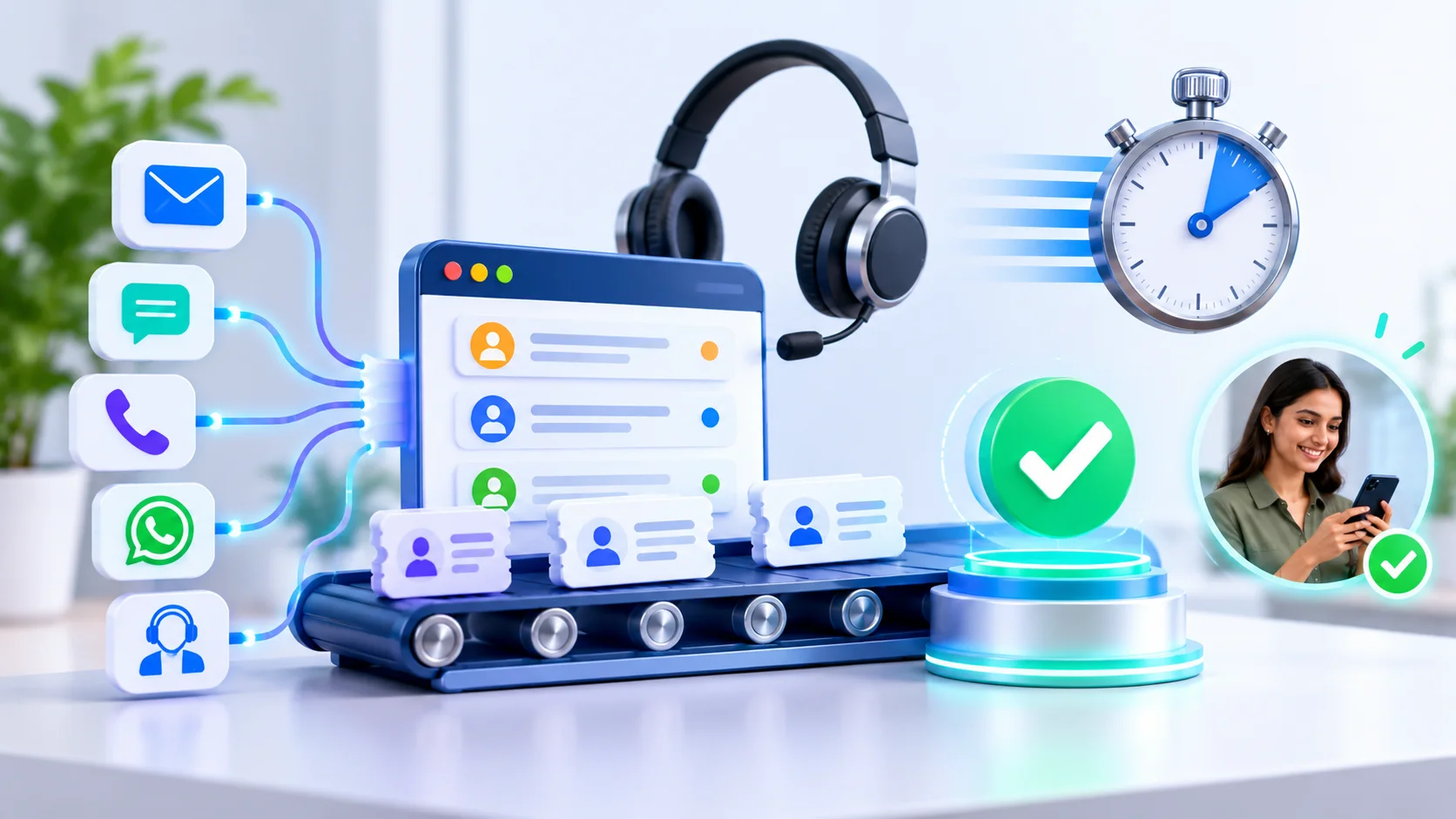
SMS achieves a 98% open rate with 90% of messages read within three minutes of delivery. It is the primary reminder channel in the United States, United Kingdom, Australia, and Canada — markets where SMS is the established transactional communication standard and customers expect appointment reminders through this channel.
WhatsApp achieves equivalent open rates to SMS but provides significantly richer communication capability — supporting images, documents, location pins, and interactive quick-reply buttons within the same message thread. It is the primary reminder channel across India (500+ million users), Brazil (where 99% of smartphone users have WhatsApp installed), the Middle East, and Southeast Asia. Businesses serving these markets that attempt SMS-primary reminder strategies systematically underperform against those using WhatsApp — not because SMS is technically inferior but because customers in WhatsApp-dominant markets are habituated to WhatsApp as their primary messaging channel.
Email supports the richest content format — full appointment details, embedded maps, preparation documents, calendar attachments — but achieves only 20% to 30% open rates for time-sensitive appointment communications. It is appropriate as the booking confirmation channel (where comprehensive information delivery matters more than open rate urgency) and as a supplementary channel alongside SMS or WhatsApp.
Voice calls — automated or human — remain the most effective channel for specific demographics: older patients in healthcare settings, customers with limited digital literacy, and appointments where the business needs to confirm genuine understanding of preparation requirements. The higher cost per contact limits voice to high-priority reminder touches rather than complete reminder sequences.
How an Appointment Scheduling CRM Reminder System Works
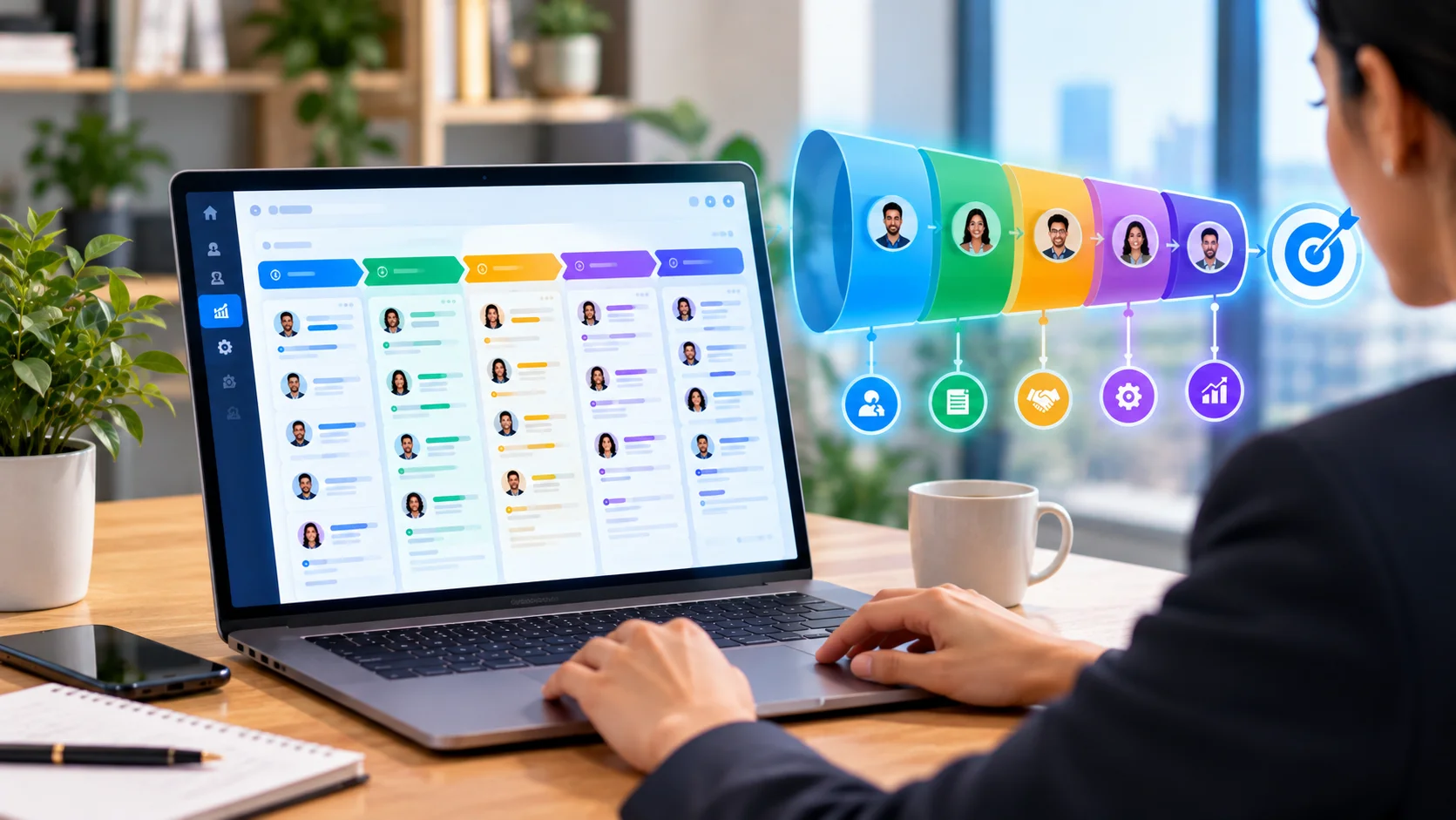
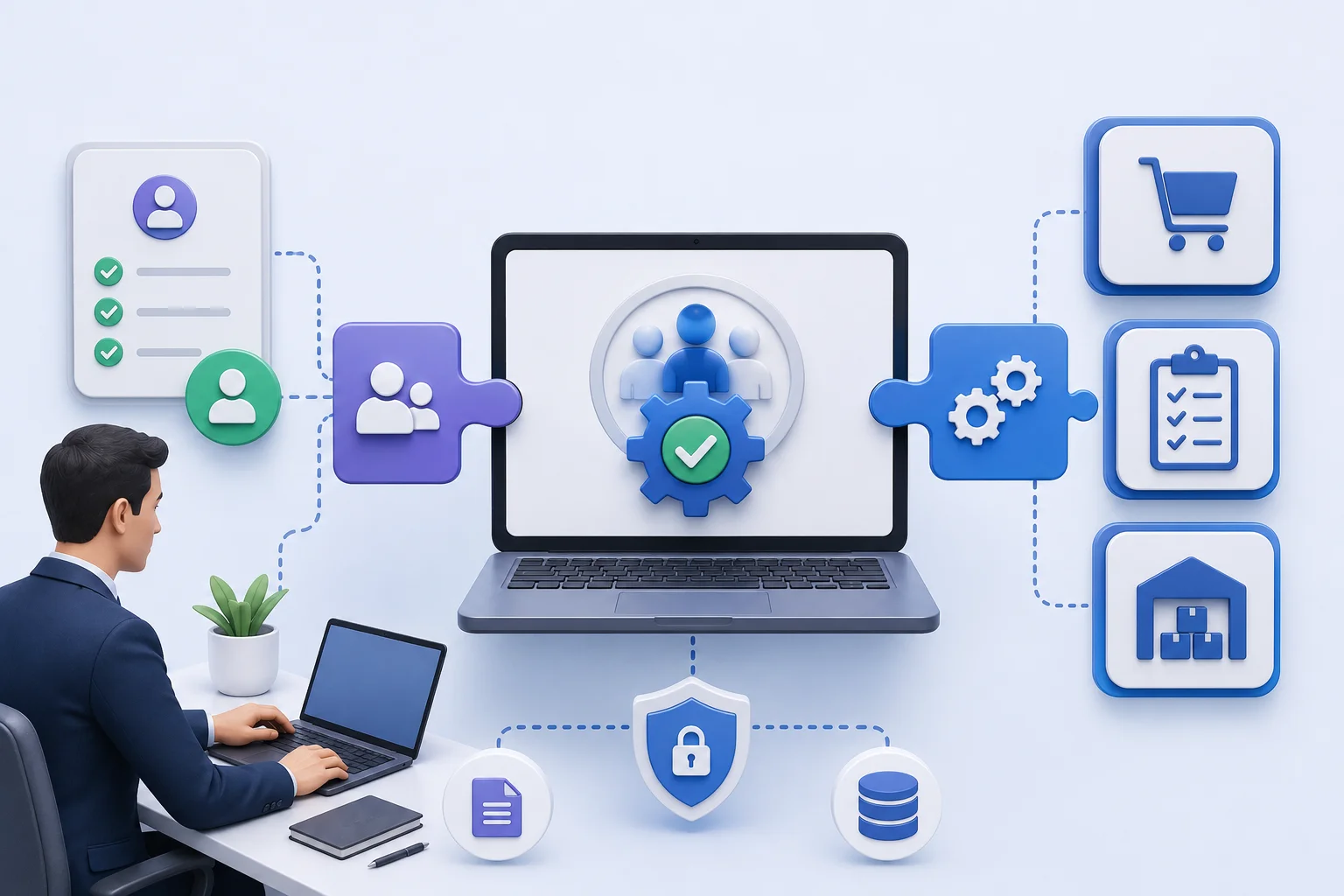
An Appointment Scheduling CRM reminder system works through a five-stage automated workflow that converts appointment records into personalized reminder communications — monitoring appointment datetime fields, calculating trigger intervals, personalizing message content, routing delivery through configured channels, and capturing customer responses to update appointment status in real time.
The Five-Stage Workflow
Stage 1: Appointment Record Creation and Workflow ActivationWhen a customer books an appointment — through an online portal, phone call logged by staff, or direct CRM entry — the scheduling system creates an appointment record containing the customer contact ID, provider, service type, appointment datetime, location, and all configuration fields. The reminder workflow engine registers this record and calculates the datetime at which each configured reminder touch should trigger.
Stage 2: Personalization and Message AssemblyAt the calculated trigger time for each reminder, the CRM populates the pre-configured message template with appointment-specific data from the appointment and contact records. The customer's first name, the appointment date and time, the provider's name, the service type, the location address, and any service-specific preparation instructions are inserted into the template dynamically — producing a message that reads as individually crafted rather than broadcast.
Stage 3: Channel Routing and DeliveryThe assembled message is routed to the communication channel specified in the customer's contact preferences. The CRM passes the message to the appropriate delivery infrastructure — an SMS aggregator, the WhatsApp Business API through an authorized Business Solution Provider, the email sending service, or the voice platform — which executes the delivery and returns a delivery status confirmation.
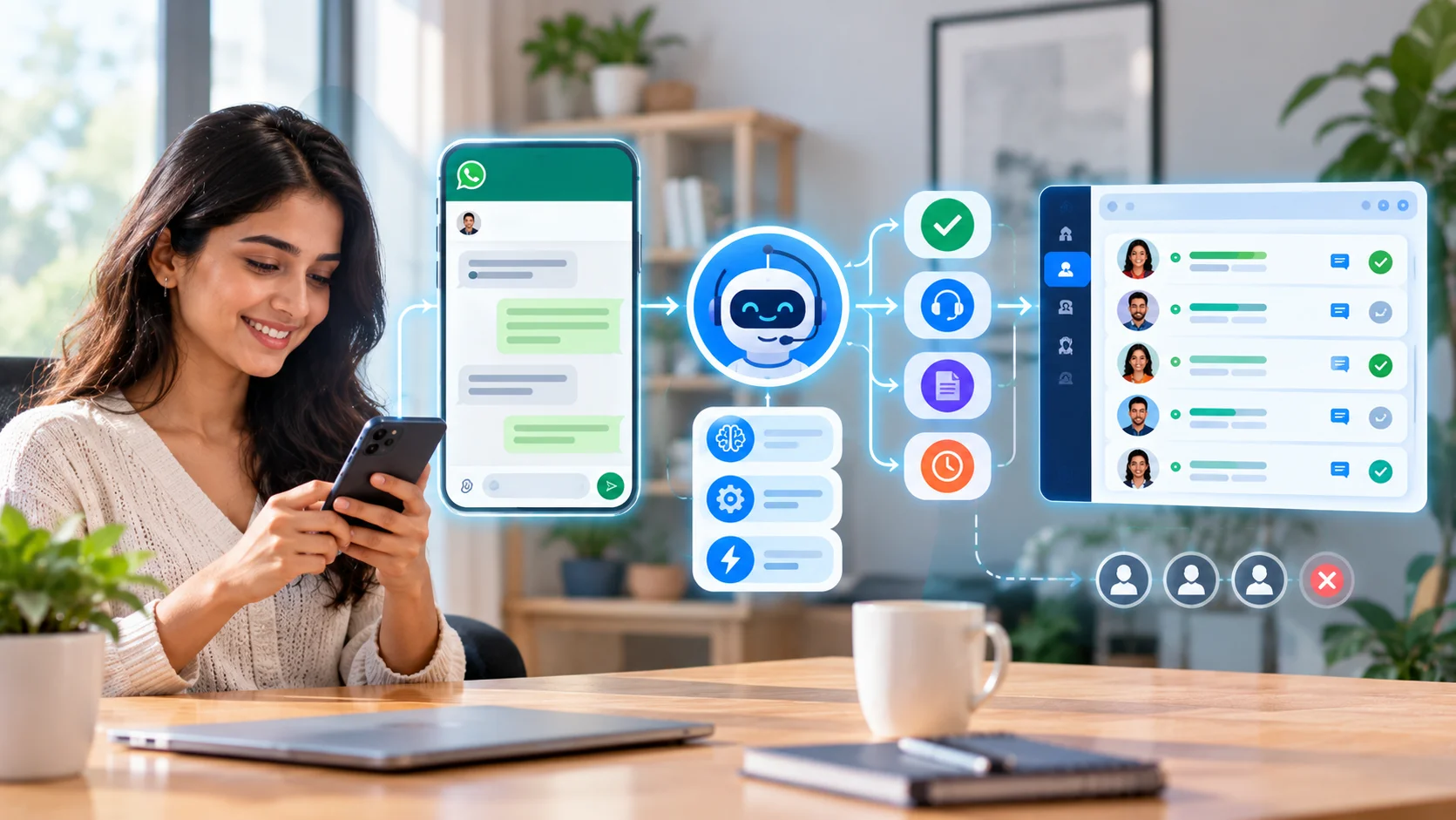
Stage 4: Response Capture and Status UpdateThis is where one-way reminder systems diverge from two-way systems in operational value. A one-way reminder delivers the message and records delivery status. A two-way system also captures the customer's response — whether through reply keywords (YES to confirm, NO to cancel, RESCHEDULE to trigger rescheduling), WhatsApp quick-reply buttons, or email CTA links — and automatically updates the appointment status in the CRM. A confirmed appointment updates to "Confirmed" status; a cancellation triggers the waitlist management workflow.
Stage 5: Waitlist Management and Slot RecoveryWhen an appointment is cancelled through a reminder response, the Appointment Scheduling CRM identifies the newly available slot and immediately notifies the next customer on the waitlist for that appointment type, provider, or time slot. The waitlist customer receives an availability notification with a self-service booking link, a time-limited acceptance window (typically 15 to 30 minutes), and if they do not respond, the notification cascades to the next waitlist customer. Businesses with mature waitlist management systems recover 50% to 80% of cancelled appointment revenue — transforming cancellations from pure revenue loss into managed slot reallocation.
The Optimal Reminder Sequence and Timing Strategy
The optimal reminder sequence for standard appointments involves four strategically timed communication touches — each serving a distinct purpose in the no-show prevention chain — with sequence adjustments for high-complexity appointments and same-day bookings.
The Four-Touch Standard Sequence
Touch 1 — Immediate Booking ConfirmationSent within seconds of appointment creation, the booking confirmation serves two distinct functions: it confirms the appointment details while the booking is fresh in the customer's mind (reducing early misunderstandings about date, time, or location) and it initiates the appointment in the customer's calendar awareness. A booking confirmation without an add-to-calendar link misses the most effective single mechanism available for preventing the forgetting that drives the majority of no-shows — a calendar entry that appears on the customer's device daily is the most reliable memory prompt that exists.
The booking confirmation should include complete appointment details: date, time, time zone, provider name, service type, location with map link, preparation instructions specific to the appointment type, cancellation policy, and contact details for rescheduling. This is the appropriate touchpoint for comprehensive information delivery — the customer is engaged with the booking and will read the full content.
Touch 2 — 72-Hour Advance ReminderThe 72-hour reminder reconnects the customer to an appointment that may have drifted out of active awareness since booking. For appointments booked two to six weeks in advance, this is the first moment the customer has been actively reminded since the booking confirmation. The 72-hour timing is strategically selected because it provides sufficient lead time for the customer to resolve any newly emerged scheduling conflicts without resorting to a same-day cancellation.
This touchpoint should include the appointment summary and a clear, low-friction rescheduling option. A customer who reads this reminder and realizes they have a conflict should be able to reschedule in under 30 seconds — a friction level that determines whether they reschedule (recoverable for the business) or simply do not attend (unrecoverable revenue loss).
Touch 3 — 24-Hour Confirmation RequestThe 24-hour reminder is the highest-impact single touch in the standard sequence. It is specific enough to create urgency — the appointment is tomorrow — and early enough that the business can take action on confirmed no-shows before the appointment window arrives. The 24-hour reminder should explicitly request confirmation through a simple response mechanism and should include waitlist management language: "If you need to reschedule, please let us know so we can offer your slot to another patient."
Two-way confirmation at the 24-hour point gives businesses operational intelligence they cannot obtain from one-way systems: they know their actual attendance probability hours before the appointment day, enabling proactive slot management rather than reactive no-show processing.
Touch 4 — 2 to 4 Hour Same-Day ReminderThe same-day reminder serves a different function from the earlier touches — it provides time-specific urgency and logistical support for customers who are in their active daily planning. It should be short, immediately scannable, and focused on the single most important logistical detail: "Your appointment with Dr. Johnson is in 2 hours at 123 Main Street. If you need to reschedule, call us at [number]." For appointments with specific preparation requirements — fasting, bringing documents, arriving 15 minutes early — the same-day reminder is the final delivery point for these instructions.
Industry-Specific Applications and Impact
Healthcare: The Highest-Stakes No-Show Environment
Healthcare practices face the most severe no-show consequences of any appointment-based industry — both financially and clinically. A missed appointment does not merely represent lost revenue; it may represent delayed diagnosis, interrupted treatment, or a preventable health deterioration for the patient. This dual consequence makes no-show reduction in healthcare both a business imperative and a clinical responsibility.
GP practices implementing three-touch SMS reminder sequences — booking confirmation, 48-hour reminder, and 2-hour same-day — consistently report no-show rate reductions from 20% to below 12%. Dental practices report reductions from 15% to 7% to 8% with equivalent configurations. Mental health services, which experience the highest no-show rates of any healthcare specialty (30% to 35%) due to anxiety-driven avoidance, report 40% reductions when reminder content is adjusted to include warm, supportive language that acknowledges the appointment's importance to the patient's wellbeing.
HIPAA compliance (US) and NHS Data Security Protection Toolkit compliance (UK) require careful attention to what information appears in reminder message content — appointment reminders should not reference specific diagnoses, treatment types, or clinical conditions that constitute Protected Health Information. The reminder confirms the appointment without revealing clinical context.
SaaS and B2B: Pipeline Recovery Through Demo Reminder Systems
SaaS companies with 20% to 30% demo no-show rates are experiencing a pipeline problem, not merely a scheduling inconvenience. Each missed demo represents a delayed or lost deal with quantifiable pipeline value — and the companies that treat demo no-shows as a revenue recovery challenge rather than a scheduling inconvenience consistently outperform those that do not.
The most effective SaaS demo reminder sequence adds a value-reinforcing layer absent from most appointment reminder templates: "We're looking forward to showing you how [Product] helps [Specific Outcome]. Here's what we'll cover in tomorrow's session [three bullet points of agenda items]." This content addresses the appointment value uncertainty cause of no-shows while simultaneously reselling the prospect on the value of attending — making the reminder a pipeline management communication as much as a scheduling one.
Compliance and Consent Requirements for Automated Reminders
Automated appointment reminder programs must comply with messaging regulations in every jurisdiction where recipients are located — and the requirements vary materially across markets in ways that require explicit attention rather than assumed uniformity.
In the United States, TCPA requires prior express written consent for automated SMS messaging to mobile numbers. This consent must be documented in the CRM contact record and must be obtained through an affirmative opt-in at the point of booking — a pre-checked checkbox does not satisfy TCPA consent standards. The STOP keyword must immediately suppress all future automated messages to a recipient who uses it.
GDPR (EU) and PECR (UK) require lawful basis for processing contact data in electronic communications. Appointment reminders may qualify as service communications rather than marketing communications — provided the reminder content contains no promotional elements — which changes the applicable lawful basis requirement. Including promotional content in reminder messages changes their legal classification and requires corresponding consent.
CASL (Canada) requires consent for commercial electronic messages. India's TRAI requires DLT registration for all commercial SMS — principal entity, sender header, and message template must each be separately registered before any bulk SMS delivery. Australia's Spam Act requires consent, sender identification, and functional opt-out mechanisms in all commercial electronic messages.
The practical implementation requires: collecting and documenting opt-in consent at appointment booking, building opt-out suppression automation into the CRM that immediately processes STOP responses across all channels, using separate template libraries for transactional reminders and promotional messages, and maintaining compliance audit trails within the contact record.
Key Takeaways
- No-shows are primarily caused by forgetting (55–65% of cases) — making them largely preventable through automated reminder communication that reconnects customers to their appointment at strategically timed intervals before it occurs
- The optimal four-touch reminder sequence — immediate booking confirmation, 72-hour advance reminder, 24-hour confirmation request, and 2 to 4 hour same-day reminder — addresses the distinct behavioral causes of no-shows at the moment each intervention is most effective
- Two-way confirmation capability is the feature that separates basic reminder systems from high-performance no-show reduction platforms — it enables waitlist slot management that recovers 50% to 80% of cancelled appointment revenue rather than treating cancellations as pure loss
- Channel selection must match the customer demographic and geographic market — SMS for US, UK, and Australian markets; WhatsApp for India, Brazil, MENA, and Southeast Asia; voice calls for older demographics and patients with limited digital literacy — applied through the Appointment Scheduling CRM's contact preference data
- Compliance with jurisdiction-specific messaging regulations (TCPA, GDPR/PECR, CASL, Australia Spam Act, TRAI) is non-negotiable — consent documentation, opt-out automation, and transactional versus promotional template separation must be implemented at system design rather than retrofitted after launch
- Measuring no-show rate reduction, reminder response rate, waitlist fill rate, and revenue recovery rate provides the performance data needed to continuously optimize reminder timing, content, and channel selection — organizations that measure systematically achieve progressively lower no-show rates over successive optimization cycles
Frequently Asked Questions
How much do automated reminders reduce no-show rates?Research and industry data consistently show automated appointment reminders reduce no-show rates by 29–36% on average. Healthcare practices reduce rates from 20–23% to 10–13% with three-touch SMS sequences. Dental practices report reductions from 15% to 7–8%. SaaS companies with automated demo reminders report 25–30% reductions in missed calls. Impact is highest when reminders include two-way confirmation and easy rescheduling options within the reminder message itself.
What is the best timing for automated appointment reminders?The optimal standard sequence is four touches: immediate booking confirmation, a 72-hour advance reminder, a 24-hour confirmation request, and a 2–4 hour same-day reminder. High-complexity appointments benefit from a fifth touch at one week with preparation instructions. Same-day or next-day bookings condense to two touches: immediate confirmation and a 2–3 hour same-day reminder. The 24-hour reminder is the single highest-impact touch — specific enough to create urgency while early enough to enable proactive waitlist management.
What should an automated appointment reminder message include?Reminders should include the appointment date, time, and time zone; provider or staff member name; service type and duration; location address or video call link; a single clear call to action (confirm, reschedule, or cancel); and a simple response mechanism. Preparation instructions belong in the 24-hour reminder. Reminders should not include promotional content — adding marketing material changes the message's legal classification, affects compliance requirements, and reduces the focused effectiveness of the appointment reminder.
Do automated reminder systems require customer consent?Yes, in most jurisdictions. US TCPA requires prior express written consent for automated SMS to mobile numbers. GDPR requires lawful basis for electronic communications in EU markets. CASL requires consent for commercial electronic messages in Canada. Australia's Spam Act requires consent, identification, and unsubscribe mechanisms. India's TRAI requires DLT registration for commercial SMS. Consent should be collected at booking, documented in the CRM, and opt-outs must be processed immediately through automated suppression.
How does waitlist management work with automated reminders?When a customer cancels through a reminder response, the scheduling CRM identifies the released slot and sends an automated availability notification to the next waitlist customer. The notification includes a self-service booking link and a time-limited acceptance window (15–30 minutes). If not accepted, the notification cascades to the next customer. This process recovers 50–80% of cancelled appointment revenue and typically completes within minutes of the original cancellation — before any manual staff action would be possible.
Which communication channel works best for appointment reminders?Channel effectiveness depends on geographic market and customer demographics. SMS achieves 98% open rates and is preferred in the US, UK, and Australia. WhatsApp achieves equivalent open rates with richer content support and is the primary channel in India, Brazil, the Middle East, and Southeast Asia. Email suits initial booking confirmations where comprehensive content delivery matters more than urgency. Voice calls are most effective for older demographics and patients with limited digital literacy. Multi-channel strategies — primary digital plus voice fallback — produce the highest overall engagement rates.