Sign up with Google
 Sign in with Zoho

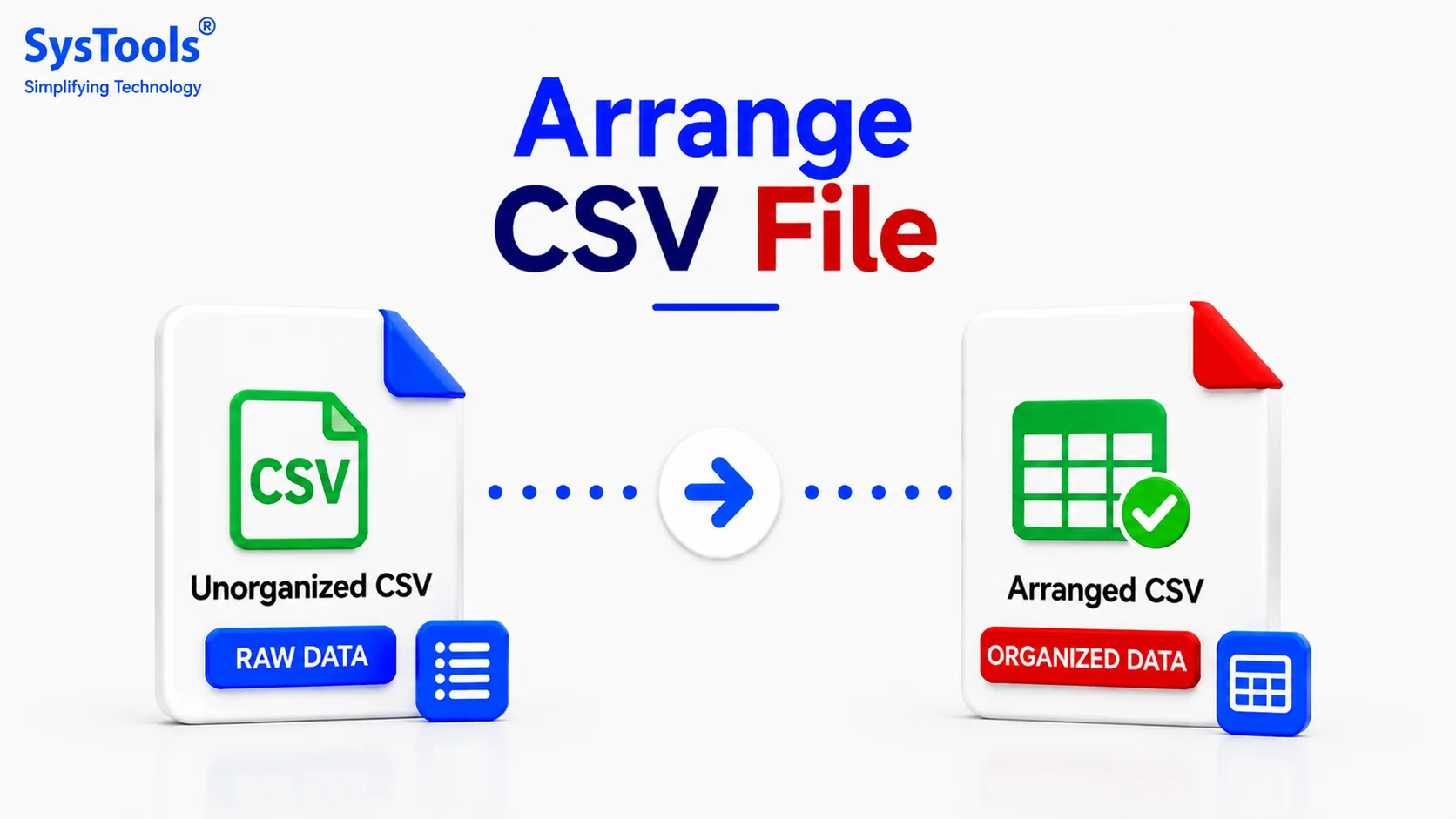
CSV files are widely used to store and manage structured information for business records, customer data, reports, databases, and data analysis. However, as a CSV file grows, its rows and columns can become difficult to manage. Learning how to arrange CSV file data properly can make information easier to read, sort, filter, analyze, and import into other applications.
Whether you need to arrange data alphabetically, organize records by date, sort numerical values, or combine multiple CSV files, using the right approach can save time and reduce data-management errors.
Today, arranging a CSV file involves more than simply sorting rows. It also includes organizing columns, maintaining consistent formatting, removing unnecessary information, and creating a logical structure that makes the dataset easier to work with.
What Does It Mean to Arrange a CSV File?
Before learning how to arrange CSV file data, it is important to understand what arranging actually means.
A properly arranged CSV file generally contains:
- Clearly defined column headers
- Consistent data in each column
- Properly organized rows
- Correct date and number formats
- No unnecessary blank rows or columns
- Consistent delimiters and formatting
For example, an employee CSV file may contain columns such as Employee ID, Name, Department, Email, and Joining Date. The records can then be arranged according to employee name, department, joining date, or another field.
A clean structure makes the CSV easier to understand and reduces problems when the file is imported into Excel, Google Sheets, databases, or other applications.
How to Arrange CSV File Using Microsoft Excel
Microsoft Excel is one of the easiest options for arranging CSV data. It provides sorting and filtering features that allow users to organize records according to different fields.
To arrange a CSV file in Excel:
- Open the CSV file in Microsoft Excel.
- Select the complete dataset.
- Go to the Data tab.
- Select Sort.
- Choose the column you want to arrange.
- Select ascending or descending order.
- Click OK.
For example, customer records can be sorted alphabetically by name, while sales information can be arranged from the highest value to the lowest.
However, Excel may not be suitable for extremely large CSV files because of spreadsheet row limits and performance restrictions.
Arrange CSV File by Rows and Columns
An important part of understanding how to arrange CSV file data is organizing rows and columns logically.
Each column should contain a specific type of information, while each row should represent one complete record.
For example:
This structure makes the data easier to read, sort, filter, and analyze.
Avoid placing different types of information in the same column. For example, customer names and email addresses should ideally be stored in separate columns rather than combined into one field.
How to Sort Data in a CSV File
Sorting is one of the most common ways to arrange CSV data.
You can sort records based on different fields, including:
- Names
- Dates
- Email addresses
- Product prices
- Customer IDs
- Locations
- Categories
- Numerical values
For example, an inventory CSV can be arranged by product name or price. Similarly, employee records can be sorted by joining date or department.
Sorting makes it easier to find specific records, compare information, and identify patterns within a dataset.
How to Arrange a Large CSV File
Large CSV files can contain thousands or even millions of records, making manual organization difficult. Opening such files in spreadsheet applications may also cause slow performance or other limitations.
In these situations, you can use specialized CSV management tools or scripts to organize the information.
A large CSV file can be arranged by:
- Splitting it into smaller files
- Sorting records based on specific columns
- Removing unnecessary columns
- Separating records by category
- Filtering unwanted rows
- Creating multiple manageable datasets
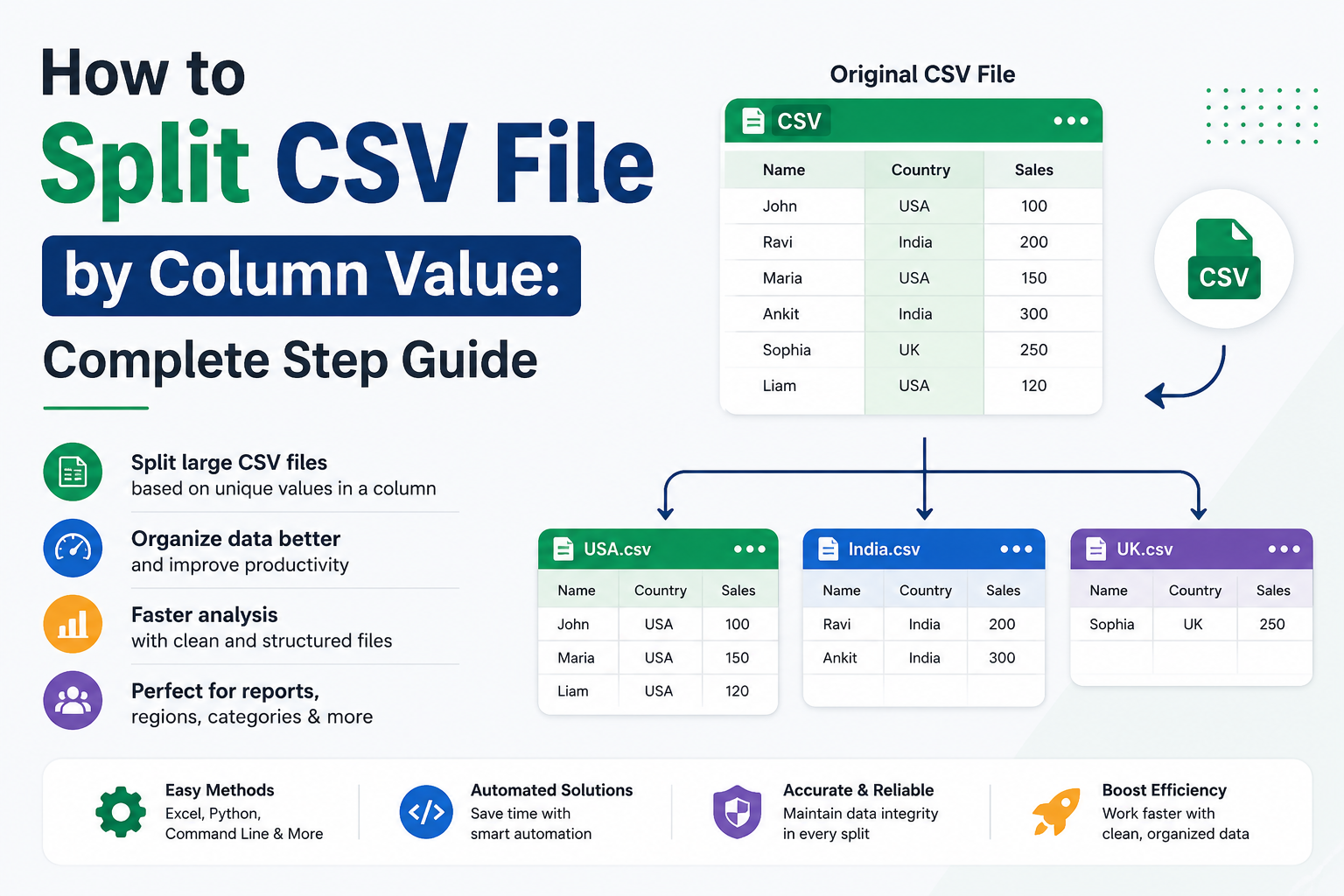
For extremely large datasets, splitting the CSV into smaller files before organizing the records can make the process easier. A CSV Splitter can divide a large file into smaller parts based on criteria such as the number of rows or file size, making the resulting files easier to open and manage.
What If the CSV File Is Too Large to Arrange?
A large CSV file can be difficult to arrange if it cannot be opened properly in Excel, Google Sheets, or another spreadsheet application.
If your CSV is too large to open normally, consider using a SysTools CSV Splitter tool to divide the file into smaller parts. The file can be split based on the number of rows, file size, or the required number of output files.
Once the large CSV has been divided into manageable files, you can open, arrange, sort, filter, and analyze each part more easily.
Splitting a large CSV can also help when you need to share specific sections of a dataset with different users or process individual portions separately.
Tips for Properly Arranging CSV Files
When organizing CSV data, following a consistent structure can help prevent errors and improve usability.
Consider these best practices:
- Keep the first row for column headers.
- Use descriptive column names.
- Keep one record per row.
- Keep one type of data per column.
- Use consistent date formats.
- Remove unnecessary blank rows.
- Avoid unnecessary duplicate columns.
- Check for missing or invalid values.
- Use the same delimiter throughout the file.
- Create a backup before making major changes.
These practices make CSV files easier to open, analyze, migrate, and import into different applications.
Conclusion
Learning how to arrange CSV file data is essential when working with structured datasets. Whether you use Microsoft Excel, Google Sheets, scripts, or dedicated CSV management tools, the goal is to create a clean and consistent structure that is easy to manage.
By organizing rows and columns logically, maintaining consistent formatting, and using the right CSV management approach, you can make your files easier to read, process, and use across different applications.