Sign up with Google
 Sign in with Zoho

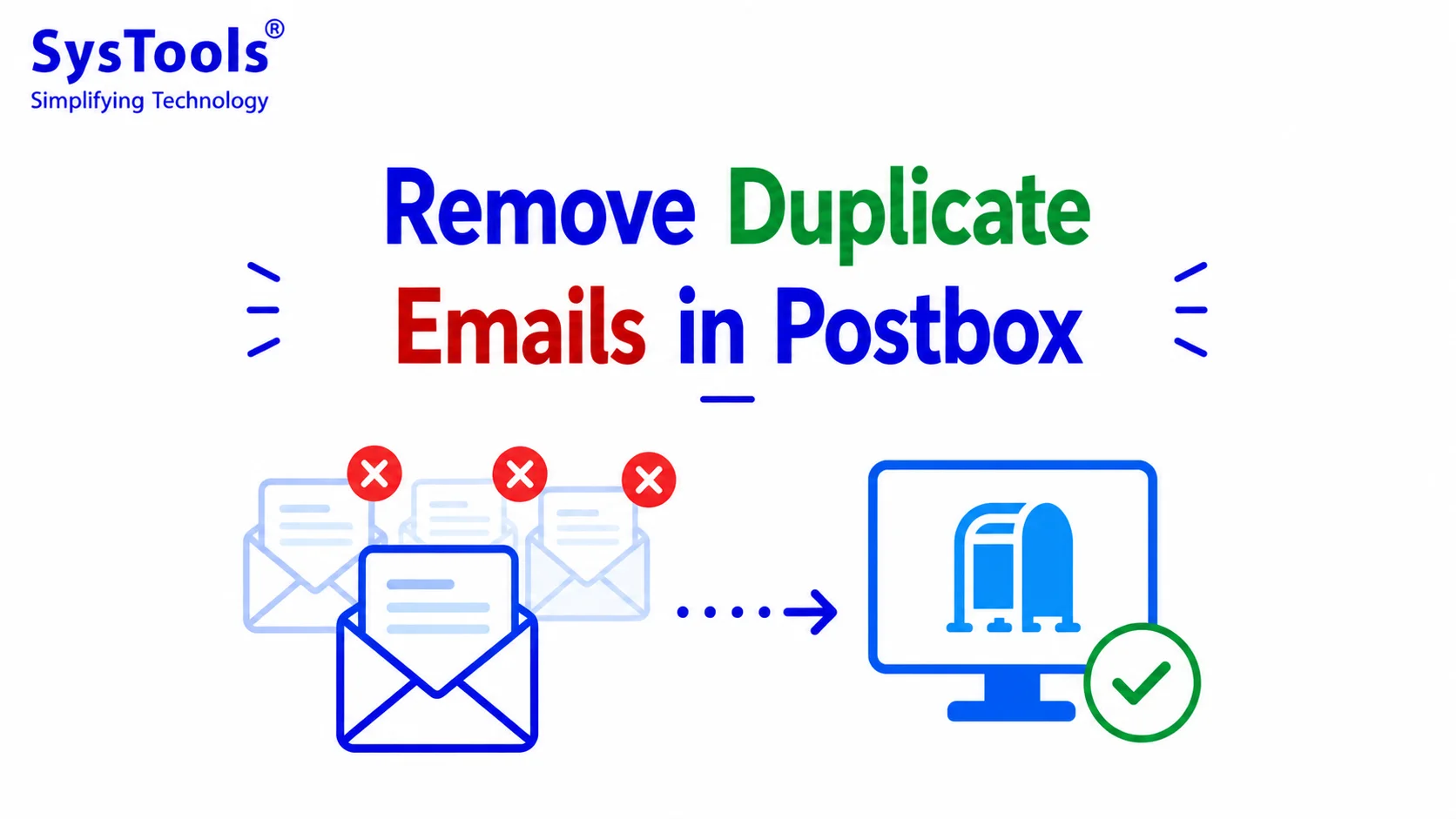
Duplicate emails in Postbox can quickly fill your inbox, consume storage space, and make it difficult to locate important conversations. Whether you have imported the same mailbox multiple times, experienced synchronization issues, or configured multiple email accounts incorrectly, duplicate messages are a common problem faced by many Postbox users.
Fortunately, there are several ways to remove duplicate emails in Postbox. While manual techniques work for a small number of emails, they become inefficient when dealing with thousands of duplicate messages. This guide explains the best methods to eliminate duplicate emails safely and efficiently.
Why Do Duplicate Emails Appear in Postbox?
Before removing duplicates, it's important to understand why they occur.
Some common reasons include:
- Multiple IMAP or POP accounts downloading the same emails.
- Interrupted synchronization between the mail server and Postbox.
- Importing identical MBOX mailbox files multiple times.
- Corrupted mailbox indexes.
- Backup restoration creating duplicate folders.
- Email forwarding or filtering rules that generate copies.
Identifying the cause helps prevent duplicate emails from reappearing.
Method 1: Delete Duplicate Emails Manually in Postbox
If your mailbox contains only a few duplicate emails, manual deletion is sufficient.
Steps
- Open Postbox.
- Navigate to the mailbox containing duplicate emails.
- Sort emails by Subject, Sender, or Date.
- Identify duplicate messages.
- Select unwanted copies.
- Press Delete.
- Empty the Trash folder.
Pros
- Free method
- No additional software required
Cons
- Extremely time-consuming
- Difficult for large mailboxes
- High chance of deleting the wrong email
Method 2: Use Postbox Search Filters
Postbox provides search functionality that helps locate similar emails.
You can search using:
- Sender
- Subject
- Date
- Keywords
- Attachment names
Once the search results appear, review them carefully before deleting duplicate messages.
Advantages
- Faster than browsing folders manually
- Helps locate duplicate conversations
Limitations
- Cannot automatically detect duplicates
- Requires manual verification
Method 3: Rebuild the Postbox Database
Sometimes duplicate emails appear because the mailbox index becomes corrupted.
Steps
- Close Postbox.
- Back up your mailbox.
- Rebuild or repair the Postbox database.
- Restart the application.
- Allow synchronization to complete.
If duplicates were caused by indexing issues, rebuilding the database may resolve the problem.
Method 4: Remove Duplicate Emails from Postbox Automatically (Recommended)
When your Postbox mailbox contains thousands of duplicate emails, manual deletion becomes nearly impossible. Since Postbox stores emails in the MBOX format, using a professional SysTools Best MBOX duplicate remover provides the safest and fastest solution.
Key Features
- Remove duplicate emails from single or multiple MBOX files.
- Two duplicate removal modes: Within Folder Across Folders
- Compare emails using: Subject Sender Recipient Date Message Body Internet Message ID Attachments
- Preserve folder hierarchy.
- Maintain email formatting and metadata.
- Compatible with Postbox, Thunderbird, Apple Mail, SeaMonkey, Eudora, Spicebird, Opera Mail, and 20+ MBOX-supported email clients.
- Batch processing for multiple mailbox files.
- Safe and non-destructive duplicate removal.
Steps to Remove Duplicate Emails from Postbox
1. Install and launch SysTools MBOX Duplicate Remover.
2. Click Add Files or Add Folder.
3. Select your Postbox MBOX mailbox files.
4. Choose the duplicate removal mode:
- Within Folder
- Across Folder
5. Select duplicate matching criteria.
6. Choose the destination folder.
7. Click Remove Duplicates.
The software scans the mailbox and creates a clean MBOX file without duplicate emails while preserving all folder structures.
Method 5: Prevent Duplicate Emails in Postbox
After removing duplicates, follow these practices to avoid them in the future.
Configure Accounts Properly
Avoid adding the same mailbox multiple times.
Prefer IMAP Over POP
IMAP synchronizes emails more efficiently and reduces duplication issues.
Avoid Importing the Same Mailbox Twice
Keep track of imported MBOX files.
Update Postbox Regularly
Install the latest software updates to minimize synchronization bugs.
Verify Email Rules
Review filters and forwarding rules to ensure they aren't creating duplicate copies.
Maintain Regular Backups
Back up your mailbox before making major changes.
Why SysTools MBOX Duplicate Remover Is the Best Choice
Compared to manual methods, SysTools offers a much more reliable solution for removing duplicate emails from Postbox.
Whether you have a small mailbox or thousands of duplicate emails, the software helps clean your Postbox data quickly and accurately.
Frequently Asked Questions
Can Postbox automatically remove duplicate emails?
No. Postbox does not include a dedicated duplicate email removal feature. You must delete duplicates manually or use a specialized MBOX duplicate remover.
Why does Postbox download duplicate emails?
Duplicate emails usually result from synchronization issues, multiple account configurations, repeated mailbox imports, or corrupted mailbox indexes.
Does deleting duplicate emails remove attachments?
Only the deleted duplicate messages and their associated attachments are removed. The original email remains intact.
Is SysTools MBOX Duplicate Remover compatible with Postbox?
Yes. Since Postbox stores mailbox data in the MBOX format, SysTools MBOX Duplicate Remover fully supports Postbox mailboxes along with more than 20 other MBOX-based email clients.
Can I remove duplicates from multiple Postbox mailboxes at once?
Yes. The software supports batch processing, allowing you to scan and remove duplicate emails from multiple MBOX files in a single operation.
Conclusion
Duplicate emails in Postbox can reduce productivity, waste storage space, and make mailbox management more difficult. While manual deletion and search filters may help with a small number of duplicate messages, they become impractical for large mailboxes. For a faster, more accurate, and secure solution, SysTools MBOX Duplicate Remover enables you to remove duplicate emails from Postbox MBOX files in bulk while preserving folder hierarchy, metadata, and original mailbox integrity. It is an ideal choice for users looking to keep their Postbox mailbox clean and organized.