 Sign up with Google
 Sign in with Zoho

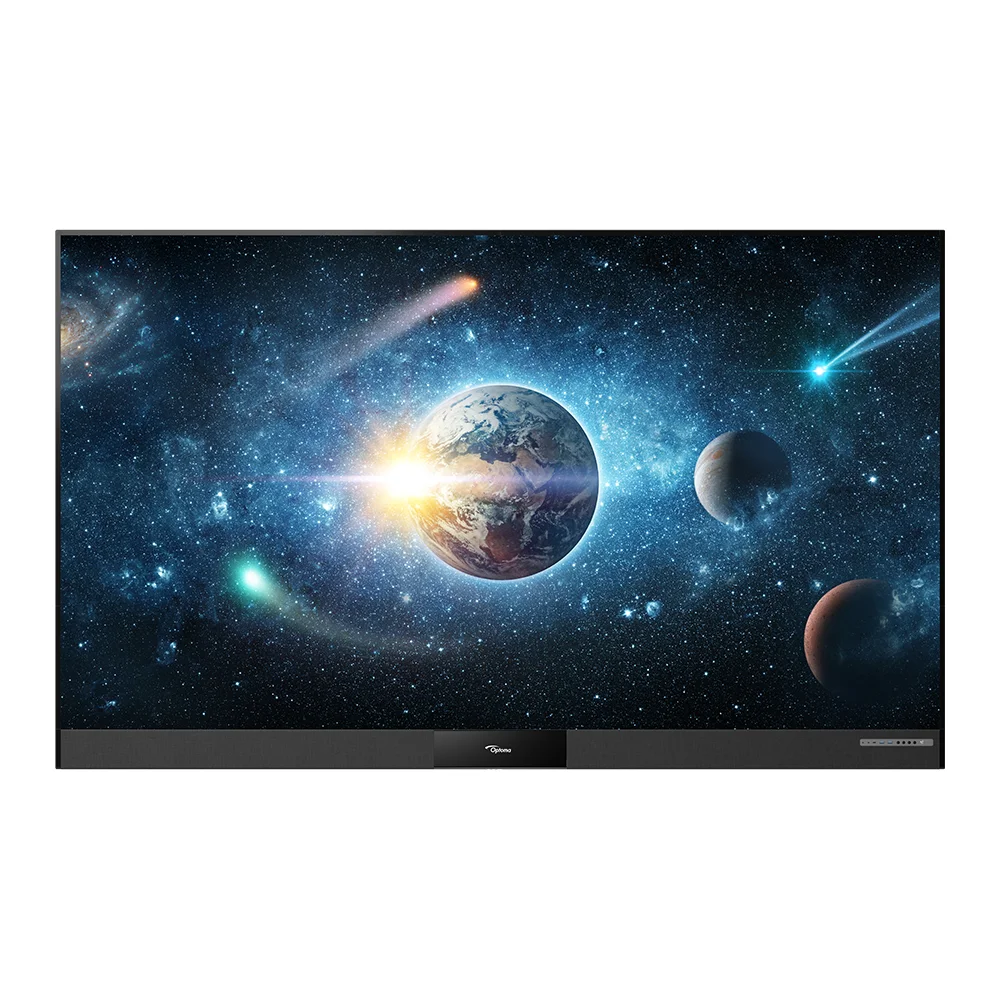
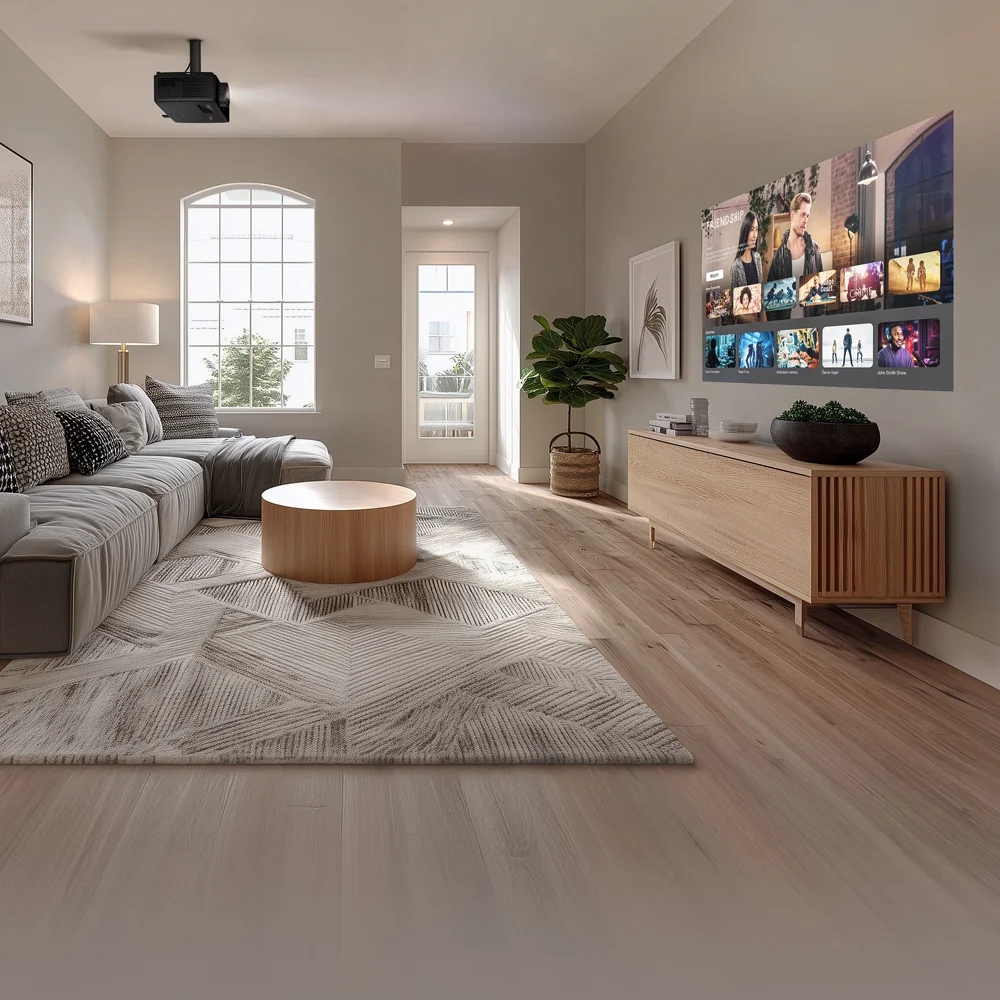
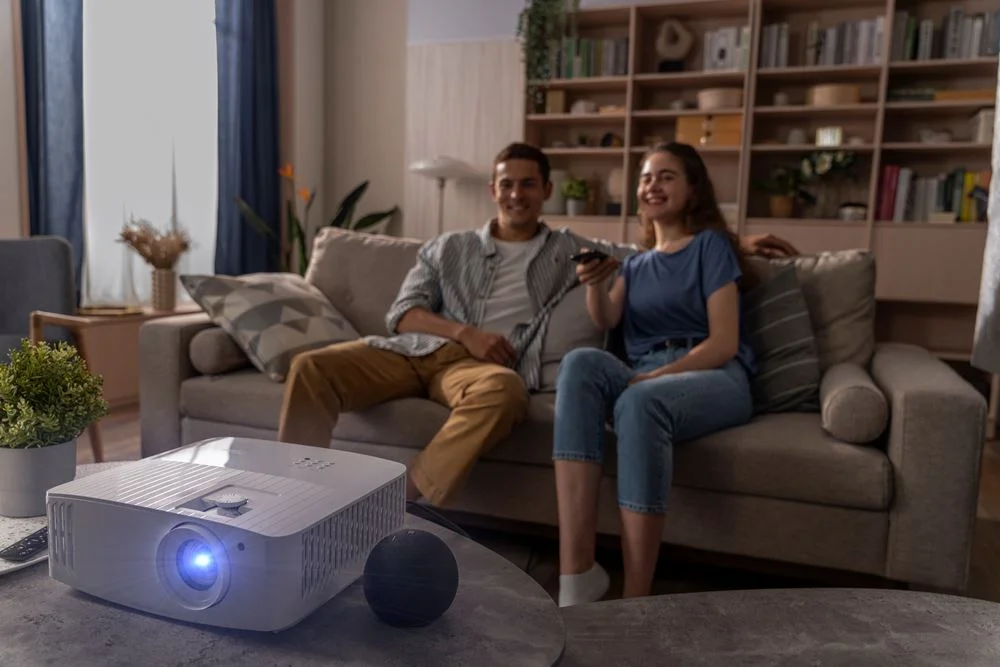
The conference room projector has a familiar routine. Someone dims the lights, the image washes out anyway, a bulb warning flickers, and the presenter squints at their own slides. Offices, showrooms and lobbies are quietly moving past this, and a commercial LED screen is usually what replaces it. Here is a plain guide to what these displays do and how to choose one.
What Makes LED Different
An LED display builds its picture from many small light-emitting diodes, so the screen produces its own light rather than reflecting a projected one. The result is strong brightness and contrast that holds up under normal room lighting. There is no lamp to replace and no need to switch off the lights, which is why businesses find them easier to live with.
Where These Displays Get Used
- Boardrooms and conference halls, for presentations and video calls
- Reception areas and lobbies, for brand messages and welcome screens
- Retail stores and showrooms, for promotions and product stories
- Control rooms and command centres, for live data
- Auditoriums, training rooms and exhibition stands
The same technology scales from a wall in a meeting room to a large installation in a public space.
Terms Worth Understanding Before You Buy
Specifications look intimidating, but a few terms do most of the work.
Match pixel pitch to how close people will sit. A boardroom with viewers a few metres away needs a finer pitch than a lobby wall seen from across the room.
Choosing a Commercial LED Display for Your Space
Start with the room, not the product. Measure the wall, note the viewing distance and check how much daylight comes in. Decide whether the screen will show presentations, video calls, signage or live dashboards, because each use leans on different strengths. Many buyers also like all-in-one models that bundle the display with controls and connectivity, since they reduce wiring and installation complexity.
Conference Halls and Meeting Rooms
Meeting spaces have their own needs: easy wireless sharing, reliable video-conferencing support and clear text from every seat. Optoma has written a helpful guide commercial LED displays for conference halls, worth reading if that is your main use case.
Reading the Total Cost, Not Just the Price
A commercial LED display screen can cost more upfront than a projector, so compare the longer picture:
- Running costs: power use and maintenance over several years
- Replacements: no lamps, but check warranty terms and service availability
- Installation: mounting, structure, cabling and any wall work
- Content: software and the effort to keep material fresh
- Support: response times and training for your team
Questions to Ask a Supplier
- What pixel pitch and brightness suit my room?
- How is the display installed and who maintains it?
- What warranty and service support are offered?
- Can I see a working demonstration in a similar space?
- How easily does it connect to our laptops and meeting tools?
About the Brand
Optoma is a global provider of visual display solutions, offering projectors, LED displays and interactive flat panel technologies for home entertainment, corporate environments, education and professional AV applications. Visit Optoma Technology India for the wider range, and compare specifications, support and room fit alongside any other brand you are considering.
Making the Decision
Walk the space, list who will use it and how, then shortlist options that match. A commercial LED screen suits spaces where brightness and low upkeep matter, a commercial LED display works best when sized to the viewing distance, and a commercial LED display screen is worth judging in person before you commit.
FAQs
1. Is an LED display better than a projector for offices?
It often handles bright rooms better and needs no lamp changes, though projectors can still suit certain budgets and layouts.
2. How do I choose the right pixel pitch?
Consider how close viewers will be. Closer viewing needs a smaller pixel pitch for a sharp picture.
3. Can LED displays be used for video calls?
Yes, many models connect easily to laptops and conferencing tools. Check connectivity and sound options when comparing.