Sign up with Google
 Sign in with Zoho

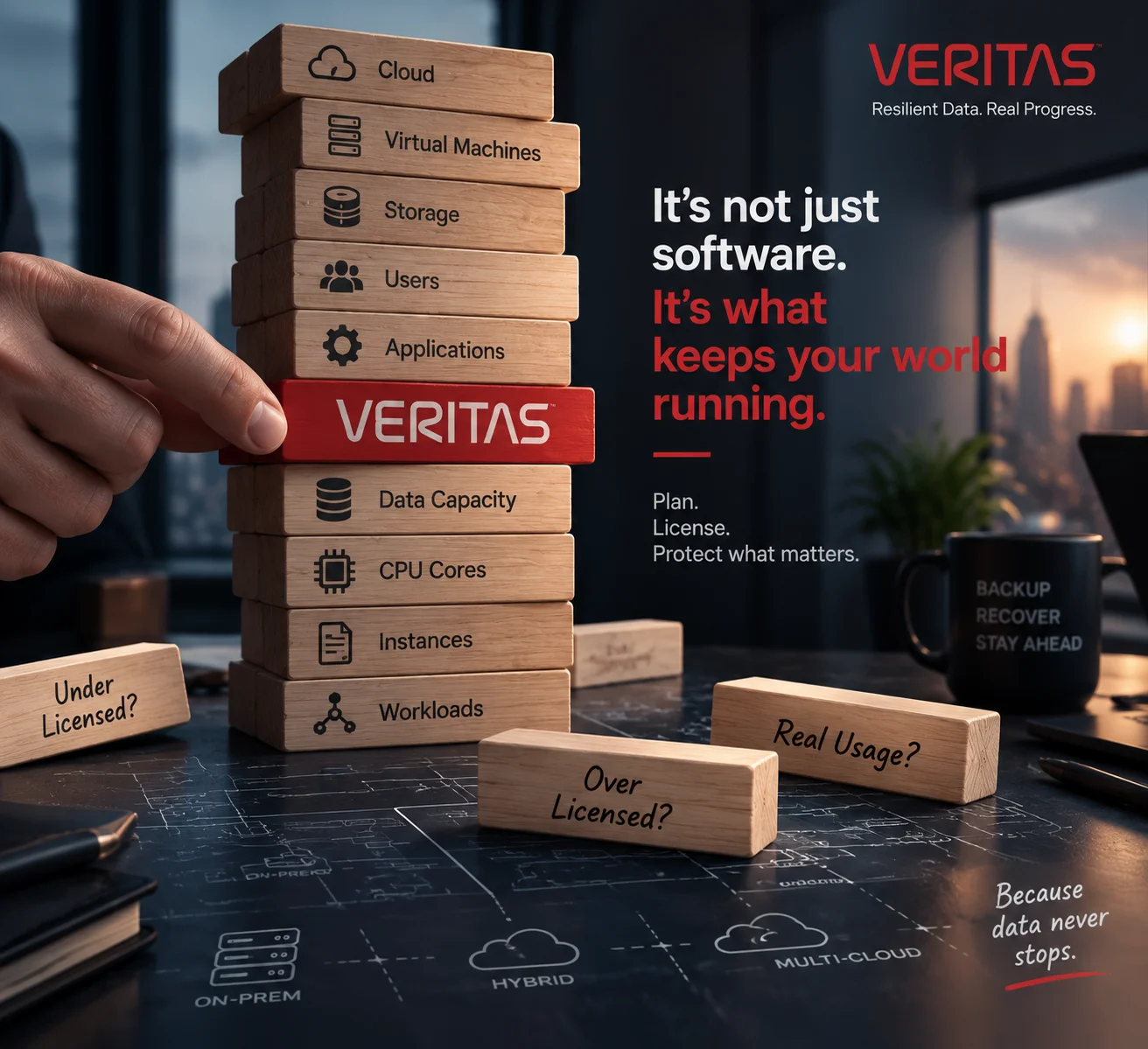
As IT environments become larger and more complex, software management has become an important part of running modern organizations. Backup platforms, cloud services, storage systems, and data management tools can all follow different rules for software usage. Understanding these licensing models can help IT teams plan deployments more effectively and maintain a clear view of how their software is being used.
Veritas licensing varies depending on the product and the environment in which it is deployed. There is no single licensing model that applies to every Veritas product. Depending on the solution, licensing may be based on protected data capacity, the number of instances, users, storage, processor cores, or a product specific entitlement.
Because of these differences, identifying the product alone is not enough to understand its licensing requirements. The licensing metric used by that particular product also needs to be considered.
For example, Veritas NetBackup can use a capacity-based licensing model measured in Front End Terabytes, or FETB. In this model, the amount of data that needs to be protected is an important factor.
The number of servers by itself does not determine the licensing scope. Other Veritas products may use instance based or subscription models, which means their requirements can be calculated differently.
Activation also depends on the product. Veritas uses entitlement management systems such as VEMS to provide access to entitlement information, software downloads, and license keys. Depending on the product, activation may require a license key, license file, or registration key. As a result, the activation process is not exactly the same across all Veritas solutions.
The licensing process generally starts by identifying the product and determining the licensing metric that applies to it. The relevant entitlement can then be reviewed through the appropriate licensing system, followed by obtaining the required activation information.
After activation, IT administrators can review the licensed scope and compare it with the actual environment. This can help identify whether protected capacity, workloads, or other usage limits are aligned with the applicable entitlement.
Licensing requirements can also change as an IT environment grows. An increase in protected data, additional workloads, larger storage environments, cloud adoption, or changes in system architecture may affect the required licensing scope.
For this reason, licensing is better treated as part of normal infrastructure planning rather than something that is reviewed only during installation or renewal. Regularly checking protected data, workloads, storage, and deployment models can give IT teams a clearer understanding of current software usage. It can also make it easier to identify licensing changes when the underlying infrastructure evolves.