 Sign up with Google
 Sign in with Zoho

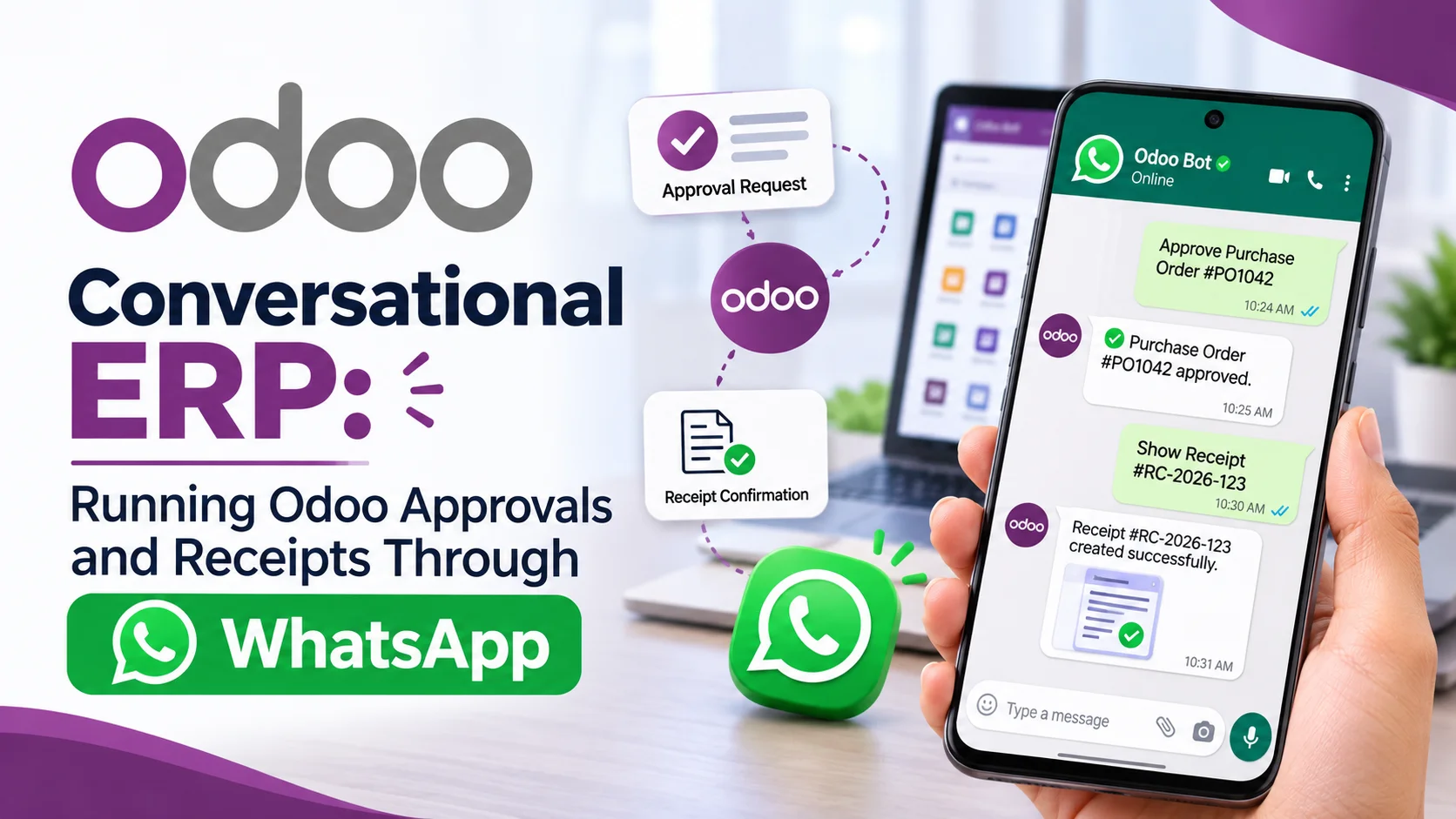
Most ERP tools assume that people will log in, find the right screen and click through a few steps. In practice, a lot of business decisions happen elsewhere: on a phone, between meetings, in a warehouse aisle or on a site visit. A manager who is away from a laptop will often delay an approval, and that delay slows everyone downstream.
WhatsApp is already open on most phones in many markets. Connecting it to Odoo lets employees and customers complete simple tasks inside a chat, while Odoo remains the system of record. Here is how that works, where it helps and what to watch out for.
Why bring ERP workflows into chat
The appeal is speed and adoption. People respond to a message far faster than they respond to an email notification asking them to log in. Fewer clicks means fewer delays and fewer reminders from the person waiting for the answer.
There is also an adoption benefit. Staff who rarely use the ERP, such as field teams, branch managers or occasional approvers, can still take part in workflows without training on a full interface.
Practical use cases
Leave approvals. An employee submits a leave request in Odoo. The manager receives a WhatsApp message with the key details and replies with an approve or reject button. Odoo updates the request, notifies the employee and records who decided and when.
Receipt and document sharing. After a sale or payment, the customer receives a receipt or invoice link on WhatsApp instead of waiting for an email that may land in spam. This is especially useful for retail, field sales and service businesses.
Purchase and expense approvals. Managers approve requests under a set threshold from their phone, with larger amounts routed to a full review.
Delivery and appointment updates. Customers get status messages and can confirm or reschedule with a quick reply.
Operational alerts. Low stock, failed payments or overdue tasks can be sent to the right person immediately.
How it works under the hood
A typical setup has four parts.
- The WhatsApp Business Platform. Businesses send and receive messages through Meta's official business API, either directly or through an approved provider. Recent Odoo Enterprise versions include native WhatsApp features for sending template messages, which covers many notification needs. Interactive approval flows usually require additional configuration or custom development, which is where Odoo ERP customization services come in.
- Message templates. For messages that your business starts, WhatsApp requires pre-approved templates. A leave approval request is a template with placeholders for the employee name, dates and leave type, plus buttons for the response.
- A webhook into Odoo. When the manager taps a button, WhatsApp sends the reply to an endpoint in Odoo. Odoo identifies the person, validates the request, updates the record and sends a confirmation.
- User mapping. Each Odoo user is linked to a verified mobile number, so a reply can be tied to the right person and permissions.
Security: the part you cannot skip
Because approvals have financial and HR consequences, treat the chat channel as a real entry point into your system.
- Verify the sender. Match the incoming number to a registered user, and reject anything from unknown numbers.
- Validate every webhook. Check the signature that the platform provides, so only genuine messages are processed.
- Check permissions in Odoo. The same access rules that apply on screen must apply to replies. Someone who cannot approve a purchase in the interface should not be able to approve it by chat.
- Expire old requests. An approval button from last month should not still work. Set an expiry and reject late replies.
- Keep an audit trail. Log who approved what, when and from which number, in the record itself.
- Limit sensitive content. Send only what is needed to decide. Avoid sending full financial detail, personal data or confidential attachments by chat. A short summary with a secure link is safer.
Limitations to plan for
Template approval. Templates must be approved by the platform, which takes time and can be rejected if wording is unclear. Plan this into your timeline.
The conversation window. Outside a limited window after a person's last message, you can generally only send approved templates. Design flows with that in mind.
Cost. Business messaging is typically charged based on message category and volume. Check current pricing for your region and estimate monthly costs before rollout.
Opt-in and privacy. Customers and employees need to agree to receive messages. Respect opt-outs and your local data protection rules.
Complexity limits. Chat suits simple, structured decisions: approve, reject, confirm, reschedule. Anything that needs review of a long document or several line items should link back to Odoo.
Best practices for a successful rollout
Start with one workflow. Leave approval is a good first choice because the decision is simple and the volume is predictable. Measure approval time before and after.
Keep messages short and clear. State what is being requested, by whom and what the buttons do.
Always offer a fallback. If the message fails or the person prefers the interface, the usual approval screen in Odoo should still work.
Test with real users. Pilot with a small group, collect feedback on wording and timing, and adjust before extending.
Document the rules. Write down which decisions can be made by chat, which cannot and why.
Is this right for your business?
Conversational workflows tend to pay off when approvers are often mobile, when decisions are simple and frequent, or when customers expect quick updates on their phones. They are less useful if your team already works at desks all day and approvals are rarely delayed.
Conclusion
Bringing Odoo into WhatsApp, a practical piece of Odoo ERP software development, does not replace the ERP. It extends it to the places where people already are. With careful design, strong security and realistic expectations about templates and costs, simple approvals and receipts can move from days to minutes.
If you are considering this, an experienced Odoo integration services team can help you design secure workflows, handle the platform setup and build the custom pieces that standard features do not cover.