Sign up with Google
 Sign in with Zoho

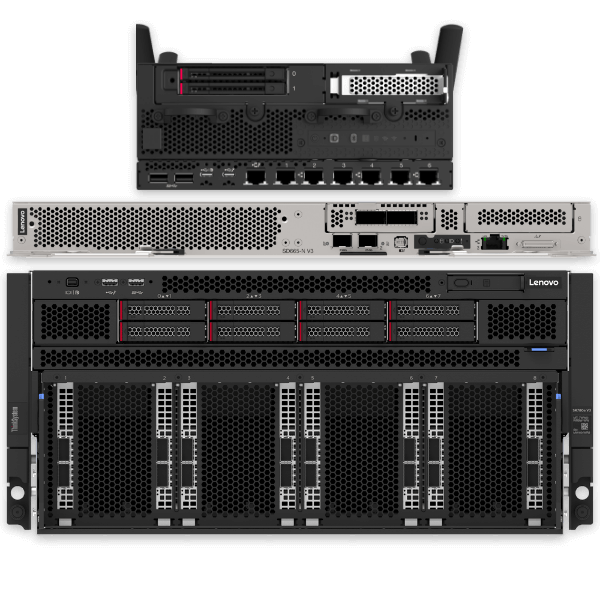
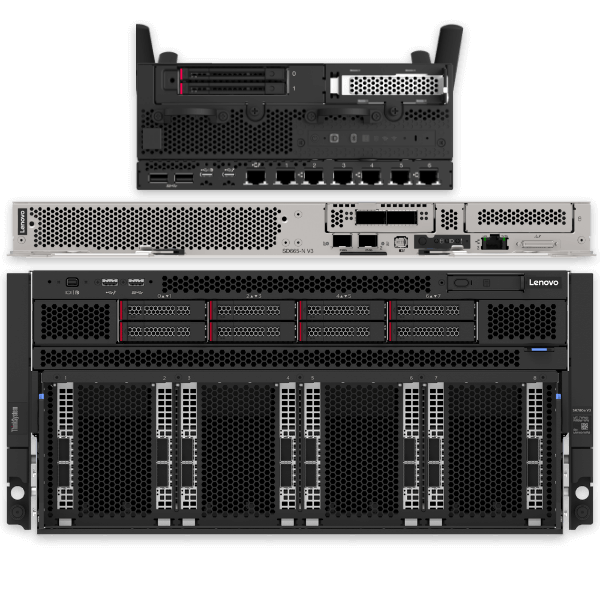
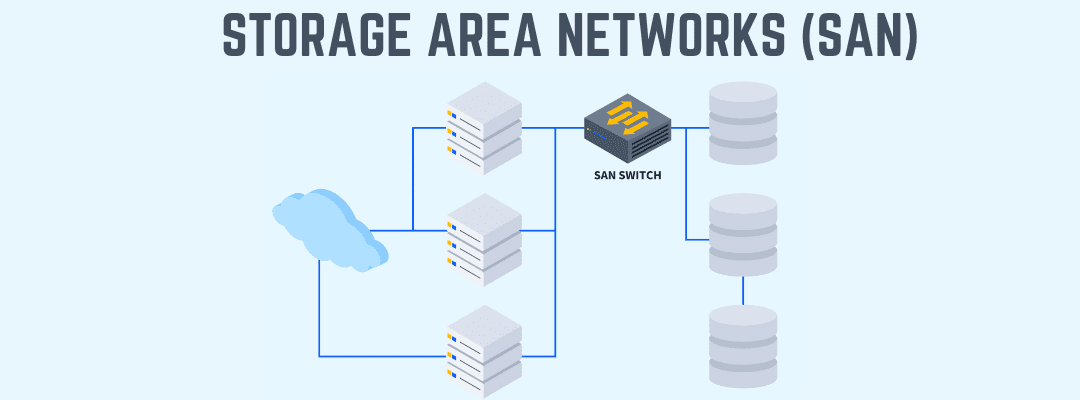
A mini server may look small, but it can take on big jobs. Many homes and small offices in the United States now use compact servers because they need a fast, secure way to handle data.
A recent report shows that over 80% of small businesses that require a physical server should have only one server for daily tasks.
This rise shows how important simple and strong tech tools have become. People want devices that save time. They want tools that fit into small spaces. They want systems that work all day without trouble. A small server does all of this and more. It gives power. It saves space. It keeps files close and safe. It helps teams stay ready for work.
Keep reading to study the eight tasks a compact server can perform, from file hosting to virtualization.
1. Safe File Hosting for Daily Use
A compact server stores important files in a single location. This keeps work neat and easy to track. Many families use a small server to hold photos and school files. Many offices use it to manage reports and client data.
You get quick access to your files because the data stays close. You also get steady control because you choose who can view the files. This helps protect private details.
Why File Hosting Feels So Simple
A mini server keeps things clear for everyone, and people can open their files from phones or laptops. They do not lose track of where things go. They stay more organized at home and at work.
2. Smooth Media Streaming for Home and Work
A mini server sends music and video across your network with ease. You can watch a movie in one room while someone else listens to music in another room. Offices also use it to share training clips and demo videos. The best part is that everything stays inside your network. That means fast and steady streaming with no interruptions.
Great uses for media streaming include
-
Family movie nights.
-
Team training sessions.
-
Quick sharing of large video files.
3. Handy Backup Support for Extra Safety
A mini server provides robust backup for your most important files. You pick a time. Your server makes copies of your data. This gives you peace of mind every day. Kids can save their homework. Parents can save work files. Teams can save client notes. The server keeps each copy safe and ready.
How Backup Builds Confidence
You know your data stays safe even when devices break. This helps you avoid stress. It keeps your work and family life on track.
4. Smooth Sharing Across Many Devices
A mini server lets many devices stay linked at the same time. You can connect laptops, phones, desktops, tablets, and even smart gadgets. This makes group work easy for small teams. Everyone can share files. Everyone can access the same folders. Everyone stays aligned.
Mini servers help with
-
Team projects
-
School assignments
-
Family photo sharing
-
Group planning tasks
5. Light Business Apps for Growing Teams
A compact server can run light business tools for small teams. You can use it for contact lists, simple project tracking, basic company systems, and shared notes. This gives you the power of a larger system without the cost or size of a large server room.
Why Small Teams Love This Feature
Everything stays inside your space. Your apps open fast. Your team stays connected. Your work stays smooth.
6. Strong Control for Home Labs and Learning
Many students and tech fans use mini servers to learn new skills. They test ideas. They try new tools. They create small networks. A compact server helps them explore while keeping control of the system. It stays strong even when testing many setups.
It supports
-
Coding practice
-
Network learning
-
Small test apps
-
Safe tech experiments
7. Smart Data Storage for Daily Tasks
Mini servers store large datasets for easy access. This can include photos, videos, documents, or family records. Kids can work on school projects. Parents can manage home budgets. Small teams can store shared files. Everything stays neat and reachable.
How Smart Storage Helps Homes
You save time. You find files faster. You build better data habits. This makes life feel simpler and steadier.
8. Virtualization for More Powerful Workflows
This is one of the most impressive tasks a compact server can handle. Virtualization lets you run multiple virtual systems on a single physical machine. You can create separate work areas for testing apps. You can run small machines for training. You can build safe zones for learning new tools. Even small offices use virtualization to manage different jobs. It helps them work smarter without adding more machines.
Virtualization supports
-
Safe test machines
-
Learning new software
-
Running multiple systems
-
Smooth upgrades
The Key Takeaway
A mini server powers homes and small workplaces. You get safe file hosting. You get smooth streaming. You get steady backups. You get device sharing and learning support.
You also get smart data storage and the strength of virtualization. Each task helps you save time. Each feature keeps your work safe. Each part gives you more control of your digital life.
A small device that delivers strong results stays useful for many years. That is why compact servers continue to grow in homes and offices. They offer real value in small spaces. They build trust through strong, consistent performance. This makes them a smart choice for anyone who wants clean, safe, and easy tech every day.