Sign up with Google
 Sign in with Zoho

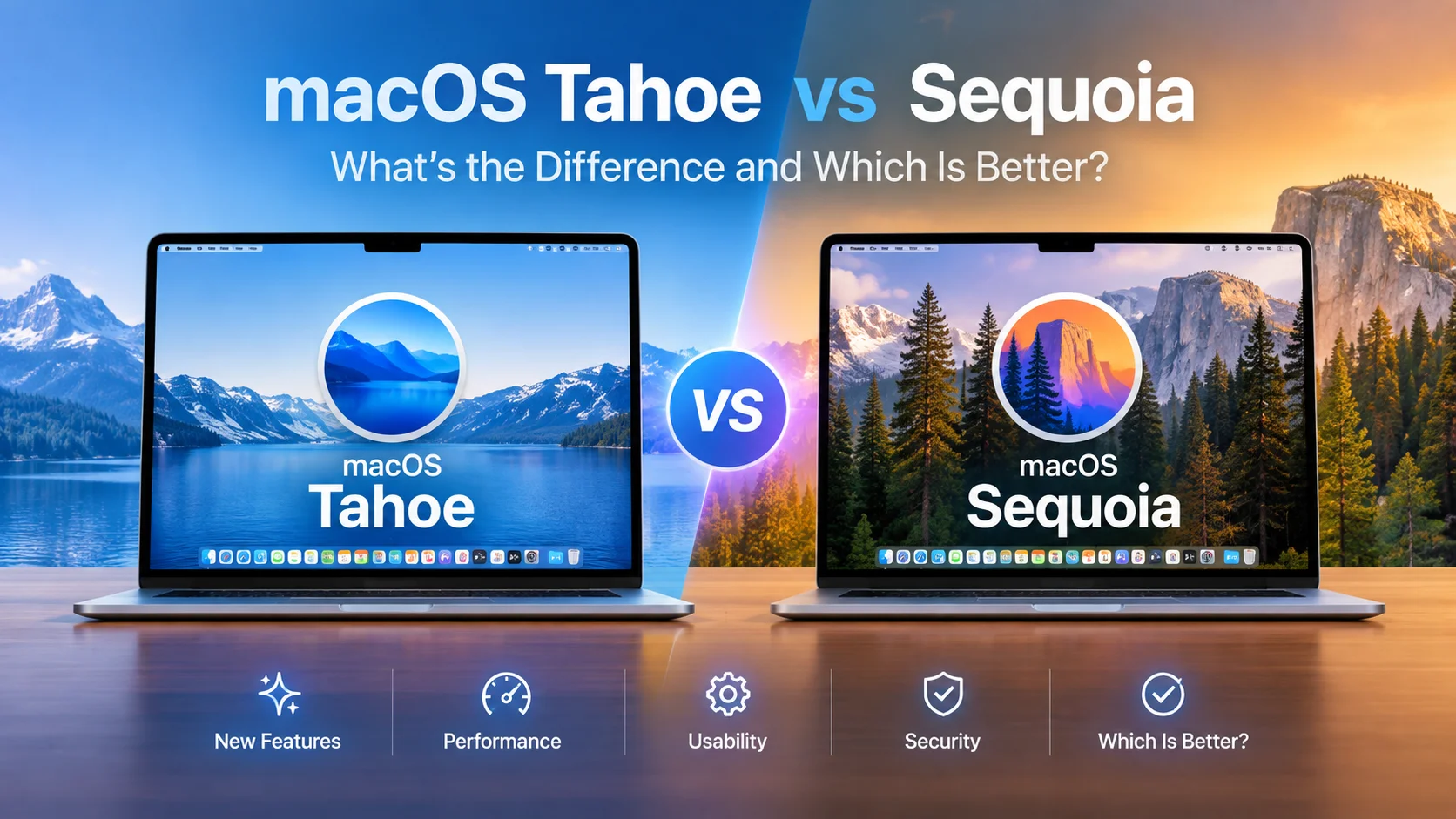
Choosing the right operating system for your Mac really comes down to what you need most: solid dependability or all the newest features. macOS Sequoia plays it safe with a focus on stability and reliability. On the other hand, macOS Tahoe pushes things forward, taking the desktop experience closer to that iPad-Mac crossover so many fans have talked about.
macOS Tahoe vs Sequoia is something that confuses a lot of people, so let’s tale a lpok at how they stack up helps you figure out which one fits your daily routine better.
Speed, Memory, and System Performance
Sequoia just feels snappier day-to-day. Launching apps happens instantly, transitions are smooth, and random lockups are basically nonexistent. You don’t really have to worry about your system slowing down when you’re just getting through everyday work.
Tahoe is a bit different. It adds fancier features on the desktop; think live app previews and more; but that comes with a tradeoff. The system can feel a little sluggish with light tasks because those features use up more resources.
If you’re the type to run Photoshop or Final Cut Pro for long editing sessions, though, Tahoe starts to shine. It’s smart about managing memory; caching is more aggressive, which keeps things running smoothly even during heavy-duty creative work. So, for simple tasks, Sequoia is faster. For muscle jobs, Tahoe holds its own.
Interface Design and Desktop Customization
Interface design and customization are also quite important when it comes to differentiating between mac os tahoe vs Sequoia. Tahoe borrows from the iPad’s style, with big, bold controls and frosted-glass backgrounds in the Control Center. Sequoia keeps things tighter and more classic.
Window movement in Tahoe is slower and softer, kind of laid-back, while Sequoia gives you that sharper, snappier feel. Then there are widgets; Tahoe’s are actually interactive, so you can control things right from your desktop. Sequoia just sticks with the usual static info panels.
If you want a simple workspace that doesn’t distract you, Sequoia still wins. But if you like playing around with customization and want more hands-on control, Tahoe is way more flexible.
Battery Efficiency and AI Integration
Now, battery life. It’s a big deal, especially if you’re always on the go. With regular tasks, Such as browsing, writing, and editing photos, Sequoia manages a bit over nine hours on a single charge on a 14-inch MacBook Pro. Tahoe, with the same use, averages a bit under eight and a half hours, mainly because those fancy backgrounds and previews need more power.
But Tahoe steps up in other ways. Its built-in AI tools are more advanced, and Apple gave it new graphics abilities, so things like exporting video get about a 10% speed bump. Meanwhile, Sequoia sticks with the tried-and-true Siri and its standard, reliable security updates.
Making the Final Upgrade Decision
If your main concerns are battery life, everyday reliability, and having everything just work, Sequoia is the stronger pick. It gives you a solid foundation and keeps surprises to a minimum.
But if you like exploring new tech, want to play with AI features, or need better memory handling for all your creative projects, Tahoe is more exciting. Just remember, with brand-new systems, it’s smart to run maintenance tools now and then to keep things running smoothly as Apple irons out any early bugs. To know more about the difference in depth, visit the Datarecovee website.