Sign up with Google
 Sign in with Zoho

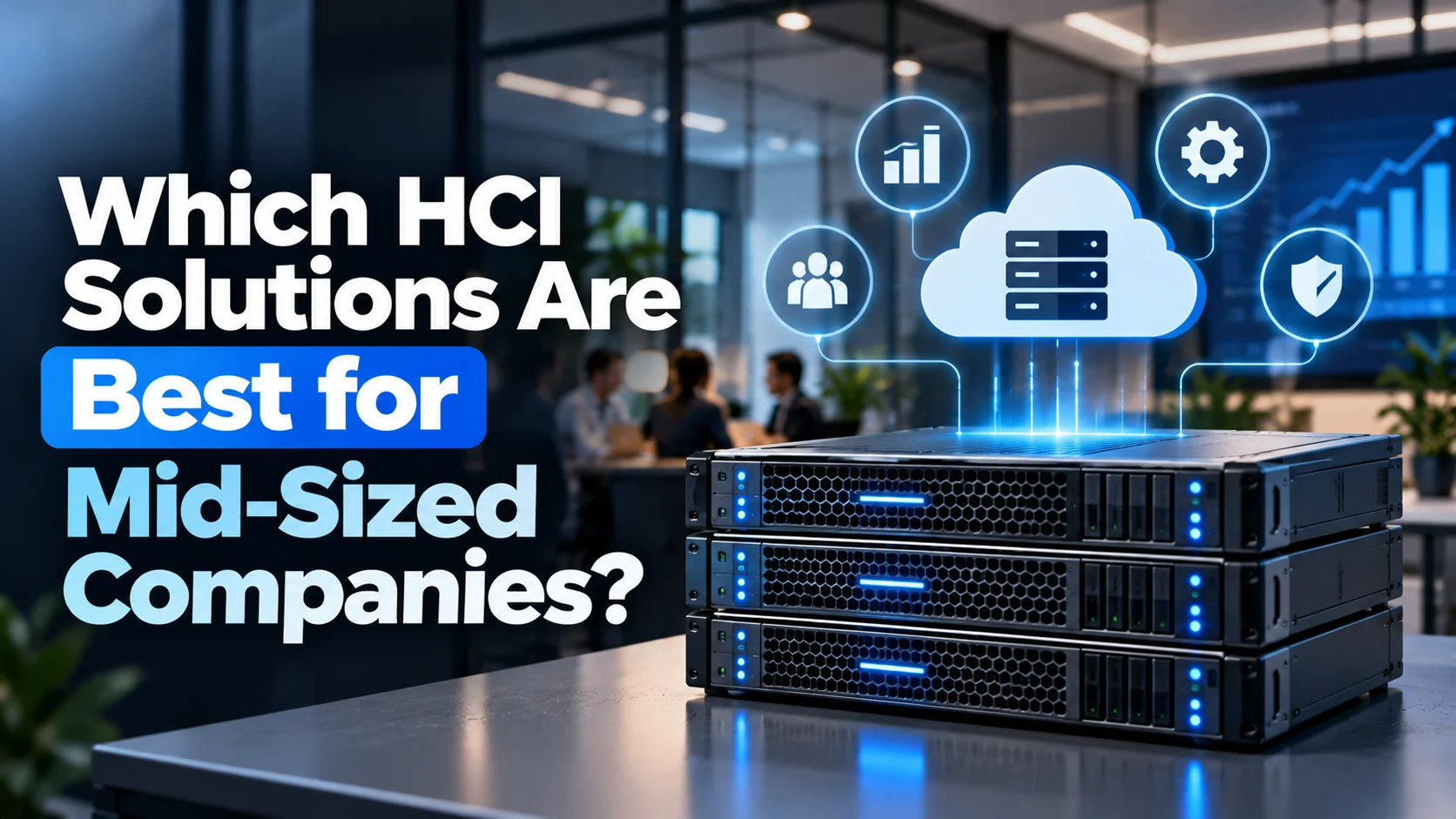
Options such as Lenovo ThinkAgile HX, MX, and VX help businesses support virtual machines, enterprise applications, and hybrid cloud environments.
The right solution should provide scalable performance, reliable data protection, simplified management, and predictable costs. Companies should compare HCI platforms based on workload requirements, application compatibility, storage capacity, recovery needs, and future growth. The ideal choice depends on existing IT infrastructure, budget, and the technical expertise available within the organization.
What Features Should Mid-Sized Companies Look for in HCI Solutions?
Mid-sized companies should prioritize these five features when evaluating HCI solutions:
- Scalability: Add computing and storage capacity as workloads grow.
- Centralized management: Monitor resources and simplify routine maintenance through a unified interface.
- High availability: Use redundancy and recovery capabilities to minimize service interruptions.
- Data protection: Support backups, replication, and disaster recovery.
- Cost efficiency: Evaluate hardware, software licensing, support, power, and maintenance costs.
Businesses should also verify compatibility with existing applications and virtualization environments before choosing a platform.
Which HCI Solutions Are Best for Mid-Sized Businesses?
Several HCI solutions offer different capabilities for businesses with varying infrastructure requirements.
1. Lenovo ThinkAgile HX Series
The Lenovo ThinkAgile HX Series combines server infrastructure with Nutanix software to support virtualized workloads and enterprise applications. It is an option for businesses that want centralized infrastructure management and room to scale as demand increases.
Typical use cases include business applications, databases, virtual desktops, and server consolidation. Companies should assess workload requirements, software licensing costs, and the configuration needed to support their applications.
Image Source: Yandex
2. Nutanix Cloud Infrastructure
Nutanix Cloud Infrastructure provides software-defined capabilities for managing compute, storage, and virtualization resources. It can suit mid-sized businesses looking to simplify infrastructure management and support applications across their environments.
Businesses can evaluate its virtualization options, data protection capabilities, and expansion requirements. The overall cost will depend on licensing, hardware, support, and the features required for deployment.
3. Microsoft Azure Local
Microsoft Azure Local enables businesses to run supported infrastructure and applications on-premises while integrating with Microsoft's Azure ecosystem. It is worth evaluating for organizations that need local workload processing alongside centralized cloud management.
Before deployment, companies should check hardware compatibility, licensing, application requirements, and the management capabilities available for their intended configuration.
4. VMware Cloud Foundation
VMware Cloud Foundation provides an integrated platform for managing virtualized compute, storage, networking, and cloud infrastructure. It may suit mid-sized businesses that rely on VMware technologies and need a consistent approach to managing enterprise workloads.
Businesses should consider subscription costs, licensing requirements, hardware compatibility, and the expertise needed to maintain the environment.
Mid-sized businesses should compare these options against their application requirements, expansion plans, management needs, and total cost of ownership. The best solution is one that meets current performance demands while leaving enough capacity for future growth.
How Should Companies Compare HCI Solutions?
Companies should compare infrastructure options using consistent technical and financial criteria.
A proof of concept can help validate performance under realistic workloads. Companies should also examine licensing terms because expansion and virtualization changes can affect long-term costs.
Which HCI Deployment Approach Is Best?
The right deployment approach depends on existing infrastructure, IT expertise, and business priorities.
- Pre-integrated HCI appliances: Suitable for businesses seeking validated configurations and simpler deployment. Lenovo ThinkAgile HX is one option, combining server infrastructure with Nutanix software.
- Flexible HCI platforms: Appropriate for companies requiring greater control over infrastructure and software choices.
- Hybrid cloud HCI: Useful for businesses distributing workloads between local infrastructure and cloud environments.
For example, a retailer running inventory applications and sales analytics may prioritize storage performance and availability. A professional services company may focus more on virtual desktops, application compatibility, and centralized management.
How Can Mid-Sized Companies Calculate HCI Costs?
Mid-sized companies can calculate HCI costs by adding hardware, software licensing, implementation, support, maintenance, power, cooling, and future expansion expenses over a three-to-five-year period.
They should then compare this total cost of ownership (TCO) with the cost of maintaining or upgrading their existing infrastructure.
Include these expenses:
- Hardware acquisition and future expansion.
- Software and virtualization licensing.
- Installation, migration, and employee training.
- Technical support and maintenance.
- Electricity, cooling, and data center space.
- Backup, disaster recovery, and security tools.
Compare these expenses with the operating costs of existing infrastructure. HCI may reduce management effort, but actual savings depend on the current environment, licensing model, and operational requirements.
How Should Businesses Implement HCI Successfully?
A successful implementation begins with workload assessment.
- Assess existing infrastructure: Document applications, server utilization, storage growth, and performance requirements.
- Define recovery targets: Establish acceptable downtime and data-loss limits for critical workloads.
- Validate the configuration: Test application performance, backup procedures, and failover behavior.
- Migrate in stages: Move lower-risk workloads first and resolve compatibility issues before migrating critical applications.
- Monitor performance: Review resource utilization and expand capacity as requirements change.
Businesses should also train IT staff to manage the new environment and document recovery procedures before moving critical workloads into production.
Conclusion
The best HCI solutions for mid-sized companies combine scalable computing and storage, centralized management, reliable data protection, and manageable operating costs. Lenovo ThinkAgile HX, MX, and VX are options for businesses evaluating Nutanix-based, Microsoft-based, and VMware-based environments, respectively.
Companies should compare these platforms against actual workloads, licensing costs, recovery objectives, and future capacity needs. Testing configurations before deployment helps identify performance limitations and avoid unnecessary spending. The right HCI solution should meet current business requirements while supporting future growth without adding unnecessary IT complexity.