Sign up with Google
 Sign in with Zoho

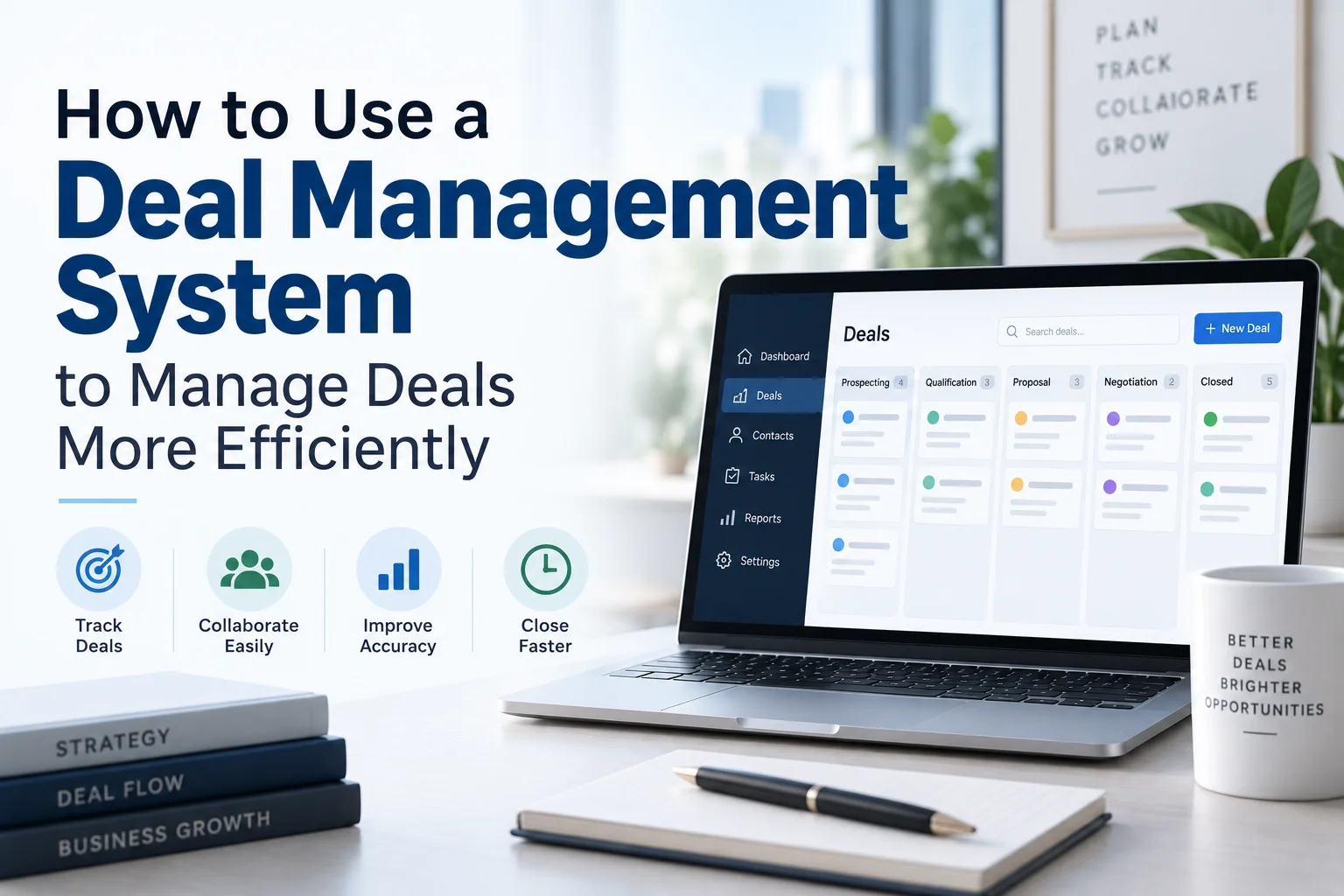
Managing a complex transaction involves much more than keeping a list of potential deals. M&A teams, investment banks, corporate development teams, private equity firms, and advisory firms must coordinate documents, stakeholders, approvals, deadlines, diligence requests, risks, and closing activities—often across several deals at the same time.
When this information is spread across spreadsheets, email threads, shared drives, and disconnected project-management tools, it becomes difficult to know what has been completed, who owns the next action, and where a transaction is at any given moment.
A Deal Management System brings these activities into a centralized workflow. Modern platforms can connect deal preparation, task management, collaboration, document management, due diligence, approvals, reporting, and post-close activities.
This guide explains how to use a Deal Management System step by step, what features matter, and how to implement one without creating another layer of administrative work.
What Is a Deal Management System?
A Deal Management System is software designed to organize and coordinate the lifecycle of a transaction from initial preparation through closing and, in some cases, post-close integration.
Unlike a basic project-management tool, a deal management platform is structured around the deal lifecycle. The deal becomes the central record to which tasks, documents, stakeholders, deadlines, approvals, risks, and communications are connected.
A typical transaction workflow can include:
- Deal sourcing or mandate
- Initial evaluation
- Deal preparation
- Due diligence
- Negotiation
- Approvals
- Signing and closing
- Post-close integration
- Archiving and reporting
Current M&A software research increasingly emphasizes connecting these stages rather than managing each activity in isolated systems.
How to Use a Deal Management System: Step-by-Step
1. Define Your Deal Process Before Setting Up the System
The first step is not uploading data. It is mapping your existing deal process.
Document the stages a transaction normally passes through and identify the requirements for moving from one stage to another.
For example:
- Opportunity identified
- Initial screening
- Internal review
- Mandate or indication of interest
- Due diligence
- Negotiation
- Approval
- Signing
- Closing
- Integration or post-close review
For each stage, identify:
- Required documents
- Responsible stakeholders
- Approval requirements
- Key deadlines
- Risk checks
- Expected deliverables
- Exit criteria
This prevents the technology from forcing your team into a generic workflow. The system should reflect how your organization actually executes transactions.
2. Create a Central Deal Record
Once the process is defined, create a single source of truth for every transaction.
The deal record should contain essential information such as:
- Deal name and transaction type
- Target or counterparty
- Deal owner
- Internal team
- External advisors
- Current stage
- Expected closing date
- Transaction value
- Key milestones
- Outstanding actions
- Major risks
- Related documents
The purpose is simple: anyone authorized to work on the transaction should be able to understand its current status without searching through multiple spreadsheets or email chains.
3. Build Standardized Deal Templates
If your organization manages similar transactions repeatedly, create standardized deal templates.
For example, an M&A template might automatically include:
- Legal workstream
- Financial due diligence
- Tax review
- Commercial diligence
- Regulatory review
- IT assessment
- HR review
- Valuation
- Negotiation
- Closing checklist
Templates improve consistency while reducing repetitive setup work.
FirmsData's Deal Management System describes intelligent workflow templates and automated deal setup that can generate task lists, compliance checklists, and participant roles based on the deal.
4. Assign Every Task to a Specific Owner
One of the most important principles of effective deal management is accountability.
Every important task should have:
- A named owner
- A deadline
- A priority
- A status
- A related workstream
- Any required dependencies
Instead of writing:
Legal review — pending
create a more actionable task:
Legal team — review acquisition agreement — due September 20 — high priority.
This makes responsibility visible and gives managers a clearer view of potential delays.
Modern deal management platforms can automate task assignment and reminders, reducing the need for manual follow-up.
5. Track Workstreams and Milestones in Real Time
Large transactions rarely move forward as one linear process.
Legal, financial, commercial, operational, regulatory, and technical teams may all work simultaneously.
A Deal Management System should therefore provide visibility into each workstream.
Monitor:
- Completed tasks
- Overdue tasks
- Upcoming milestones
- Blocked activities
- High-risk items
- Approval status
- Overall deal progress
This gives deal leaders an early warning when one delayed workstream could affect the transaction timeline.
6. Connect Document Management With Deal Workflows
Documents are at the center of most transactions.
The challenge is not simply storing them. Teams need to know:
- Which document is the latest version?
- Who has access?
- Has it been reviewed?
- Is approval required?
- Which task does it relate to?
- Has the document been shared externally?
- Can the activity be audited?
A strong system should connect document management and deal management rather than treating them as completely separate processes.
FirmsData, for example, integrates its Deal Management System with its Virtual Data Room and Document Management System. Its platform describes automated document flows, synchronized user management, due-diligence tracking, and unified reporting across transaction components.
7. Manage Due Diligence From One Workflow
Due diligence can quickly become one of the most complex parts of a transaction.
Instead of managing requests through scattered spreadsheets and email threads, create structured diligence workflows.
A useful process is:
Request → Assign → Upload → Review → Follow-up → Approve → Complete
Track each request according to:
- Request category
- Responsible party
- Priority
- Due date
- Document status
- Review status
- Open questions
- Outstanding issues
This provides a much clearer picture of diligence progress and helps identify missing information earlier.
8. Establish Role-Based Access Controls
Deal teams frequently include internal employees, lawyers, accountants, consultants, investment bankers, lenders, investors, and counterparties.
Not everyone should have access to every piece of information.
Use role-based permissions to determine who can:
- View documents
- Upload files
- Edit information
- Approve tasks
- Download documents
- Access specific workstreams
- Participate in communications
For highly confidential transactions, permissions should also be reviewed when the deal moves between stages.
FirmsData's platform describes granular access permissions that can be adjusted as deal phases progress, together with audit trails recording actions and approvals.
9. Use Automated Alerts for Critical Deadlines
Manual reminders are easy to overlook, especially when teams manage multiple transactions simultaneously.
Configure automated notifications for:
- Upcoming deadlines
- Overdue tasks
- Document approvals
- New diligence requests
- Risk escalations
- Stage-gate requirements
- Closing milestones
Automation should reduce administrative work rather than create more notifications.
A useful rule is to prioritize alerts based on business impact, not simply generate an alert for every activity.
10. Introduce Deal Stage Gates
A transaction should not automatically move forward simply because a date has arrived.
Use stage gates to establish minimum completion requirements.
For example, before moving from diligence to final approval, require:
- Critical diligence completed
- Material risks reviewed
- Required documents received
- Legal review completed
- Financial analysis approved
- Regulatory requirements addressed
- Decision-makers notified
FirmsData's Deal Management System specifically describes stage gates that can prevent progression until required approvals, documents, and compliance checks are satisfied.
11. Create Real-Time Deal Reports
Senior leadership should not have to request a manual status report every time they want to understand the pipeline.
Build dashboards that answer questions such as:
- How many deals are active?
- Which transactions are approaching closing?
- Which deals are at risk?
- Which workstreams are behind schedule?
- What approvals are outstanding?
- What are the next major milestones?
- Which transactions require management attention?
Automated reporting can also reduce the time spent assembling board and leadership updates.
12. Archive the Deal After Closing
Deal management should not stop when the transaction closes.
At the end of the transaction, preserve:
- Final documents
- Communications
- Approvals
- Audit trails
- Closing checklists
- Key decisions
- Diligence findings
- Post-close actions
A structured archive creates an institutional record that can support future audits, regulatory reviews, integration work, and lessons learned.
FirmsData describes automated post-close archiving of deal documents, communications, and audit trails as part of its transaction workflow.
How to Choose the Right Deal Management System
Before selecting software, evaluate the platform against your actual transaction process rather than choosing based solely on the feature list.
Look for These Core Capabilities
Current buyer guidance also recommends evaluating workflow customization, integrations, security, reporting, and whether the platform fits the organization's specific deal process rather than forcing teams into a generic sales pipeline.
Common Mistakes to Avoid
Using a Deal Management System as Just Another Task List
If the platform only replicates a spreadsheet of tasks, you are not using its full potential.
Connect tasks, documents, stakeholders, milestones, risks, approvals, and reporting around the deal itself.
Creating Too Many Workflow Stages
A complicated workflow can become difficult to maintain.
Start with the stages your team genuinely uses and add complexity only when it improves decision-making.
Giving Everyone Broad Access
Convenience should not replace information governance.
Use least-privilege access and regularly review permissions as participants and deal stages change.
Automating Without Human Review
Automation is useful for reminders, assignments, document routing, and status updates. However, important legal, financial, regulatory, and investment decisions still require qualified human review.
Ignoring User Adoption
The best software will not improve deal execution if teams continue maintaining parallel spreadsheets and email-based processes.
Before deployment, establish:
- Ownership
- Training
- Standard workflows
- Data-entry rules
- Reporting standards
- Adoption targets
How to Implement a Deal Management System Successfully
A practical implementation can follow five phases:
Phase 1 — Map: Document the existing deal lifecycle.
Phase 2 — Standardize: Create consistent stages, templates, roles, and checklists.
Phase 3 — Configure: Set up workflows, permissions, integrations, dashboards, and notifications.
Phase 4 — Pilot: Test the system on one real transaction rather than relying only on a generic software demonstration.
Phase 5 — Scale: Refine the workflow based on user feedback and expand it across the organization.
Testing the system against a recently completed or active deal is particularly useful because it reveals where information is duplicated, where handoffs break down, and which steps still depend on manual work.
How a Deal Management System Improves Deal Execution
When implemented correctly, a Deal Management System can improve transaction management in several ways:
- Better visibility: Teams can see deal progress without chasing updates.
- Greater accountability: Every major task has a defined owner.
- Fewer bottlenecks: Overdue and blocked work becomes easier to identify.
- Stronger governance: Permissions and audit trails provide greater control.
- Faster collaboration: Stakeholders work from a shared transaction record.
- Less administrative work: Repetitive assignments, reminders, and reports can be automated.
- Better continuity: Deal information remains available after closing.
The real benefit is not simply replacing spreadsheets. It is creating a connected operating system for the transaction lifecycle.
Why FirmsData Can Be Considered for Deal Management
For organizations looking to connect deal execution with secure document workflows, FirmsData offers a Deal Management System designed specifically around transaction processes.
Its documented capabilities include automated deal setup, workflow templates, task assignment, milestone tracking, stakeholder collaboration, granular permissions, stage gates, audit trails, risk tracking, VDR integration, automated document requests, version control, and post-close archiving.
The platform also connects its Deal Management System with its Virtual Data Room (VDR) and Document Management System (DMS), creating a more unified environment for transaction teams.
This approach can be particularly relevant for teams that do not want their deal workflow, confidential documents, and due-diligence activity spread across multiple disconnected applications.
Frequently Asked Questions
What is the main purpose of a Deal Management System?
The primary purpose is to centralize and coordinate the activities involved in managing a transaction. It connects deal information, tasks, workstreams, documents, deadlines, stakeholders, approvals, and reporting in one structured workflow.
How is a Deal Management System different from a CRM?
A CRM is generally designed around customer and sales relationships. A Deal Management System can be built around the broader transaction lifecycle, including due diligence, approvals, confidential documents, workstreams, closing requirements, and post-close activities.
Can a Deal Management System replace spreadsheets?
It can replace many spreadsheet-based tracking activities, particularly when teams use spreadsheets for task tracking, pipeline reporting, diligence requests, and transaction status updates. However, spreadsheets may still have a role in specialized financial analysis or modeling.
When should a company implement a Deal Management System?
Implementation makes sense when deal volume, transaction complexity, stakeholder count, or regulatory requirements make manual tracking difficult. A team managing several simultaneous transactions can particularly benefit from centralized workflows and real-time visibility.
Can a Deal Management System manage due diligence?
Yes. Depending on the platform, it can coordinate diligence requests, assign responsibilities, track documents, monitor completion, manage deadlines, and connect diligence activity with the broader transaction workflow.
Does a Deal Management System need a Virtual Data Room?
Not necessarily, but integration can be highly valuable for transactions involving sensitive information. Connecting the deal workflow with a secure VDR can reduce duplication between document management and transaction tracking.
What should be automated first?
Start with repetitive, low-risk activities such as task assignments, deadline reminders, document requests, status notifications, reporting, and workflow setup. Keep high-impact legal, financial, compliance, and investment decisions under appropriate human oversight.
Final Takeaway
A Deal Management System is most valuable when it becomes the central operating layer for a transaction—not simply another place to record tasks.
The most effective implementation connects:
Deal setup → Workflows → Tasks → Documents → Due diligence → Approvals → Risk tracking → Closing → Post-close
Start by mapping your existing process, standardizing recurring workflows, assigning clear ownership, integrating document management, and introducing automated alerts and stage gates. Then measure whether the system is actually reducing delays, improving visibility, and making accountability easier.
For transaction teams handling increasingly complex deals, that shift—from fragmented tracking to a connected deal management workflow—can make the difference between simply monitoring a deal and actively controlling its execution.