 Sign up with Google
 Sign in with Zoho

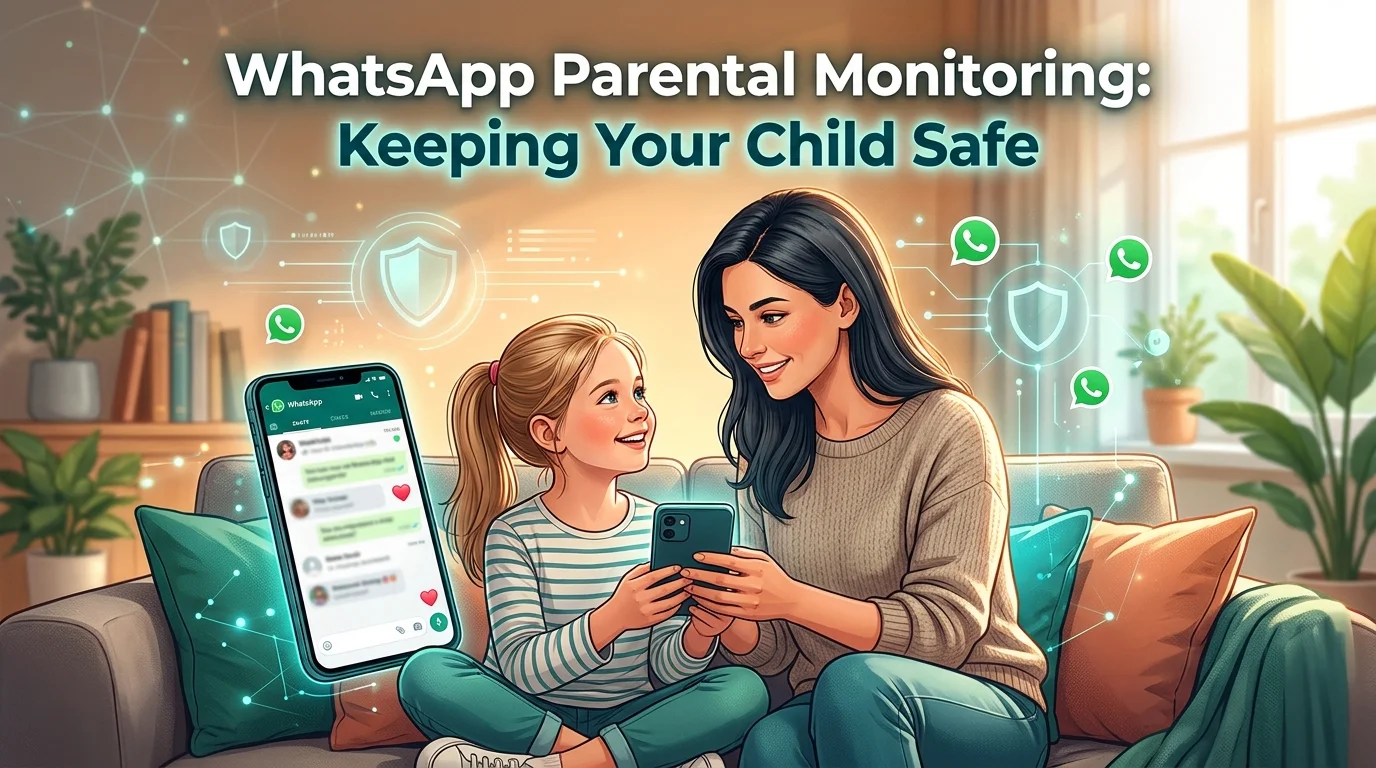
WhatsApp is one of the most widely used messaging apps in the world, and for many teens it is the main way they talk to friends, classmates, and family. It is fast, free, and private, which also means parents often have little idea what happens inside it. Group chats, voice notes, shared photos, and messages from unknown numbers can all expose a young person to risks they are not ready to handle alone.
This guide explains why WhatsApp monitoring matters, what to look for, and which tools can help you stay involved in your child’s digital life responsibly.
Why WhatsApp Deserves Special Attention
Unlike public social platforms, WhatsApp is built around private conversations. Messages are end-to-end encrypted, so parents cannot simply look over a child’s shoulder online. That privacy is a strength for adults, but it creates blind spots for younger users.
Common concerns include:
- Contact from strangers. Anyone with a phone number can message your child, and teens are often added to large groups by people they have never met.
- Cyberbullying. Group chats can turn hostile quickly, with exclusion, mocking, or harassment spreading in minutes.
- Inappropriate content. Images, videos, and links circulate freely and disappear quickly if the sender deletes them.
- Scams and phishing. Fake prizes, malicious links, and impersonation attempts are common.
- Oversharing. Children may share their location, school, or personal details without understanding who can see them.
Monitoring is not about distrust. It is about giving children room to grow while keeping a safety net in place.
Start With a Conversation, Not Software
Before installing anything, talk openly with your child. Explain which risks worry you and why. Set clear rules about who they can chat with, which groups are appropriate, and what to do if something upsets them. Children who understand the reasons behind monitoring are far more likely to cooperate and to come to you when something goes wrong.
Also consider the legal and ethical side. Monitoring is appropriate for minor children under your care, ideally with their knowledge. Using monitoring software on another adult’s device without consent is illegal in many countries. Always check the laws where you live.
Five Tools Parents Use for WhatsApp Monitoring
No single tool suits every family, so it helps to compare a few. Here are five well-known options.
1. TheOneSpy
TheOneSpy is a monitoring solution built for parents who want broad visibility into a child’s phone activity. It is commonly used to review WhatsApp conversations along with shared media, call logs, and location information. Its dashboard puts everything in one place, which suits families who want a single overview instead of juggling several apps.
2. Fonsee
Fonsee focuses on giving parents simple, readable insight into how their child uses messaging apps, WhatsApp included. It aims to be approachable for people who are not tech-savvy, and its reporting helps parents spot patterns, such as unusual late-night activity or sudden changes in who their child talks to.
3. mSpy
mSpy is one of the longest-running names in parental monitoring. It offers social media and messaging tracking, location features, and content alerts. Its setup process is well documented, which makes it a common choice for first-time users.
4. Eyezy
Eyezy is a newer option with a clean interface and a focus on spotting risky behavior early. It offers keyword alerts and activity summaries, helping parents notice warning signs without reading every message.
5. Hoverwatch
Hoverwatch is a lightweight tool for Android devices that tracks messaging activity, calls, and location. It suits families who want something straightforward without a long list of extra features.
Features and device compatibility change often, so check each provider’s current offering and confirm that it supports your child’s phone and operating system before committing.
What to Look for in a Monitoring Tool
Whichever brand you choose, a few criteria separate a useful tool from a frustrating one:
- Compatibility. Confirm that it works with your child’s device and OS version.
- Ease of use. A confusing dashboard means you will stop checking it.
- Alerts. Keyword and activity alerts save time and highlight real concerns.
- Privacy and security. The provider should protect the data it collects and explain how it is stored.
- Support. Responsive customer service matters when you hit setup problems.
- Transparent pricing. Know what you are paying for and how renewal works.
Balancing Safety and Trust
The best monitoring strategy changes as your child grows. A ten-year-old needs close supervision, while a sixteen-year-old needs more independence and benefits from agreed boundaries. Review your approach regularly, and consider loosening restrictions as your child shows responsibility.
Some practical habits help:
- Agree on screen-time limits together.
- Tell your child exactly what you can and cannot see.
- Focus on patterns and safety concerns, not on reading every harmless message.
- Treat alerts as conversation starters rather than reasons for punishment.
- Teach your child how to block and report unknown contacts directly in WhatsApp.
You can also use WhatsApp’s built-in privacy settings to limit who can see your child’s profile photo, last seen status, and who can add them to groups. These settings work well alongside any monitoring software.
Warning Signs to Watch For
Even with tools in place, your attention matters. Be alert if your child:
- Becomes secretive or anxious around their phone.
- Seems upset after reading messages.
- Receives messages from unknown numbers.
- Withdraws from friends or family.
- Changes sleep patterns because of late-night chatting.
If you notice these signs, approach your child calmly and listen before reacting. Your reaction determines whether they will open up next time.
Final Thoughts
WhatsApp is not dangerous on its own, but unsupervised use can expose young people to risks they are poorly equipped to handle. A thoughtful mix of open conversation, clear rules, and a reliable monitoring tool gives your child the freedom to connect while keeping you informed. Whether you choose TheOneSpy, Fonsee, mSpy, Eyezy, or Hoverwatch, the goal is the same: a safer, healthier digital experience built on trust and communication.