Sign up with Google
 Sign in with Zoho

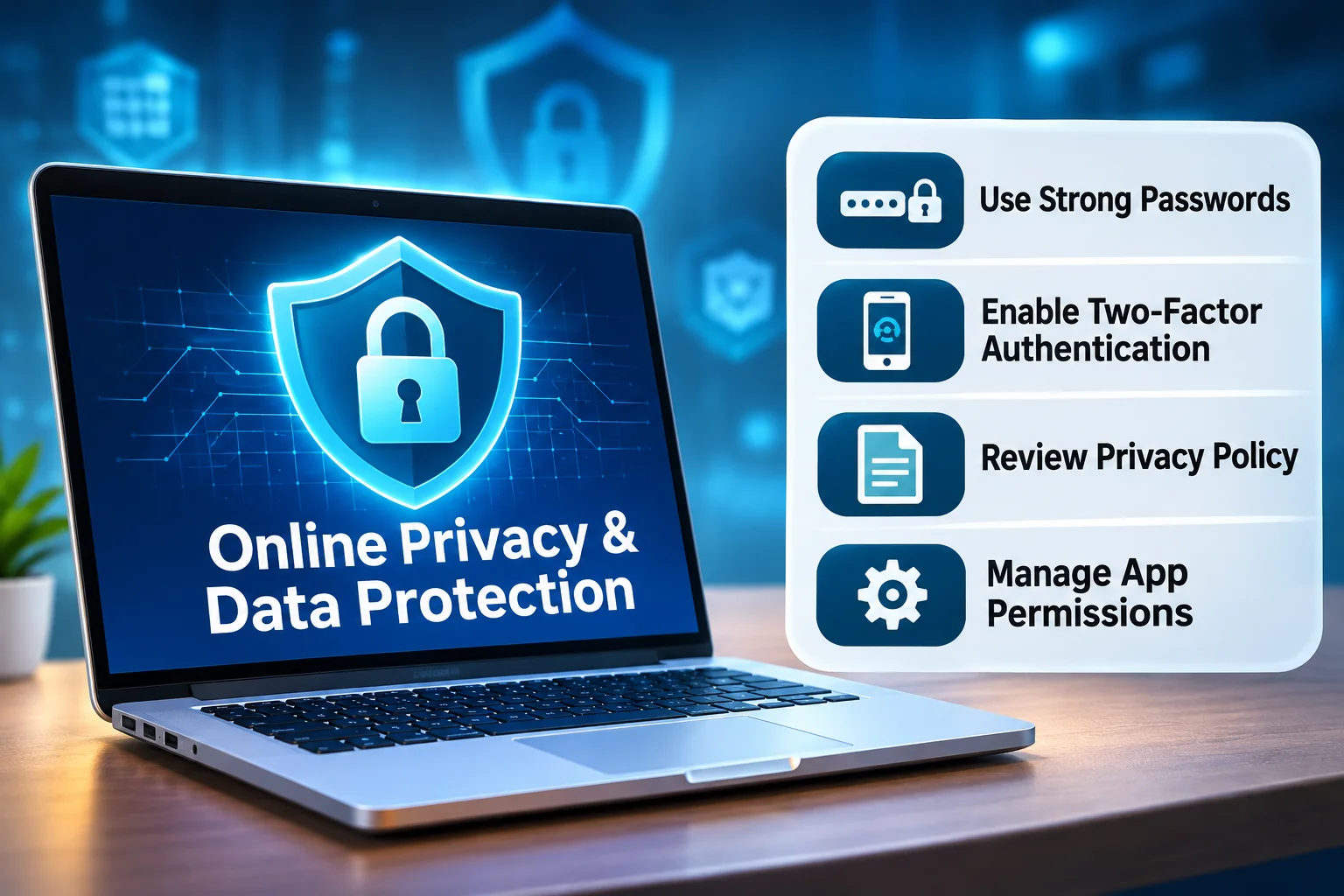
Digital platforms have made communication, information access and account management more convenient.
However, these activities may involve sharing personal information, including contact details, usernames and other account-related data.
Understanding basic privacy practices helps users make informed decisions when using online services.
What Counts as Personal Information?
Personal information includes details that identify a person directly or can be associated with them.
Examples include:
- Names and contact details.
- Account identifiers.
- Certain device information.
- Location-related information.
- Transaction-related details.
- Browsing activity linked to an individual.
The information collected depends on the website and its purpose.
Why Should You Understand Website Privacy Policies?
A privacy policy describes how an organisation says it collects, uses, shares and retains personal information.
Before registering, users should look for answers to important questions:
- What information is collected?
- Why is the information needed?
- Are third-party providers involved?
- How long is the information retained?
- What privacy choices or rights are available?
Reading these details helps users understand what to expect from a service.
How Can Strong Passwords Protect Your Accounts?
Passwords help prevent unauthorised account access.
Using the same password across several services increases the risk that one exposed password will affect multiple accounts.
Long, unique passwords are a useful starting point.
Password managers can help generate and store different credentials.
What Is Multifactor Authentication?
Multifactor authentication requires an additional verification step beyond a password.
Depending on the service, this may involve an authenticator application, a security key or another verification method.
Enabling it can help protect an account if a password becomes exposed.
How Can You Recognise Phishing Attempts?
Phishing attempts use deceptive messages or websites to obtain confidential information.
Common warning signs include:
- Unexpected requests for passwords.
- Urgent demands to verify an account.
- Unfamiliar website addresses.
- Requests for one-time verification codes.
- Messages impersonating recognised organisations.
Users should verify suspicious requests through official contact channels.
Why Should Browser and App Permissions Be Reviewed?
Websites and applications may request access to device features such as location, notifications or the camera.
Reviewing these permissions helps users identify access that is no longer necessary.
Browser settings can also provide controls for cookies and saved sessions.
What Should You Do If Your Account Is Compromised?
If an account may have been compromised, change the password through the legitimate service.
Review active sessions and account recovery information.
Update other accounts where the same password was reused and enable multifactor authentication where available.
If financial information may be affected, contact the relevant financial institution.
How Can You Build Better Privacy Habits?
Personal information protection is an ongoing process.
Useful habits include checking website addresses, reading privacy notices, using secure authentication and avoiding unnecessary information sharing.
For beginners, these practical steps provide a foundation for safer and more informed digital experiences.
Learn More: https://99exchange.exchange/privacy-policy/


 (1) (1).webp)



.webp)