Sign up with Google
 Sign in with Zoho

Have you ever opened an important document, scrolled to the signature line, and paused because you were not sure how to actually sign it without printing anything? You are not alone. This is one of the most common moments people run into today, especially now that so much business happens through screens instead of paper.
Electronic signatures were created to solve exactly this problem. They allow anyone to confirm agreement on a document without a pen, a printer, or a scanner. Yet despite how common they have become, many people still have questions about how they work, whether they hold up legally, and how to know if the process is actually secure.
At DocArrow, this is something we help people understand every single day. In this blog, we will walk through what electronic signatures really are, how to create one in a way that fits your situation, and what makes a signature trustworthy enough to stand behind an important agreement.
What Is an Electronic Signature, Really?
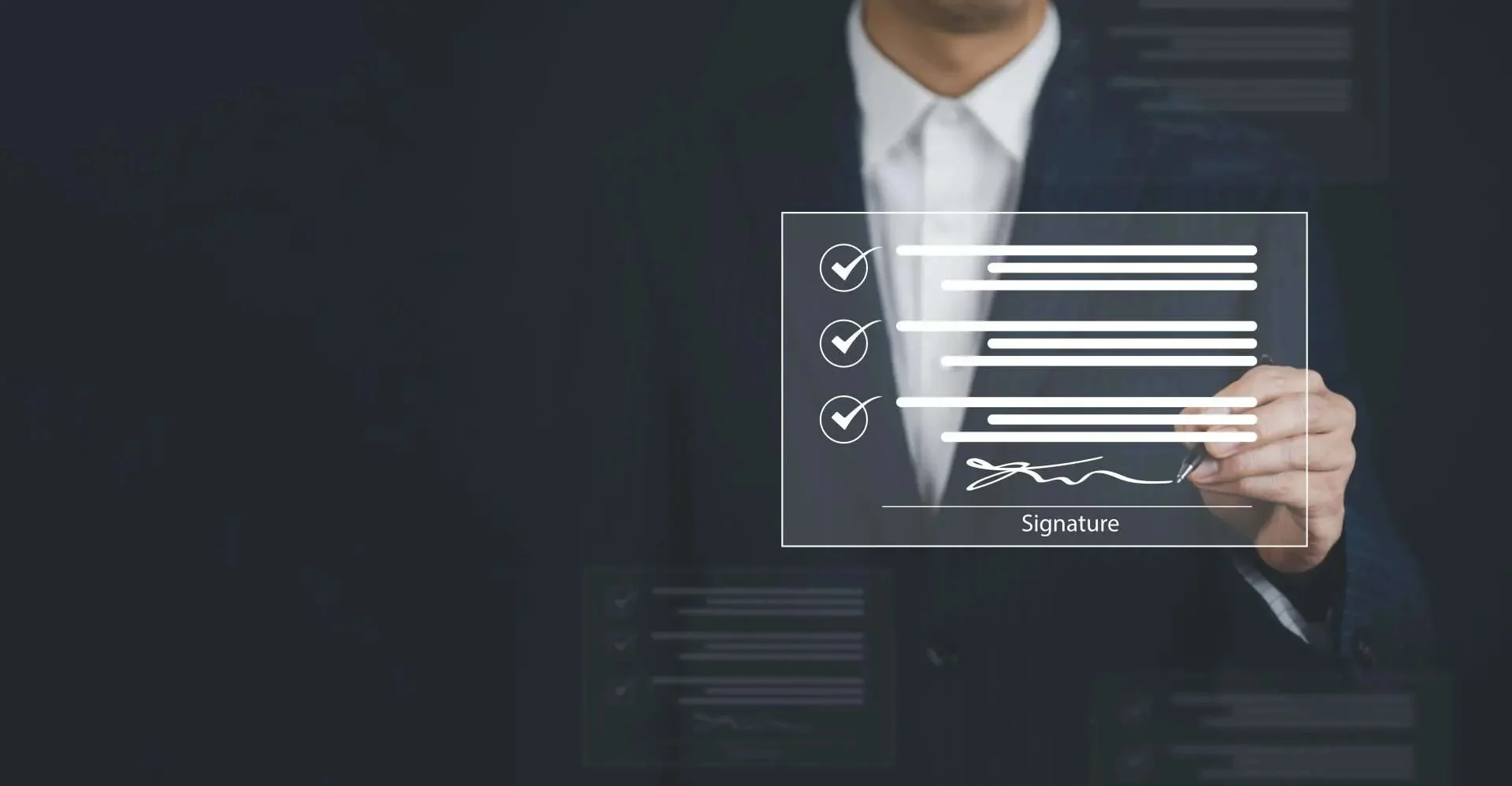
An electronic signature is any digital mark, symbol, or process attached to a document that indicates a person's intent to agree to its contents. This can take several forms, from a typed name to a hand drawn signature created with a mouse or touchscreen, to an uploaded image of a physical signature.
The key idea behind an electronic signature is not the visual style of the mark itself, but the intent and consent behind it. When someone applies their signature electronically, they are confirming, in a way the law recognizes, that they agree to the terms in front of them, just as they would with a pen on paper.
This is why electronic signatures have become so widely accepted across industries like real estate, finance, healthcare, and legal services. They serve the same purpose as a handwritten signature, only through a process built for how people actually work today.
Draw, Type, or Upload Your Signature Online
One of the most helpful features of a good electronic signature platform is flexibility. Not everyone signs the same way, and forcing a single method on every user creates unnecessary friction.
With DocArrow, users can draw type or upload their signature online, depending on what feels most natural to them. Someone signing from a tablet might prefer to draw their signature with a finger or stylus, creating something close to their real handwriting. Someone working from a laptop without a touchscreen might choose to type their name and select a signature style that suits them. Others may already have a scanned image of their handwritten signature and simply prefer to upload it each time.
This flexibility matters because it removes one more barrier standing between a person and getting their paperwork done. Instead of struggling to make an electronic signature look a certain way, users can choose whatever method fits their device and their comfort level.
Why Some Electronic Signatures Are Stronger Than Others
Not all electronic signatures offer the same level of protection. A signature that is simply typed into a document with no verification behind it is very different from one backed by encryption, identity checks, and a recorded audit trail.
This distinction matters more than most people realize. If a signed agreement is ever questioned, whether during a business dispute or a legal review, the strength of the signature process can determine whether that document holds up. A weak or unverifiable signature offers little protection to either party involved.
This is why platforms built specifically for secure signing, like DocArrow, go far beyond a simple typed name. They combine identity verification, encryption, and detailed record keeping to create a signature that can be trusted and defended if it is ever challenged.
Tamper Evident Electronic Signature Certificate
Once a document has been signed, one of the most important questions becomes whether it can be altered afterward without anyone noticing. This is where a tamper evident electronic signature certificate becomes essential.
DocArrow generates a tamper evident electronic signature certificate for every completed document. This certificate acts as a digital seal, locking the file in its finalized state. If anyone attempts to change even a small part of the document after signing, the tampering is immediately detectable, and the certificate reflects that the document is no longer in its original, verified condition.
This feature gives both individuals and businesses peace of mind. A signed contract, agreement, or form is not just considered final in a casual sense, it is technically protected against unauthorized changes, with clear evidence available if something ever seems off.
Encrypted Electronic Signature Verification
Security does not stop once a document is signed. The verification process behind that signature matters just as much as the signature itself. This is why DocArrow relies on encrypted electronic signature verification throughout the entire signing journey.
From the moment a document is uploaded to the moment it is completed, all data is encrypted, meaning it is converted into a secure format that cannot be easily accessed or intercepted by outside parties. This protects sensitive information, such as personal details or financial terms, from being exposed during transmission.
Encrypted verification also confirms that the signature applied to a document genuinely belongs to the person who signed it, rather than being copied or reused elsewhere. For anyone signing contracts involving money, property, or confidential information, this layer of protection is not optional, it is essential.
Electronic Signature With Signer Timestamp and IP
Beyond encryption, another important layer of trust comes from tracking exactly when and where a signature took place. An electronic signature with signer timestamp and IP recording provides a clear, factual record that supports the validity of the agreement.
Every time someone signs a document through DocArrow, the system automatically records the exact date and time of the signature, along with the IP address used during the process. This information becomes part of the document's history, offering concrete evidence of when the agreement was finalized and from what general location it occurred.
This kind of detail is especially useful in situations involving multiple signers across different time zones, or in cases where the timing of an agreement matters, such as contract deadlines or time sensitive approvals.
Are Electronic Signatures Legally Binding?
This is one of the most common questions people ask, and the answer is yes, in most cases, provided certain conditions are met. Laws such as the ESIGN Act and UETA in the United States, along with similar regulations in other countries, confirm that electronic signatures carry the same legal weight as handwritten ones.
For a signature to hold up legally, there generally needs to be clear consent to sign electronically, a reliable way to verify the signer's identity, and a secure record of the signing process. This is exactly why features like tamper evident certificates, encrypted verification, and timestamp tracking are not just technical extras. They form the foundation that makes an electronic signature legally defensible.
When you sign through a platform built with these protections, like DocArrow, you can trust that the resulting document will hold up under scrutiny if it is ever questioned later.
Choosing the Right Platform for Electronic Signatures
With so many options available, choosing the right platform can feel overwhelming. A few key factors can help simplify that decision.
Look for a platform that allows you to draw, type, or upload your signature, so the process feels natural rather than forced. Confirm that it provides a tamper evident certificate for every signed document, giving you proof of authenticity. Check whether it uses encrypted verification to protect sensitive information throughout the signing process. And make sure it records signer timestamps and IP details, adding another layer of accountability to every agreement.
DocArrow was designed around these exact priorities, giving individuals and businesses a signing experience that is both simple to use and difficult to dispute.
Final Thoughts
Electronic signatures have changed the way agreements are made, removing the need for printers, scanners, and long delays between signing and finalizing a document. But not every electronic signature offers the same level of protection, and understanding the difference is important, especially for agreements that matter.
Whether you need the flexibility to draw type or upload your signature online, the assurance of a tamper evident electronic signature certificate, the protection of encrypted electronic signature verification, or the accountability of a signer timestamp and IP record, DocArrow brings all of these elements together in one reliable platform.
The next time you need to sign something important, you will not have to wonder whether the process is secure. You will already know it is, and you can sign with confidence.